The Why Now Community Challenge: Veeam Data Platform 13.1. It’s time to vote!
News, guidelines and various community projects
Recently active
A great session does not start when you walk on stage.It starts much earlier.It starts when you see the title and abstract.It starts when you think about the audience.It starts when you ask what kind of room you are walking into.It starts when you check the language, the theme, the format, the time, the technology, and the story you want people to remember.From the audience side, a strong presentation can look natural. Maybe even effortless. But that is the trick.It looks effortless because the preparation happened before. The audience sees the performance.But the performance is protected by preparation.And for me, preparation is not just checking if the slides are done.It is preparing the story, the timing, the room, the technology, the opening, the transitions, the possible failures, and yourself. Because preparation gives you freedom. The better you prepare, the more natural you can be when the unexpected happens. Start with the title and abstractFor me, preparation often starts wit
Slides are not the story. You are.Your slides are there to support the journey, not to become the journey.I often think about slides as the compass that helps steer the session. They help guide the audience through the why, the how, and the what. I often use the Golden Circle thinking for that. Why are we talking about this? How does it work? What does it mean in practice?But the slides should never become the full script.They should not be the thing you hide behind.They should not be the reason you know what to say.They should be a backdrop.A visual anchor.A photograph moment.A way to make something complex easier to understand.A way to help the audience remember the story. But if the screen goes black, the story should still be alive. Because the real presentation is not in the deck. It is in you. Slides are the compass, not the driverA good slide helps steer the journey. It points the audience in the right direction. It helps them understand where they are in the story. It gives the
I ran into a situation recently where one of our VSPC servers stopped working after a Windows patch update. The portal was dead. I went ahead and upgraded to VSPC 9.2 and that brought everything back online. Except the April license usage report never got generated. It was stuck. I could not finalize it or submit it. If you are using VCSP /w rental licensing, you know that the report has to go to Veeam every month. A missing one is not something you can just ignore (Not for lack of trying 😊). I opened a support case and Veeam Support gave me a procedure to regenerate the report. It worked. I am documenting it here because I could not find this written up anywhere and I know other providers might encounter something similar. Step 1. Back up the VSPC SQL database.Take a fresh backup of the VSPC database first. Veeam covers this in KB1471. If the SQL work later goes bad you want something clean to restore. Step 2. Update the configuration overrides file.Open this file on your VSPC serve
Hi, I get that since I have two servers to backup, both physical windows servers, that it is two licenses (instances?). From what i gather the Veeam essentials package will let me backup a server as a whole server for the $475, which includes 5 licenses. If so does the 500 gig per licence apply still? I am told that if I am backing up the entire server it does not. I dont know for sure. I rather not backup the whole server. I rather backup just the data folders/shares.I have 7tb on the file server, and 1 tb on the sql server. I will replace backup exec with Veeam on my dedicated backup server whose only job is to run backup software to its local huge raid volume. No cloud involved.Or do I need to instead buy enoughj licenses at 500 gigs each to cover the 8 total tbs? Do I need both server license and data license? Then i heard that Veeam has a new third option : "Veeam's June 2026 licensing policy lists Capacity Pack Essentials, specifically for larger NAS/unstructured-data
The polls are open again!You’ve been busy sharing, writing, testing, explaining, and probably arguing with your lab environment again… 😄We’ve picked six articles from this month’s submissions, and now it’s over to you.Have a read, pick your favourite, and cast your vote for Blog of the Month. I’m curious to see if the community agrees with our shortlist!And I’m adding a little challenge for October.🛡️ October is Cybersecurity Awareness Month, so let’s fill the community with some security knowledge. Share an article this month about something you’ve worked on, learned, discovered, or simply think other Veeam people should know about. No need to make it complicated. If it’s useful to you, chances are it’ll be useful to someone else too. So… who’s taking the Blog of the Month title this month, and who’s taking on the October cybersecurity challenge? 😉Good luck to our six finalists and happy voting!@TidusandYuna , @fabian.papenfuss , @Marcel.K , @eprieto , @Michael Melter , @Dyn
I’m getting the below error after upgrading Veeam servers from v12 to the latest release of v13. It’s a windows based install of Veeam, and it is connected to a (dedicated to Veeam only) AD domain.My user has local administrator permissions, Veeam Backup Administrator permissions, and MFA disabled for testing/troubleshooting purposes. The is happening across each of the Veeam v13 servers I have on the domain.It is only happening for mine and one other engineer’s user accounts, but other engineer’s accounts are not affected. We are all in the same AD groups so permissions are the same.I have tried removing Veeam Backup Administrator permissions from my account, rebooting, and re-adding, to no effect.Has anyone seen this before? Any suggestions for what else to check? In the meantime I have a case open with Veeam support, and hoping they can come up with something.Relevant logs:[19.01.2026 21:07:36.194] <126> Error (1) Veeam.Backup.IdentityService.Shared.CSystemAccountProvid
Heads up: this plug-in is upcoming and not GA. What's shown is a pre-release build and may change before it ships. If you want to get ahead of it, reach out to your Everpure team.I recorded a quick walkthrough of the upcoming Everpure (formerly Pure Storage) plug-in for Veeam Backup & Replication 13.1. It does two things: it supports 13.1 on both Windows and the Linux-based Veeam Software Appliance (VSA), and it takes advantage of the Fusion fleet-wide management built into every Everpure array. I focused on the VSA.What's in the demo:Install on the VSA. In Host Management, go to Logs and Services > Components and add the plug-in bundle. A Windows executable covers Windows installs. Hardened by design. The VSA's Security Officer role keeps separation of duties. Pair that with SafeMode and MFA on the array for layered security. Backup from storage snapshots, on by default. As long as your proxies can reach the storage over iSCSI, NFS or Fibre Channel, jobs process VMs with stora
There is something satisfying about getting a new piece of hardware into the lab.You can read documentation, look at architecture diagrams, and talk about specifications all day, but I always prefer getting my hands on the actual hardware. Unbox it, rack it, cable it, configure it, integrate it, and then see how it performs.Recently, I had the opportunity to add a new Dell PowerProtect Data Domain DD3410 to our lab. The goal was simple: Take the DD3410 from the shipping box to a working Veeam Backup & Replication 13.1 repository.In this blog, I’ll walk through the process I used:Unboxing and installing the DD3410 Initial hardware and iDRAC setup Configuring DD OS Configuring networking Preparing storage Enabling DD Boost Creating the Veeam storage unit and account Adding the DD3410 to Veeam Backup & Replication 13.1 Creating and running the first backup job A few configuration and performance considerations I found along the wayThis isn't intended to replace the Dell or Veeam d
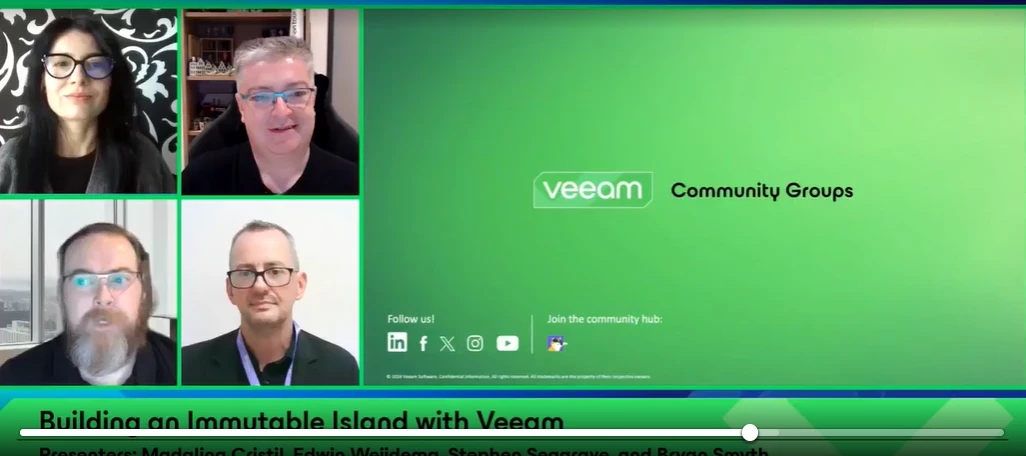
Yesterday, our October episode of the Veeam 100 Show went live! This time, we explored “Building an Immutable Island with Veeam” and how Coombe Hospital, a leading women’s hospital in Dublin, Ireland, strengthened its local resilience with a Veeam-powered secure and immutable local retention solution.The solution uses hardened, redundant Linux-based backup storage delivered as a service by Veeam VCSP provider Vault365, helping the hospital recover quickly when it matters most.A big thank you to @Stephen Seagrave , Bryan, and @Viperian for joining us and sharing the story! Missed the show or want to watch it again? Catch it below.
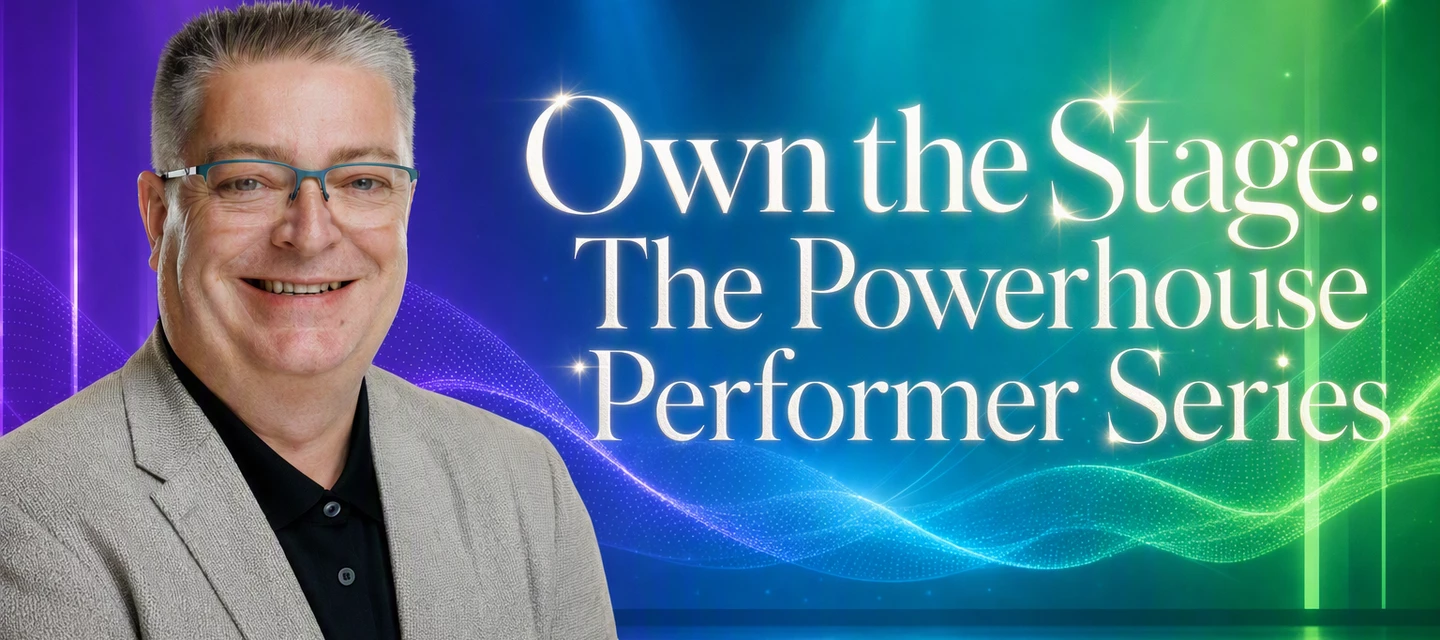
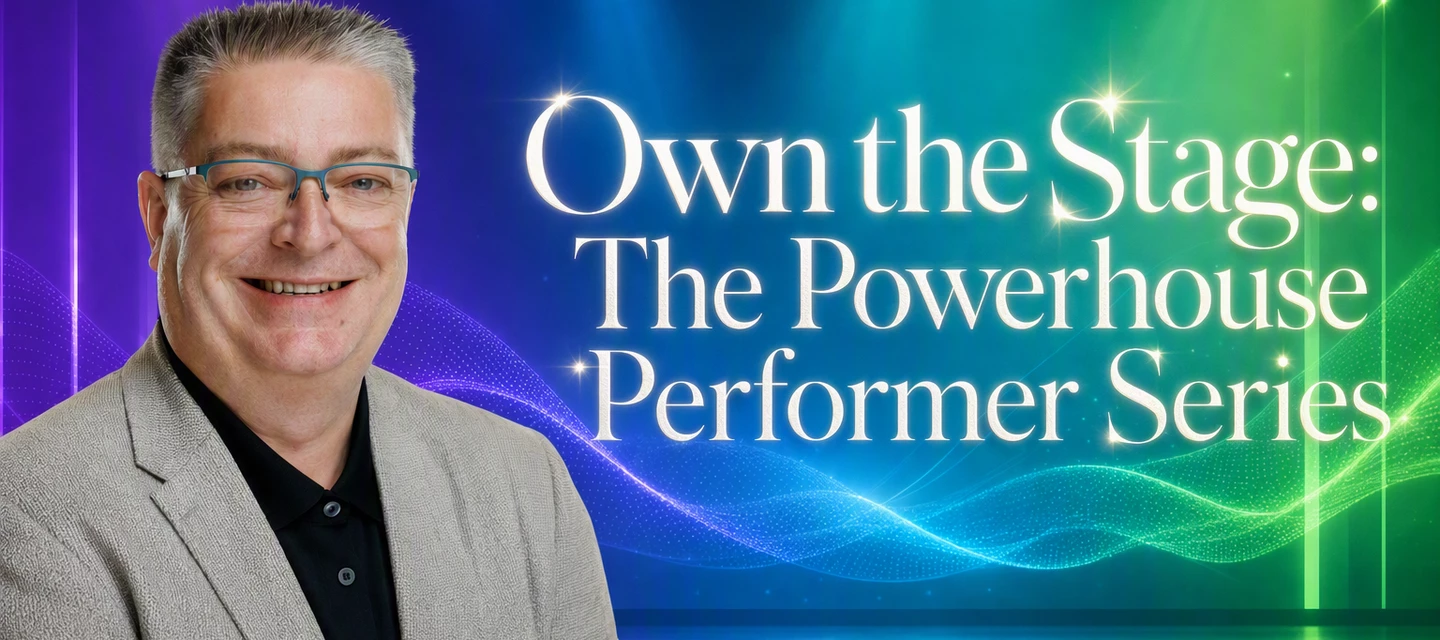
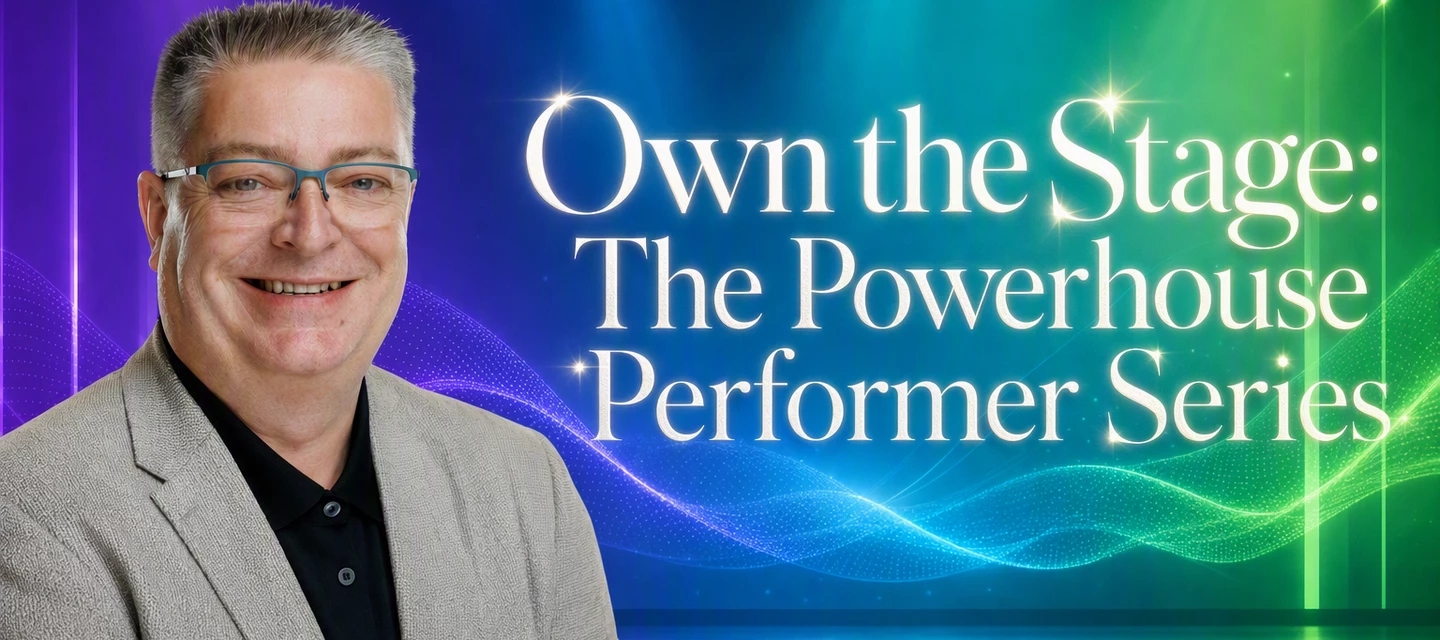
No video from us this week, but we didn’t want to leave you without your weekly community fix! 😄With Rick travelling and me still getting over a little bug, we decided to bring you a Community Recap post instead. And we are breaking the rule as well 😁Here are a few things from the community that caught our attention this week.Have a look, tell us what you think, and we’ll be back on video very soon!Featured Content via @Marcel.K via @Chris.Childerhose via @Michael Melter Breaking the rule for good reasons! @Viperian created a fantastic series on how to own the stage, here is the first article from the series. You can find all articles in the Blogs and Podcast section: Vanguard Blog Spotlight This week we are spotlighting @joaquim with a great video on VDC: https://explainit.com.br/video-veeam-data-cloud-for-m365-restore/ Special Department Newsvia @kira.bezhanova and @morgan.munck via @HangTen416 , @Chris.Childerhose , @MatzeB , @Pybarra and Ryan via @Madi.Cristil
A presentation is not a one way broadcast. At least, not for me.Yes, you are the person on stage. Yes, you prepared the story. Yes, you probably have the slides, the timing, the structure, and the key message in your head. But the audience is not just sitting there as decoration.They are part of the session. They respond.Sometimes with questions.Sometimes with laughter.Sometimes with silence.Sometimes with a nod.Sometimes with a smile.Sometimes with whispers after you showed something interesting.Sometimes with that look that says, “I am not sure I understand this yet.”And sometimes with that look that says, “Finally, someone is saying what I have been thinking for years.” Interaction is not only Q&A. Interaction is the room talking back to you, sometimes without words and if you learn to read those signals, they become your compass.They tell you if you are on the right track.They tell you if you need to slow down.They tell you if you can go deeper.They tell you if you are losing p
Hi all,I had a customer who needed a way to obtain Veeam Software Appliance (VAS) updates within a closed OT/dark site/closed environment.However, the challenge was that they lacked Linux experience and would prefer to do everything in native Windows, without using WSL (Windows Subsystem for Linux). If you have no idea what I am talking about, read this section of the Veeam help center: https://helpcenter.veeam.com/docs/vbr/userguide/update_appliance_configure_updates.html?ver=13#setting-up-custom-update-configurationSo my idea was to build/configure two components:1) A PowerShell script that can be run in Windows to download the necessary files from repository.veeam.com to a computer with internet access and then zip the files into a single large Zip file. 2) Create an IIS server website with all update files needed for the VSA. Then we can easily hand-carry the Zip files from the internet-connected Windows computer to the IIS server in the OT/dark site/closed environment with you pre
Hi all,I am setting up a multi-VM multi-network restore test environment using Surebackup. Our DNS-server is a physical box so I would like to perform name resolution from within the isolated environments towards that physical box - as the resolved IP-addresses would be running inside the isolated environment as well, this should not form any issues.However, I did not find a (supported) way to customize the routing rules on the lab proxy VM, and eventually the egress NAT-rules (for masquerading the DNS-requests) in case I should add them.Any advice is very welcome.Best regards,Jan
The audience listens to your words.But they also read your body.Before you say anything, people already start forming an opinion. They look at how you enter the stage. How you stand. How you breathe. Where your hands are. Whether you look comfortable. Whether you look nervous. Whether you look like you want to be there.That is stage presence.For me, stage presence is the ability to command the energy of a room and make the audience feel instantly connected to you. It is the invisible magnet that pulls everyone’s attention forward. It transforms a presentation from something people merely watch into something they actively feel.And often, the most powerful stage presence starts before the first word. The power of stillnessWhen someone has strong stage presence, one of the first things I notice is how they control silence and stillness. A great performer does not rush to fill the void.They step up, plant their feet and hold the audience’s gaze for a moment. They allow the room to feel th
Here's a short one from the field that might save you some troubleshooting time. The setupWe had an unmanaged Oracle RMAN plug-in on SUSE Linux. It ran fine for a long time under VBR 13.0.2 and earlier with the matching plug-in version. We upgraded VBR to 13.1.1.18 and then updated the plug-in. The 13.1 plug-in also needs a new OpenSSL package, so we installed that and checked it as well. Everything looked clean. The problemAfter the upgrade, the RMAN backups failed. The plug-in could no longer talk to the backup server properly.Nothing in the upgrade documentation suggested any further step was needed, so we opened a support case. What changed under the hoodWe compared the plug-in's veeam_config.xml from before and after the upgrade:The stored VBR fingerprint changed from a 40-character value (SHA-1 length) to a 64-character value (SHA-256 length). The encrypted passwords (VBR user and Oracle DB credentials) are stored in a different format afterwards.So the ciphers and hashing behind
The opening of a session is not just the start.It is the moment where the audience decides what kind of experience this is going to be.Will they lean in? Will they relax?Will they trust you?Will they stay curious?Or will they quietly reach for their phone and disappear into email, Teams, LinkedIn, or whatever else is waiting for them?That first moment matters.You do not need to walk on stage like a rock star. You do not need fireworks. You do not need to shout. But you do need to create attention, confidence, and connection.A strong opening gives the audience a fast peek into what to expect.Performance wise. Content wise. Energy wise.It tells them, without saying it directly:You are safe here.This will be interesting.This will be worth your time.And yes, we are going on a journey together. Do not start by becoming your own title slideI normally do not start with:“Hi, I am Edwin, and today I am going to talk about…”Of course, sometimes you need to introduce yourself. But I prefer to cre
@Rick Vanover and I are finally back to our normal setup! 😄 After all the travelling, VeeamON Tours, and being all over the place, it feels good to be back together and catching up on what’s been happening in the Veeam Community.So grab a coffee, settle in, and join us for another episode full of community stories, technical discussions, and a few opinions along the way! ☕😄 Featured Content via @eprieto Additional Resource: Veeam Data Platform OpenShift Virtualization Protection: Product Overviewvia @PeteSteven via @Andreas Buhlmann Vanguard Blog Spotlight via @mikkisse : Backing up Nutanix using Veeam 13.1 Special Department News Global Launch VeeamOn 2026 Virtual Event October 15th -October 16th KB: What Microsoft's EWS Retirement Means for Your Veeam BackupsHave a great weekend everyone! :)
🖱️ Your mouse cursor disappears inside the Veeam Backup & Replication console?You are not alone. Some customers since yesterday, several constellations, all on the current 13.1.1.18. Veeam Support sees the same across versions and suspects Edge / WebView2.What worked for us:✅ Update Edge, taskkill /F /IM msedgewebview2.exe and restart the console. Cursor back.If you cannot update or wait yet:🛠️ Registry: HKCU\Software\Microsoft\Avalon.Graphics → DisableHWAcceleration (REG_DWORD) = 1, restart the console. That switches off WPF hardware acceleration for the whole user profile, so test first.🧯 Or work in the Web UI (if possible).Open a support case if it hits you. Volume helps root cause analysis.🔗 R&D Thread: https://forums.veeam.com/viewtopic.php?p=575041
With the Veeam Software Appliance and the Veeam Infrastructure Appliance, update distribution is fundamentally changing. The Veeam Appliances automatically install certain updates to ensure security and operational continuity. This represents a massive increase in security and compliance. What is updated?Operating system and security updates are installed centrally and automatically, cannot be deselected, and are mandatory for both appliances. Security updates for Veeam Backup & Replication are also installed automatically and without user intervention to ensure security.Both appliances can also optionally install feature and bug fix updates automatically, provided this is enabled in the configuration. Major updates (e.g., V14.0), minor releases (e.g., 13.x), and private fixes are optional by default.Here is a simplified overview:Mandatory updatesVeeam cumulative & security updates (e.g., 13.0.x) Operating system security updatesOptional updatesMinor product updates (e.g., 13.x
Another week, another busy recap in our Veeam Community. I and @Madi.Cristil are in normal circumstances this week and have a full roster of content for you. Watch this week’s episode here:Featured Contentvia @Bobby.Barber via @JadaScott via @Dynamic Vanguard Blog Spotlight - Zane AllynThis week’s spotlight post is from @allynz - WHOA! I Asked a Local AI to Betray Itself, and Got Schooled by My Own Scorer — West Coast IT HipsterSpecial Department Newsvia @jos.maliepaard @coolsport00 @Michael Melter and @Dynamic via @kirststoner12 also don’t forget KB4820: What Microsoft's EWS Retirement Means for Your Veeam Backupsvia @Madi.Cristil Congratulations both @eblack and @Chris.Childerhose Next week on the Veeam 100 Show, join @Stephen Seagrave @Viperian @Madi.Cristil and Bryan Smith from The Coombe Hospital to talk about building an immutable island! Who’s NewThank you @safiya for prepping the Who’s New, wow +422 new users this week (helps we missed a few counts :)! The coo
Now we move on to blog #5 and this time I am discussing the 3-2-1-1-0 rule using Veeam & Wasabi.Blog post - Building a 3-2-1-1-0 Backup Strategy with Veeam 13.1 and Wasabi Building a 3-2-1-1-0 Backup Strategy with Veeam 13.1 and Wasabi The classic 3-2-1 backup rule has been the gold standard in data protection for years: 3 copies of data, on 2 different media types, with 1 offsite copy. It is solid advice, but the ransomware landscape has pushed the industry toward a stronger version: 3-2-1-1-0.Let’s break down what that means and how to implement it practically with Veeam 13.1 and Wasabi. The 3-2-1-1-0 Rule Explained 3 — Maintain at least three copies of your data 2 — Store copies on at least two different types of media 1 — Keep at least one copy offsite 1 — Keep at least one copy offline, air-gapped, or immutable 0 — Zero errors after automated backup verification The additions to the classic rule — the second “1” and the “0” — reflect the reality of modern threats. Ran
We are looking to migrate our 10 vm’s, currently on VMware, to Hyper-V. The host has to be stripped down to bare metal before installing the new hypervisor on it. The plan is to spin up a temporary server on a loaner machine, and migrate our critical VMs to the temp server to continue running our operations during the migration. My question is, how does one take a copy of the critical VM’s, and put them on the temp server if the temp server does not have Veeam or VMware? The temp server will have Hyper-V. Thank you.
An Introduction to RDMA for S3 One of the biggest challenges customers and partners bring to me is how to get their backups written to object storage faster. That challenge is only magnified when they’re pushing hundreds of terabytes of backup data into their object storage repositories every day. In most cases the bottleneck isn’t the disks, especially if the object storage is backed by SSD/flash. The culprit is most likely the TCP/IP network stack used to move data from the backup server to the object storage target. Every object written over HTTPS pays a TCP/IP penalty in CPU cycles, memory copies, and latency, and those penalties really become apparent when high volumes of backup data are being transferred during the backup window.When we started our object storage journey with Veeam Backup & Replication (VBR) v9.5.4 back in early 2019, we expected object storage to become the predominant platform for secondary storage and it has. Adoption of object storage repositories has cli
Facts are important. Technology is important. Architecture, features, design choices, lessons learned, best practices, worst practices, all of that matters. But facts alone do not always stick. Stories do.That is why storytelling is one of the most powerful tools you can have on stage. Especially when you present technical content. Because technology by itself can become abstract. It can become slides, diagrams, numbers, acronyms, and bullet points. A story makes it human. A story gives the audience a reason to care. A story helps them feel the impact of what you are trying to explain. For me, storytelling on stage means taking people on a journey.It means making complex things simple.It means making technology real.It means connecting a technical topic to something people can recognize, feel, laugh about, or remember.A good story turns information into an experience.And experiences are much harder to forget. People remember moments, not bullet pointsIf you ask people where they were o
Is anyone else waiting for Veeam support for “Azure Database for PostgreSQL Flexible Server Support” ? It’s been GA since November 2021 and replaced the Single Server which was retired in March 2025, so it seems a bit surprising there is no support to back it up using Veeam, and my support ticket indicated there is no ETA for this feature !This seems a big gap in Azure PaaS support to me. I’d also be interested in any work arounds people have in place. Thanks, Graham
Already have an account? Login
Enter your E-mail address. We'll send you an e-mail with instructions to reset your password.