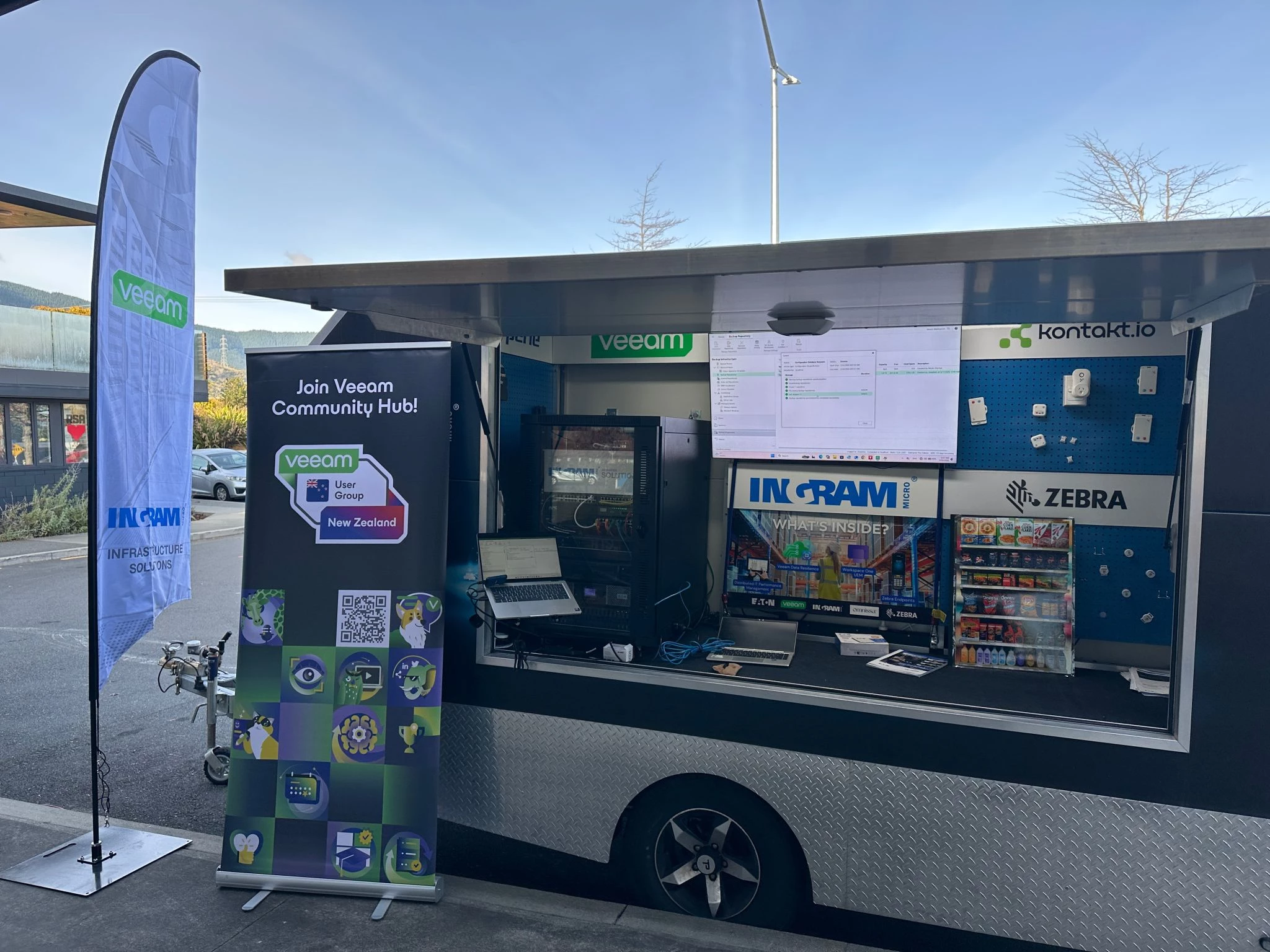
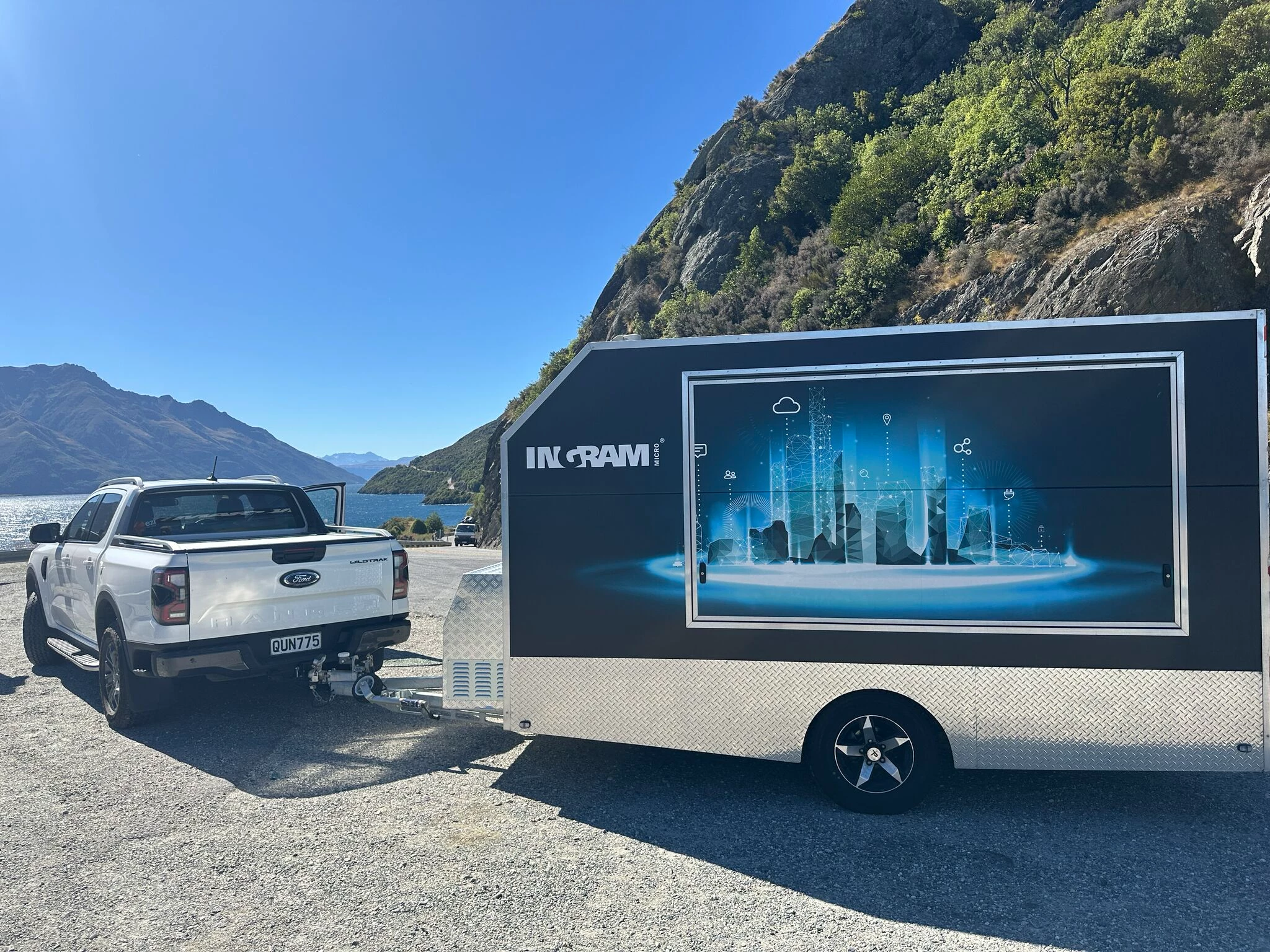
The Ingram Micro Technology caravan was built with a modular design in mind. It was originally built to showcase our product portfolio, with its original design focused on IoT devices and integration. Over time, it evolved and was converted into a mobile datacentre to showcase the Whole ecosystem.
It now features an 18RU rack inside and has previously featured HPE routing and switching solutions. As technology changes, so does the caravan, and it continues to evolve to showcase different technologies and use cases.
My Latest Change
Recently, it has gone through its most significant change yet, moving away from the Broadcom VMware hypervisor and now showcasing HPE Morpheus VM Essentials (VME) as its primary hypervisor.
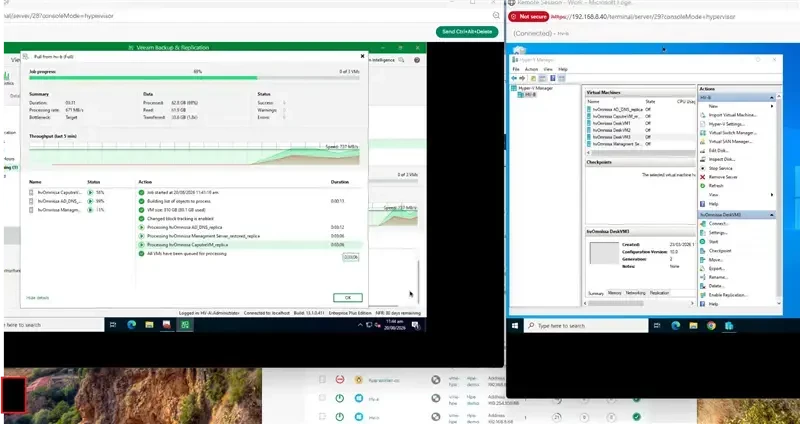
As part of the migration, I used Veeam Data Platform (VDP) to back up workloads from VMware and restore (transform) them into HPE VME.
I was fortunate to start this project just as the production release of VDP 13.1 became available.
Migration Experience
This didn't come without a few challenges and a steep learning curve working with a new and unfamiliar hypervisor. However, that's a story for another time.
This post is really about how the improvements in Veeam Data Platform 13.1 made the migration of Windows and Linux virtual machines much easier.
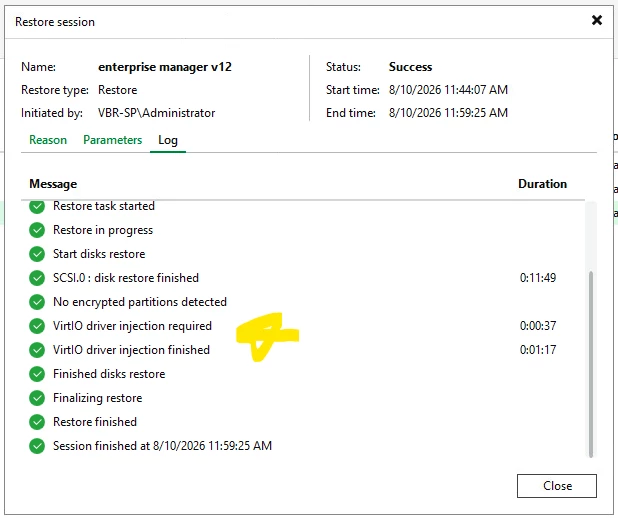
One of the notable enhancements was oVirt driver injection while simultaneously transforming VMware virtual disks into a KVM format, which HPE VME uses.
Sure, HPE VME has its own built-in tools to move from Broadcom VMware to VME, but you need active vCenter licensing to support that functionality. Veeam provided an alternative migration path that worked well for this project.
What I Built Inside HPE VME
Once the migration was complete, I set about rebuilding and nesting workloads within HPE VME.
These included:
- Hyper-V Replication Server
- vSphere Hypervisor
- Proxmox
- Omnissa Horizon VDI
- Veeam Data Platform
- Veeam ONE
- Veeam Service Provider components, including Cloud Connect
- Veeam Agents for Windows and Linux
- Eaton DITMP
- APC Power Chute and APC Ecostruxure IT expert
The goal was to create a portable demonstration environment capable of showcasing multiple platforms and technologies from a single mobile datacentre.
Hardware Used
The infrastructure currently includes:
Compute and Storage
- HPE DL365
- NetApp Storage Array AF150
Networking
- Ubiquiti Gateway
- Ubiquiti Switches
- Ubiquiti Wireless Access Point
- Fortinet Routers
- Fortinet Switches
- Fortinet Access Point
Power and Management
- Eaton UPS
- APC UPS
- APC PDU
- Perle Remote Console sever
- Perle 4G Gateway
Lessons Learned
While the VDP workflow to support migration was well documented and easy enough to navigate, my biggest lesson learned throughout the project was that the time budget per VM was a whole lot longer than I originally expected.
For example, a single 250 GB VM took more than four hours to migrate across a 1 Gbps connection.
The migration itself is only part of the process. Once a VM has been moved across to a new platform, it still needs to boot, reconfigure itself to the new hardware profile, and have VMware Tools removed where required.
When planning future migrations, I'll be allowing significantly more time per VM than I originally estimated.
Final Thoughts
What started as an IoT showcase has evolved into a portable mobile datacentre capable of demonstrating virtualization, networking, storage, backup, disaster recovery, and end-user computing technologies.
The move from VMware to HPE Morpheus VM Essentials gave me the opportunity to explore a new hypervisor platform while also testing some of the migration capabilities introduced in Veeam Data Platform 13.1.
While there were certainly challenges and a learning curve along the way, the ability to transform VMware workloads directly into a format suitable for HPE VME made the migration process much smoother than I expected