Bring your knowledge and expertise while creating blogs and podcasts
Recently active
In my interactions with numerous customers through my role, a recurring concern is their reluctance to grant open sudo access. However, many are more receptive to the idea of allowing limited sudo commands specifically needed by the application.Today, let's explore the sudo commands required by Veeam Backup & Replication v12 for the Veeam Agent for Linux. Bear in mind that this list is subject to modification based on community feedback. I encourage you to participate in this collaborative effort – feel free to suggest additions or removals to this list, which I've compiled based on my preliminary research.The necessary sudo commands for the veeamserviceraccount are as follows: veeamserveraccount ALL=/usr/bin/[ -d /tmp/ ],/usr/bin/id,/usr/bin/whoami,/usr/bin/mkdir,/usr/bin/rmdir,/usr/bin/arch,/usr/bin/uname,/opt/veeam/veeaminstaller,/usr/bin/rm,/usr/bin/cp,/usr/bin/chown,/usr/bin/veeamconfig,/usr/bin/chmod,/usr/bin/mv,/usr/bin/sh,/usr/bin/touch,/tmp/VeeamAgent*-*-*-*,/usr/bin/ps,/u
With the release of 12.1.2 on Tuesday May 21st and after completing several upgrades I decided to do a blog post on the update and upgrade process.You can find my blog here - https://just-virtualization.tech/2024/05/22/veeam-12-1-2-release-upgrade/ Veeam 12.1.2 Release – Upgrade On May 21, 2024, Veeam Software released an update to the Veeam Backup & Replication products in the form of version 12.1.2.172. This update addresses some critical security vulnerabilities as well as has new enhancements plus a ton more fixes to address other bugs and issues.You can find out more about the release from the following KB page – KB4510: Release Information for Veeam Backup & Replication 12.1 and UpdatesSome of the highlights for this release –VulnerabilitiesIndicated severity values are CVSS 3.1 scores.Veeam Backup Enterprise Manager (VBEM)CVE-2024-29849 | Severity: Critical (9.8)This vulnerability in Veeam Backup Enterprise Manager allows an unauthenticated attacker to log in to the Veea
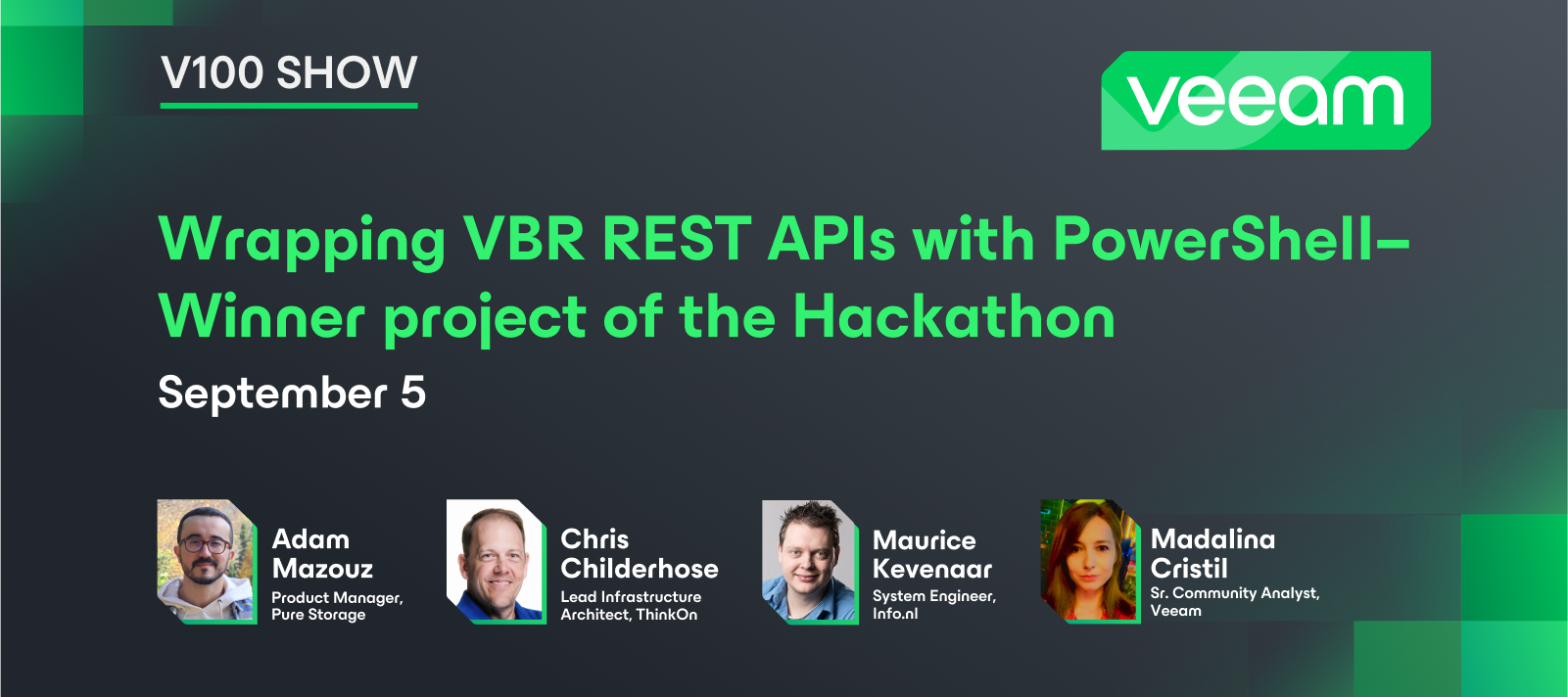
Hi everyone,Veeam Community Hackathon banner for 2024. Alfred is sitting in the middle at a desk. He is about to press a run button with his paw. Binary code and a slider is shown on the left of Alfred. In the middle the word Hackathon is shown with arrowed lines pointing to icons and text describing several aspects of the Hackathon: Development, Brainstorm, Time, Presenting, Goal, Teamwork, Community. The 2nd Annual Veeam Community Hackathon is back, and it's bigger and better than ever! Sep 26 9 AM EST/15:00 CEST to Sep 29 9 AM EST/15:00 CEST We, @JonahMay and I (@mkevenaar) are back with a new round for the Veeam Community Hackathon. This year we are joined by @jos.maliepaard and @Mayhem, who will be helping us organising this event. Just like last year, teams will be working together to enhance one of the Veeam products. However, this year the team members will be closer together! And yes, you read it correctly, we have extended the event from 24 hours to a whopping 72 hours! Wheth
Veeam's Malware Detection feature released with v12.1 was certainly a much-anticipated and welcomed feature by many, me included. And, if you didn't read it, I even wrote about my initial experiences with it:But since enabling Inline Entropy Scan in my environment, I've really had to micro-manage it with regards to Malware events of potential malicious activity Veeam "finds". Veeam is certainly aware of the short-comings of the Inline Scan engine and I know they are hard at work preparing an update for release which I'm confident will make it better. See this Forums post for further details.In the meantime, I've had to really dig into doing a lot of Scan Backup and manual scan tasks, as well as get creative in how I do forensics on my systems to make sure the Malware Detection events I'm receiving are false positives. And if not, take care of those issues appropriately as well. I thought I'd share some of the forensics and analyses processes I'm doing in my environment to help the Comm
VMware's vSphere 8 Update 3 brings significant enhancements and new features, providing improved performance, flexibility, and security. Key Updates vSphere Live PatchvSphere Live Patch in Update 3 allows critical bug fixes without needing to reboot or evacuate hosts. This ensures minimal disruption as virtual machines undergo fast-suspend-resume (FSR) during patching. However, VMs with vSphere Fault Tolerance or using Direct Path I/O must be manually remediated.Partial Maintenance ModeThis new state allows existing VMs to continue running while disallowing the creation or migration of new VMs during vSphere Live Patch remediation tasks.Enhanced Image CustomizationvSphere Lifecycle Manager now supports more granular customization of images, including the removal of non-essential components and retaining specific driver versions, optimizing for remote and edge use cases.Dual DPU SupportvSphere 8 Update 3 introduces support for dual DPU configurations, enhancing high availability and net
VMware's vSphere 8 Update 3 introduces the powerful vSphere Live Patch feature, a significant advancement in maintaining system security and stability without the need for extensive downtime or service interruptions. What is vSphere Live Patch?OverviewvSphere Live Patch allows administrators to apply critical patches directly to the hypervisor layer without requiring a reboot or evacuation of hosts. This feature ensures continuous availability of virtual machines (VMs) while keeping the system secure and up-to-date.Key BenefitsMinimized Downtime: The Live Patch feature utilizes a fast-suspend-resume (FSR) process, ensuring minimal disruption to running VMs. This approach is particularly beneficial for environments requiring high availability and minimal service interruptions. Operational Efficiency: By eliminating the need for host reboots during patching, administrators can apply security fixes and updates more frequently and efficiently. This leads to improved system reliability and
IntroductionStarting with Veeam Backup & Replication version 12.1, VBR events can be sent to external syslog servers. A list of events can be found here.There are currently integrations for Splunk and Sophos MDR/XDR, which, among other things, provide better visibility to detect and stop threats targeting backup data. Further information can be found at the following URLs:Veeam App for Splunk Sophos MDR/VDR integrationNote: The possibilities with Veeam Backup & Replication are described in this blog post. The options with Veeam ONE are being investigated and will be created and documented later if necessary.Elastic StackThe Elastic Stack, often referred to as ELK Stack, is a powerful set of open-source tools used for a variety of data analytics purposes, particularly for searching, analyzing, and visualizing large volumes of data in real-time. The stack began as a collection of three "open source" products:Elasticsearch is a distributed, RESTful search and analytics engine. It
With v12 it will be supported to use group Managed Service Account (gMSA) for user credentials.For my understanding of gMSA it will be necessary to have VBR server in a domain. Because it will still not be recommended to join this server the production domain, a special resource or management domain could be needed. For more details we will have to wait for general availability to get the user guide.If you have more ideas about gMSA implementation, let us know 😀
I wanted to override the default DNS in WSL: add the following section to /ect/wsl.conf (if not present create the file)[network]generateResolvConf = false Then restart wls (in powershell wsl --shutdown) Create a normal resolv.conf file and add your dns settings. I also made the file immutable since someone posted that it would be wiped clean on reboot:sudo chattr +i resolv.conf
Veeam for Mac is a data protection and disaster recovery solution designed for endpoints and virtual machines running macOS. With Veeam Backup for Mac, you can back up all user profiles data or individual files and folders. When disaster strikes, you can restore individual files and folders from backups to their original location or a new location.Why use Veeam Agent for Mac?Using Veeam Agent for Mac and not the default “Time machine” offers numerous benefits as mentioned above. But, let us look critically into some of the core benefits.Veeam Agent for Mac supports various backup destinations, including local storage, network shares, and cloud storage thereby providing users with the flexibility to choose the most suitable option based on their needs in order to adhere to the 3-2-1 Rule. With Veeam Agent for Mac, you can continue an interrupted backup session from where it stopped. Regardless of whether this is due to a network outage or someone closing your laptop while your backup jo
Hi Everyone, Sunny Spring day. If you have some time please listen to this great Podcast run by Veeam Vanguards Tom May and @JonahMay . It was a lot of fun and these two really smart fellows kept me on my toes! https://differentdev.com/episodes/
On-Prem Object Storage + Veeam Backup & Replication’s Instant VM Recovery = Rapid Recovery When we introduced the Capacity Tier in Veeam Backup & Replication (VBR) v9.5.4 early in 2019, there were few, if any, on-prem object storage platforms that would be recommended as a source for Instant VM Recovery (IVMR). At that time on-prem object storage was not considered performative enough to sustain the speeds required to restore a single VM instantly, never mind multiple simultaneous restorations.But things have changed since those “early days”. Now doing IVMR from on-prem object storage is commonplace. Recently I worked with one of our Technical Alliance Partners (TAP), Spectra Logic, testing with their BlackPearl S3 Hybrid Cloud Object Storage. One of the VBR features tested was IVMR and the results validated the performance that on-prem object storage can achieve. Here are the details and results of this particular test:IVMR Test Scenario:The Instant VM Recovery test scena
What an exciting week this has been! I got the opportunity to attend VeeamON virtually from Columbus, OH, while the main event was in Ft. Lauderdale, Florida. The nice thing about hybrid events is that you can join them from other locations, making them more accessible to more people. Session-wise, I chose to focus primarily on Veeam Backup for Azure and Coveware by Veeam’s ransomware sessions since that’s where I’m geeking out lately. The nice thing is that several sessions are now available on demand, so attendees can go back and see what we missed.Of course, I started my time at VeeamON with the opening keynote where data and data resilience was the theme. Veeam CEO Anand Eswaran kicked us off wearing some awesome custom Veeam sneakers and introducing the City of Ft. Lauderdale’s CIO, Tamika McKay. McKay welcomed attendees to her city, highlighting Ft. Lauderdale’s role in the tech industry as well as its beaches and cultural offerings. She said her top priorities as CIO are cyberse
Recently as blogged already, I got a DS923+ Nas and here is one of the guides agreed upon. This short article will discuss how to set up iSCSI Target and Storage LUN on Synology DS923+ for VBR.ISCSI stands for Internet Small Computer System Interface. It revolutionizes storage accessibility by seamlessly transporting SCSI commands over TCP/IP networks, granting unparalleled block-level access to storage devices. This innovative technology bridges the gap between traditional storage systems and modern networking infrastructures, empowering businesses with efficient, scalable, and flexible storage solutions.iSCSI allows you to use a Windows repository with ReFS which leverages FastClone. Do you wish to learn more about why the Storage LUN Better is better than a Mapped Network Drive etc. Create iSCSI Targets/LUNYou can create an ISCSI target or LUn on a Synology DS923+. Since this is a pretty new device, we will create both on the fly.For simplicity, I will create a single LUN and presen
In the dynamic landscape of data protection, the efficacy of backups hinges not only on their creation but also on rigorous testing and validation processes. This article elucidates the paramount importance of regularly testing backups and underscores the significance of validation procedures, while also shedding light on the practical application of the 3-2-1-1-0 rule—a guiding principle in data backup strategy. Why Testing and Validation Are ImperativeEnsuring Data Integrity Regular testing of backups is essential to verify the integrity of the data being backed up. Data corruption, storage failures, or other unforeseen issues can compromise the integrity of backups. By routinely testing backups, organizations can identify and rectify any anomalies, thus ensuring that their data remains intact and recoverable. Compliance Requirements Many industries are subject to regulatory compliance mandates that necessitate the implementation of robust data protection measures, including regula
I have been working on learning how Veeam SysLog can be utilized with the Azure SEIM tool Sentinel. This entry focuses on what I learned about KQL and an idea of how that can be useful when examining these events. I hope you find it useful, and if anyone wants to know more about the setup, just let me know. What is KQL?Kusto Query Language (KQL) is a powerful, read-only language designed to query structured, semi-structured, and unstructured data. It is primarily used with Azure Data Explorer for swift and interactive analysis of vast data sets.Why Use KQL?KQL is optimized for efficiently handling massive volumes of data, making it suitable for tasks like log analysis, telemetry data crunching, and monitoring applications and infrastructure. And is deeply integrated with various Microsoft services like Azure Monitor, Azure Log Analytics, and Application Insights. KQL's syntax is easy to pick up, especially for those familiar with SQL. It includes familiar clauses such as where, summari
Deduplicating storage appliances plays a significant role in organizations' data protection strategy by reducing consumed storage, eliminating similar data blocks, and providing secure long-term data storage using mechanisms such as immutability.However, when developing the architecture and solution for any project, it is important to understand the business requirements for correctly implementing and using these solutions.Depending on the deduplication appliance, it all comes down to understanding and choosing an appropriate trade-off between space savings, restoring speed, and cost optimization so that the implementation provides the expected result.It is important to highlight that Veeam VBR allows customers freedom of choice, is storage-agnostic, and allows deduplication appliances as a backup repository. Briefly, the following are the Veeam VBR integration possibilities:Supported Non-deduplication Storage SystemsDirect attached storage: Microsoft Windows server (ReFS): Fast Clon
Hi everyone!I just started my jurney into Nutanix, and I had the chance to attend the .Next conference last week in Barcelona.the venue was great, same place as vmexplore, I went there for a previous conference before, but the space and area were great, not to extense, close and well signed.I also took the chance to became a NCP-NCI certified, so Im so pleased and this week really worth it. Here I will share some more pics, you may see some other familiar faces…. Spain vExperts in the picture.Thanks Sean Torres!poor .Next, didnt survive!I didn´t take any pic at the Veeam Booth, but, the VUG Spain community was present and left a little gift for the “fastest” attendees…VUG Spain Stickers!cheers.
This one for me stands out the most when it comes to Veeam 12.1.2 😀Scale-out backup repositories now support multiple Performance Tier and Capacity Tier extents backed by Smart Object Storage API (SOSAPI) enabled object storage.This was a big issue for scaling and now it has been sloved.Now if Veeam would just get M365 to support SOSAPI.
Hi everyone,I want to share with y’all my experience with the VBR12 Quick Migration!Im in Love, its absolutely insain how good it works, and has facilitated my lab migration 1000%!Let me show you with some screeshots the process and the result!go to the inventory, right click in the machine you want to movehere is, lets get in to itchoosing destinyIf this is a cluster, you can use vMotion, if not, Veeam Transport modeChecking if doable….Boom!! time to go! Be careful! Delete source after move, I select it, use it at your own risk.Process startedDone! success!! lets check in the vsphere console, here is, in the new hypervisor, turned on, ready to go!here is, works great, with minimum down time, moved clean and easy!Do you like this functionality?My home Lab loves it!cheers.
The email notifications are not working after upgrading from v11 to v12 (v12.1), including sending the test email.There are warnings on the backup jobs: " Sending e-mail report Details: The remote certificate is invalid according to the validation procedure. " Every time you send an email report, Veeam Backup and Replication v12.1 validates the certificate received from your email server during email report configuration, indicating that the certificate has likely been modified. It's easy to fix this issue, you need to open the global email notification settings and save the configuration again, accept the verify certificate prompted and save the settings.
While the NIST AI Risk Management Framework provides a robust structure for managing AI risks, its implementation is not without challenges. In this second part, we'll explore some of the key hurdles organizations may face and how the framework can help address them. The Gauntlet of AI Risk Management Challenges: 1. Risk Measurement: Quantifying and measuring AI risks is no simple feat. The volatility of these risks, the lack of reliable metrics, and the often opaque nature of AI systems contribute to the measurement conundrum. It's like trying to hit a constantly moving target while blindfolded. 2. Risk Tolerance: Determining your organization's risk tolerance for AI systems is a complex endeavor influenced by a multitude of factors, including legal and regulatory requirements, organizational policies, and societal norms. It's a delicate balancing act that requires careful consideration. 3. Risk Prioritization: Developing a culture of risk management and prioritizing risks based on th
I created a previous post on Nimble Storage Integration with Veeam, discussing how you can potentially recover data even if a backup job’s Deleted VMs retention setting has passed. You can view the post here. For this post, I want to continue discussing Nimble Storage Integration, but provide you a security measure you can implement when configuring your Windows Proxies for Storage Integration or Direct SAN, as Veeam requires a Proxy to be configured with Direct SAN (or ‘Automatic Selection’) when using Backup from Storage Snapshots (BfSS).A fellow Vanguard and I have occasional on-going discussions on how to best secure Windows Backup Proxies using Nimble (now called whatever...Alletra? 🙄 ) for Storage Integration. Several mos ago, we were trying to determine how best to present production storage to a Proxy, exposing as minimal amount of Nimble Volumes to a Windows OS as possible to prevent a catastrophic event, beit admin error or mal-intent. He and I were curious if Volumes used f
More than a year ago I wrote a post about my VMCE 2021 exam experience.If you want to read more about that experience : VMCE exam personal experience | Veeam Community Resource Hub In this post I wanted to share my experience with the latest VMCE 2024 (V12) exam 😄.It’s already my fourth time I did a VMCE exam (first V9, 2020, 2021 and now 2024).On those exams I always passed from the first time and that with a much higher score than needed.So, my goal was again to pass from the first time 🤗. If you want to know how this ended, just keep on reading 🤣. Normally I prepare myself months before by reading the things I have to know (mainly helpcenter.veeam.com) and especially the things I’m not that familiar with and not that experienced with it.The problem this time was that I didn’t have any time doing that months and even weeks in advance 😏I scheduled the exam (online proctored) months before and the only I could do in advance to prepare myself was, 6 days just before the exam (1 day
Hello All, I just saw that we have a discord channel. But unfortunately we do not use it actively. I think we can be more active on our discord channel and find quick solutions to each other. We can also actively chat on Discord sometimes. This may help us get to know each other better.
Already have an account? Login
No account yet? Create an account
Enter your E-mail address. We'll send you an e-mail with instructions to reset your password.