The Why Now Community Challenge: Veeam Data Platform 13.1. It’s time to vote!
News, guidelines and various community projects
Recently active
I often find it helpful to remind my partners about the full range of features Veeam offers, especially when speaking with the sales team. While everyone acknowledges that Veeam excels in backup, its capabilities extend far beyond that. To highlight the depth of Veeam's solution, I’ve put together a concise list that showcases its extensive features. Veeam is built for powering data resilience.Advanced Data Protection: Data Backup Backup and Replication: Provides reliable backup and replication of virtual, physical, and cloud environments, ensuring your data is safeguarded across various platforms. Backup Copy Jobs: Allows you to create additional copies of backups for enhanced data protection and offsite storage, ensuring redundancy in case of data loss. Multi-Platform Support: Provides backup solutions for virtual machines (VMware and Hyper-V), physical servers, and cloud environments (AWS, Azure, and more), offering a unified approach to data protection. Cloud Integration: Offers
I’m sure I’m overlooking something obvious -- Veeam is running on a Windows 2022 server on the domain.When adding my non-domain Hyper-V host (Windows 2022) to the Veeam managed servers, the only credentials that work are hostname\administrator. Any other account on the Hyper-V host with full administrative rights is failing with --“Failed to connect to host XX.XX.XX.XXAccess denied or timeout expired.Check if you you have local administrator privileges on computer ‘XX.XX.XX.XX’.Possible reasons.1. Invalid credentials.2. Specified host is not a Hyper-V server.” I’d prefer to disable the .\administrator account on the Hyper-V host, so I’d love to know what I need to do to get my non .\administrator accounts working with Veeam. Thanks, Chris
Hi, I have a backup copy job which runs forever. There are two VMs and I see the backup copy is backing up the hard disk with no progress. How do I best troubleshoot it and I don’t see an option to cancel the job. I use VBR 12.1. I believe in earlier version it was possible to cancel a job. I use the immediate copy mode.Thanks,Edy
Hello,I have 900 M365 users and now i communicate with our veeam partner to purchase VDC license.The vendor say we must make groups of our 900 users. Here i want to know it’s mandatory we should make some group for my 900 users? If yes, is there any best practice what kind of groups (should i make group by internal department or by any object will be backup)?
After doing a cold boot of the host server, the Veeam backup service has failed to run or come back online. When trying to connect through the client we receive the error message of “No connection could be made because the target machine actively refused it 127.0.0.1:9392”After checking the logs, we’ve found an error stating that it failed to fetch logical page (1:21805) in database 5 failed. It belongs to allocation unit 72057594191544320 not to 72057594190823424
Hello together, we have the error when backing up two file servers: The hard disk capacity is under 80% utilization (several GB free).VBR 12 is usedThe target system is a Windows Server 2022 Can anyone here help?Thanks in advance :)
Hello forum,When I try to create a new BR on the repository server, ‘theserver03’ is listed twice.For each server, if i click `Populate`, they show the exact same list of paths.Hyper-V standalone host Microsoft WindowsNot sure what is going on, and what I need to do?Thanks much, David
Hi, I would like to know how Office 365 Backup counts license? The community edition is free with 10 license. Now I exceed the community edition by 3 license.In the backup mail I see types of:mailbox (which are users) OneDrive (personal drive) Web (Sharepoint sites) TeamsI assume the license count is a mixtured of the types? Right?
Installed Debian Bookworm on BTRFS, backed up with Veeam agent for linux to network storage.Tried to restore from internal SATA to internal SATA, using full disk restore.Restore mentions a warning after completion, could not update UUID. Don't now the exact wording anymore.After booting the system boots to initramfs with the alert: UUID=xxxxxxx does not exist.It appears nothin that can't be fixed with a live CD but IMHO this should not be needed.Is this a bug, known issue or am I doing something wrong?
Like many kids, my daughter started high school this week. Throughout this summer, I’ve been preparing her for the changes that come with a bigger school, more demanding classes, and new extracurriculars. A couple weeks ago, we went back-to-school shopping then spent the afternoon glued to Olympics coverage. As we watched diving and dressage, we talked about the skills the athletes had to learn to compete at that level. We were as interested in how the athletes prepared as we were their performances. This got me thinking about how much time we humans spend preparing.Whether getting ready for school, an athletic competition, or countless other activities it seems like humans are always preparing for something. Proper preparation helps us succeed and achieve our goals. It also helps us plan for things to go wrong. The same is true when you make changes to your technology environment, such as installing Veeam Backup for Microsoft Azure. Once installed, Veeam Backup for Microsoft Azure sec
Question for the service providers in the room. How do you handle customers who were VCC customers, but are looking to migrate their historic backup data from their VCC-B repo to elsewhere. No option to move between repos, and if we’re talking sufficient quantities of data, no practical way to download to local repo, before moving to new location (object for example).Thoughts?
Hello, I have backup copy job to copy the bcckup to Azure File share. The VBR main repository using SMB and connection speed is 1Gbps. Connection from VBR to Azure file share via VPN site to site with 100Mbps internet bandwidth.What can i see is my internet utilization is still low, only about 20-30Mbps used. Is there any trick how to utilize the connection?
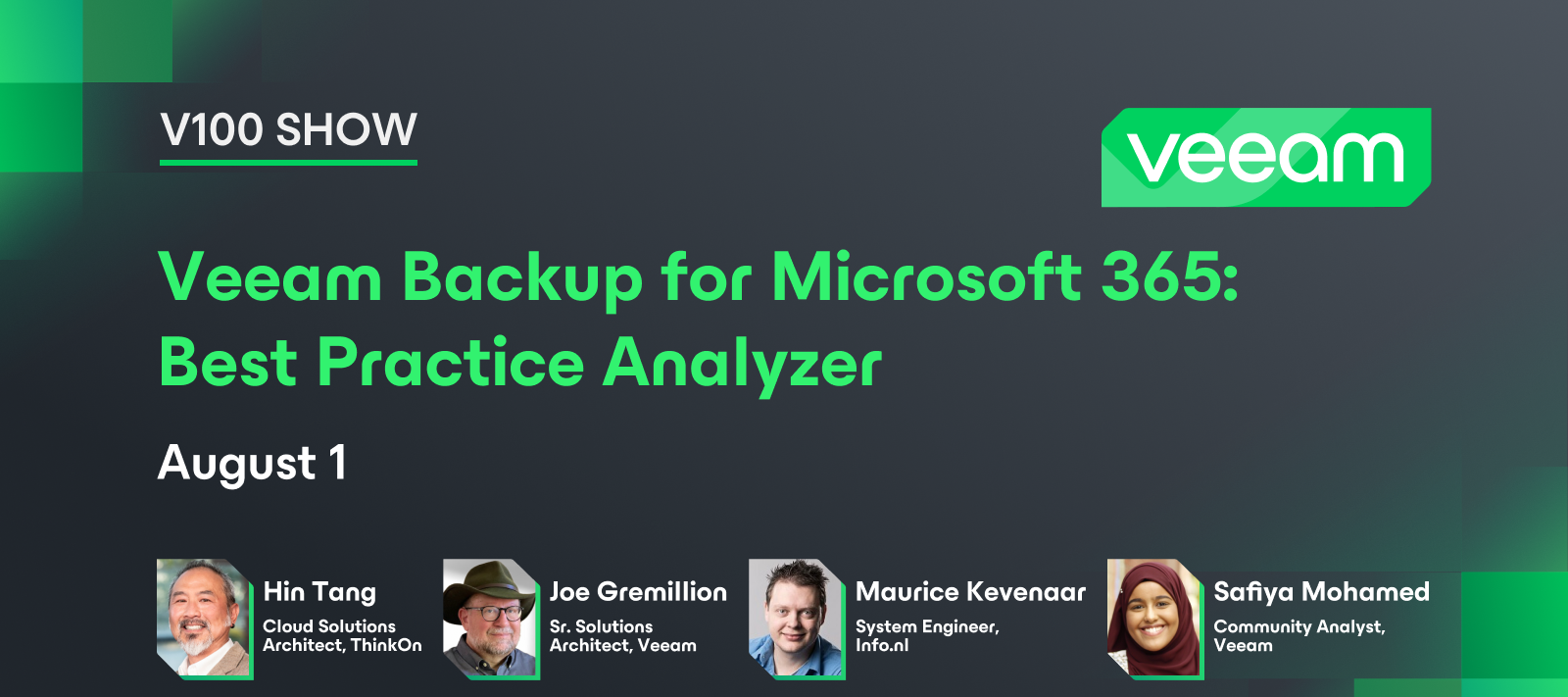
Hello community! Hope everyone had a nice weekend. Last Thursday, we had our 9th V100 Show! This was another special edition where we discussed projects from last year’s Veeam Community Hackathon. In this episode, you can learn about the M365 Best Practice Analyzer project from team members @HangTen416 @vmJoe. 💡 It’s also a chance to hear about this year’s Hackathon from co-founder, @mkevenaar. Catch the replay on YouTube 💫 Don’t forget to register for the Hackathon: https://veeamhackathon.com/
Good day, Just like in BUEXEC and other backup software apps, how do you pause jobs in Veeam B&R 12.1? Regards
In a SOBR (Scale-Out Backup Repository) if my performance tier is already a object storage (direct to object) is it possible to run a archive job to offload data to archive tier without a capacity tier? Or i would need first to offload to capacity then archive?
Hello!I trying to setup new backup SQL bases with Veeam Plug-in for SQL Server, but list of bases is emptyTested on two different virtual machines with two different verisons SSMS (17.9 and 19.3) - both not working. How fix this problem?Thanks!
The Veeam Plug-in for Microsoft SQL natively integrates with Microsoft SQL Server Management Studio. It transfers database and transaction logs to backup repositories associated with Veeam Backup & Replication.Compared to image-level backups created by Veeam Backup & Replication, Veeam plug-ins can offer more flexible scenarios for database backup.This plug-in’s users can backup and restore individual Microsoft SQL Server databases and configure independent backup scheduling for full, differential, and log backups using the native SQL Agent Job functionality.Some highlights about the Veeam Plug-in for Microsoft SQL:SQL administrators have complete control over backup and recovery processes; User interface (UI) integrated directly into Microsoft SQL Server Management Studio; Scalability and performance: up to 2,000 databases per SQL server and up to 10,000 databases per backup server; Possibility to perform database backups without waiting for the image-based backup (backup of
Hi,I need to know that how can i take incremental backup along with full backup. because i cannot find the incremental backup option in wizard. Please help
An environment contains the following infrastructure:1: Proxmox2: Open source Juno3: Oracle open source Can Veeam be used to migrate the above environment to Proxmox on new infrastructure? Thanks a lot.
Before I begin, let me share what this post is not about → this isn’t about how to become a member of any of the 3 Veeam100 influencers programs. This post is simply about Community engagement, specifically within the Veeam Community.Where to EngageWhy should you engage in the Veeam Community? First, where can you engage? From a website perspective, Veeam has 2 main sites to provide feedback, make feature requests, blog, report potential bugs, or ask questions on - the Veeam Forums and here at the Community Hub. What are the differences between the two? The Forums is a place you can more directly interact with Veeam Product Management asking questions, requesting feature enhancements, and to provide product feedback. Keep in mind, the Forums is not a support site though, and additionally..neither is the Community Hub. The Veeam Community Hub is more for Veeam Community members to interact with one another, as well as with Veeam employees. It provides areas, known as "thematic groups" (
How to avoid an Immutability MigraineWith direct to object storage backups coming in Veeam Backup & Replication (VBR) v12, we expect to see many more folks using object storage for their backup repositories. This means there will be folks using object storage for the 1st time. If they are like me they will probably use the graphical user interface (GUI) native to the object storage platform to manage their object storage.The native GUI will definately make the management easier, but it can also cause some headaches that you don’t expect. The reason I am writing this is to help you avoid one such migraine when you are using your object storage’s native GUI to configure your object storage bucket to create an immutable object storage repository in VBR.The ScenarioThe 1st thing you need to do to create your immutable object storage repository is to create the bucket which will store your VBR backup data. For this scenario we want to create the bucket with immutability (object loc
Occasionally, Veeam releases software updates to fix bugs, performance enhancements and introduce new features apart from major version releases of Veeam Backup & Replication. Here is an article on how to update Veeam Backup and Replication [VBR]:https://techdirectarchive.com/2024/08/14/how-to-update-veeam-backup-and-replication-vbr/ Also, in this article, I have provided the steps on how to update Object First OOTBI Cluster. You will learn how to perform cluster update via the Object First management Console, and via the TUIhttps://techdirectarchive.com/2024/08/14/how-to-update-object-first-ootbi-cluster/
We currently have Veeam for M365 v7 running in Community Edition mode since we are not using the product anymore. However, we have plenty of data from 2020 to 2022 that was backed up to a S3 Standard bucket. We rarely (read, twice a year) need to query or restore anything from it.Our Veeam rep is happy to provide a temporary license to reactivate the product for any job requirements, so the question would be - what is the best option to move this data from S3 Standard to a different tier, and what are the implications that come with this? My thought process was the following:Add a new S3 repo that is on a Glacier Instant Retrieval / Glacier Deep Archive tier bucket Create a backup copy job to copy the current data in the S3 Standard bucket to the newly created bucket above Delete the original backup / S3 Standard bucket holding the original dataIs this a supported / reasonable strategy? I’m assuming that the Archiver appliance would help on saving in API/data transfer costs here?Much a
Hey Team, We use strictly hyper v server core hosts to house vms in the environment. I observed a few things?Veeam successfully creates repos both azure and lcoal Veeam successfully added all the hyperv host servers showing all vms under each Error code - 32774 - Performing a Hyper V Backup Type for a vm under any host to a local repo FAILS - i observe a “logon as a service” error then i am directed by veeam support to read - https://learn.microsoft.com/en-us/troubleshoot/windows-server/virtualization/starting-or-live-migrating-hyper-v-vms-fails Performing a Windows Agent type backup type where i manually added the same vm and others (housed under the hyperv core server) with domain firewall off completes successfully, beautifully even. Performing a backup from the vm under the hyperv host server to azure/object type storage works perfectly Performing a Hyper V VM restore from Azure back to Hyper VM FAILS - logon as a service error / logon failure Performing a hyper V VM restore from l
Hello,In my home lab, the backup repository, running on windows server 2022, using REFS, using V: drive letterVBR is running in a VM on that same server, also on V: drive letter.If that server died, then i have lost all my backups, .vbm|.vib|.vbkSure, I use backup copy jobs but those are stored off-site , but for the sake of this topic, I want to ignore that.If i had a disaster i would have to download the backup files or do an instant restore over slow internet.So I want/need to backup the OS, the c: drive.Can i use that VBR to do it or what do you suggest?Thanks much, David
Already have an account? Login
Enter your E-mail address. We'll send you an e-mail with instructions to reset your password.