Bring your knowledge and expertise while creating blogs and podcasts
Recently active
Hello, community! We just post a video explaining in a simple way some functionalities about the Malware Detection with VBR. I hope you guys enjoy this video! Have a good rest of week. Regards, Breno
I apologize for my absence from the community over the past few days!Before the post, I would like to make up for it with the sound of some of the coolest Grandpas in the world 😎 One of the aspects that Veeam has been reinforcing is the need for customers to implement and maintain cybersecurity policies using established frameworks in the market, such as the NIST Cybersecurity Framework 2.0. As an example, we have this excellent post by Ray Heffer:https://www-veeam-com.cdn.ampproject.org/c/s/www.veeam.com/blog/nist-cybersecurity-framework-2-0.html?amp=1Implementing technology solutions in line with the NIST Cybersecurity Framework 2.0 can be a challenge. However, with Veeam, this process is made easier. Some time ago, I prepared an association between the functionalities present in each of the elements of the Veeam Data Platform with the functions of the NIST Cybersecurity Framework 2.0, demonstrating the ease of implementation.NIST Cybersecurity Framework 2.0 and how Veeam can help y
If you missed the first part of this 3-part series, you can read it here. For the 2nd part, go here. This 3rd and final part in the Blog series will be a bit lengthier than the previous 2, but the extra content is worth the read. In this 3rd post, I’ll be discussing the Backup Copy Job Long-Term (or GFS) Retention Policy. For the remainder of this post, I’ll just refer to this as ‘GFS Policy’. Over the years, I’ve generally felt Veeam’s User Guides have been fantastic. The best out there, in my opinion, are the VMware User Guides, with Veeam a close 2nd. Since about Veeam v9, when Veeam really started gaining steam implementing some of their best features to date – Storage Integration, expanding their Veeam Agent offering, etc, their User Guides have seemed to start lacking some needed information. I think part of the reason is they were jamming everything into one Guide and possibly cutting some corners. They really needed to start separating some features out of the main User Guide t
As many of us know Object First has storage named OOTBI that works very well with Veeam using the new SOSAPI. I am going to be starting a blog series on this which you can follow on my blog site -https://just-virtualization.tech/2024/04/11/object-first-ootbi-blog-series/This is my initial post with some pictures about the series coming. This should be fun as I was also accepted in to the Object First Aces inaugural group and thanks to @Geoff Burke was able to secure a demo appliance for testing and blogging.I know there are others that have these as well so let’s ensure we put out some great content for everyone to enjoy! 😎Some quick pics I took -OOTBI Arrives at my houseOOTBI - Unboxing beginsSome other great posts already on the community about OOTBI can be found below which I hope to add to. 😁Object Storage Setup with Ootbi | Veeam Community Resource HubObject First Appliance Setup and Remote Connection Options | Veeam Community Resource HubOotbi meets the Veeam Community Hub
Hi! On April 9, the webinar “Integrating Veeam with Organizations' Cybersecurity Strategy” was held, with the participation of Marcio de Freitas, Engineering Manager at Veeam Brazil.We conducted a Penetration Test demonstration using Kali Linux, reproducing Command and Control (C&C) actions and triggering a Ransomware attack simulation on a specific target. Then, we demonstrate how the Veeam Data Platform works in Threat Detection and Response (D&R) integrated with other cybersecurity solutions, such as anti-virus, EDR, MDR, and SIEM.Marcio also presented how Veeam is focusing on cybersecurity in the latest releases. We also explored the main frameworks available for organizations to implement and maintain a consistent security policy: NIST CSF 2.0, NIST 800-207 Zero Trust Architecture, NIST SP 800-61r2 Incident Response Plan, MITER ATT&CK, and MITER CVE.PS:The webinar was held in Portuguese. To enable English (or other language) legend, please, follow these steps:On YouTu
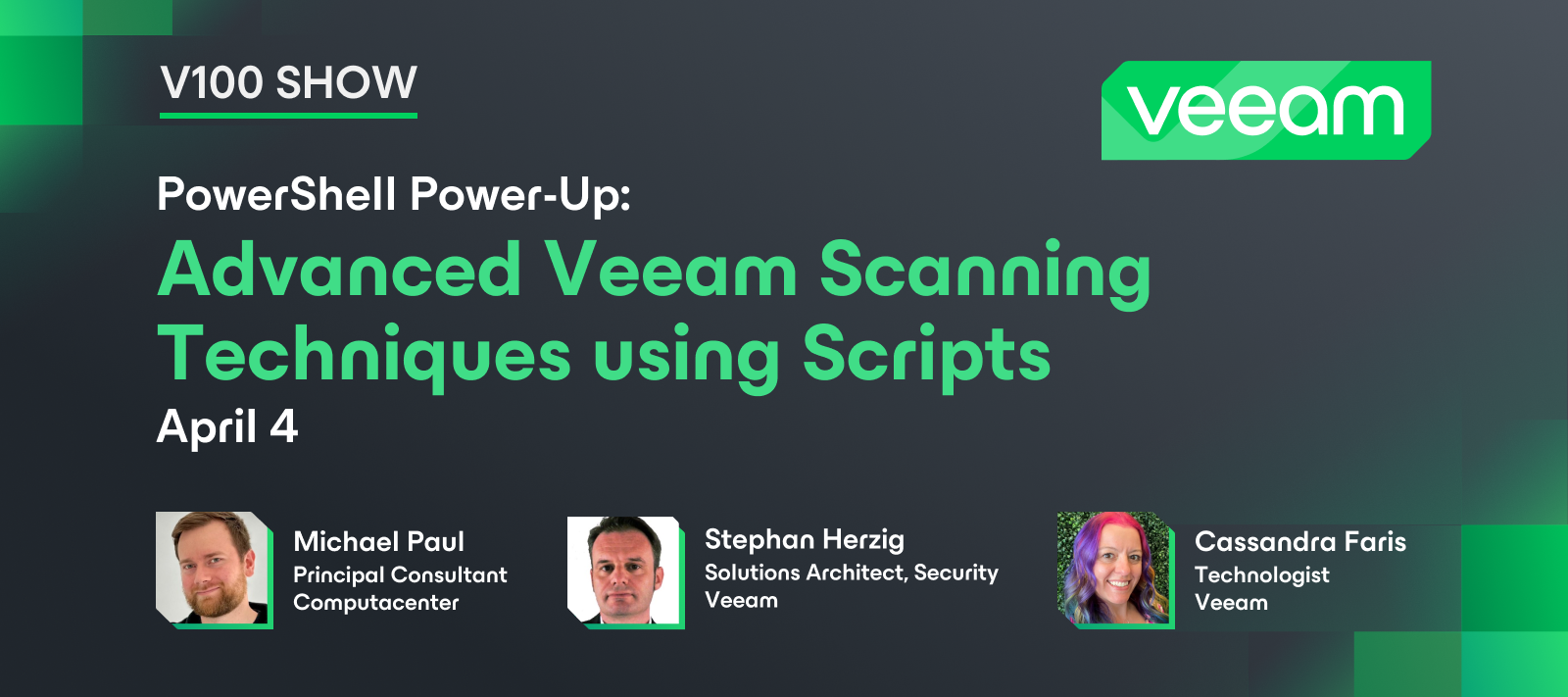
Happy Thursday, Community! We had our April V100 Show earlier today: PowerShell Power-Up: Advanced Veeam Scanning Techniques using Scripts. The V100 Show highlights the innovations of our Veeam 100 members and how they are benefiting the community at large. @Cassandra Faris was joined by @MicoolPaul @SteveHeart who covered the power of PowerShell and Veeam. With the sharing of use cases, benefits, and demos that prove the importance of backup testing, this is a packed show you should watch. Catch the replay here! Find Steve’s scripts: VBR Backup AV & YARA ScanData Integration API ScriptGuest Index Data Scan Manager
In the realm of data management and protection, the concepts of Recovery Point Objective (RPO) and Recovery Time Objective (RTO) serve as crucial metrics that shape backup strategies and play a pivotal role in ensuring business continuity. Understanding these concepts and their significance is imperative for IT experts aiming to construct robust data protection solutions that align with organizational needs and goals. Defining RPO and RTO Recovery Point Objective (RPO)RPO represents the maximum tolerable amount of data loss that an organization can endure following a disruption or system failure. It determines the point in time to which data must be restored to successfully resume operations without experiencing significant adverse effects. In simpler terms, it signifies how much data a business can afford to lose without causing substantial harm.Data Granularity: RPO extends beyond merely specifying backup frequency. It involves understanding the granularity of data to be protected. F
While backing up Exchange data, Veeam Backup for Microsoft 365 systematically retrieves the properties associated with every mailbox folder. This encompassing approach includes visible folders and extends to hidden and legacy folders, such as 'TeamsMessagesData.' By diligently requesting and capturing the properties of these folders, Veeam ensures a comprehensive backup solution that accounts for all relevant data within the Exchange environment.Exchange Web Services (EWS) are the legacy APIs used to create clients and services that connect to Exchange to get access to mailbox information. Microsoft will restrict access via EWS to Teams message data starting on January 31, 2023.Following a recent update within Microsoft 365, a notable adjustment has rendered the retrieval of properties associated with the 'TeamsMessagesData' folder unattainable through the current Exchange Web Services (EWS) APIs utilized by Veeam Backup for Microsoft 365. This modification in the Microsoft 365 environ
This article was birthed by the following article shared in the community which by @Viperian. Kindly take a look at the comment section of this post as they are very informative as well.I see a lot of environments shared online with the .local suffix and this made me create a blog post on how to set up a Domain Controller as Recommended by Microsoft. There are numerous articles on this topic on the blog but I have decided to share the latest that was prompted by the above concern.But then, this is a new Active Directory environment. The issue has not been solved for existing AD environments with the .local suffix. Hence, this guide was developed to tackle this problem. Please see “how to change Active Directory Domain name from dot local to dot com” for more information. Note: I would recommend backing up your AD environment before making any changes to your domain controllers. I would recommend using Veeam Backup and Replication for AD protection. This ensures that you can recover in
In the world of data management, backups serve as a crucial safety net against data loss. They act as a shield, preserving data in case of accidental deletion, hardware failures, cyberattacks, or other unforeseen disasters. When it comes to creating backups, various strategies exist, each with its own advantages and considerations. Among these strategies, full, incremental, and differential backups stand out as fundamental methods, offering distinct approaches to data protection. Moreover, the concepts of synthetic full backups and block cloning have also emerged as valuable enhancements to traditional backup methodologies.Full Backups: The Foundation of Data PreservationA full backup serves as the foundational snapshot of all data within a system. It captures every file and folder, creating a complete replica of the entire dataset. While comprehensive, full backups tend to be time-consuming and resource-intensive due to the need to copy all data each time they are executed. Despite th
Today we are going to setup Object Storage for our lab leveraging Object First’s Ootbi. This is a test lab environment for demo purposes. After powering on Ootbi we are brought to the license screen.LicenseAfter accepting the agreement we land on the Available Options page.Available OptionsWe will now setup a new cluster.New Cluster SetupHostnameCluster name and Cluster IPNext we need to give our system a password.New PasswordWe are almost done.Completed SuccessfullyTurn on the Telemetry service.Telemetry ServiceWe have now completed the Ootbi setup.Cluster SetupNext we can move on to the Web UI.Web UIAfter logging in for the first time Ootbi will give us hints of what our next steps should be.HintWe will now create S3 Access keys.Create New KeyKeys CreatedNow Ootbi wants us to create a bucket. Create a BucketBucket CreationBucket CreatedWe are now ready to move on to Veeam. Remember to copy the endpoint for use when connecting from Veeam.EndpointWe will now add Ootbi as a Veeam Reposi
When I was a kid my mother told me never talk about politics, religion or money. Luckily, she'll never read this. I'm pretty sure she thinks I sit in a basement and do something that involves backing up iPhones. I can promise we won't touch politics or religion though, but we are most certainly going to talk money, and more importantly, how to help reduce IT cloud spend.All three major cloud vendors (AWS, Azure, and GCP) offer native backup options. The main advantage being ease of deployment as it's just a checkbox to enable for the most part. As companies move workloads or create net new workloads in the cloud it's common the data protection team is left behind as cloud admins will manage the backups themselves. This quickly becomes unsustainable though both from a cost and management perspective. Sifting through monthly cloud bills to find backup costs is not as easy as one might think. To understand the total cost of ownership (TCO) associated with protecting cloud workloads, manag
Hi everyoneI run the Solution Architects team at Veeam for the Americas. My team have been working on updating and extending capacity calculators for use by the Veeam team, partners and customers. We worked in close collaboration with Product Management, R&D (i.e. Gostev's teams) and our CIS team to overhaul the formulae and update the user experience. I am happy to report that the updated calculators are now generally available at https://www.veeam.com/calculators.A couple of notes:the calculators are, of course, estimates. Your mileage may vary given the innumerable variables in any IT environment. the new calculators use new, updated maths developed in collaboration with the product teams, and have a new UI. This is focused on capacity, however some compute guidance is offered in the result 'Details' where appropriate. we worked to cover more common Veeam scenarios than before, i.e. beyond just VBR or VB365. Therefore, the calcs cover things like unstructured data, cloud, databa
Hola!He tenido la suerte de tener en mis manos un appliace the OOTBI,(Gracias @Geoff Burke por la cesión)Como miembro de la comunidad de Veeam, os quiero compartir mi pequeño “unboxing”,con unos comentarios sobre lo que ví!En las próximas semanas, espero poder tener más información, y sobre todo hacer mil pruebas al appliance, tanto hardware como software!https://lfconsulting.org/object-first-ootbisaludos.
Source blogVeeam is committed to providing best-in-class backup and recovery software for cloud, virtual and physical components. The Veeam Educational Services program brings this same focus to delivering Veeam technical training too. Through these trainings, Veeam empowers channel partners and end users alike to effectively deploy, configure, manage, and optimize their Veeam solutions.The ProgramOur technical trainings are delivered through Veeam-authorized Education Centers (VMAEC) and courses led by Veeam-certified Trainers (VMCTs). The centers and trainers both undergo a rigorous selection process and regular performance evaluations to ensure that we maintain the highest standards in the industry.While trainings and certifications are integral to the compliance program for Veeam partners, we have also observed an increased number of customers and partners attending our courses since the launch of Veeam Data Platform. This shows that both groups are recognizing the importance of ga
As today is World Backup Day 2024, I thought I’d share a tale from back in the day. This was from my first proper job after university, working as a First Line Analyst (i.e., Helpdesk). I was, to say the least, ‘green behind the ears,’ as the saying goes. It was also my first time navigating the world of an office environment and working with remote offices.Let me start by setting the scene. Windows Server 2003 and Windows Server 2003 R2 were the Server Operating Systems installed on bare metal boxes. Windows XP was THE Operating System of choice, and Windows 7 had just been released. The word ‘virtualisation’ was not even something we came across. We pretty much had dedicated hardware for each server role required. Domain controller? Physical box running that role. File Server? Another dedicated box for that role. SQL Server? Yet another dedicated box. You get the picture. This, in turn, required a large amount of space to house all the servers. Additionally, installing servers meant
Hello again! Onto my second post for world backup day, this time looking at the moments leading up to a disaster. In this post we’re going to look at ways to proactively prevent failures. After all, the best backups are the (tested) ones that didn’t need to be used because everything is fine.Let’s kick this off with a trip down memory lane. During the days that all storage media was a traditional hard drive with spinning disks, it was typically pretty obvious when a hard drive was failing, we could hear issues such as failed bearings or the scratching of a needle as these were mechanical faults that were developing. However, when we look at flash storage, which doesn’t contain any mechanical parts, the lack of being able to hear problems developing can result in people taken by surprise when storage fails.Nearly 30 years ago, Compaq released S.M.A.R.T into the public domain, providing a standard of storage health for all vendors. S.M.A.R.T (Self-Monitoring, Analysis, and Reporting Tech
Each time I talk to customers at installation dates or health-checks, I spend some time talking about vSphere transport modes. These are: Direct Storage Access, Storage Integration (I take this as a separate mode), Virtual Appliance and Network mode. This is a topic with a lot of facets still not widely known. Here I will try to compare these transport modes on the basis of some characteristics. Direct Storage AccessSecurity Honestly rather bad. Since production volumes are presented to a Veeam proxy host, a local admin/root can easily delete all volumes within seconds. Much better if the storage system is able to present volumes in read-only mode. Network As the name suggests, backup traffic is kept in storage network. Configuration Effort It is more complex to configure than other modes. This is also because you need to configure different layers like storage switches and arrays. You may have to configure the array with each new volumes for backup too. It could be more tricky to
Hi, for this year’s world backup day I’ll be providing two posts on topics that I believe are important for data protection, this is the first one: SLAs & Exceeding them!So, what is an SLA? An SLA (Service Level Agreement) is typically an accepted standard for a service. In the case of data protection, SLAs might be RPOs (Recovery Point Objectives) or RTOs (Recovery Time Objectives). The metrics measured by these are already well defined from various others so I won’t go over old ground here, but they are important for the topic at hand.Typically any organisation will have an RPO, the maximum tolerance for data loss when restoring from backup. There might be multiple RPOs depending on the “tier” of the service being protected. 24 hours for a reporting server but 1 hour for a SQL database as an example.Whenever I engage with a customer and look at configuring backups, I’ll ask for how frequently they want to backup their data, and the frequency I’m given always equals the RPO for th
In the ever-evolving landscape of cybersecurity threats, ransomware stands out as one of the most insidious and pervasive dangers facing organizations today. As cybercriminals use increasingly sophisticated tactics, it is essential for IT professionals to establish robust measures to securely protect their data protection solutions from ransomware attacks.In this article, we delve into specialized backup strategies and technologies tailored to combat this growing menace. Understanding the Ransomware ThreatRansomware attacks continue to plague organizations worldwide, posing significant operational and financial risks. Attackers deploy sophisticated malware to encrypt data and demand hefty ransom payments for decryption keys, often leveraging tactics such as phishing emails, exploit kits, and remote desktop protocol (RDP) vulnerabilities to infiltrate networks. In addition to encrypting files, ransomware attackers may also target backup systems, aiming to disrupt recovery efforts and ma
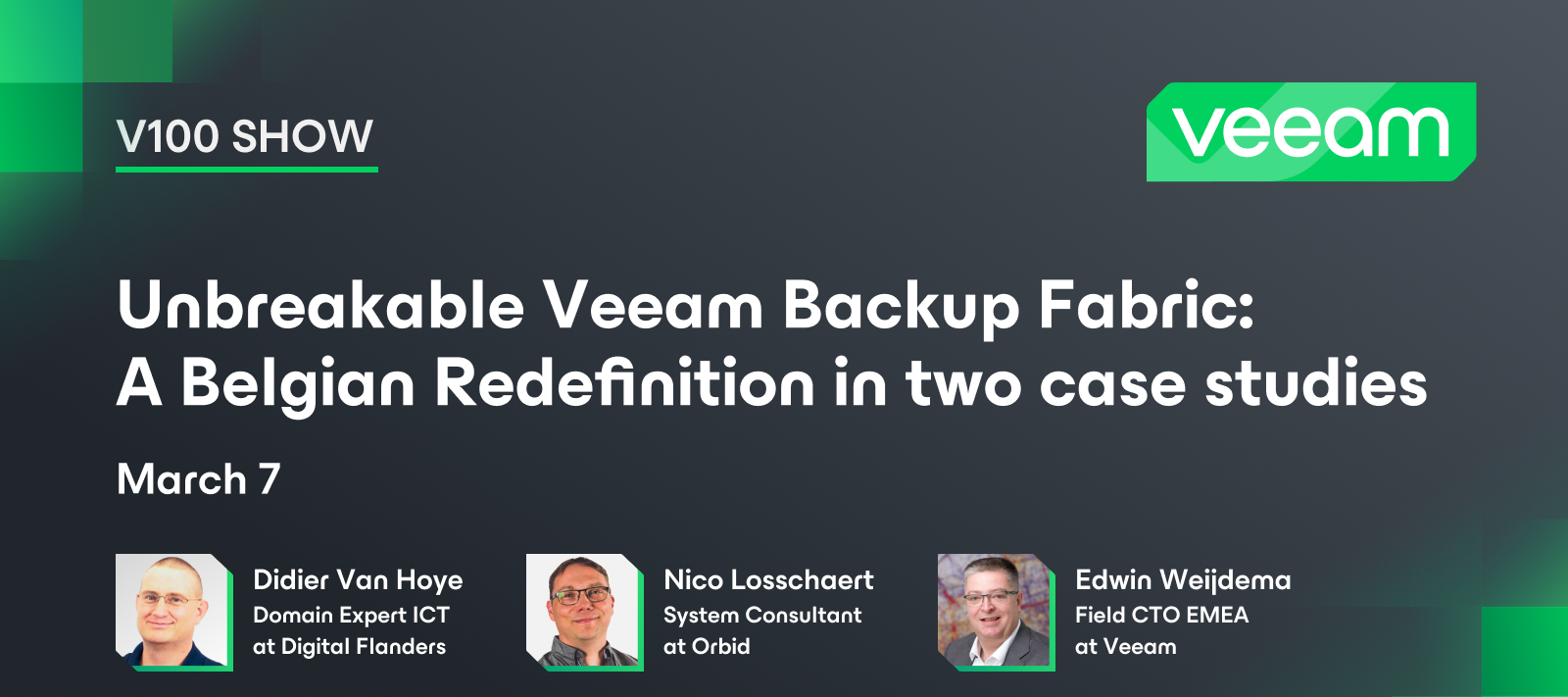
We had our 6th V100 Show this month! Can you believe it? The V100 Show highlights the innovations of our Veeam 100 members and how they are benefiting the community at large. Hosted by @Viperian, @Nico Losschaert @WorkingHardInIT explain Belgian companies’ data protection strategies and how they were able to create an unbreakable Veeam backup fabric. Didier and Nico also share their stories of joining technical communities and the rewarding parts of community involvement. Catch the replay here!
It’s been just about 2 months since Veeam released its newest version – 12.1. I've taken a little bit of time to review their What's New document, as well as browse around the Console. A lot of us in the Community were really looking forward to this release, mostly for a couple of its anticipated security enhancements – Scan backups for malware, as well as scan using YARA rules, both of which can be done without the need of using a Surebackup job or Virtual Lab.But, there are quite a few other features in this release you may not be aware of. So I thought I'd do a follow-up to my v12 Hidden Features post, and share some potential hidden features in Veeam's v12.1 version you might not be aware of as well. Let's get started!Four Eyes AuthorizationOk, this may be cheating a bit…some of you may (probably) already know about this security feature Veeam implemented in v12.1. But, I don't think it was fully given its due as much as some of the other new security enhancements. If you're not aw
My professional experience with backup procedures starts when servers were only physical and backups only with tapes, long recovery times and a recovery rate of 70-80%.If the operating system became corrupted, you were forced to rebuild a server from scratch...Then the advent of hypervisors and a chance meeting with Veeam in the VMUG community event and it was love at first job !No hard-to-understand interfaces and incomprehensible logs and the restores worked !From version 5.0 to version 12.1, years of work and successfully completed restores have passed with the many thanks received from Customers for saving them from various disasters. Of course, it is necessary to know it well in order to configure the jobs correctly for each environment and infrastructure, but the result is guaranteed.I really appreciate the effort made to guarantee the security features included from version 12 onwards, and I give a 10/10 to the 4-eyes feature in addition to the other YARA backup control and 'in
This is a story that is certain to have happened in a similar way to many of you.It is a story about a topic that is unfortunately becoming more and more current and frequent for those in the sys/backup admin job: managing the response to a ransomware attack.It was a Friday morning, the business week was drawing to a conclusion, and outside a pleasant spring sun was already warming the earth.As I arrived at the office, I was immediately notified that a client whose virtual infrastructure we were managing was no longer able to access some servers.In most cases, so many reports turn out to be minor issues, sometimes all it takes is a few tiny actions and everything gets sorted out.… But this time, I don't know why, I had a bad feeling: we connect to the vCenter, it responds, fine, but as soon as we log in we see that most of the VMs are in an "inaccessible" state..what could have happened? The storage seems ok, the datastores are mounted..looking here and there we take a browse to a VM'
WORLD BACKUP DAY - Your Data, Your ResponsibilityIt is #WorldBackupDay again, and I wanted to tell two stories that happened to me personally as a student and as an employee. from those stories, I learned one major lesson: my data is my responsibility 1- Student A long time ago, I was in my final year of college. I really liked my study in nuclear engineering, and I assume that I was a good student (top 10). then, I had an old PC with limited storage capacity. Due to lots of materials and resources I had, I bought a CD burner and started to “burn” CDs to save my data. This wouldn’t be enough. I was afraid to lose those CDs for any reason, like accidentally breaking them.The solution comes on a silver plate, my neighbor bought a new PC with sufficient storage. We made a cross-connection over the network and started to share data together. It was a good solution for me to save my spare data on a “trusted” machine rather than CDs. That was a relief. isn’t it??!!No, it is not. My neighbor
Already have an account? Login
No account yet? Create an account
Enter your E-mail address. We'll send you an e-mail with instructions to reset your password.