The Why Now Community Challenge: Veeam Data Platform 13.1. It’s time to vote!
News, guidelines and various community projects
Recently active
Question about VEEAM licensing in the context of a storage/server migration project:Old VEEAM server license:Veeam Backup & Replication v12 Build 12.3 Subscription license for Enterprise Plus 110 Instances (76 Used: 75 VM + 1 Server)The new VEEAM server is not connected to the old storage or old server.So the VM backup migration has to follow the VM server + storage migration: activate new backup for a VM when VM is migrated to new storage/servers. Whole process expected to take 2 months max.Can we license the new VEEAM server with the same subscription without deactivating the old VEEAM server? Can we do it without deploying an Enterprise Server?We will never pass above the number of currently used instances because a VM cannot be backed up on old and new at the same time.Thanks,Francis
Hi All,I’m working with Veeam Backup & Replication and need some guidance on replaying SQL Server transaction logs after restoring a database.Here’s my scenario:I’ve restored a SQL Server database using Veeam. I want to replay the transaction logs to bring the database to a specific point in time. I’m not sure about the correct steps or best practices to do this within Veeam or SQL Server.Could someone please guide me on:How to properly replay transaction logs after a restore? Whether this can be done directly through Veeam or needs to be handled manually in SQL Server? Any precautions or tips to ensure consistency and avoid data loss?
Hi, Good evening.I am analyzing different Veeam Backup & Replication instances and I would like take all parameters for every backup job present on every VB&R instances that I am analyzing.I would like to know if is possible launch one powershell script for retrieve these values for example: start time for every schedule job, servers involved, backup modality (full, incremental, reverse incremental, etc) aware setting if exist, etc.Thanks in advance.Best regardsRicardo
BackgroundWe have Veeam Backup & Replication (12.3.2.3617) server installed at our Head Office, where physical and virtual machines on the 192.168.ABC.0/24 network are backed up to Veeam Backup Repositories.Some physical devices are sometimes on Branch Office 192.168.XYZ.0/24 networks (where the XYZ is provided by local Branch Office DHCP servers). These devices can roam between the Head office and a number of (i.e. several) Branch Offices.The ABC is never equal to XYZ, and no two Branch Office XYZs are the same.Situation SummaryI want to be able to backup these roaming physical devices to either the Head Office Backup Repositories when the device is there, or to a local NAS in the Branch Office when it is there. For bandwidth reasons, we can’t reliably backup from Branch Office to Head Office over the VPNs during business hours. We can, however, replicate from Branch repo to Head repo over the VPNs overnight, which is when the endpoints tend to be disconnected from the LANs and wi
Hello,would you like to receive digital badges for your VMSP, VMTSP, VMCE or VMCA certification - e.g via Acclaim?I think this would be great, you can show your achievement, clients and employers can verify your certifcation online on the Badge Website.An example of an digital badge can be found here:https://www.youracclaim.com/badges/e08d2837-6862-43a1-a57e-44246ab432e3 What do you think? Good idea or nonsense?
Long time listener, first time caller!I work for a company that maintains a laboratory for a US government agency. The agency as part of our requirements keep the servers air-gapped. Will this prevent us from transitioning to Veeam 13?
Hello Community ! Subscriptions to Veeam Universy PRO, new learning platform for professionals, are now open.Special thanks to @Federica ! Currently, these courses are available, with two more to be added over the course of the next year: This type of subscription is very advantageous and economical as it allows 4 people from the same company to access the courses.For more information, please visit https://www.veeam.com/support/training/veeam-university-pro.html
Hello forum, We have an existing physical 12.3 VBR Enteprise server with local default repository (E:\) and local attached tape drive.Need to move to a new physical VBR Enterprise server, also with a local default repository and a new tape drive. We don’t want to connect the old tape library to the new server.Ideally the old server remains available for eventual restores from the old tapes.Backups on the local repository have only 2 weeks retention, so not really required to copy them to the new local repository.Is a simple configuration restore from the old VBR ES to the new one OK?I suppose the old catalog does not need to be copied to the new VBR ES and can be left out of the configuration restore?I’ll need to configure the new tapel ibrary and new media pools on the new ES and then point the copied Job definitions to the new media pools?Can the old VBR remain online for at least 6 months?Thanks, Francis
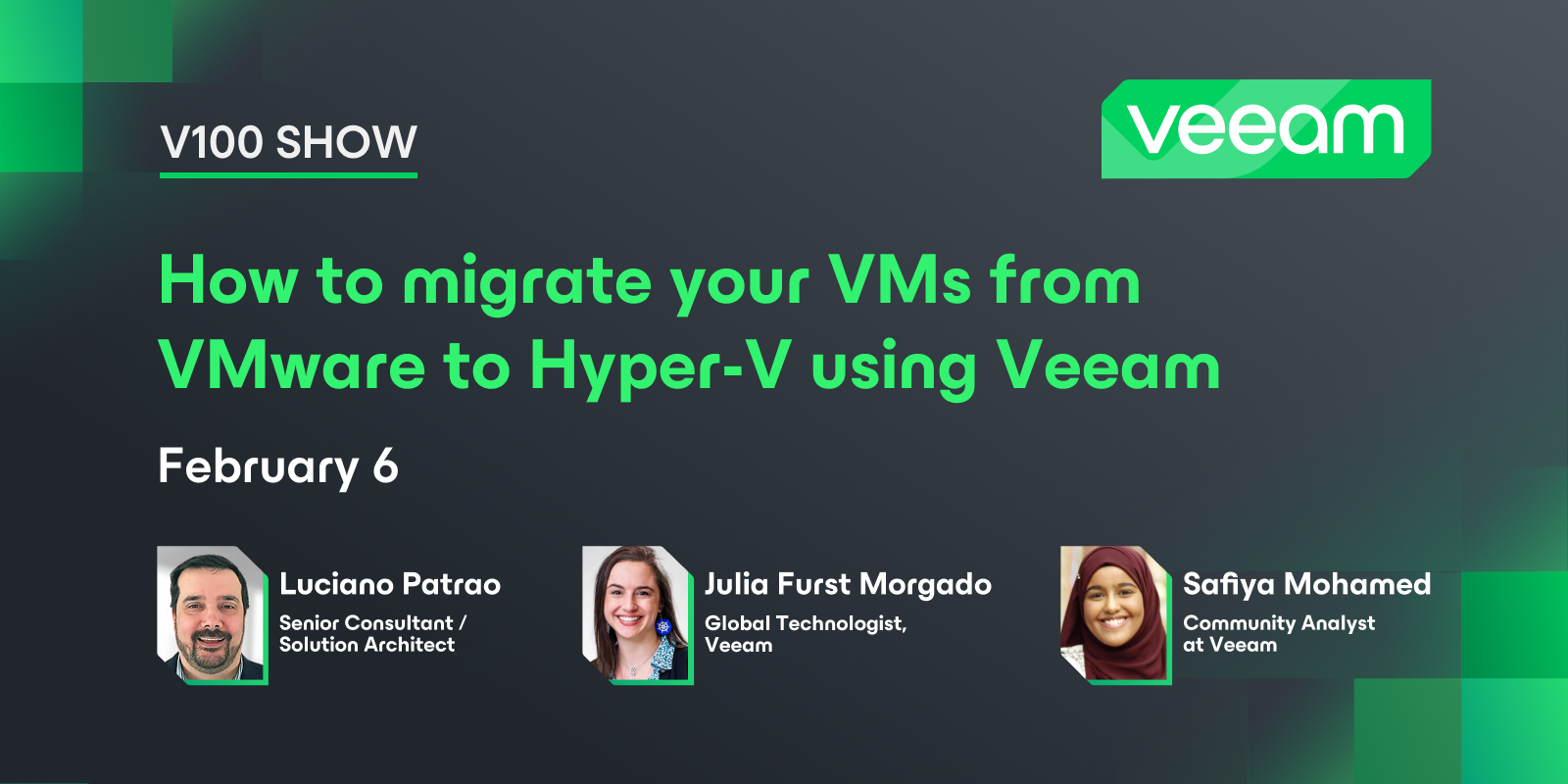
Veeam 100 show is back!After taking a break in January, we returned this month with a discussion on migrating your VMs from VMware to Hyper-V using Veeam with @JailBreak and @Julia F Morgado Find Luciano’s blog here - https://www.provirtualzone.com/. And stay tuned for some content from him regarding this topic! If you want more content, read the following migration guides from Veeam’s Solutions Architect team that were referenced in the show:Veeam Hypervisor Migration to Hyper-V Guide: https://www.veeam.com/whitepapers/veeam-hypervisor-migration-guide_wp.pdf - Douglas Cheung and @olivier.rossi Veeam Hypervisor Migration to Proxmox Virtual Environment Guide: https://www.veeam.com/whitepapers/veeam-hypervisor-migration-guide-vmware-proxmox-ve_wp.pdf - @rbrambley @olivier.rossi Catch the replay below!
Hey Folks,maybe some of you are running with Synology NAS Systems. In the last couple of months there was a big discontent with their customers → they made the decission to not support any 3rd Party vendors for Disk Drives anymore. FYI:This will be changed again, back to normal in a hopeful near future!As you can see here, in Synologys official German channel on YouTube, they announced their Solution Day 2025. In the comments a customer is asking when the mentioned support for 3rd Party HDDs will be back again… And they answered as follows: Hello RogerStocker,Thank you for your candid comment! We know that many users would like to see more flexibility when it comes to HDDs. We are currently in talks with manufacturers to ensure that third-party hard drives will be officially supported again in the future. However, this is a process that cannot be completed overnight.We will keep you updated on this – thank you for your patience! 💡 Synology Solution Day 2025 | Teaser - YouTube Best,
WARNING: Exciting content 🕺🏻This blog post has a little bit of everything: A little bit of compliance, a little bit of encryption, a little bit of REST API, and a little bit of V13, like in this song.IntroductionThe EU’s Digital Operational Resilience Act (DORA) requires financial entities to protect their data using robust cryptographic methods. Two key articles, Article 6 (Encryption and Cryptographic Controls) and Article 7 (Cryptographic Key Management), set out what must be done. If you use Veeam for backups, you can meet many of these requirements.DORA - Summary of Relevant Requirements (Articles 6 & 7)DORA requires financial organizations to encrypt backup data at rest and during transfer. Connections within the organization and with external partners must also be protected using encryption. In addition, there must be clear rules for managing cryptographic keys throughout their entire lifecycle, including creation, storage, renewal, backup, and secure destruction. If a key
Hi community, While waiting for Veeam Backup for MS365 to release a tool for migrating backup data from one bucket to another, I was thinking what could be another way of doing it. On the forum I saw that there are several options by using other tools, which are currently not supported by Veeam, as they might change the structure of files, but seems to work, and I thought of Veeam object storage backup feature. Has anyone used object storage backup job to archive Veeam for MS365 backups? It won’t help with backup mapping and will only be ok for smaller environments, but purely for archival purposes it doesn’t look to bad for me. Thank you!
Backup schedule periodically every n number of minutes/hours is a not customizable. It selects a random time and other jobs takes over the same schedule time with similar schedule. Time periods also of no use as it doesn’t run if a specific time is selected. This should be permitted 24 hours or else the job won’t run. It all depends on the random time selected by the job.It is a disaster that multiple jobs will run at same and throws errors.
Hi Team, Does Veeam Support AOS 7.3 with ESXi 7U3? Does Veeam care of AOS is 7.3 since the backups are running against vCenter? Veam version is 11a
Hi all,I finally found time to deploy the most recent version of v13 (final first release) within my lab and I quickly ran into the issue that the Web GUI shows "failed to check for updates" even after I ran through the process and updates the appliance.The host management GUI shows that the system is up-to-date, so I assume that the update was installed successfully - the VSA even rebooted during that process. I already restarted the VSA (and the whole lab environment tbh) so there can't be any caching issue as far as I can tell. Veeam Support Case is already open. R&D: https://forums.veeam.com/veeam-backup-replication-f2/v13-failed-to-update-but-system-is-up-to-date-t100160.html Any ideas on that? Best regardsLukas
Apologies no video this week, both @Rick Vanover and @Madi.Cristil are travelling and some circumstances made it hard to get a time to record. This one was my fault, but nonetheless we have content to share for sure!Featured Contentvia @JailBreak via @kirststoner12 via @Scott Vanguard Blog Spotlight - Zane Allyn via @allynz Special Department Newsvia @Jean.peres.bkp, @wolff.mateus and @magnun.scheffer VUG Brazilvia VUG Spainvia VUG GermanySorry about the no video and no Who’s New - we’ll be back at it next week. Have a great weekend everyone!
Data mobility has become a top priority for many organizations. Why? Because the cost of virtualization is rising quickly. VMware, Microsoft, and many HCI solutions have always carried a price, but recent changes have pushed those costs far beyond what most budgets anticipated.Have we been accustomed to the historically low total cost of ownership for virtualization? Perhaps.What is certain is that being vendor-flexible and infrastructure-mobile is now a financial necessity.In this quick overview, we will show how Veeam + OOTBI can serve as your all-in-one solution for staying agile and in control.As a bonus – I will be recovering directly to our Hyper-V Failover Cluster!Here I have my Test Workstation from my VMware backups that I will be using instant recovery to convert the machine to a Hyper-V Clustered resource (role).I have a lighter load on my Hyper-V Host 2 and want it to be restored as a cluster resource.Here you can see I have a CSV (Cluster Shared Volume) from our SAN that I
Oracle Retention for RMAN and Veeam Plugin Backup When it comes to RMAN, Veeam acts as a storage location utilized by the Oracle SBT interface. Therefore, it is RMAN retention settings that are utilized to manage the backups generated when using the Veeam Plugin backup protection.Typical retention for application aware backup will focus on the most recent restore points and mark backups to be pruned per familiar Veeam retention policies and retention methods.With Oracle, an incremental strategy employs a combination of incremental level 0, incremental level 1 and incremental level 1 with cumulative incremental or stand alone full. Each of these backup types dictate what data RMAN will identify and capture to create backup sets.Data captured during any one of these types can be manipulated as desired by the user. Typically, an incremental level 0 backup will capture all files necessary to restore and recover a database including the Initialization or SPFILE, Control File, all databa
Hi All, With the latest release of the Linux appliance for Veeam Backup: KB4738: Release Information for Veeam Backup & Replication 13 Virtual Appliance can we install some of the management agent to perform: EDR - Endpoint Detection and Response (for anti malware or detecting malicious activity) Infra monitoring (DiskSpace, Utilization and Uptime). Software deployment and Vulnerability or patching agent. Is this possible without affecting the software’s supportability?
The Veeam SAP HANA Plugin is an SAP-certified backup tool that connects directly to SAP HANA through the Backint interface and lets you store transaction-consistent database backups and log files in Veeam backup repositories. It acts as an intermediary between the SAP HANA server and Veeam, compresses the backups, transfers them to the Veeam repository via Data Mover, and allows backup and restore operations using native SAP tools such as SAP HANA Studio, Cockpit, and HDBSQL.As the plug-in only establishes the interface to Veeam, all further configuration is carried out via SAP, and SAP administrators are free to configure this as they wish.Installing the plugin is quite simple, but there are a few things to consider beforehand. Preparations / Basic InformationOS and HANA VersionThe OS and SAP HANA version must be compatible with the currently used Veeam version.https://helpcenter.veeam.com/docs/backup/plugins/system_requirements_saphana_64.html?ver=120 Firewall RulesFirewall rules mus
Backing up a postgresql database path on a suse linux enterprise vm, using Backup Job: Backup → Linux Computer -Error received: 9/10/2025 5:05:53 AM :: Processing suseprod Error: Failed to execute agent management command print. Failed to find the agent certificate. Possible reason: a recent change of hardware could cause the HWID to change as well. Changes i made, i had changed the vm hyperv config version for this vm from 10 to 8, thus changing vm name. I ran this same backup job, got error above, created a brand new backup job/chain same error, at the manage credentials section i used same root password. This backup worked for me earlier this year and last, but with both success and error due based on reports. Sometimes errors, other times success. right now it fails within 1 minute of trying to backup: Any fix/workaround please, Can Veeam 12 backup postgresql directly from my suse linux server, if so what are the steps?
With the release of Veeam Software Appliance and JeOS, deployment processes have become significantly more streamlined. In Europe, the prevalence of multiple languages naturally results in a variety of keyboard layouts, such as Azerty for French users, Qwertz for German users, and a Danish variant of Qwerty to accommodate specific characters like Å, Æ, and Ø. However, the rapid installation process does not provide the opportunity to configure keyboard settings during setup.There is, however, an effective solution. JeOS is an optimised and secure edition of Rocky Linux, and its installation is managed through an automated kickstart script. Settings such as keyboard layout, timezone, timesource, and network configuration are all specified within this script. To ensure every installation includes your preferred configurations, you can update or remaster the ISO and integrate these settings directly. For this purpose, I have developed a custom script, ksmod.py, which is available at https
In the first part of this three part blogpost we’ve discussed why to use gMSAs to achieve application consistency before backing up our workloads with Veeam Backup and Replication (VBR).In this part I will show you, how easy it can be implemented with VBR and how the process differs from the official manual. (1) Ensure your forest schema is updated to (at least) Windows 2012 (Version 56+)First, check your version of the forest schema and increase it, if needed, beforehand. You might well go all the way up to the maximum possible level for your most legacy domain controller. Check for compatibility with other domain related services like Exchange servers etc. first, to make sure you don’t break other things. (2) Make sure you have created a KDS root keyThe KDS root key is a crucial component of the Microsoft Group Key Distribution Service (KdsSvc). It is used to generate group keys that are distributed within an Active Directory environment. This root key is essential for creating gro
When it comes to Veeam Hardened Repository Server, we hopefully talk about a dedicated hardware server. Because of the high secure implementation of this feature it makes perfect sense to disable any additional attack surface. So it is highly recommended to disable platforms like HPE ilO and Dell iDRAC.On the other side, it is essential to monitor this piece of hardware. IMHO it is important not to open any incoming network ports for monitoring. Means, monitoring (agent, script, deamon, ...) should open a port from within the host to in external instance like mail-server, SNMP-host, syslog-server, … and closes it afterwards. Otherwise a service - most probably with root-permissions - is running and open for external access.So how did you implement hardware monitoring?
After four years away from Veeam (now a Pure Storage Principal Technologist), v13 represents the evolution I always hoped to see. This isn't just another release. v13 is Veeam's comprehensive answer to modern infrastructure challenges. Key Transformations:Web UI Revolution: Complete backup management in-browser, eliminating dedicated management workstations Security-First Foundation: STIG-compliant hardened Linux with enforced MFA and dual admin model from deployment Hybrid Infrastructure Ready: Modern foundation while maintaining full backward compatibility Appliance Simplicity: OVA deployment with wizard-driven hardening, without being stuck In The Box.The Linux foundation isn't just OS modernization it is in reality an infrastructure alignment; strongly catering to security-conscious hybrid environments. Having seen customer challenges from both the backup and storage sides, v13 addresses every major adoption barrier I encountered as a SE.Bottom Line: This is Veeam's strategic reset
Already have an account? Login
Enter your E-mail address. We'll send you an e-mail with instructions to reset your password.