Join discussions around Veeam community projects, Veeam events, industry and technology news
Recently active
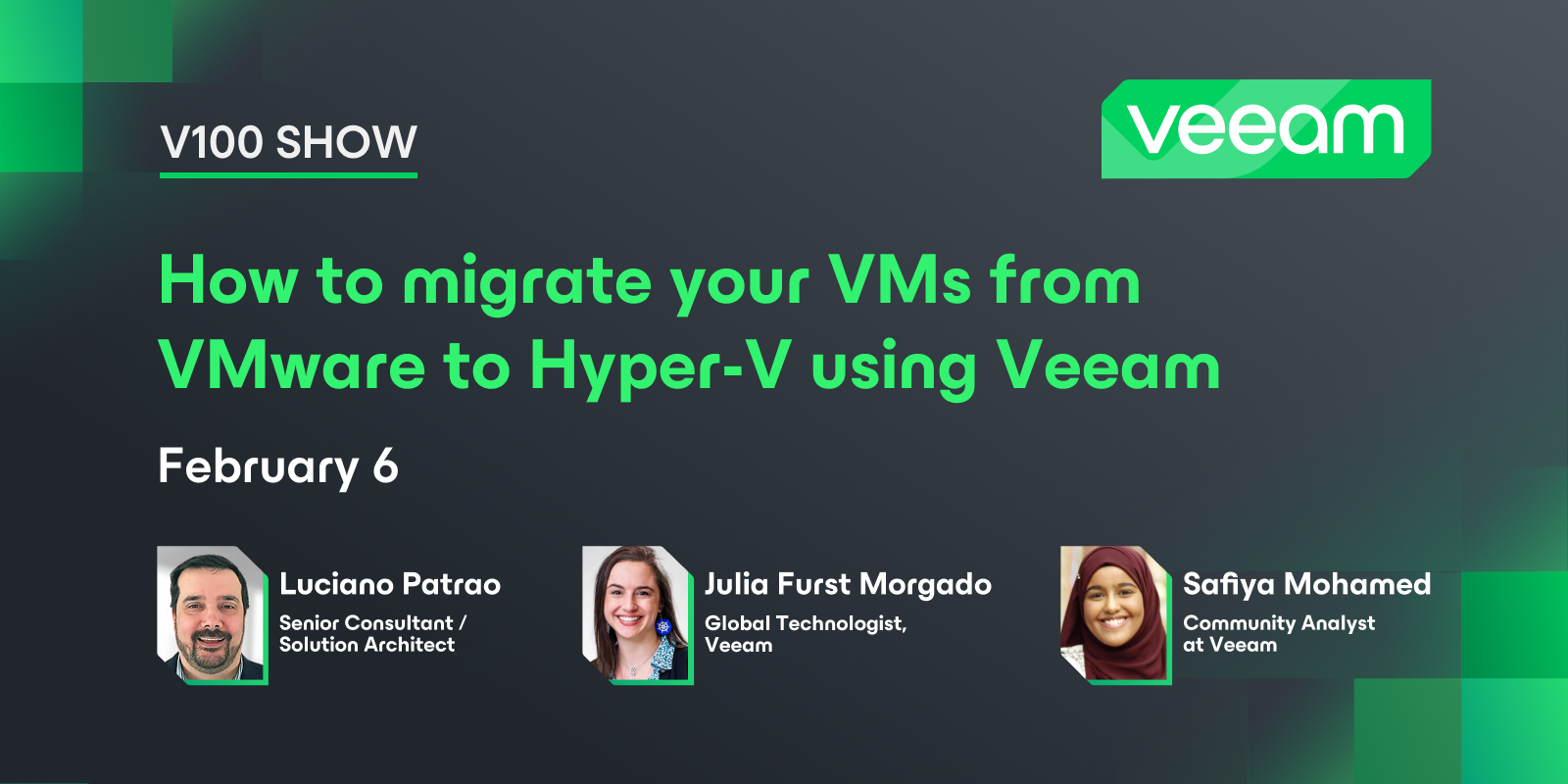
Veeam 100 show is back!After taking a break in January, we returned this month with a discussion on migrating your VMs from VMware to Hyper-V using Veeam with @JailBreak and @Julia F Morgado Find Luciano’s blog here - https://www.provirtualzone.com/. And stay tuned for some content from him regarding this topic! If you want more content, read the following migration guides from Veeam’s Solutions Architect team that were referenced in the show:Veeam Hypervisor Migration to Hyper-V Guide: https://www.veeam.com/whitepapers/veeam-hypervisor-migration-guide_wp.pdf - Douglas Cheung and @olivier.rossi Veeam Hypervisor Migration to Proxmox Virtual Environment Guide: https://www.veeam.com/whitepapers/veeam-hypervisor-migration-guide-vmware-proxmox-ve_wp.pdf - @rbrambley @olivier.rossi Catch the replay below!
Hey Folks,maybe some of you are running with Synology NAS Systems. In the last couple of months there was a big discontent with their customers → they made the decission to not support any 3rd Party vendors for Disk Drives anymore. FYI:This will be changed again, back to normal in a hopeful near future!As you can see here, in Synologys official German channel on YouTube, they announced their Solution Day 2025. In the comments a customer is asking when the mentioned support for 3rd Party HDDs will be back again… And they answered as follows: Hello RogerStocker,Thank you for your candid comment! We know that many users would like to see more flexibility when it comes to HDDs. We are currently in talks with manufacturers to ensure that third-party hard drives will be officially supported again in the future. However, this is a process that cannot be completed overnight.We will keep you updated on this – thank you for your patience! 💡 Synology Solution Day 2025 | Teaser - YouTube Best,
Hi community, While waiting for Veeam Backup for MS365 to release a tool for migrating backup data from one bucket to another, I was thinking what could be another way of doing it. On the forum I saw that there are several options by using other tools, which are currently not supported by Veeam, as they might change the structure of files, but seems to work, and I thought of Veeam object storage backup feature. Has anyone used object storage backup job to archive Veeam for MS365 backups? It won’t help with backup mapping and will only be ok for smaller environments, but purely for archival purposes it doesn’t look to bad for me. Thank you!
Backup schedule periodically every n number of minutes/hours is a not customizable. It selects a random time and other jobs takes over the same schedule time with similar schedule. Time periods also of no use as it doesn’t run if a specific time is selected. This should be permitted 24 hours or else the job won’t run. It all depends on the random time selected by the job.It is a disaster that multiple jobs will run at same and throws errors.
Hi Team, Does Veeam Support AOS 7.3 with ESXi 7U3? Does Veeam care of AOS is 7.3 since the backups are running against vCenter? Veam version is 11a
Hi all,I finally found time to deploy the most recent version of v13 (final first release) within my lab and I quickly ran into the issue that the Web GUI shows "failed to check for updates" even after I ran through the process and updates the appliance.The host management GUI shows that the system is up-to-date, so I assume that the update was installed successfully - the VSA even rebooted during that process. I already restarted the VSA (and the whole lab environment tbh) so there can't be any caching issue as far as I can tell. Veeam Support Case is already open. R&D: https://forums.veeam.com/veeam-backup-replication-f2/v13-failed-to-update-but-system-is-up-to-date-t100160.html Any ideas on that? Best regardsLukas
Data mobility has become a top priority for many organizations. Why? Because the cost of virtualization is rising quickly. VMware, Microsoft, and many HCI solutions have always carried a price, but recent changes have pushed those costs far beyond what most budgets anticipated.Have we been accustomed to the historically low total cost of ownership for virtualization? Perhaps.What is certain is that being vendor-flexible and infrastructure-mobile is now a financial necessity.In this quick overview, we will show how Veeam + OOTBI can serve as your all-in-one solution for staying agile and in control.As a bonus – I will be recovering directly to our Hyper-V Failover Cluster!Here I have my Test Workstation from my VMware backups that I will be using instant recovery to convert the machine to a Hyper-V Clustered resource (role).I have a lighter load on my Hyper-V Host 2 and want it to be restored as a cluster resource.Here you can see I have a CSV (Cluster Shared Volume) from our SAN that I
Hi All, With the latest release of the Linux appliance for Veeam Backup: KB4738: Release Information for Veeam Backup & Replication 13 Virtual Appliance can we install some of the management agent to perform: EDR - Endpoint Detection and Response (for anti malware or detecting malicious activity) Infra monitoring (DiskSpace, Utilization and Uptime). Software deployment and Vulnerability or patching agent. Is this possible without affecting the software’s supportability?
Backing up a postgresql database path on a suse linux enterprise vm, using Backup Job: Backup → Linux Computer -Error received: 9/10/2025 5:05:53 AM :: Processing suseprod Error: Failed to execute agent management command print. Failed to find the agent certificate. Possible reason: a recent change of hardware could cause the HWID to change as well. Changes i made, i had changed the vm hyperv config version for this vm from 10 to 8, thus changing vm name. I ran this same backup job, got error above, created a brand new backup job/chain same error, at the manage credentials section i used same root password. This backup worked for me earlier this year and last, but with both success and error due based on reports. Sometimes errors, other times success. right now it fails within 1 minute of trying to backup: Any fix/workaround please, Can Veeam 12 backup postgresql directly from my suse linux server, if so what are the steps?
When it comes to Veeam Hardened Repository Server, we hopefully talk about a dedicated hardware server. Because of the high secure implementation of this feature it makes perfect sense to disable any additional attack surface. So it is highly recommended to disable platforms like HPE ilO and Dell iDRAC.On the other side, it is essential to monitor this piece of hardware. IMHO it is important not to open any incoming network ports for monitoring. Means, monitoring (agent, script, deamon, ...) should open a port from within the host to in external instance like mail-server, SNMP-host, syslog-server, … and closes it afterwards. Otherwise a service - most probably with root-permissions - is running and open for external access.So how did you implement hardware monitoring?
Did anyone at all get this lego build finished? I wasn’t able to watch the webinar and Katerina was able to send me the recording but unfortunately Go To Webinar glitched during the build part of the webinar and only the audio is available.Can anyone post a picture of the finished build, or maybe someone else recorded it?
Hi,I’m using a GFS tape job to store my backup jobs. It contains 12 monthly and 5 yearly jobs. If I want to show all restore points, I only see until may 2025. All restore points before are not showed. When I’m searching my emails, I’m able to find the tape which contains the not shown backups. On the tape I will find the monthly backup, I’m searching for.I few months ago, I do not know how many, I changed the name of the tape job. He seems to work.What can I do? When I catalog the tape an error appears. “Error: Violation fo primary key constraint…...”I opened a ticket, but it still works slowly. “Case-Nr.07791336 Restore Points werden nicht angezeigt”Can anyone help?Kind regards Gunter
I wanted to solicite the community as I am working on an outline to see if there were a few topics that people feel strongly about should be something covered for v13?If you have some topics you would like to see please post them in this thread as it is easier than a DM to me and they may get lost in the shuffle.I am working on the outline this week to get it submitted for approval so will probably give this until Wednesday before I stop taking ideas. I will have a chapter on VONE too in this book.Let me know what you want to see covered and I will do my best to get it in this book. 😁
I’m new using veeam, and our company just decided to use veeam as our backup solution. The 3rd party that setup the backup, is using application oracle agent, so it’s a managed mode as agent was deployed from the VBR.Backup job is running fine, and I saw that it’s using RMAN to backup the database. However, I don’t see a way to modify the RMAN script veeam is using. I have couple of questions:If I want to use recovery catalog, how can I put it in the backup script for the job with veeam managed mode. How to enable GFS, if I have to retain data for longer term (our requirement is for ex 7 years to retain data) Is it actually possible to restore from the specific veeam backup files (.vab,.vsm) from RMAN command? I tried to test this to restore specific control file not from the autobackup, as backup information has been deleted from the current control file, but it doesnot able to find it. thank you.
I’m backing up about 30TB of data in my homelab to LTO tape using Veeam 11 CE. Looking at the licensing if I upgrade to Veeam 12 CE then I will be restricted to 5TB of backup, and my jobs will fail. Am I understanding this correctly?ThanksDerek
ICYMI Today, we had our September episode of the Veeam 100 Show. This episode is the final special edition highlighting projects from the 2024 Veeam Community Hackathon.I was joined by my co-host @mkevenaar and team members, @coolsport00 @jorge.delacruz and Mykhailo Kolenko.We discussed their 2024 hackathon project, the Hexagon Protection Dashboard - a honeycomb-style view that polls the VeeamONE API in real time and instantly tells you which workloads are safely backed up, which are protected but require review, and which need attention now as are unprotected.If you missed the episode, catch the replay here! 🐝 Don’t forget to sign up for 2025’s Veeam Community Hackathon! Sign up here: https://veeamhackathon.com/ Stay tuned for the next show!
Was previously working as intended, just tried to login.On the login screen there is a popup “Application update error. Try cleaning the browser cache“ Cleaned browser cache but did not change.When logged in there is no organization showing, and as such no backup/restore jobs are showing. Under Settings>Companies I get a popup error: could not prepare statement; SQL [with t as (SELECT c.id as id, cast(c.external_id as text) as externalId, c.name as name, SUM(CASE WHEN s.org_name='production' THEN s.sf_sfdc_used_licenses ELSE 0 END) as users, SUM(CASE WHEN s.org_name='production' THEN (cast(jsonb_extract_path(s.sf_storage, 'data', 'max') as float) - cast(jsonb_extract_path(s.sf_storage, 'data', 'remaining') as float)) ELSE 0 END) as dataSize, SUM(coalesce(s.storage_used, 0)) as storageSize, SUM(coalesce(d.db_size_bytes, 0)) as dbSizeBytes, COUNT(s) as sfOrg FROM vsf_configuration.company c LEFT JOIN vsf_configuration.sf_instance as s on c.id = s.company_id LEFT JOIN vsf_configuration
Hello, I recently installed B&R 12 Community Edition to backup a large file server to tape (about 36TB in one server).The disk backup is done to a QNAP NAS connected via iSCSI to the HyperV Server that hosts the VM (needed to use iSCSI as the QNAP NAS does not support files larger than 16TB).The backup to disk results in a 32TB VBK file. The tape drive is connected to another server running the Veeam Installation.Running a Backup to Tape job on the (VSS snapshotted) backup folder however behaves weirdly: right now after 48 hours the job progress is 99% with 88,9 TB of 88,9 TB transferred to tape but that number keeps on growing to 89 TB of 89 TB and so on. Yesterday it was at 99% with 50 TB of 50 TB transferred.The iSCSI target hosting the backup only has 50 TB in total disk space so reading 88 TB from that drive is rather unlikely.The job states "Continuing task for <VBK-File>" and the task.<Hostname>.performer_1.log gives me the line after the last tape swap on the au
I’ve been googling and am about to open a support case, but I’m checking here first. I have just built my first linux proxy servers using Ubuntu 22.04 LTS. Super easy, works great. Except I have two more that I’m trying to build as CDP proxy’s. I can setup as regular VMware Proxy’s, but when I attempt to install the CDP Proxy, I get the below errors.Error Failed to save Veeam CDP proxy: No connection could be made because the target machine actively refused it <IP Address>:6182Error Infrastructure item save failed Error: No connection could be made because the target machine actively refused it <IP Address>:6182 This is my first time using Linux CDP proxy’s. I did have Windows Proxy’s in place but was having an issue with starting the CDP service on those machines after upgrading to 12.1 and decided to just remove those VM’s because they were 2012 R2 and are being replaced/retired anyway. Unfortunately, I’m not super well-versed in Linux so I’m learning here. T
Hi all, i’d like to clarify a best practice scenario for SOBR with Azure Blob storage.Environment (short) Veeam B&R v12.x — SOBR: Perf = Data Domain, Capacity = Azure Blob Cool (immutability 25 d + 10 d block generation), Archive = Azure Archive. GFS: Weekly 5 weeks, Monthly 7 months (~210 d). Goal: 30 d in Cool, then ≥ 180 d in Archive (Azure minimum). Candidate options (please advise which is best practice) Option A (simple & compliant, slight extra Cool cost): Keep Monthly = 7 months and Archive-after = 30 d. Keep immutability 25 + 10 = 35 d (Capacity cleanup deferred until D+35; ~5 extra Cool days). Option B (cost-optimized, if security allows): Set immutability = 20 + 10 = 30 d to align with Archive-after = 30 d, keep Monthly = 7 months. Option C (if keeping immutability 35 d and/or Archive-after 35 d): Increase Monthly = 8 months (~240 d) to stay ≥ 180 d in Archive in all cases. Question: Which option would you recommend as best practice (co
Hi,does anybody have experience in backup vms from elastic cloud server (ECS) in the open telekom cloud? My idea would be, installing veeam backup server inside the cloud. Backup the ECS with agents to an external storage provider AWS S3 oder WASABI for example.Greetings Hartmut
I hope by now you all are aware of the latest v13 VSA GA release. This is available now via the download section of my.veeam.comKey features of the new Veeam Software Appliance include:Veeam’s first prebuilt, pre-hardened software appliance for rapid deployment and reduced risk Hardware-agnostic design for maximum flexibility enables customers to deploy on their preferred hardware Veeam-managed Linux OS (JeOS) as a secure foundation Delivery as bootable ISO and OVA for maximum deployment flexibility Built-in immutability and Zero Trust controls to protect against ransomware Automated patching of JeOS and backup software Modern web UI with SAML single sign-onFor further details, see the press release here:https://www.veeam.com/company/press-release/veeam-launches-first-ever-software-appliance-instant-secure-data-protection-without-hardware-lock-in.html?utm_source=bambu&utm_medium=social&utm_campaign=advocacy
I am facing performance speed issues with the agent backup. The server capacity is 8TB, and it takes a very long time to complete the backup. Could you please advise if there are any solutions or recommendations to increase thebackup speed?
Hi All,What is the best resolution to pull Agent backup job reports configured with GFS from VAC integration with REST API or Swagger not using Veeam ONE. Thanks,
Happy Monday Community! As Madi is on vacation, I am taking over Blog of the Month duties for August. :) You have 6 great blogs to select from this month. 2 were shared on July 29, missing the July nomination period, so I felt to add them here. Congrats to the nominees @coolsport00 @matheusgiovanini @PeteSteven @Scott @DaveR_NZ @marcofabbri! Take a read and select your favorite. The winner will be announced next Tuesday, September 2 (Monday is a US Holiday)August Blog of the Month Nominations:Select your favorite blog. Voting closes on September 1!
Already have an account? Login
Enter your E-mail address. We'll send you an e-mail with instructions to reset your password.