Hello all,
Veeam Backup & Replication Community Edition
Version before Update: 13.0.1.1071
After applying the patch for version 13.0.1.2067:
When I launch the Veeam Backup & Replication Console on the backup server, I am unable to connect and the following error appears: "Failed to connect to the backup server localhost. Make sure it is online and version is v13 or later".
I updated Veeam with the patch and when I launch the full ISO, only the “Modify” option appears, and I could install "Veeam Backup Enterprise Manager".
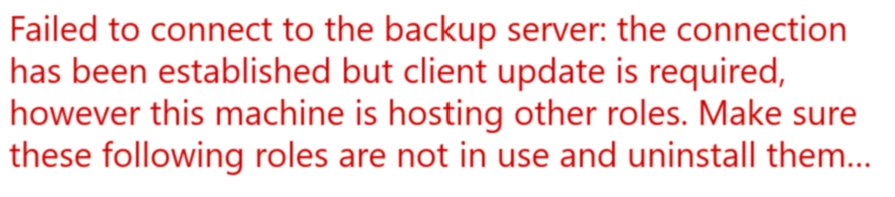
Either the error message mentioned above appears or this one, when I launch the console:
"Failed to connect to the backup server: Client update is required but it is linked to a local server installation version. Use a standalone console installation or update your local server first."
The Full-ISO contains a Shell.x64.msi, when I run it as admin, I can repair it, but doesnt change anything.
Does someone have an idea how to fix that?
Thanks in advance!
Kind regards
Tim