Question

Backup VM failed: Line 1, Column 1 Syntax error: Malformed token

  • April 14, 2023
  • 11 comments
  • 499 views

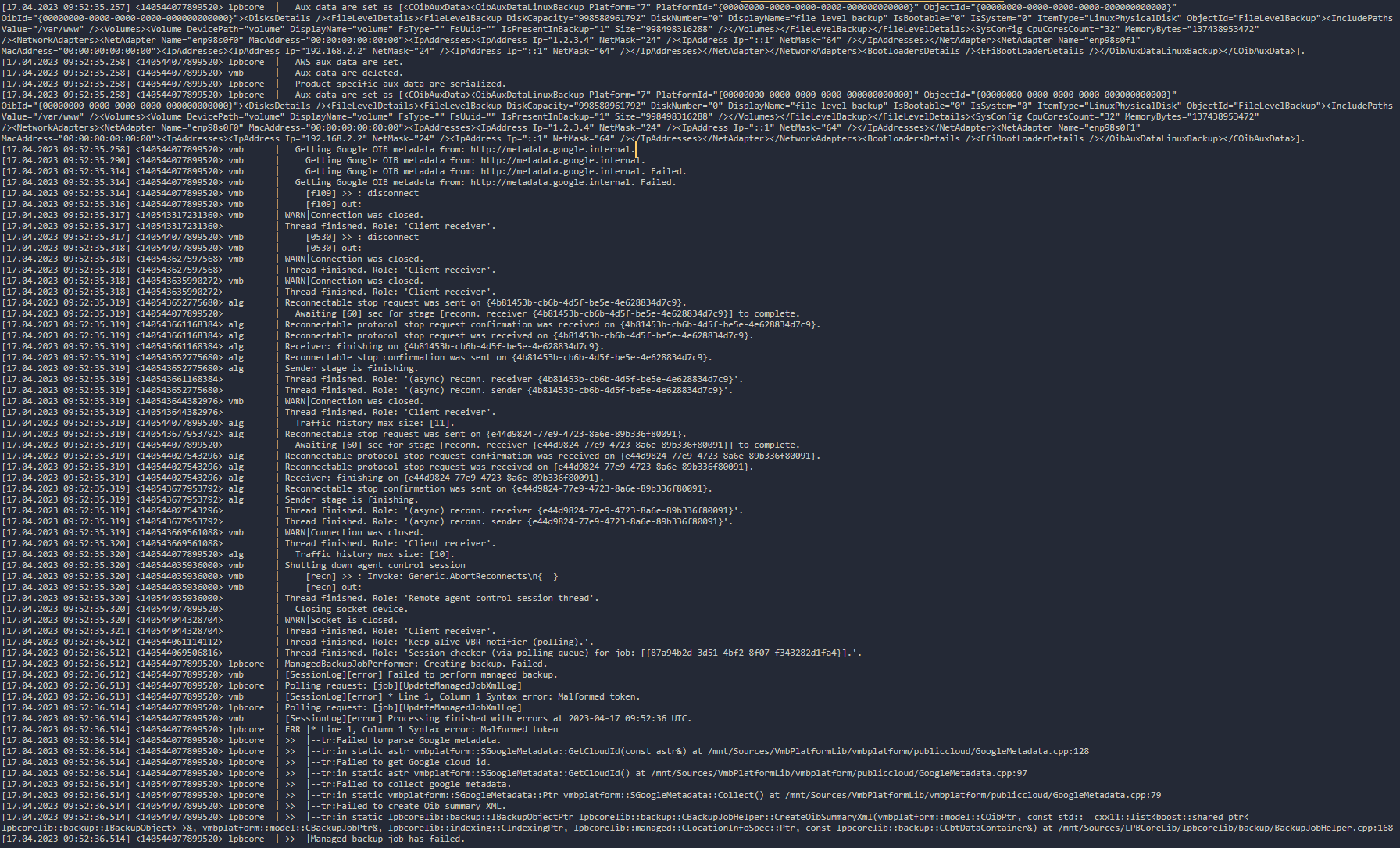
I have Veeam Agent Comm Edition installed on Centos 7, trying to backup and I receive the following error.
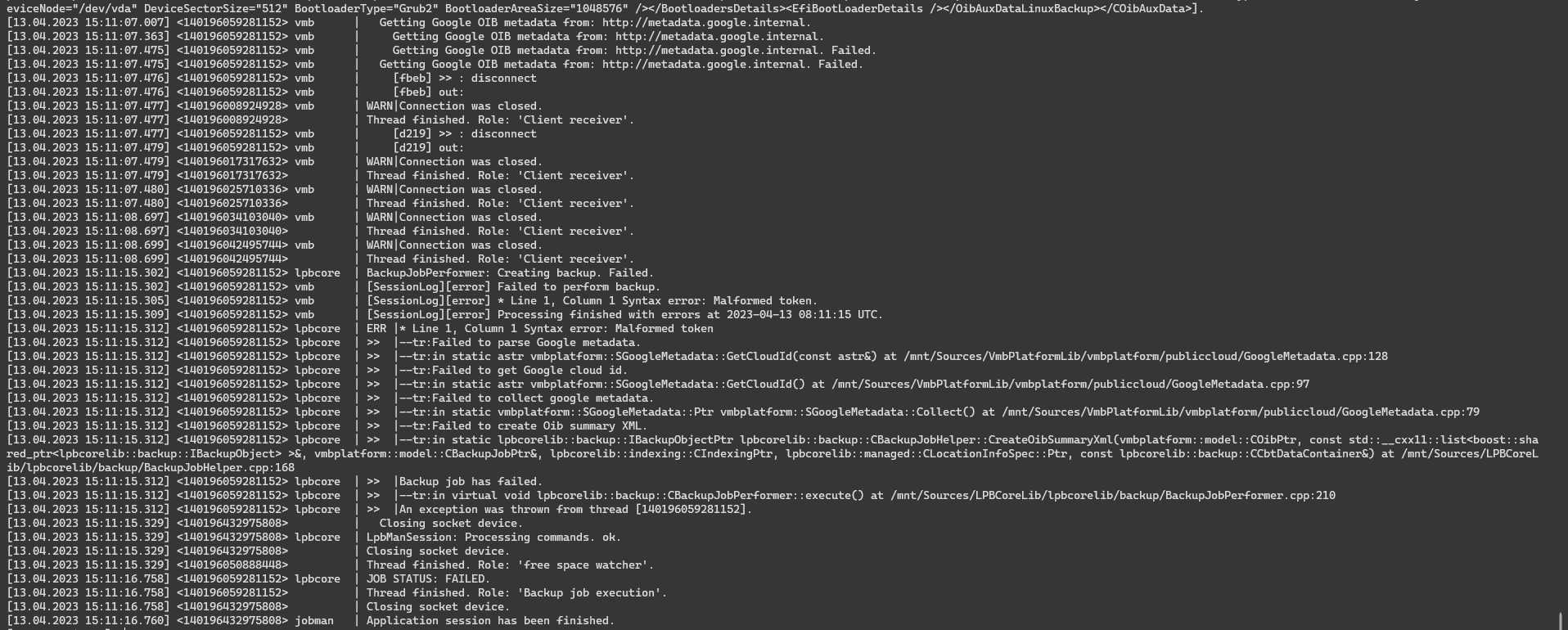
 

Please help me to solve the above error.
Thank you so much!

11 comments

MicoolPaul
Forum|alt.badge.img+23

It’s failing to get metadata from google, are you trying to backup to google? Or is this a VM running on GCP?


  • Author
  • Not a newbie anymore
  • April 15, 2023

Thanks for your answer.  But my VM only runs locally and I backup to the NAS drive.


MicoolPaul
Forum|alt.badge.img+23

There’s a lot of public cloud references in there which make me think this isn’t being treated as a normal Linux backup. I would suggest redeploying the agent.


  • Author
  • Not a newbie anymore
  • April 17, 2023

There’s a lot of public cloud references in there which make me think this isn’t being treated as a normal Linux backup. I would suggest redeploying the agent.

Thank you, 

I have 2 server physical run KVM at the Data Center. My boss want to backup it from DC to company. Please, give me solution for this case. Other VMs in KVM backed up successfully.


  • New Here
  • April 17, 2023

Hi, I’m also experiencing this issue trying to perform a file level backup of a Debian 10 server. After reading this thread I decided to completely uninstall the agent and uninstall / reinstall VBR on the management side to start with a totally empty config database - it’s made no difference at all.

VBR version: 12.0.0.1420 P20230223

Agent version: 6.0.0.1060 on “Debian GNU/Linux 10 (buster)”

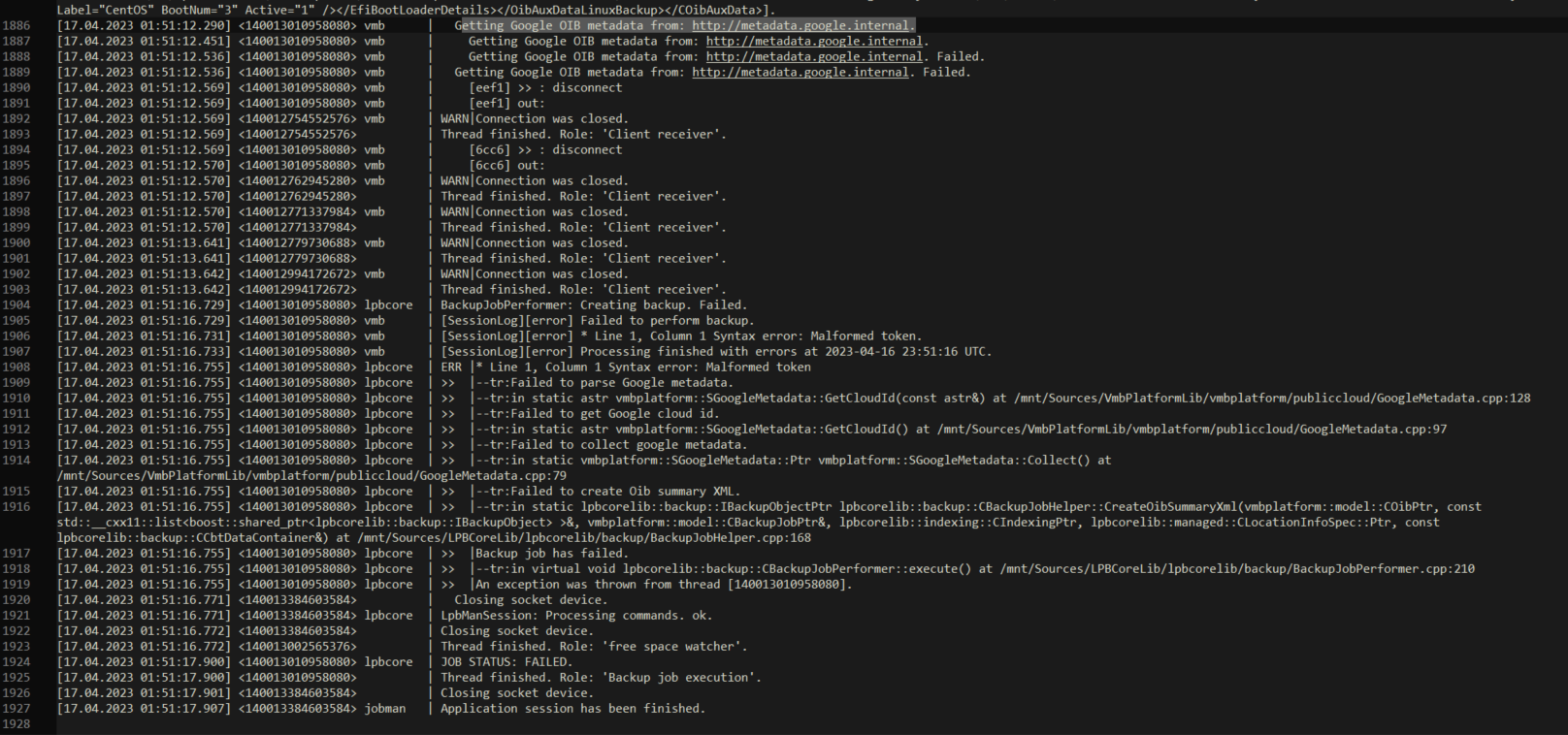
Here’s a snippet from the end of the job log:

Any help would be much appreciated!


  • New Here
  • April 17, 2023

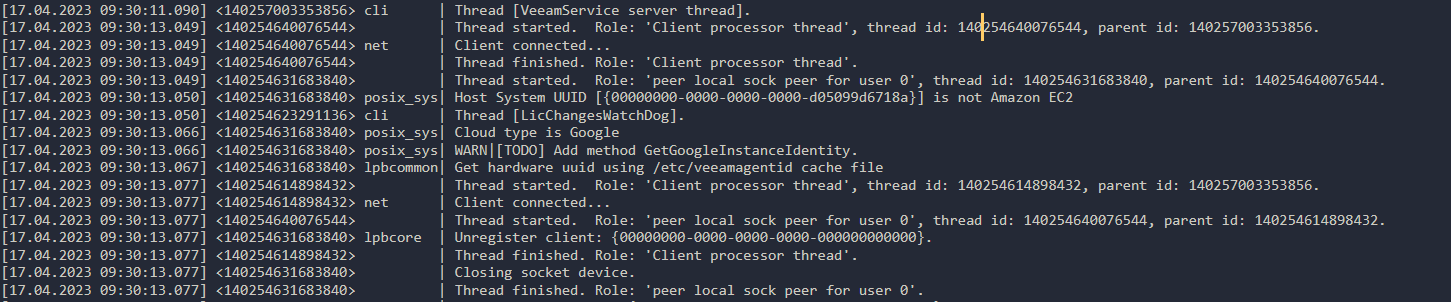
Hi again. Just in case this is helpful, I also found an entry in veeamsvc.log from when the agent was deployed:

It’s the “Host System UUID {xxx} is not Amazon EC2” part followed by “Cloud type is Google”. I’m not sure exactly where that data is stored or how it is used, but it could be the cause of the Google metadata errors.

Is there any way to correct that data manually?

Thanks,


  • New Here
  • April 18, 2023

I, i’ve the same issue on Centos 7 Physical Machine, reinstall the agent and create a clean job do not solve. it looks like a bug


MicoolPaul
Forum|alt.badge.img+23

A new CU came out for VBR and the agents a couple of days ago, if the issue persists then I’d suggest posting on https://forums.veeam.com after raising a support case. I haven’t tested yet in the lab, what’s the exact build of CentOS 7?


  • New Here
  • April 18, 2023

Centos 7.9 , all updates installed. Before updating, veaam works as expected


  • New Here
  • April 19, 2023

I have the same issue


  • New Here
  • April 19, 2023

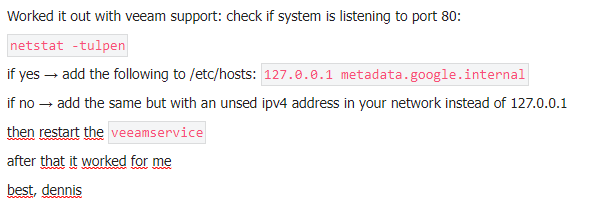
Thanks for the solution provided , we’ll check if can be applied because we’re running web services on all machines, modifying the hosts file could cause issues.

I hope veeam releases an update soon for this problem