Hi,
We used to use VM File Exclusion on Windows VM where DFS is used because the replicated VM is in branch office and backup storage capacity is less than Main office.
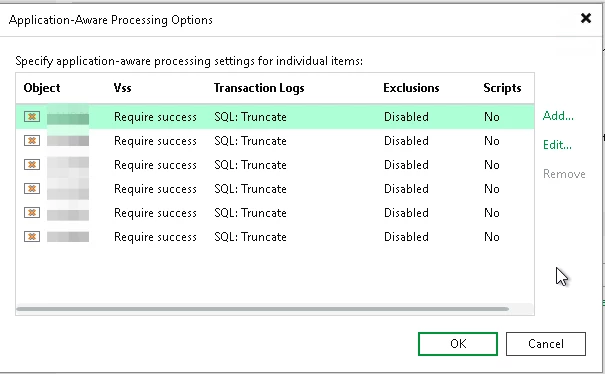
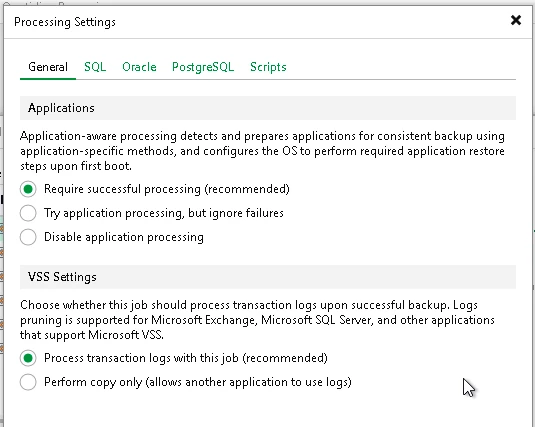
Since this winter (we update Veeam to V13 to support Proxmox 9), I can’t exclude directory on “application aware processing settings”. I can see on the list Exclusions is disabled, but when i edit VM settings, the exclusion tab is missing.
I hope you can help me.
Regards
Benjamin