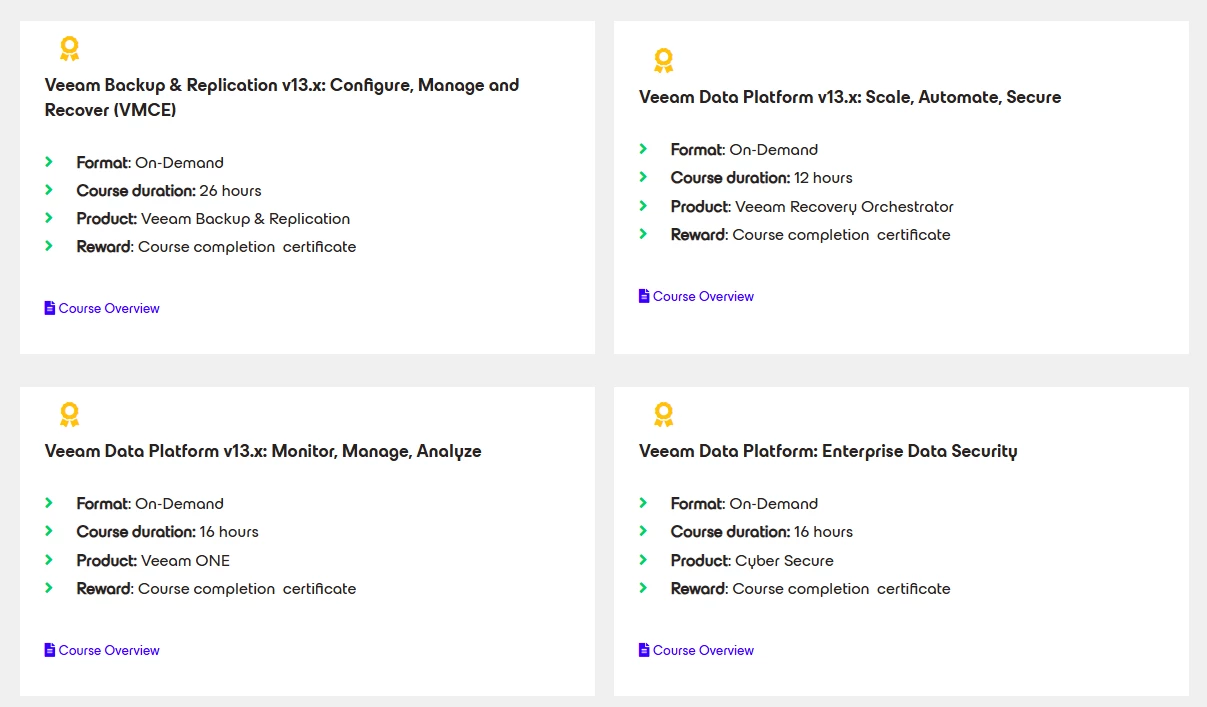
Today I completed another third of the Veeam ONE v13 self‑paced training at Veeam University, moving further into the operational and monitoring‑focused parts of the course. This section covered four core areas:
- Monitoring vSphere and Hyper‑V Virtual Environments
- VMware Cloud Director Monitoring
- Backup for Microsoft 365 Monitoring
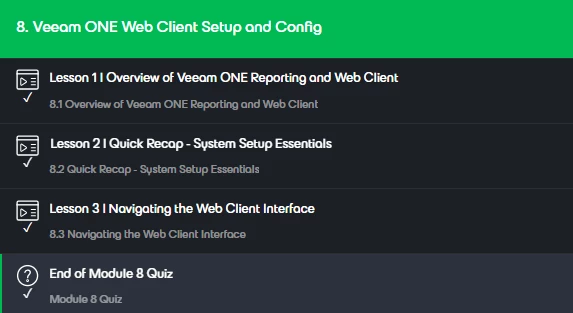
- Veeam ONE Web Client Setup and Configuration
As with the previous modules, each section concluded with a 5–6 question knowledge check.
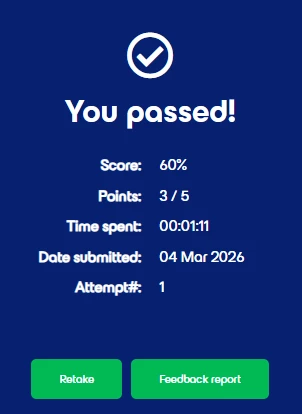
One thing that stood out again: the quizzes are more detailed than the course alone might suggest. In several cases, the questions referenced very specific statements made by the trainer, so listening carefully really matters. I’ve made sure to document these questions thoroughly as part of my exam preparation notes.
Focus on Monitoring and the Web Client
My primary interest in this part of the training was clearly on monitoring capabilities and the web client. In our customer projects, we deal extensively with latency control, performance visibility, and reporting, so these modules were particularly relevant.
The sessions on vSphere and Hyper‑V monitoring provide a solid overview of how Veeam ONE approaches performance, capacity, and health monitoring across both hypervisor platforms. The VMware Cloud Director monitoring module is especially useful for service‑provider or multi‑tenant scenarios, showing how visibility and reporting can be structured across organizations and tenants.
The Backup for Microsoft 365 monitoring module ties everything together nicely, highlighting how Veeam ONE extends beyond infrastructure monitoring and into SaaS backup visibility — something that continues to gain importance in many environments.
Finally, the Veeam ONE Web Client setup and configuration module was one of the most practically useful parts for me. Understanding how the web client is deployed, secured, and customized is key, especially when multiple teams or customers rely on centralized dashboards and reports.
Essentials Course – By Design
As mentioned in my earlier posts, this course is clearly positioned as an “Essentials” training. It does not dive into every single feature or edge case, and that is very much by design. The goal is to provide a structured introduction to the product, its architecture, and its main use cases.
If you are looking for deep‑dive or highly granular knowledge, I would strongly recommend working hands‑on with the product in parallel. Spinning up a small test environment next to the training makes a noticeable difference in how well the concepts stick. Fortunately, getting started is easy — Veeam ONE is available as a 30‑day trial directly from the Veeam website.
What’s Next
With these modules completed, only the final four modules remain, followed by focused exam preparation. I’ll share my experience with the last part of the course, along with some thoughts on readiness and key takeaways for the exam, in the next post.
Stay tuned. 😎