Solved

Veeam13 iSCSI

  • December 16, 2025
  • 5 comments
  • 33 views

hs08
Forum|alt.badge.img+1
  • Comes here often

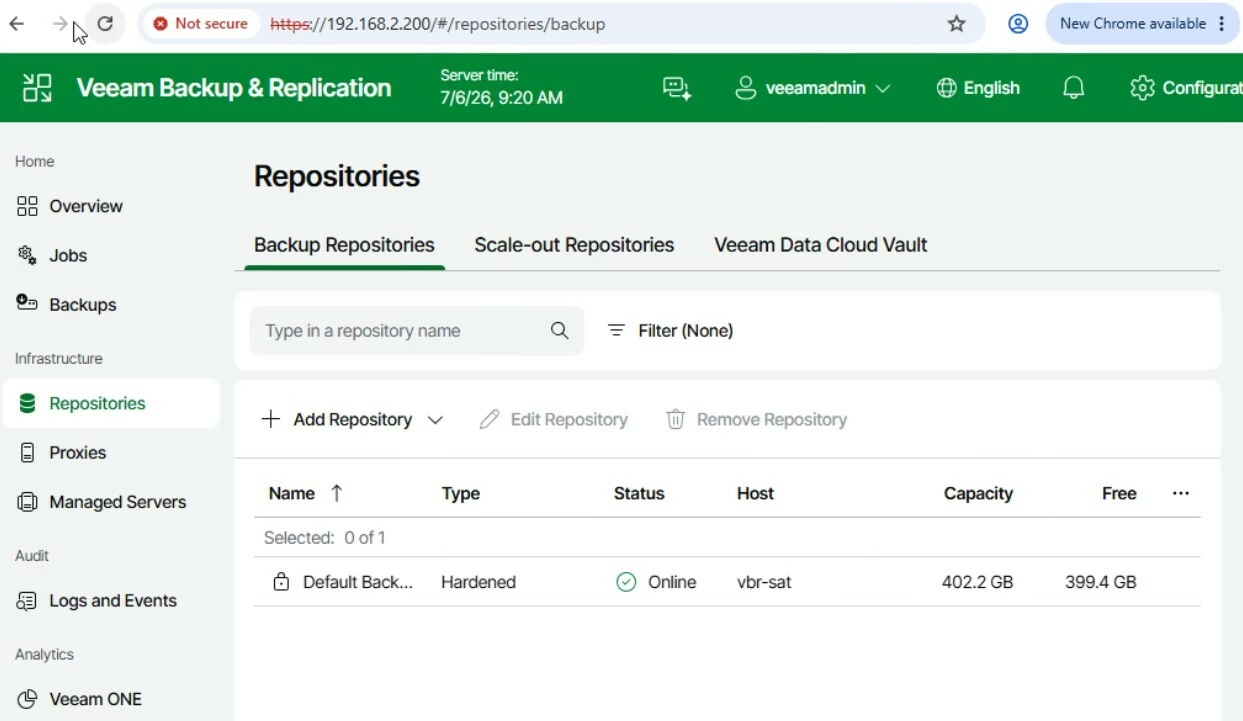
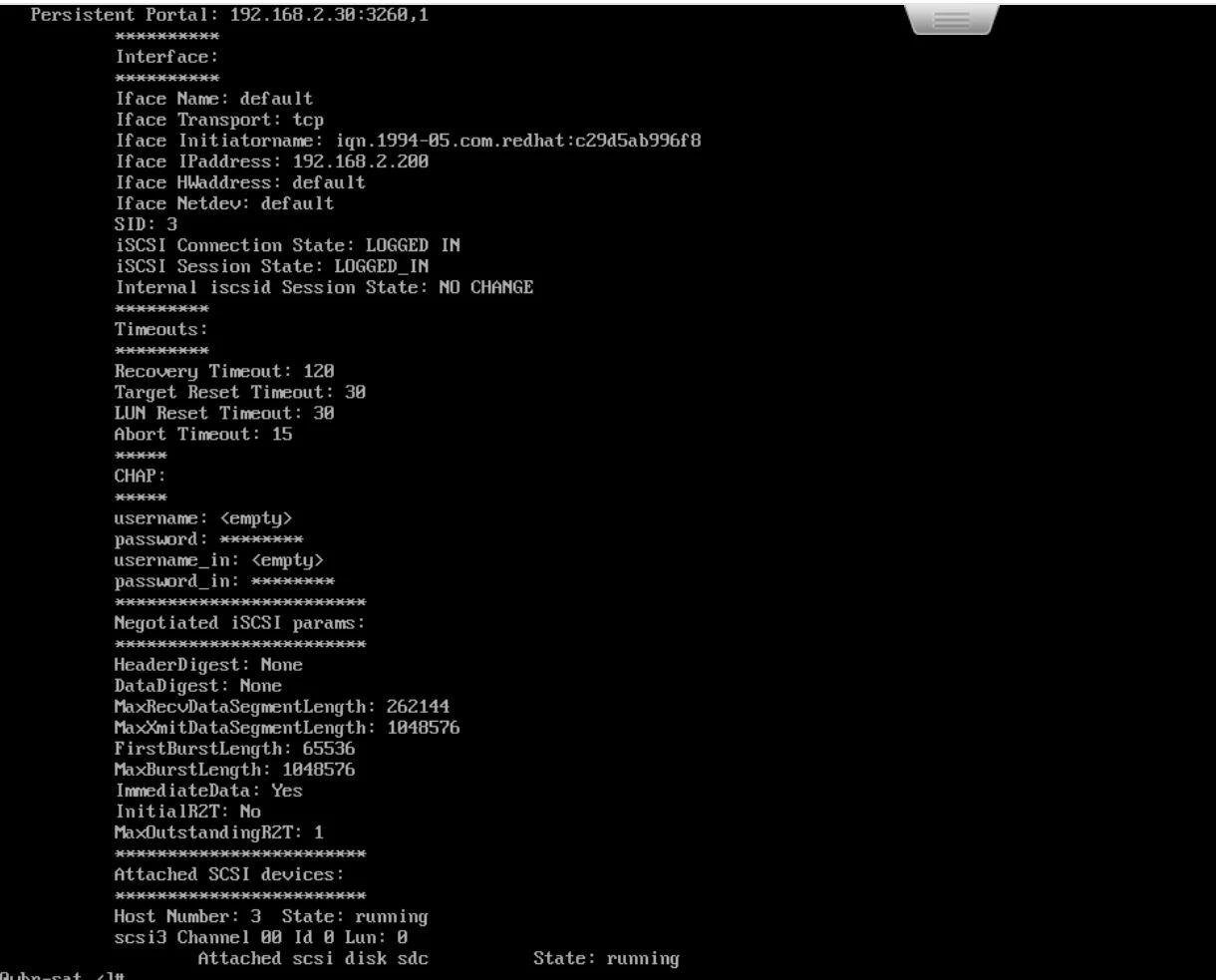
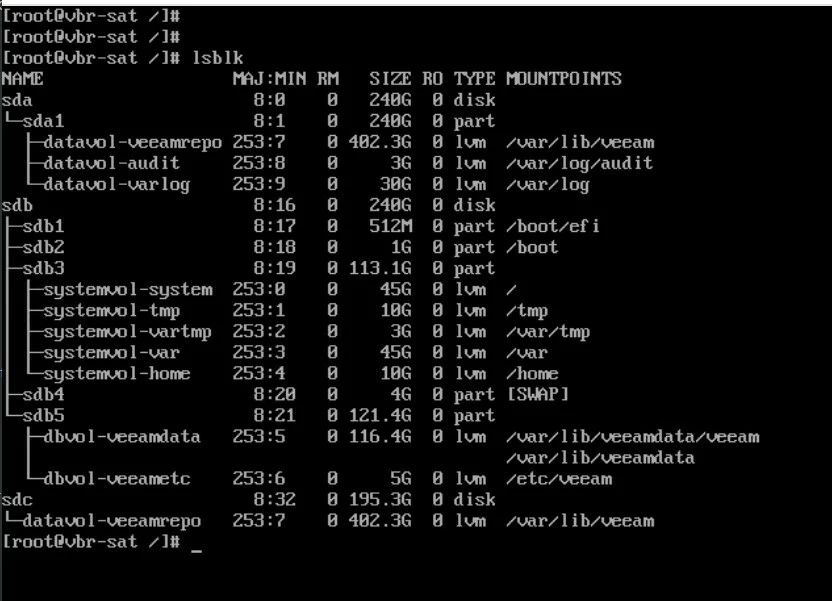
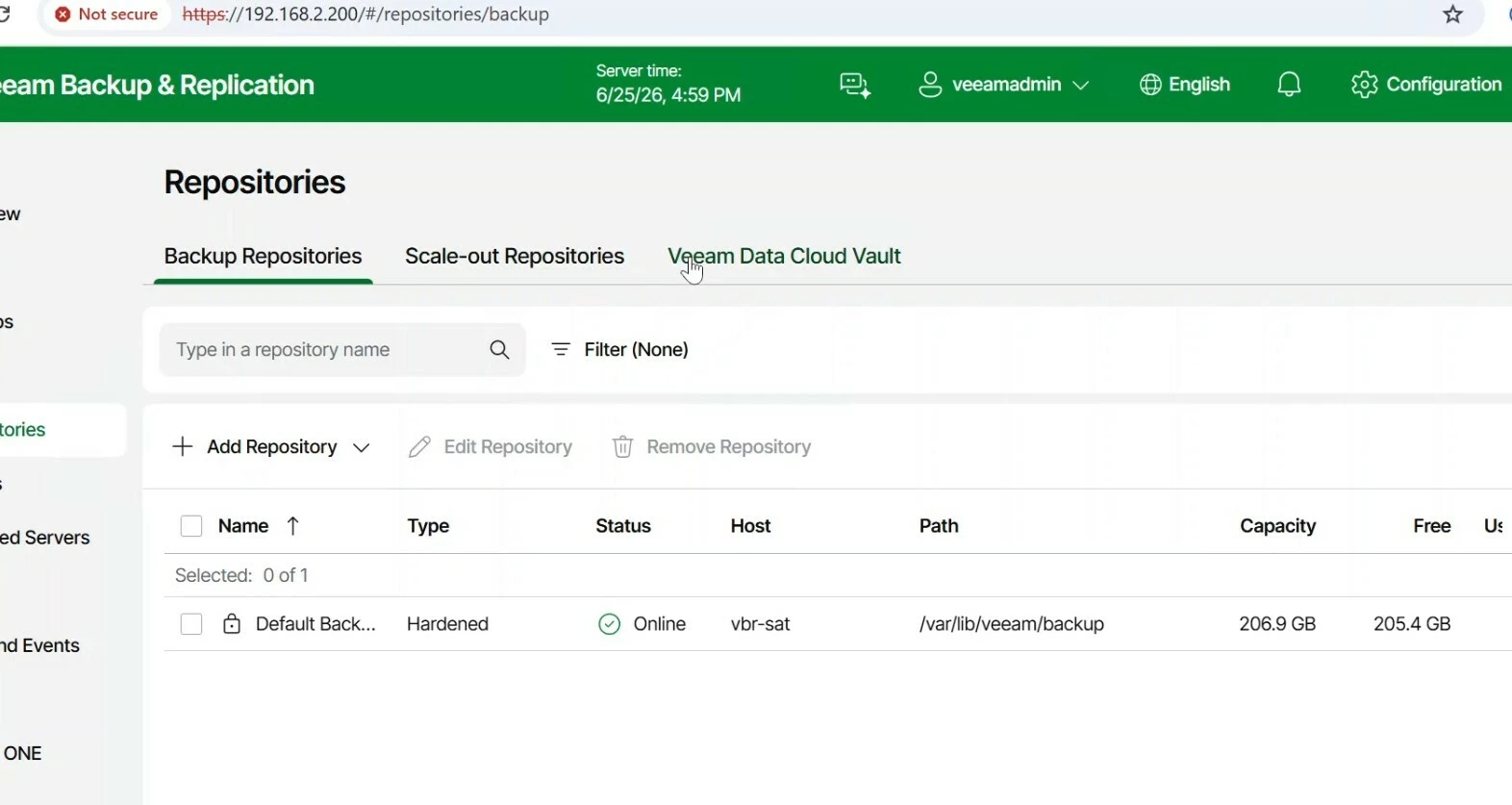
I try to use Veeam13 appliance version, and need help can/how i can mount the iscsi drive to the veeam13?

Best answer by Mildur

Yes, correct. Expanding disk space is currently not supported
Using our appliances as tape server is also not possible, as Tape server services would require privileged permission.


Best,

Fabian

5 comments

Mildur
Forum|alt.badge.img+12
  • Influencer
  • December 17, 2025

Not supported for Veeam Software Appliances or Veeam Infrastructure Appliances. You cannot mount external storage (iSCSI/FC) as backup storage.

For external iSCSI or FC Backup Storage, use your own Linux or Windows machine as before with v12 and add it as a repository to your backup server.


Best,

Fabian


hs08
Forum|alt.badge.img+1
  • Author
  • Comes here often
  • December 17, 2025

@Mildur also i read that we cannot add extra disk or expand disk to the VSA right? How about the tape drive, is supported?


Chris.Childerhose
Forum|alt.badge.img+21
  • Veeam Legend, Veeam Vanguard
  • December 17, 2025

@Mildur also i read that we cannot add extra disk or expand disk to the VSA right? How about the tape drive, is supported?

If you want bigger disks you can expand them but it takes work.  Easier to set them up how you want and use the ISO instead of OVA for deployments.


Mildur
Forum|alt.badge.img+12
  • Influencer
  • Answer
  • December 17, 2025

Yes, correct. Expanding disk space is currently not supported
Using our appliances as tape server is also not possible, as Tape server services would require privileged permission.


Best,

Fabian


Chris.Childerhose
Forum|alt.badge.img+21
  • Veeam Legend, Veeam Vanguard
  • December 17, 2025

Yes, correct. Expanding disk space is currently not supported
Using our appliances as tape server is also not possible, as Tape server services would require privileged permission.


Best,

Fabian

Well then using ISO to set drives is the better option.  Sizes that is not iSCSI stuff.