Hello,
We are facing a backup issue with Veeam Agent for Microsoft Windows on one specific Windows 11 Pro workstation.
We have two Windows 11 Pro PCs, both fully updated and both backing up to the same SMB share.
On PC #2, backups work fine.
On PC #1, backups always fail.
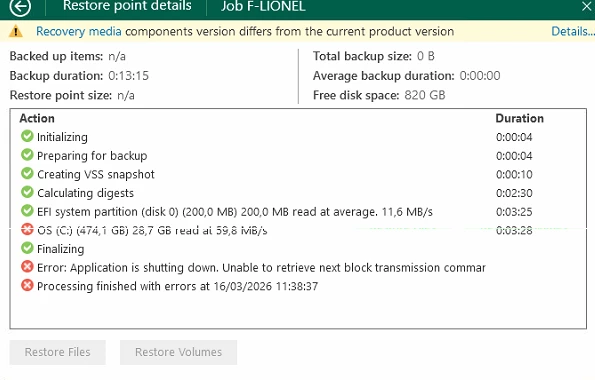
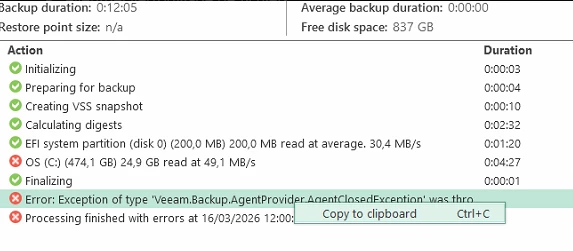
The job starts normally and goes through:
-
Initializing
-
Preparing for backup
-
Creating VSS snapshot
-
Calculating digests
-
Reading EFI partition
-
Reading OS (C:)
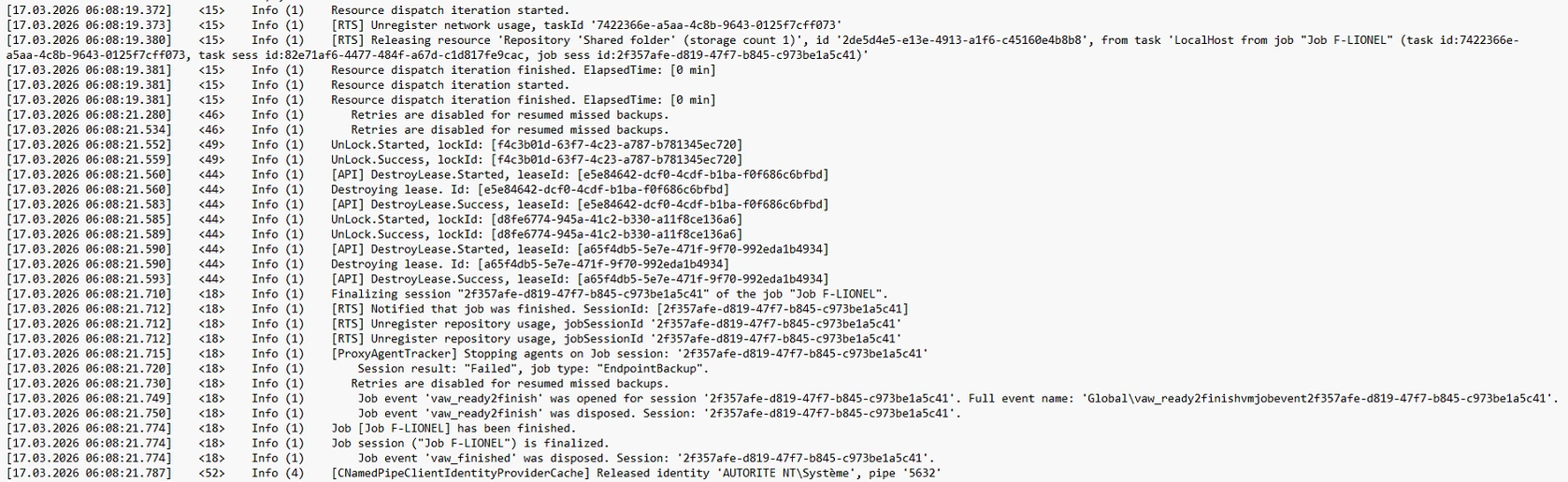
The failure occurs during Finalizing with the following errors:
-
Application is shutting down. Unable to retrieve next block transmission command
-
Exception of type 'Veeam.Backup.AgentProvider.AgentClosedException' was thrown
What we already tried:
-
Reinstalled the agent
-
Recreated the backup job
-
Updated the agent to 13.0.2.1102
-
Disabled antivirus for testing
-
Confirmed SMB 3.1.1
-
Added this registry key:
HKLM\SOFTWARE\Veeam\Veeam Endpoint BackupForceBufferedAccess(DWORD 32-bit) =1
We also checked VSS earlier: writers are stable and the backup does not fail during snapshot creation, but later during finalization.
Since another Windows 11 Pro PC works fine with the same target, this seems specific to the first workstation.
Has anyone seen this issue before or have any idea what else we should check?