Hello everyone,
I am using Veeam Agent for Microsoft Windows Free and am currently facing issues restoring a full computer backup. At this point, I have run out of ideas and hope that someone in the community can help.
Environment
I have a PC that was protected with Veeam Agent for Microsoft Windows Free. The backup job was configured to perform a full computer backup and store it on an external HDD.
Recently, the PC's Intel Optane SSD failed and had to be replaced. After installing a new SSD, I attempted to restore the system from the existing Veeam backup.
Problem
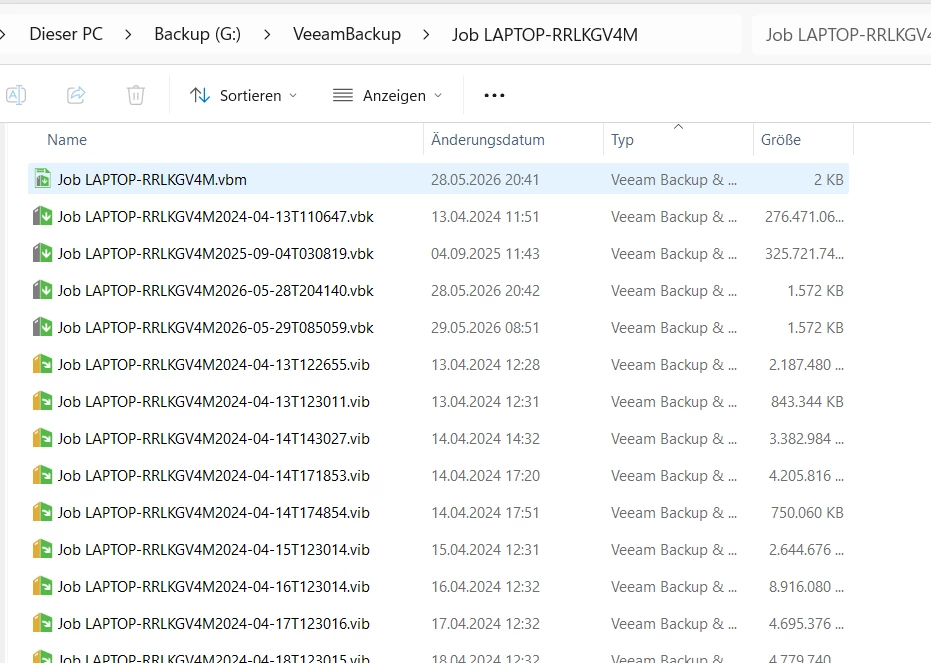
When I start the recovery process and open Volume Level Restore, Veeam does not automatically detect the backup. However, I am able to manually browse to and select the backup files (see attached screenshot).
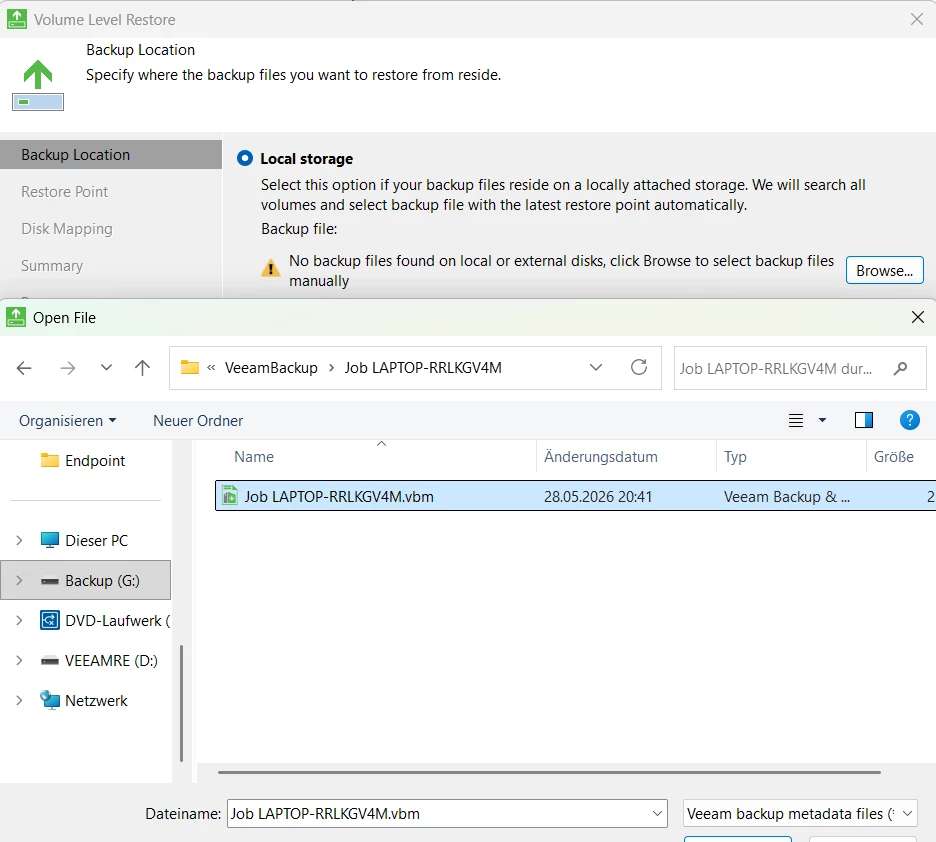
After selecting the backup, nothing happens. When I click "Next", I receive the following error message:
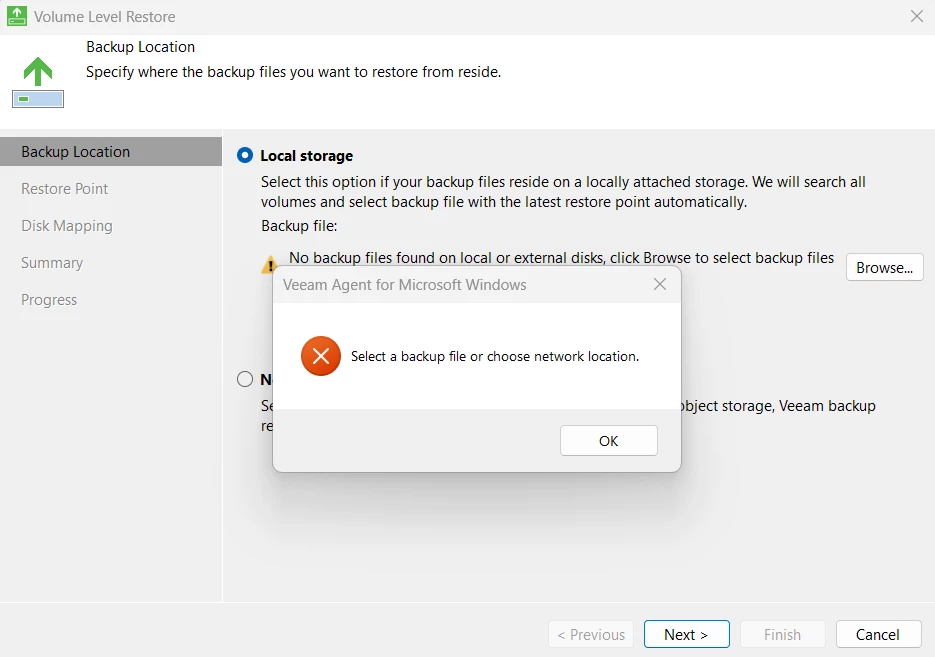
Investigation
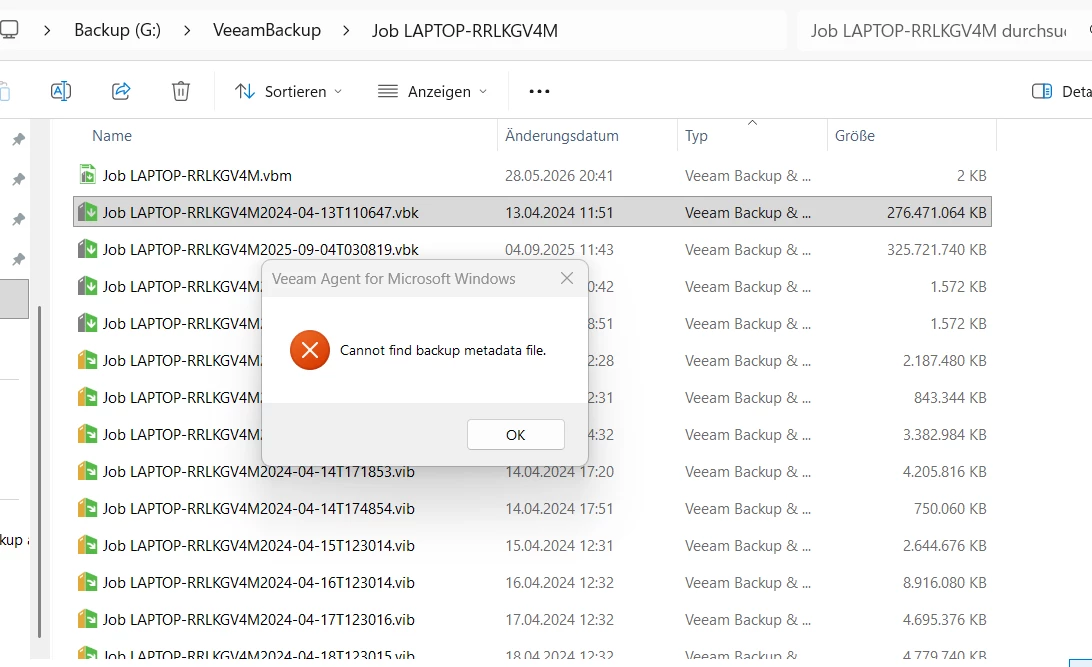
After spending quite some time troubleshooting and reviewing the logs, I inspected the .vbm file manually.
I noticed that the section is completely empty, while the section still appears to contain valid information. This seems to explain why Veeam cannot properly identify the backup, as the required metadata is missing.
I have attached the .vbm file below for reference.
<BackupMeta Version="6479" MetaSchemaVersion="2" CreationTimeUtc="05/28/2026 18:41:38">
  <Backup Id="5fb431cb-05f8-405a-85e7-59977b5823d1" OriginalId="5fb431ab-05f8-405a-85e7-59977b5825d1" JobId="7c038cdc-08bd-4gee-87be-d56a4f054f97" JobName="Job LAPTOP-RRLKGV4M" JobType="4000" SourceType="3" TargetType="0" JobTargetHostId="6745a759-3205-4cd2-b172-8ec8f7e60ef8" JobTargetHostProtocol="0" RepositoryId="4fda1etz9-a3b6-498b-aedd-d74b57d05513" DirPath="D:\VeeamBackup\Job LAPTOP-RRLKGV4M" MetaFileName="Job LAPTOP-RRLKGV4M.vbm" MetaVersion="6478" MetaUpdateTime="05/28/2026 17:41:25" BackupPlatform="6" CreationTime="11/16/2021 20:13:57" EncryptionState="0" PolicyName="" BackupPolicyTag="" DeletedRetentionPeriodDays="30" EnableDeletedRetention="False" UsedMetaType="0" IsShadow="False" IsShadowArchiveTier="False" />
  <BackupMetaInfo>
    <Hosts />
    <Storages />
    <DirectBackupStorageInfos />
    <Points />
    <Objects />
    <Oibs />
    <EncryptedOibs />
    <EncryptedObjects />
    <Keys />
    <RecoveryKeys />
    <ArchiveKeys />
    <PolicyKeys />
    <EncryptedArchiveLogs />
    <EncryptedOracleGuestDatabases />
    <EncryptedSqlGuestDatabases />
    <OibToAlwaysOnGroups />
    <AlwaysOnGroups />
    <AlwaysOnGuestDatabases />
    <AlwaysOnListeners />
    <GuestDatabases />
    <ChildBackupStorages />
    <OracleDatabases />
    <OibOracleArchiveLogs />
    <SqlOibs />
    <SqlEncryptedOibs />
    <OracleOibs />
    <OracleEncryptedOibs />
    <GuestDatabaseToOibLinks />
    <LogBackupInfo Id="5fb431ab-05f8-405a-85e7-59977b5823d1" SourceOriginalId="00000000-0000-0000-0000-000000000000" CurrentCreationUsn="2920" CreationUsnShift="0" />
  </BackupMetaInfo>
  <Keysets />
</BackupMeta>
Questions
My main questions are:
-
How could the metadata in the section disappear or become empty while the rest of the backup chain appears intact?
-
Is there any way to rebuild or repair the .vbm file?
-
Is it possible to restore the backup without a valid .vbm file?
All .vbk and .vib files are still present and appear to be intact.
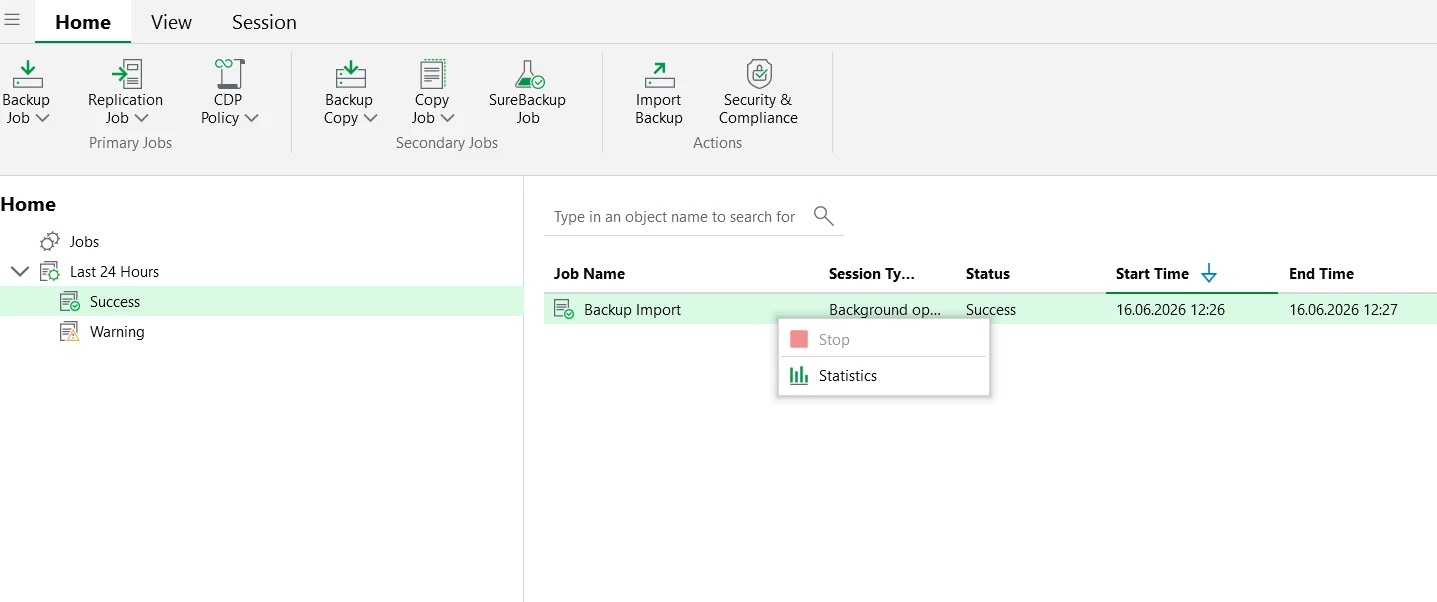
From my research, it seems that a standalone .vbk file can sometimes be imported directly into Veeam Backup & Replication (or Veeam Data Platform 13, as it is now called, right?). However, as far as I understand, I cannot install that product on a standard Windows 11 system and would need a Windows Server installation.
Any suggestions, ideas, or recovery options would be greatly appreciated.
Thank you in advance for your help!