Solved

Modern authentication EWS for Veeam backup for office 365 V8.3.

  • April 15, 2026
  • 5 comments
  • 55 views

Jason Orchard-ingram micro
Forum|alt.badge.img+2

hi 
While running a demo for a customer i was trying to add a new Org into my VBO server

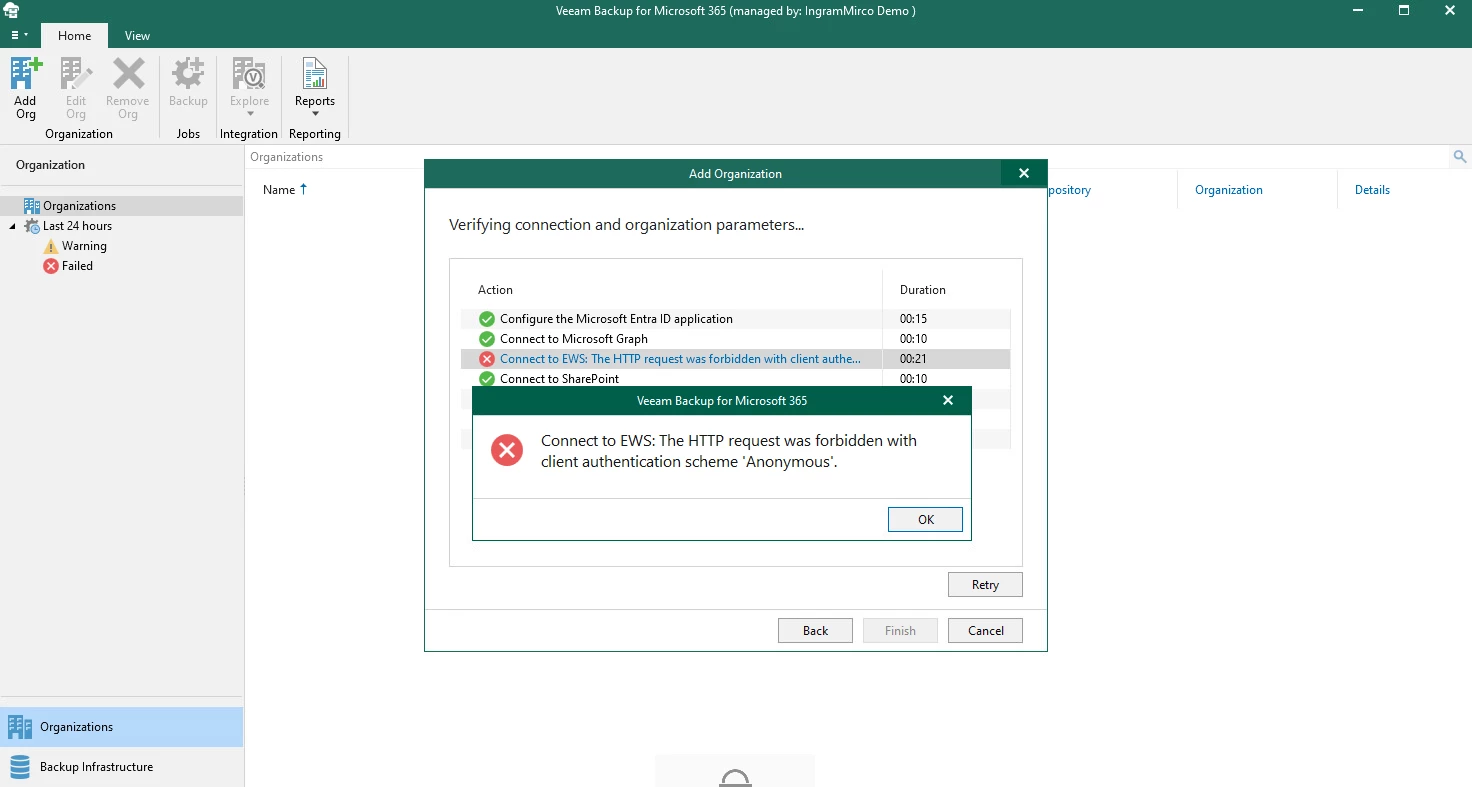
We come across this error message around config Exchange Web Services (EWS), I’ve personal not seen this message before when adding an new ORG. 

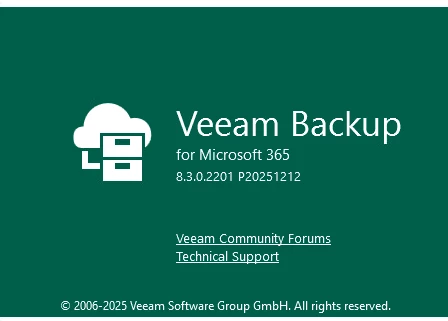
However this the 1st time I’ve tried adding an org into version VBO 8.3, for context i’m using Modern authentication. 


Error message


product version


Best answer by Jason Orchard-ingram micro

update problem resloved 


Try this: https://www.veeam.com/kb4820


PS line:
Install-Module ExchangeOnlineManagement -Scope CurrentUser
Import-Module ExchangeOnlineManagement
Connect-ExchangeOnline -UserPrincipalName admin@yourcompany.pl
Get-OrganizationConfig | Select-Object EwsEnabled

When show this:

EwsEnabled
----------
False

You must try this:
Set-OrganizationConfig -EwsEnabled $true

Now this command:
Get-OrganizationConfig | Select-Object EwsEnabled

and you must see this:

EwsEnabled
----------
True
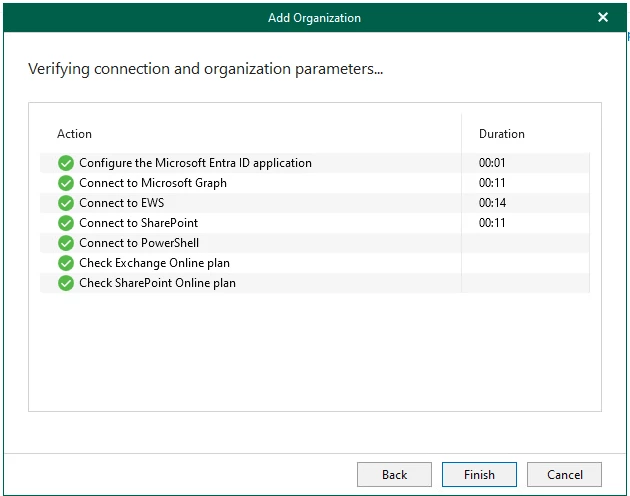
retested 


5 comments

tm67
Forum|alt.badge.img+2
  • Veeam Legend
  • April 15, 2026

This is a known issue at the moment, but there is a fix available. 

Basically you need to have EWS enabled on the m356 tenant as well as mailbox. 

Check with PowerShell:

Get-CASMailbox User1| fl EWSEnabled 

​​​Get-OrganizationConfig | fl EWSEnabled

Both must be either “emtpy” or “true”

Have a look here: The way to control EWS usage in Exchange Online is changing | Microsoft Community Hub

KB4820: Support Statement — Exchange Web Services (EWS) Deprecation

And here: (2) Mailbox errors: The HTTP request was forbidden with client authentication scheme 'Anonymous'. - Page 4


coolsport00
Forum|alt.badge.img+22
  • Veeam Legend
  • April 15, 2026

Thanks for sharing the solution ​@tm67 👍🏻


kciolek
Forum|alt.badge.img+4
  • Influencer
  • April 15, 2026

also, FYI, Exchange Web Services (EWS) is being deprecated October 1


Microsoft is retiring Exchange Web Services (EWS) for Exchange Online as part of a phased shutdown plan driven by security, scalability, and reliability concerns. EWS, introduced nearly 20 years ago, will be disabled by default on October 1, 2026 and fully shut down on April 1, 2027 for all Microsoft 365 and Exchange Online tenants. On-premises Exchange Server deployments will remain unaffected.



Jason Orchard-ingram micro
Forum|alt.badge.img+2

update problem resloved 


Try this: https://www.veeam.com/kb4820


PS line:
Install-Module ExchangeOnlineManagement -Scope CurrentUser
Import-Module ExchangeOnlineManagement
Connect-ExchangeOnline -UserPrincipalName admin@yourcompany.pl
Get-OrganizationConfig | Select-Object EwsEnabled

When show this:

EwsEnabled
----------
False

You must try this:
Set-OrganizationConfig -EwsEnabled $true

Now this command:
Get-OrganizationConfig | Select-Object EwsEnabled

and you must see this:

EwsEnabled
----------
True
retested 


coolsport00
Forum|alt.badge.img+22
  • Veeam Legend
  • April 16, 2026

Ah, ok. Thanks for sharing your resolution Jason!