Hi Community,
During Veeam Agent backup, you may see:
Collecting recovery media files. Details: Windows recovery image file not found
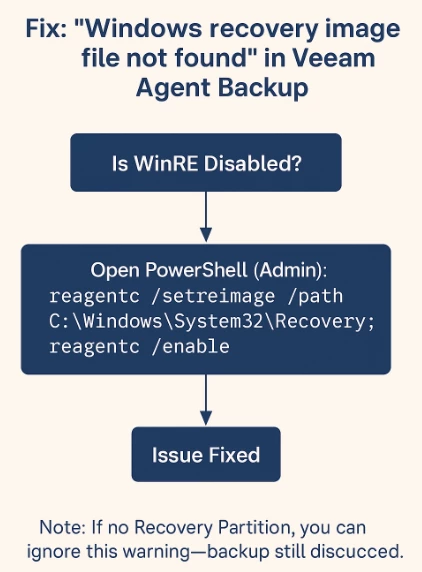
This means Windows Recovery Environment (WinRE) is missing or disabled.
Solution: Work for me this morning.
Run on target VM.
reagentc /setreimage /path C:\Windows\System32\Recovery; reagentc /enable!--scriptorendfragment-->!--scriptorstartfragment-->
Note: If WinRE files or the recovery partition are missing, you can ignore this warning backup is valid.
(See diagram below for quick steps.)