Question

something wrong with the Calculator if put 0% in "Compress by"

  • May 13, 2025
  • 10 comments
  • 85 views

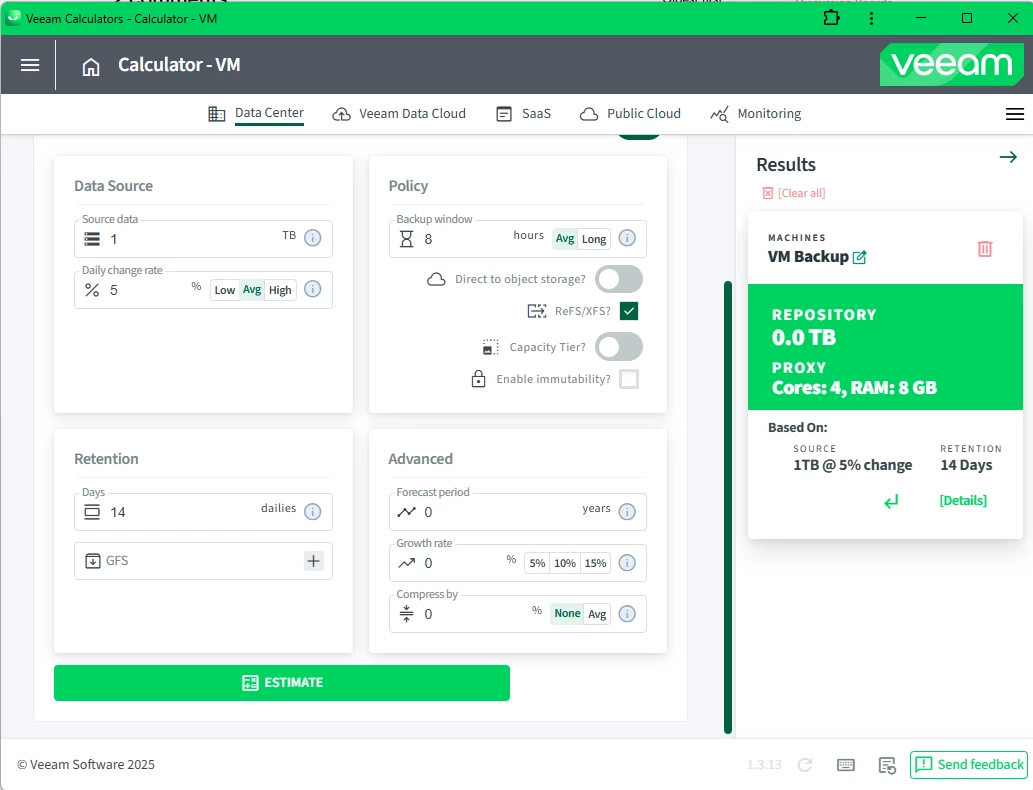
If set "Compress by" 0%, the calculation result will be 0TB, does anymore have any idea? Thanks!

10 comments

Chris.Childerhose
Forum|alt.badge.img+21

Are all other numbers filled out?  It should give you results but hopefully someone can chime in.


  • May 13, 2025

If set "Compress by" 0%, the calculation result will be 0TB, does anymore have any idea? Thanks!

its bug, wait for someone fix.


Marcel.K
Forum|alt.badge.img+9
  • Veeam Legend
  • May 13, 2025

yes, its bug


Marcel.K
Forum|alt.badge.img+9
  • Veeam Legend
  • May 14, 2025

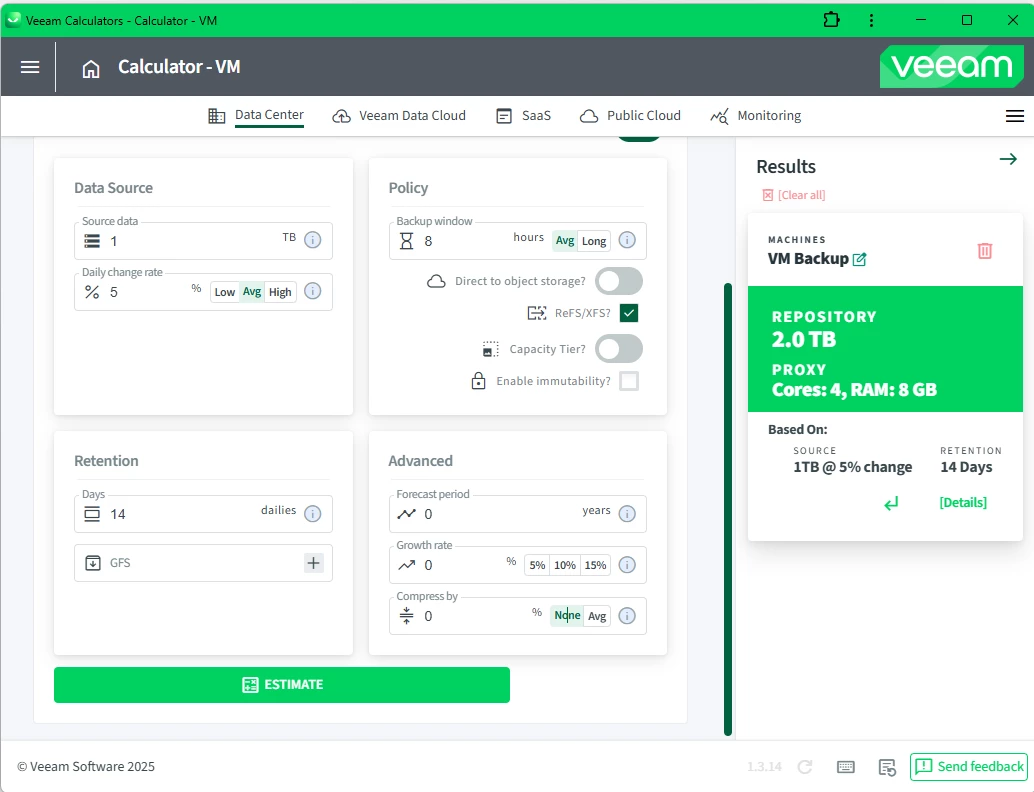
If you will write 0 directly, you will get 0TB

but if you will click on button “none” it will provide you estimation like here 2TB


david.tosoff
Forum|alt.badge.img
  • Comes here often
  • May 14, 2025

@VeeamUser2013  I believe this was fixed in yesterdays patch. Please advise if not.


  • Not a newbie anymore
  • July 7, 2025

@VeeamUser2013  I believe this was fixed in yesterdays patch. Please advise if not.

Apologies, just made a separate post before seeing this. I believe it was fixed but it’s now broken again. 


Marcel.K
Forum|alt.badge.img+9
  • Veeam Legend
  • July 7, 2025

draper do not set 0, just click on none and will work with zero compression

so is working, but not exactly, instead of set 0 is need to click on none button :)


matheusgiovanini
Forum|alt.badge.img+7


draper do not set 0, just click on none and will work with zero compression

so is working, but not exactly, instead of set 0 is need to click on none button :)

Here it works correctly by clicking the 'None' button.


  • New Here
  • July 8, 2025

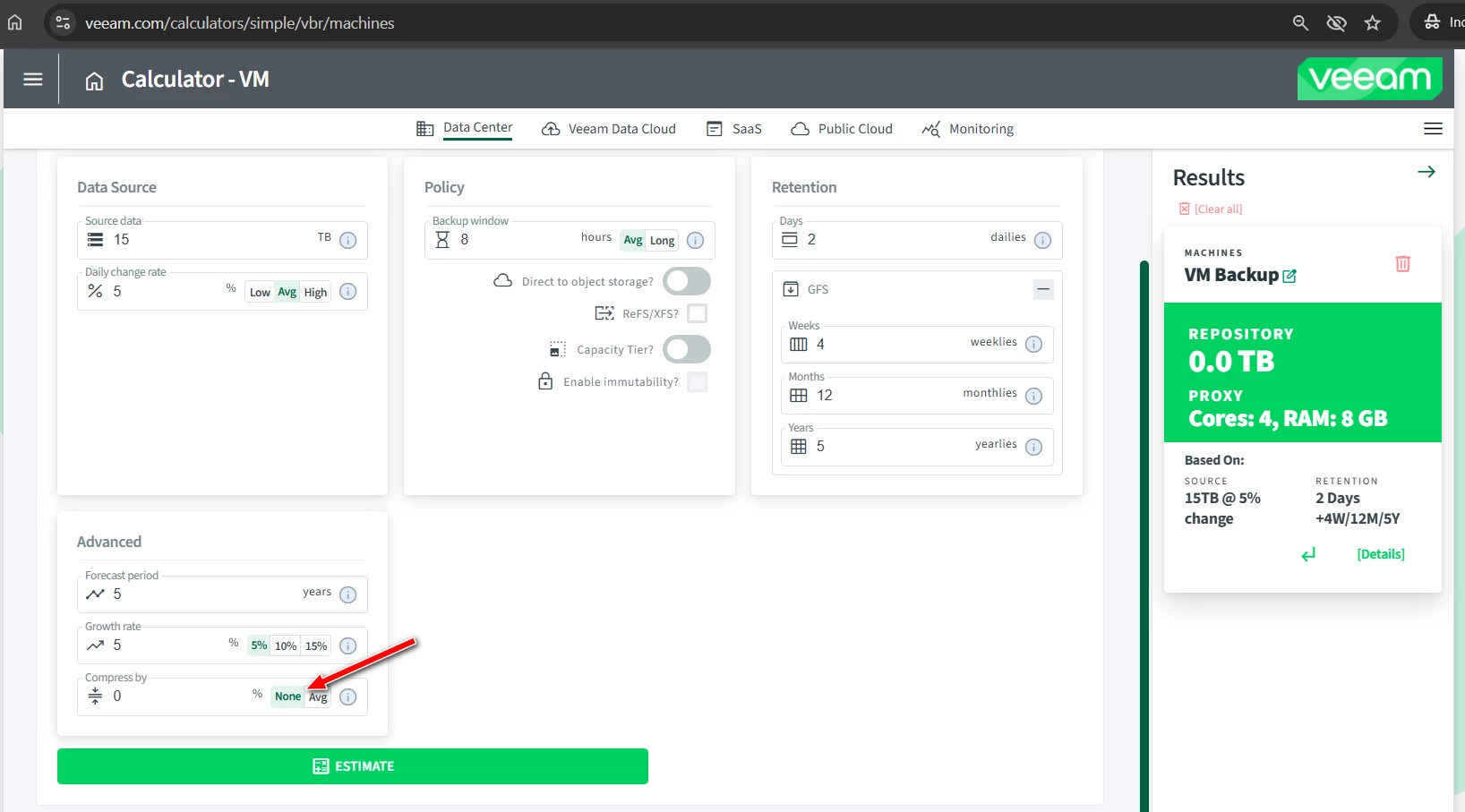
I clicked on “None” but still show 0.0 TB


david.tosoff
Forum|alt.badge.img
  • Comes here often
  • July 8, 2025

This issue is now resolved.