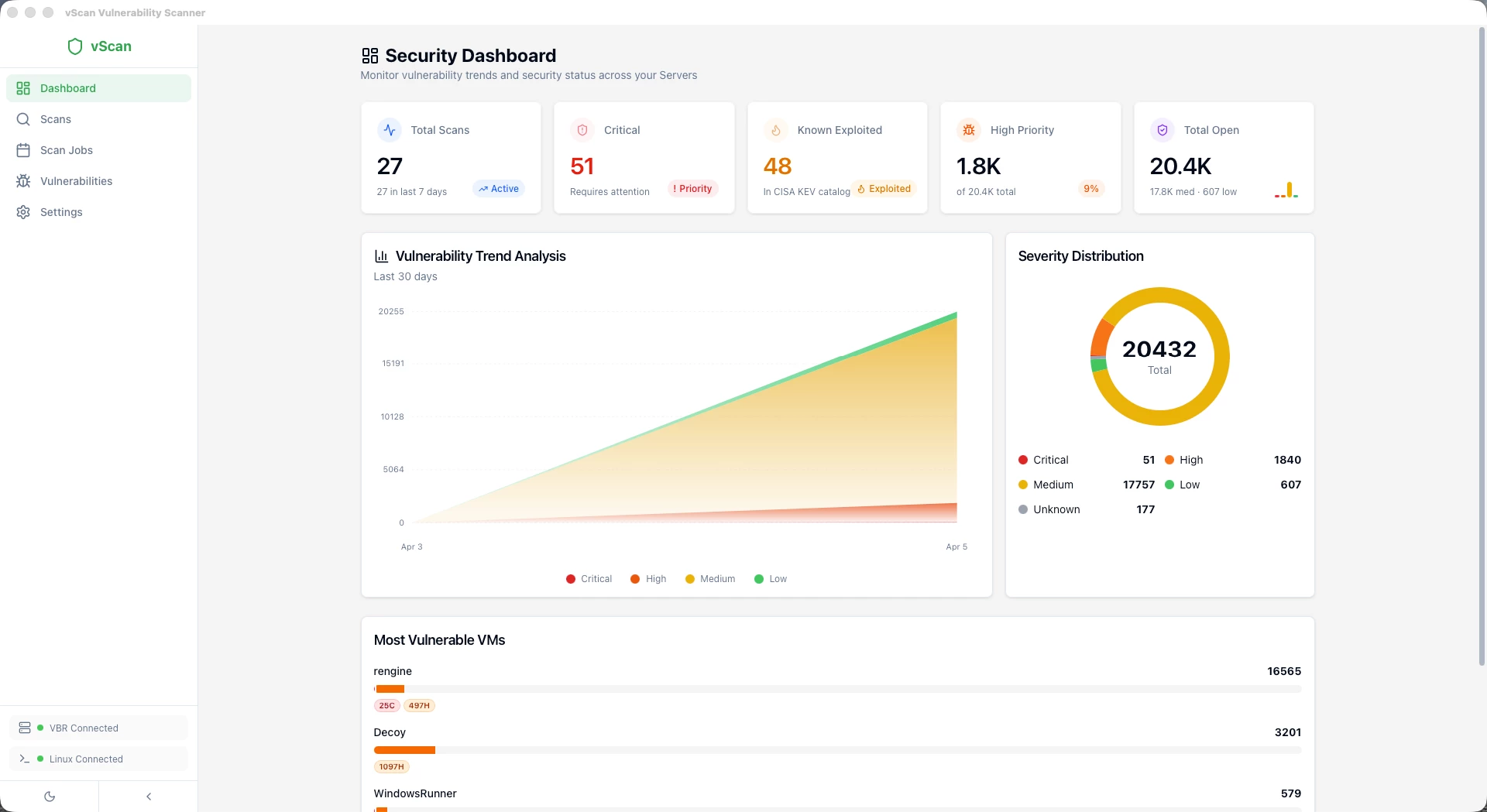
I'm really happy to share with the Veeam Community the release of vScan 2.0, a complete rebuild of the vulnerability scanner for Veeam Backup & Replication.
For those who don't know vScan, you can check the original post here: vScan v1 – Vulnerability Assessment in your Veeam Backups
Since the v1 release, I received amazing feedback from the community (thank you all!) and many feature requests. Instead of patching v1, I decided to rebuild the entire application from scratch with a completely new architecture, new features, and addressing all the questions and requests from the community.
What Changed from v1 to v2?
Everything. Here's a quick comparison:
| v1 | v2 | |
|---|---|---|
| VBR Connection | PowerShell Module | REST API (native HTTP) |
| Requires VBR Console | Yes | No |
| Installer Size | ~200MB | ~15MB |
| RAM Usage | ~400MB | ~80MB |
| Antivirus False Positives | Frequent (Chromium) | None |
| Scanner Engines | Trivy, Grype | Trivy, Grype, Jadi |
| Vulnerability Tracking | Per-scan only | Full lifecycle management |
| Batch Scanning | No | Yes |
| Scheduled Scans | No | Yes (cron) |
| PDF Reports | No | Executive + Technical |
| CISA KEV Integration | Basic | Auto-sync every 24h |
| Security | Basic | AES-256-GCM, Argon2id, Biometrics |
| Platforms | Windows only | Windows + macOS |
The biggest change is that vScan no longer requires the VBR Console or PowerShell Module installed. It connects directly to the VBR REST API on port 9419, which means you can run it from any workstation, not just the backup server.
Why the Rebuild?
Three main reasons:
- Antivirus False Positives: Electron bundles Chromium, and antivirus engines kept flagging the app as suspicious. Tauri compiles to a native binary, no more false positives.
- PowerShell Dependency: v1 required the VBR Console and PowerShell Module installed locally. This limited where you could run the app. v2 uses the REST API directly, zero dependencies.
- Feature Scope: The community asked for batch scanning, scheduled scans, vulnerability lifecycle tracking, PDF reports, and more. The v1 architecture couldn't support these features cleanly, so a rebuild was the right call.
Requirements
| Component | Requirement |
|---|---|
| Veeam VBR | v13 or later with REST API enabled (port 9419) |
| VBR Account | Service account with Backup Administrator role |
| Linux Server | Rocky Linux 9+ |
| Scanners | Trivy, Grype, and/or Jadi (vScan installs them automatically |
Three Scanner Engines
vScan 2.0 supports three vulnerability scanners:
- Trivy Best for Linux distributions and language ecosystems. It's the industry standard for detecting CVEs in OS packages (apt, rpm, apk) and application dependencies (Python, Node.js, Go, Java, .NET).
- Grype Best as a complement to Trivy. Uses a different vulnerability database and matching logic, so it often catches CVEs that Trivy misses and vice versa. Running both gives you the widest coverage.
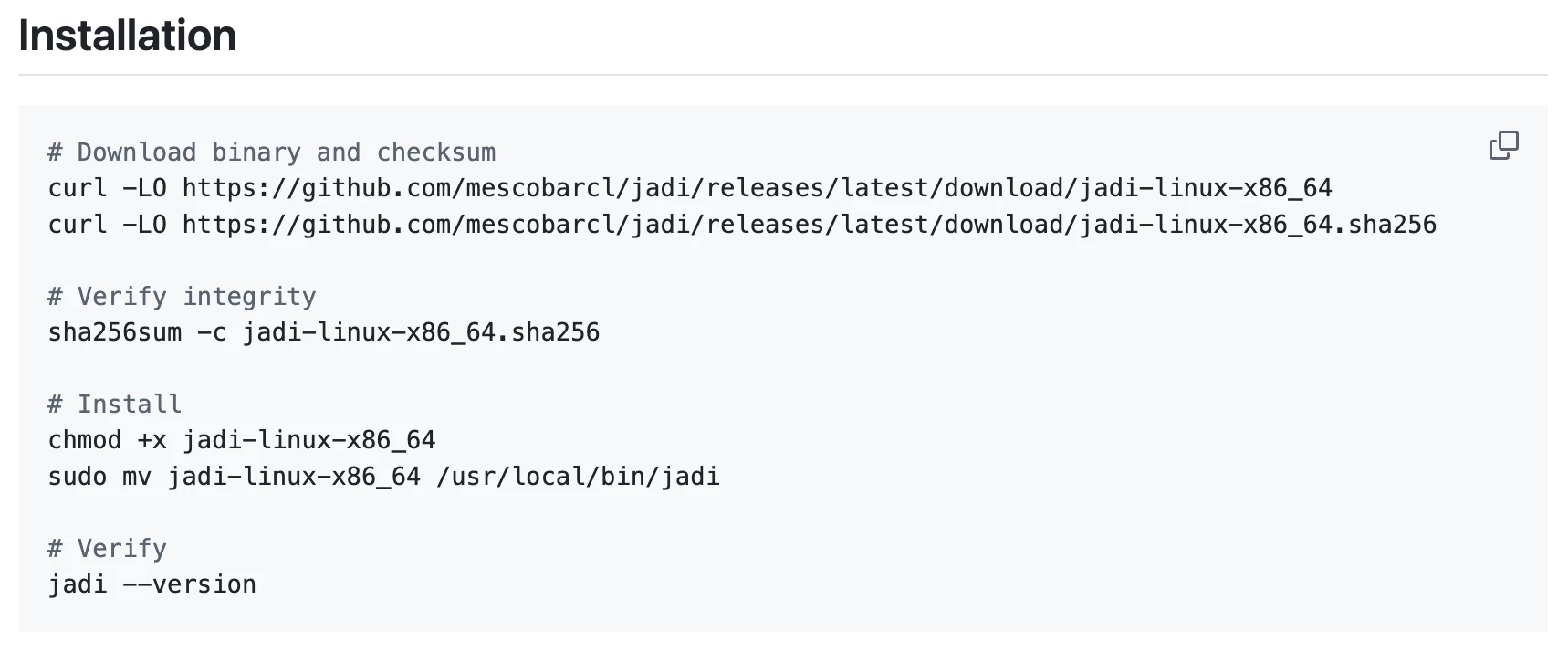
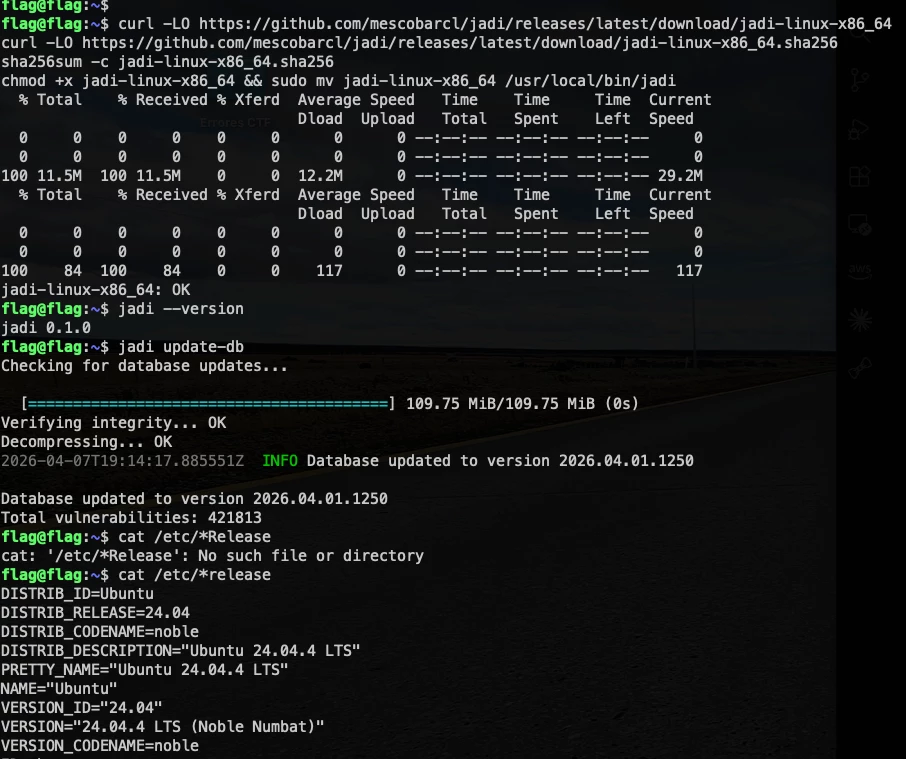
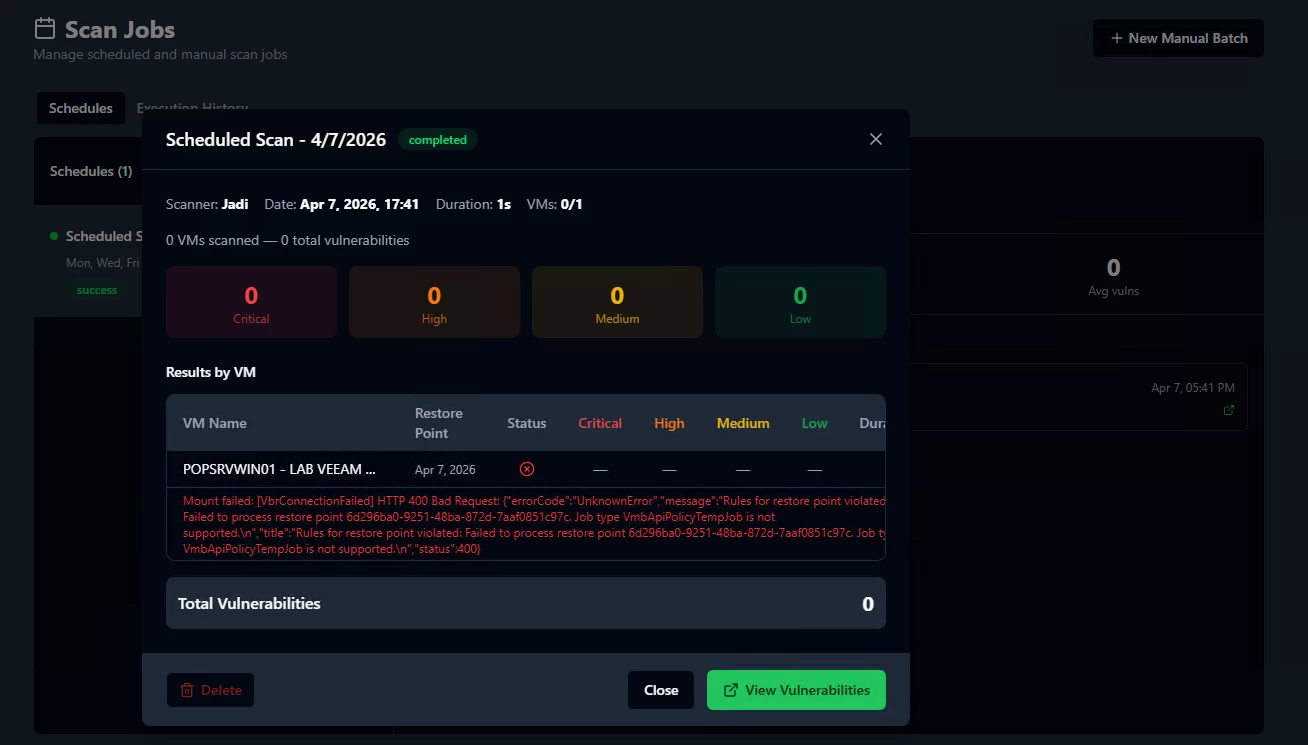
- Jadi Best for Windows software and missing KBs. Trivy and Grype don't detect Windows binary software or missing patches well. Jadi fills that gap using MSRC for Windows KBs, NVD for CPE-based binary matching, OSV for language ecosystems, and GHSA for GitHub advisories.
Download
vScan 2.0 is available on GitHub under MIT License:
Download: https://github.com/mescobarcl/vScan/releases | https://github.com/VeeamHub/veeam-vscan-security
Documentation: Available in English and Spanish
Issues & Feedback: https://github.com/mescobarcl/vScan/issues | https://github.com/VeeamHub/veeam-vscan-security