Veeam Ports MCP server!

  • March 23, 2026
  • 11 comments
  • 89 views

Forum|alt.badge.img+3
  • Comes here often

Hi all,


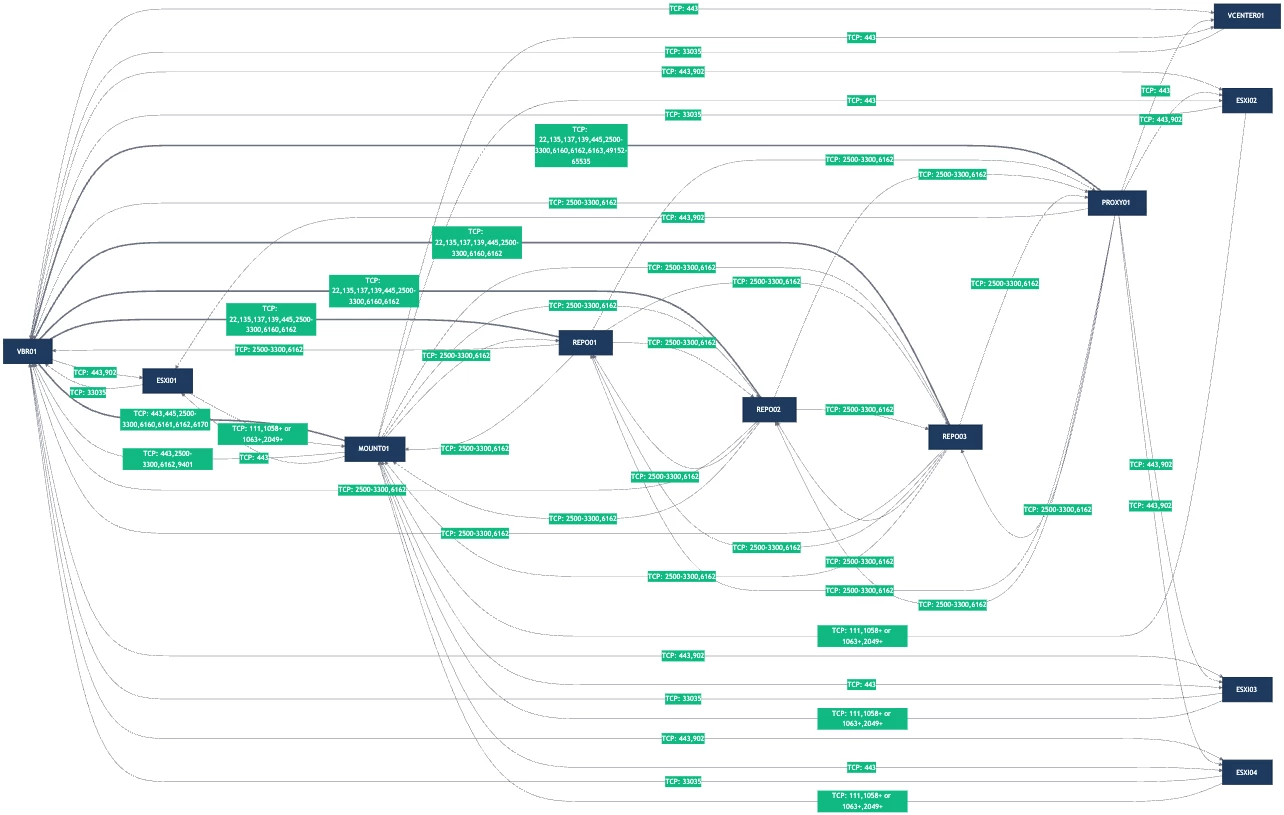
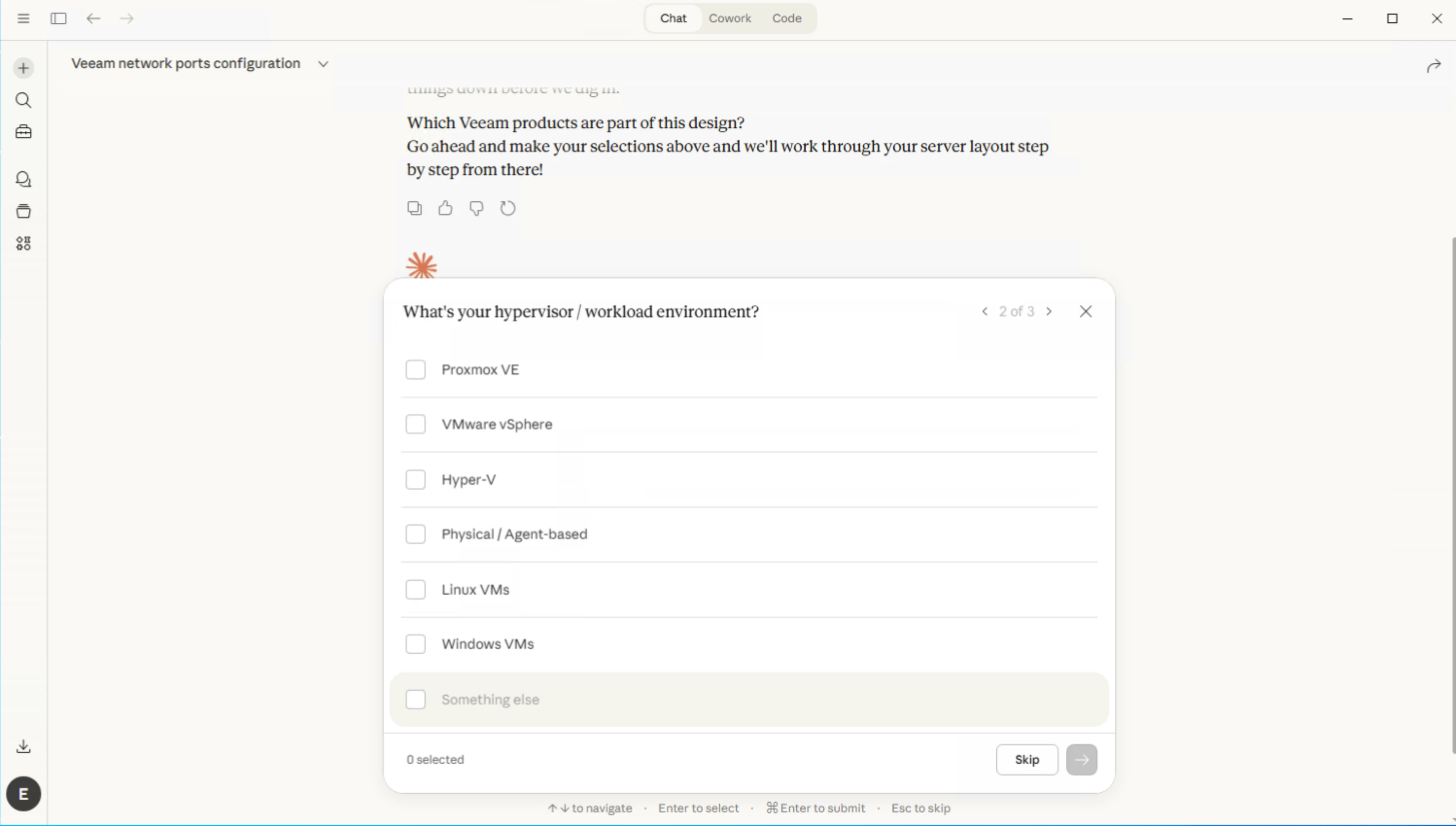
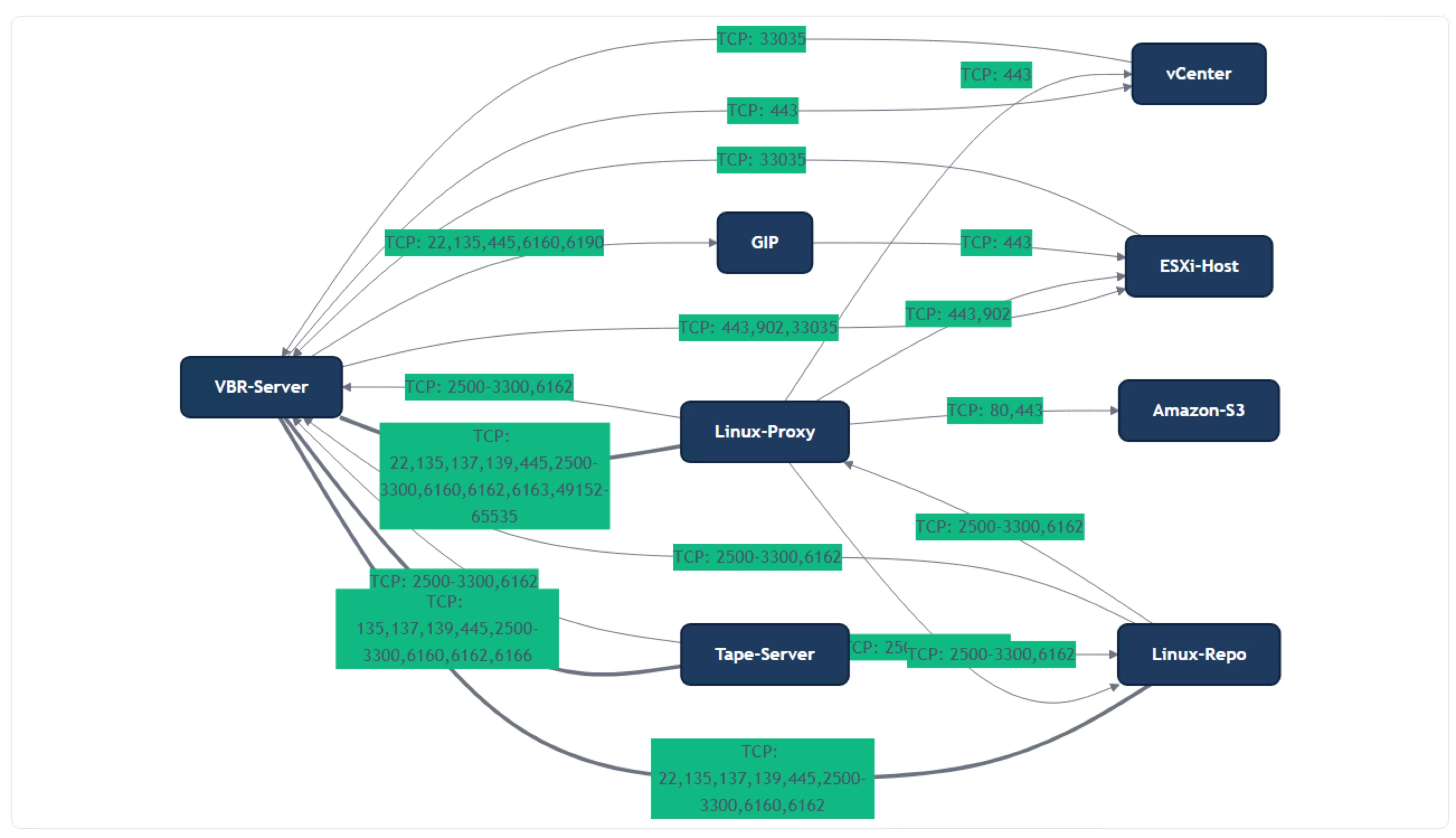
I wanted to share the new Veeam Ports MCP server with the community. This gives you the ability to interact with the Veeam Ports underlying database to create rich designs using LLM clients that support MCP, like Claude and VS Code.
https://github.com/shapedthought/veeam-ports-mcp

To install in Claude:

  • Install Python
  • Install UV
  • Run: claude mcp add veeam-ports -- uvx veeam-ports-mcp
  • Update your Claude desktop configuration file:
    • macOS: ~/Library/Application Support/Claude/claude_desktop_config.json
    • Windows: %APPDATA%\Claude\claude_desktop_config.json
{
"mcpServers": {
"veeam-ports": {
"command": "uvx",
"args": ["veeam-ports-mcp"]
}
}
}

I am still working to improve it to provide greater fidelity. Currently, the best way to work with it is to ask the AI to walk you through putting a design together; that way, it will guide you in selecting what you need in the correct order.

There is also a tool called generate_app_import. When you're happy with the design, you can ask the AI to use this tool, and it will create a Magic Ports-compatible JSON file. This allows you to refine the port mappings. 

Please give it a go and send over any feedback or create an issue on GitHub. 

Cheers,

Ed 

11 comments

Chris.Childerhose
Forum|alt.badge.img+21

This is very interesting and cool.  Exploring AI recently and using it more often, so this will be helpful.  Time to explore.


coolsport00
Forum|alt.badge.img+21
  • Veeam Legend
  • March 24, 2026

This is a very neat AI-integration idea ​@EdxH ! Thank you for sharing with the Community 👍🏻


Forum|alt.badge.img+3
  • Author
  • Comes here often
  • March 24, 2026

This is a very neat AI-integration idea ​@EdxH ! Thank you for sharing with the Community 👍🏻

Thanks, I always think that the best way to learn it to try it yourself.


kciolek
Forum|alt.badge.img+1
  • Influencer
  • March 24, 2026

great idea and thanks for sharing!


Forum|alt.badge.img+3
  • Author
  • Comes here often
  • March 27, 2026

You can get very detailed reports using the MCP!


coolsport00
Forum|alt.badge.img+21
  • Veeam Legend
  • March 27, 2026

I guess so! 😳 😂


eblack
Forum|alt.badge.img
  • Influencer
  • March 28, 2026

Excellent idea. 


Geoff Burke
Forum|alt.badge.img+22
  • Veeam Vanguard
  • March 28, 2026

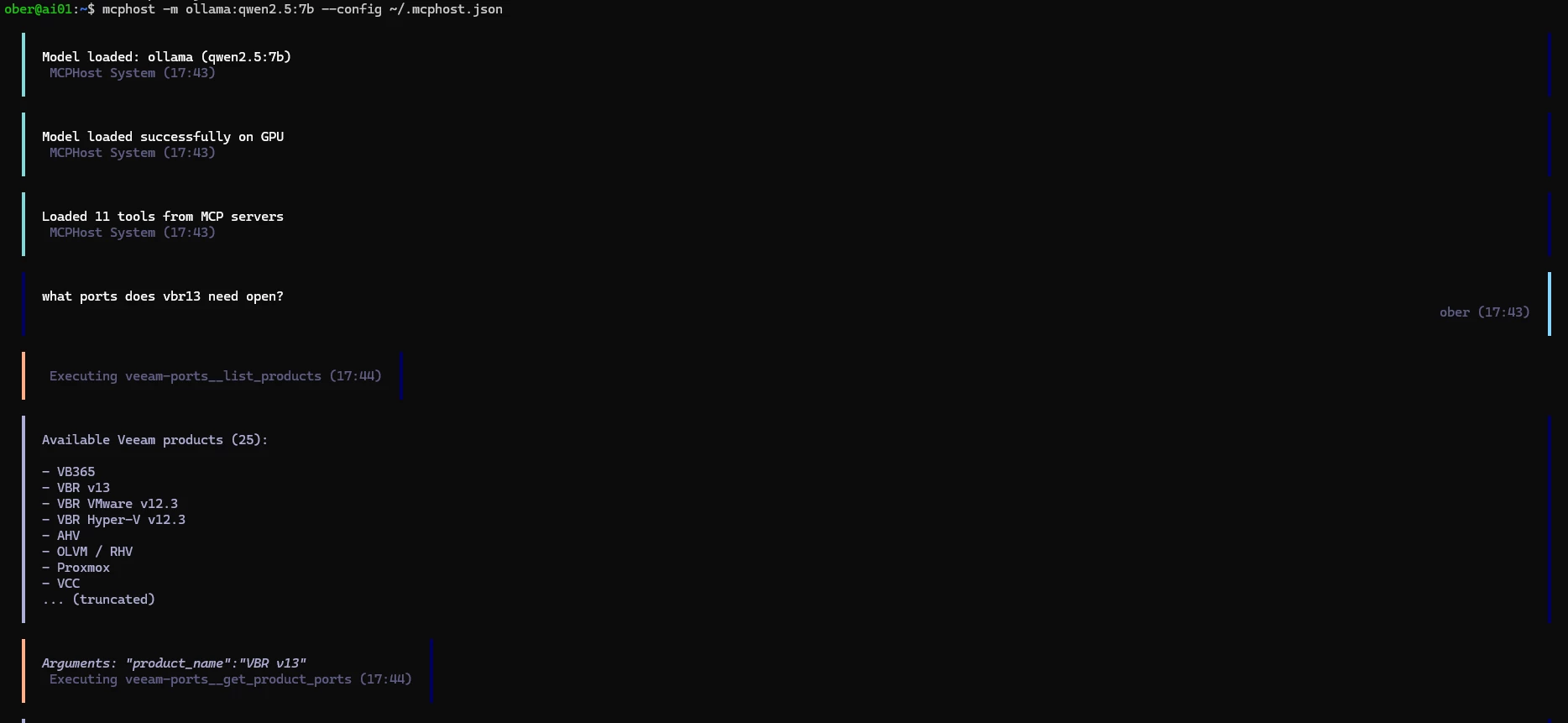
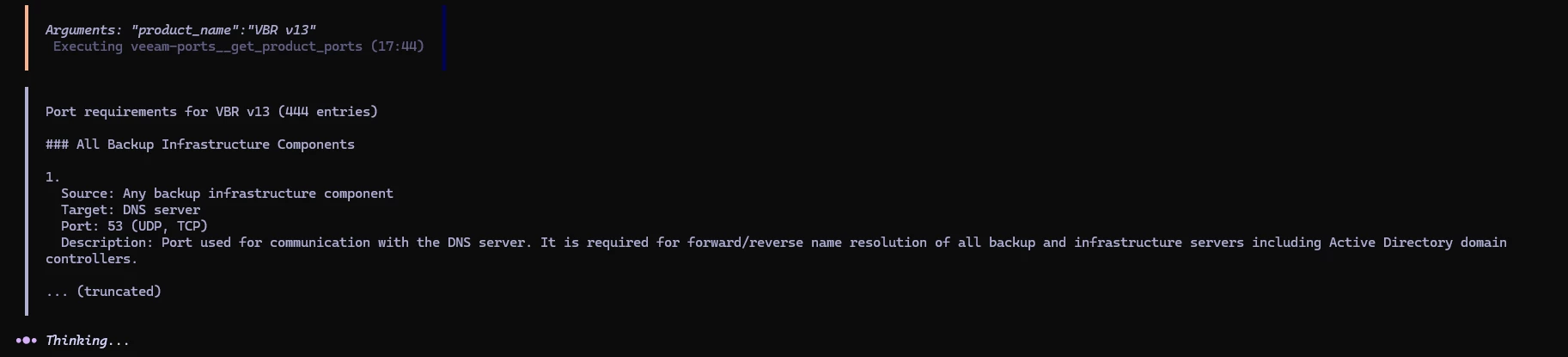
If you want to avoid using $$$ tokens, or just like to complicate your life :), you can run locally as well, depending on your hardware you may need to learn mediation though :) 


Geoff Burke
Forum|alt.badge.img+22
  • Veeam Vanguard
  • March 28, 2026

Keep in mind this is on a Proxmox VM with no GPU (despite what mcphost stated :) ) and did take a bit of time but not as slow as I suspected. I will try with a few other tool supporting models and see which is faster :) 


Geoff Burke
Forum|alt.badge.img+22
  • Veeam Vanguard
  • March 28, 2026

llama.ccp is another option

note: I am running on port 8081 because I have openwebui already running on this vm.


llama-server -hf bartowski/Hermes-3-Llama-3.1-8B-GGUF --hf-file Hermes-3-Llama-3.1-8B-Q4_K_M.gguf --port 8081 --ctx-size 65536 --threads 8 --jinja
mcphost --config ~/.mcphost.json

I added a system prompt in the mcphost.json file as well to speed things up

{
"mcpServers": {
"veeam-ports": {
"type": "local",
"command": ["uvx", "veeam-ports-mcp"]
}
},
"model": "openai:geoffmodel",
"provider-url": "http://localhost:8081/v1",
"provider-api-key": "no-key-required",
"system-prompt": "Always use search_ports or search_by_port_number tools to get targeted results. Never call get_product_ports as it returns too much data. Be specific and targeted in all tool calls."
}


Geoff Burke
Forum|alt.badge.img+22
  • Veeam Vanguard
  • March 28, 2026

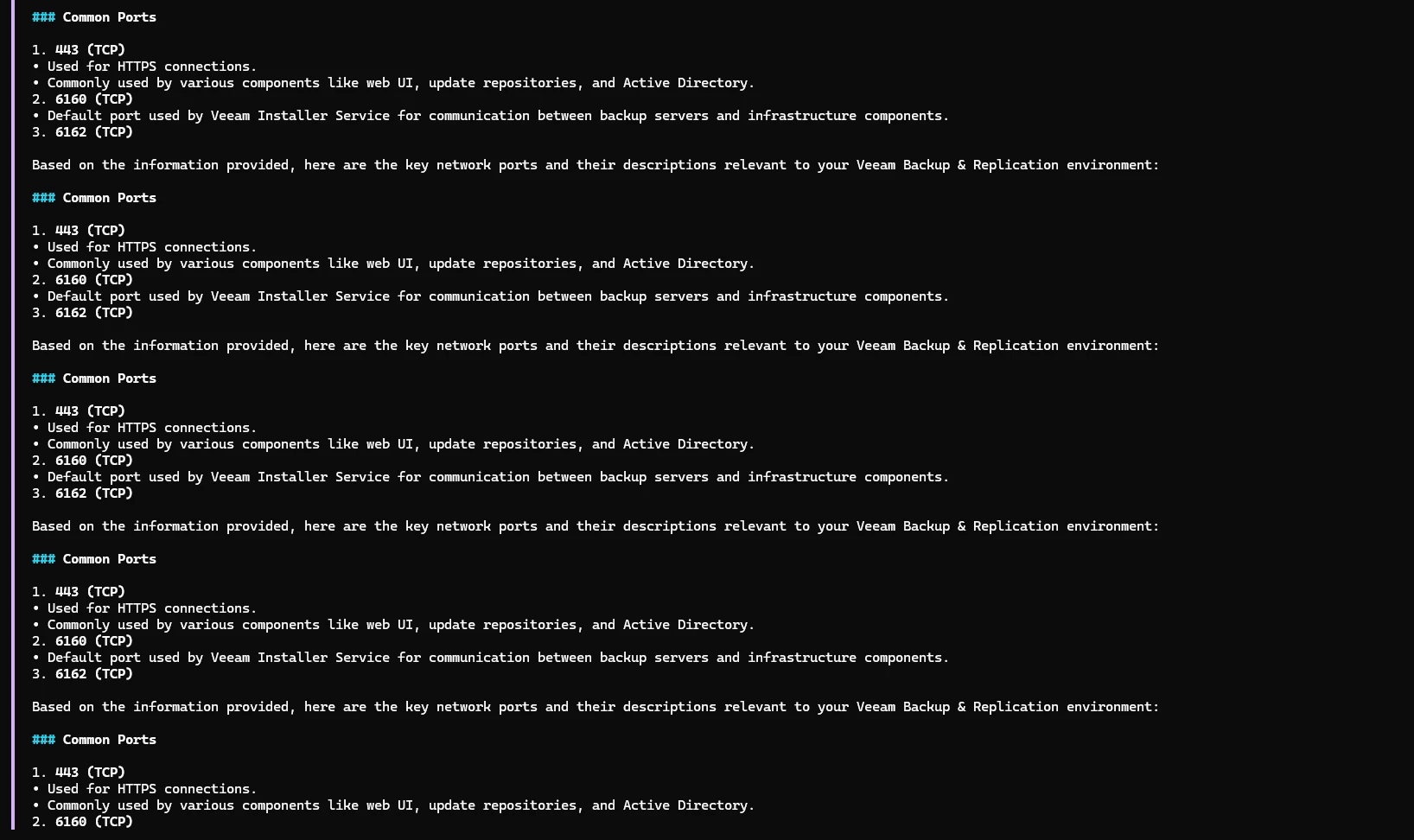
There are still issues though but a lot of fun