

Hi all,
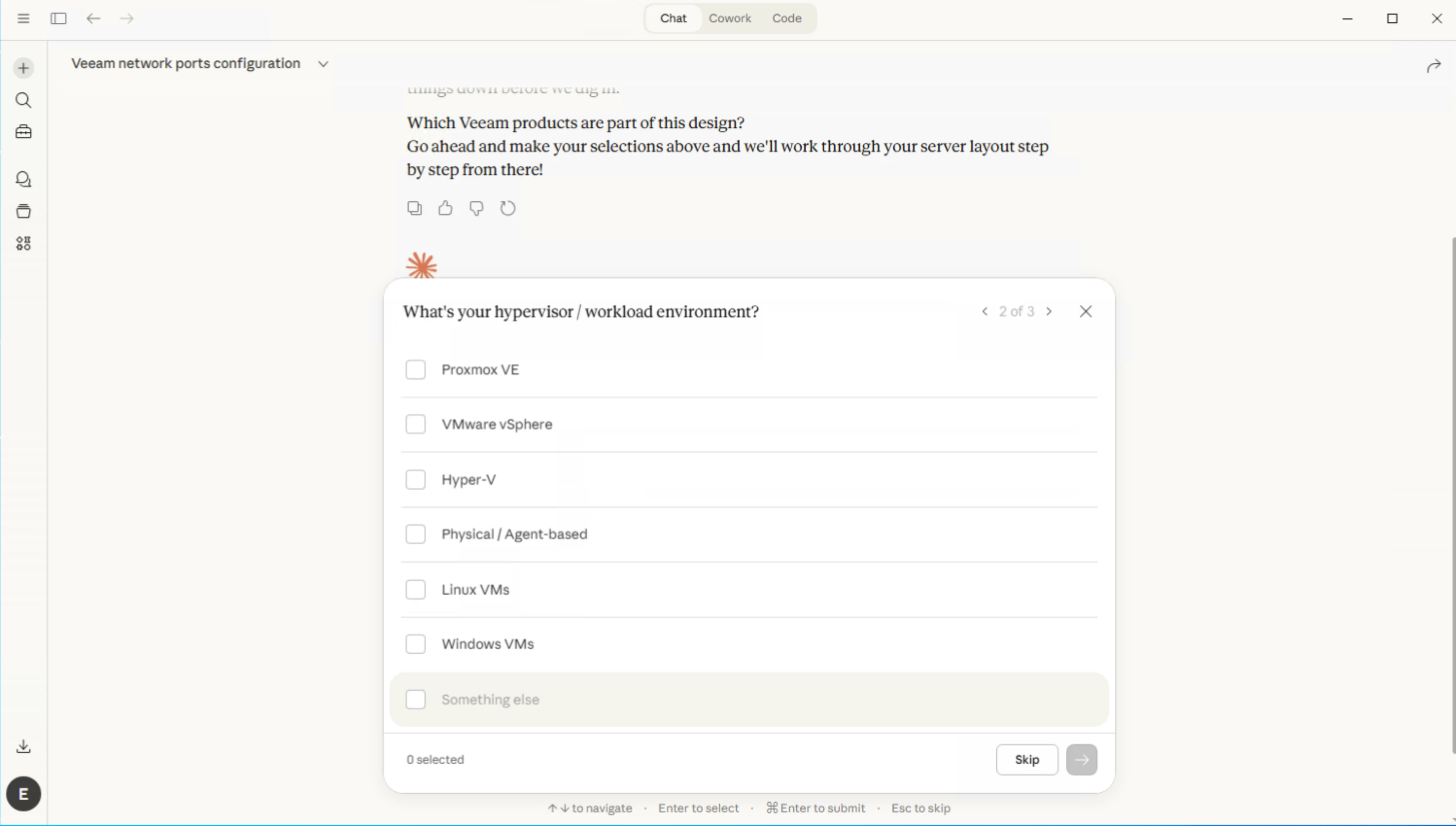
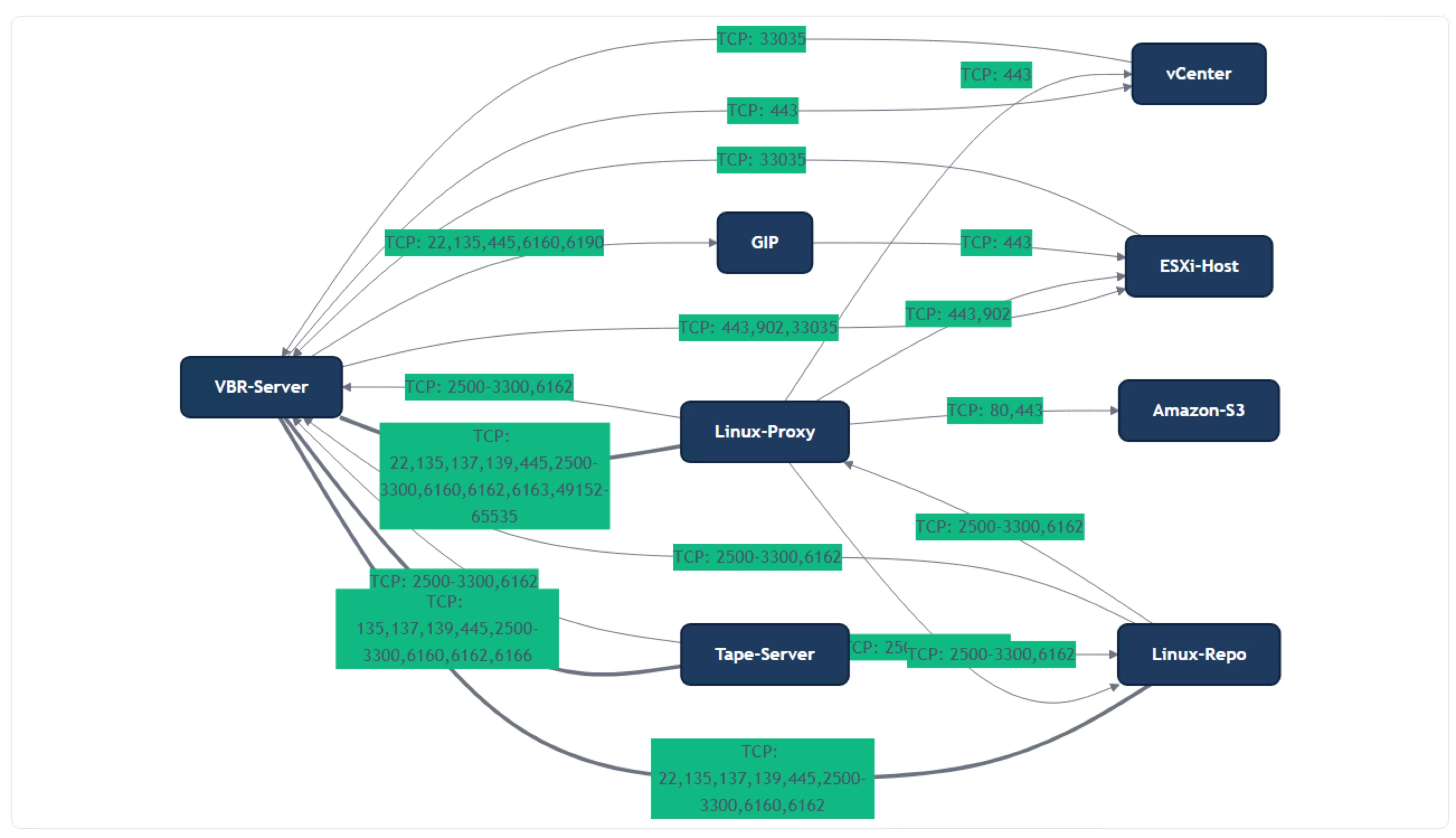
I wanted to share the new Veeam Ports MCP server with the community. This gives you the ability to interact with the Veeam Ports underlying database to create rich designs using LLM clients that support MCP, like Claude and VS Code.
https://github.com/shapedthought/veeam-ports-mcp
To install in Claude:
- Install Python
- Install UV
- Run: claude mcp add veeam-ports -- uvx veeam-ports-mcp
- Update your Claude desktop configuration file:
- macOS: ~/Library/Application Support/Claude/claude_desktop_config.json
- Windows: %APPDATA%\Claude\claude_desktop_config.json
{
  "mcpServers": {
    "veeam-ports": {
      "command": "uvx",
      "args": ["veeam-ports-mcp"]
    }
  }
}
I am still working to improve it to provide greater fidelity. Currently, the best way to work with it is to ask the AI to walk you through putting a design together; that way, it will guide you in selecting what you need in the correct order.
There is also a tool called generate_app_import. When you're happy with the design, you can ask the AI to use this tool, and it will create a Magic Ports-compatible JSON file. This allows you to refine the port mappings.
Please give it a go and send over any feedback or create an issue on GitHub.
Cheers,
Ed





