
Answer

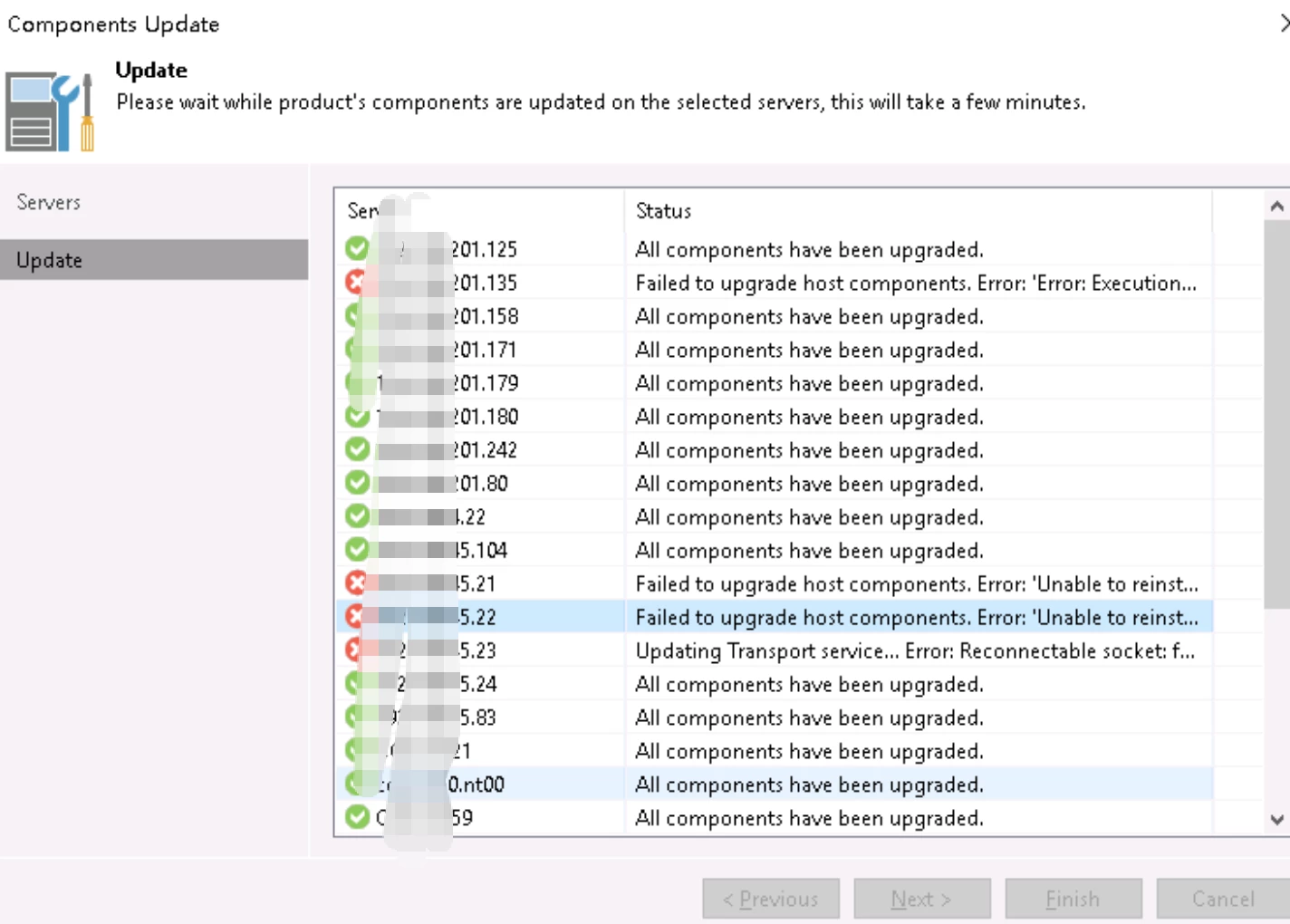
Upgrade to veeam v12.3.1.113, but this client update interface cannot be closed. What should I do?

  • June 5, 2025
  • 6 comments
  • 34 views

  • Comes here often

升级到 veeam v12.3.1.113,但此客户端更新界面无法关闭。我该怎么办?

Best answer by Chris.Childerhose

You can also try rebooting the components not upgrading and try again from the console.  Something could be blocking things like AV or FW so check those too.

6 comments

Dynamic
Forum|alt.badge.img+12
  • Veeam Vanguard
  • June 5, 2025

It seems like this task is currently running, so i would suggest, wait some minutes…


Next step, take a look in your task manager, there you would see this current task.


  • Author
  • Comes here often
  • June 5, 2025

这个任务似乎正在运行,所以我建议等待几分钟......


下一步,查看您的任务管理器,在那里您将看到当前任务。


I have been waiting for quite some time


Marcel.K
Forum|alt.badge.img+9
  • Veeam Legend
  • June 5, 2025

i would suggest to finish and then should be echo, what happened

is it linux component? maybe user does not have not enough permission, or port 22 you have been closed 

or you can directly check log in  /var/log on that component


  • Author
  • Comes here often
  • June 5, 2025

我建议结束,然后应该是 Echo,发生了什么

它是 Linux 组件吗?可能是用户没有足够的权限,或者您已关闭 22 端口

或者您可以直接在该组件上的 /var/log 中检查 log

窗户


Marcel.K
Forum|alt.badge.img+9
  • Veeam Legend
  • June 5, 2025

if windows component

i would suggest to check log on VBR or on target machine itself in C:\ProgramData\Veeam\Setup\Temp\


Chris.Childerhose
Forum|alt.badge.img+21
  • Veeam Legend, Veeam Vanguard
  • Answer
  • June 5, 2025

You can also try rebooting the components not upgrading and try again from the console.  Something could be blocking things like AV or FW so check those too.





