Veeam Backup & Replication v13 has arrived with significant improvements in security, performance, and data governance. I recently performed the upgrade from version 12.3, and in this article I share the entire process, from preparation to post-upgrade validation, following the official Veeam documentation. The goal is to present a practical, real-world experience while highlighting what’s new in this anticipated release.
Preparing for the Upgrade
Before starting the upgrade, I followed Veeam’s recommended best practices to ensure a smooth and safe process. This included:
-
Checking system compatibility, supported OS, storage repositories, hypervisors, and all backup infrastructure components.
-
Ensuring no backup jobs were running.
-
Updating the Guest Catalog and cleaning up old sessions.
-
Performing a Configuration Backup, which stores all settings from the Veeam server.
-
Creating a server backup or snapshot as an additional safety measure—especially recommended for production environments.
With these steps completed, the environment was fully prepared for the upgrade.
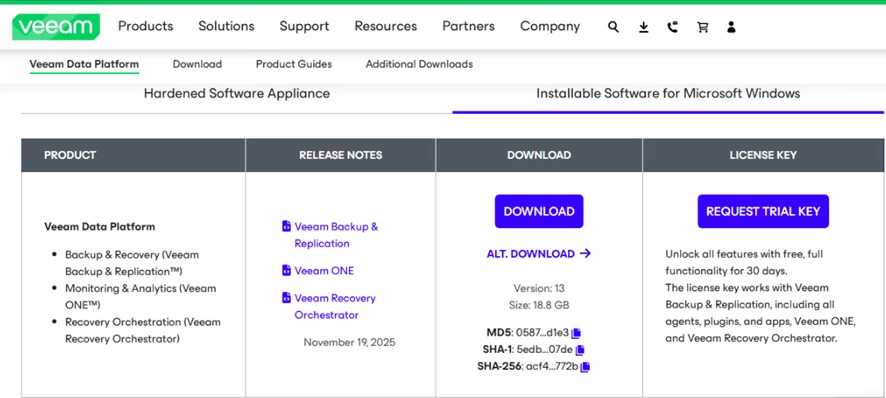
Upgrade Process from 12.3 to 13
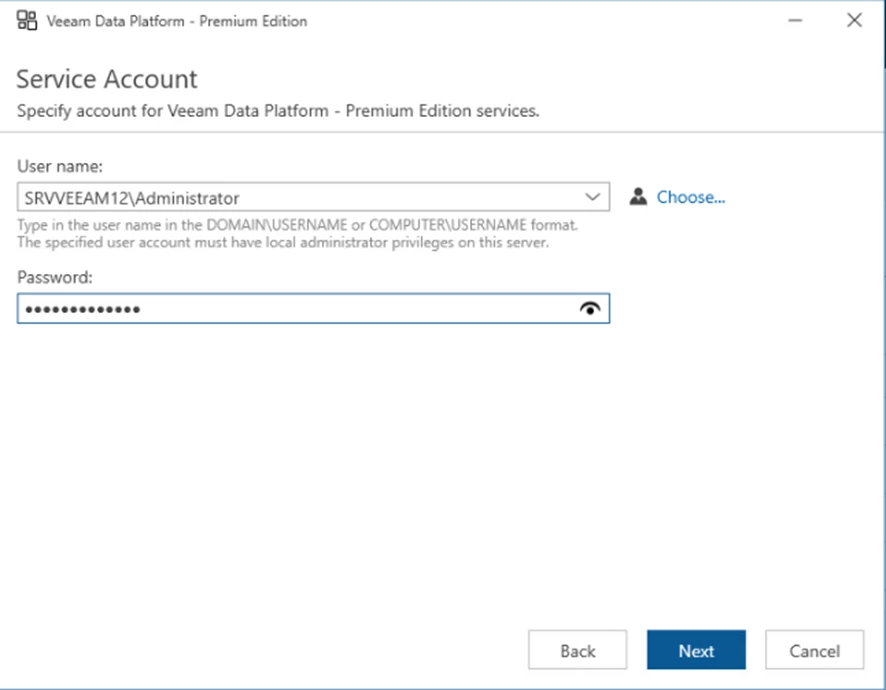
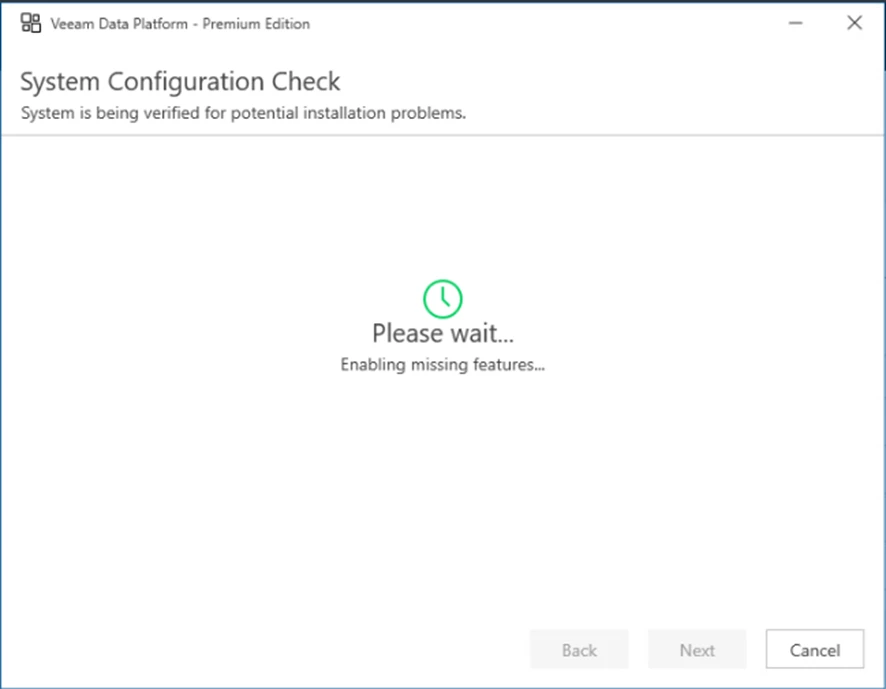
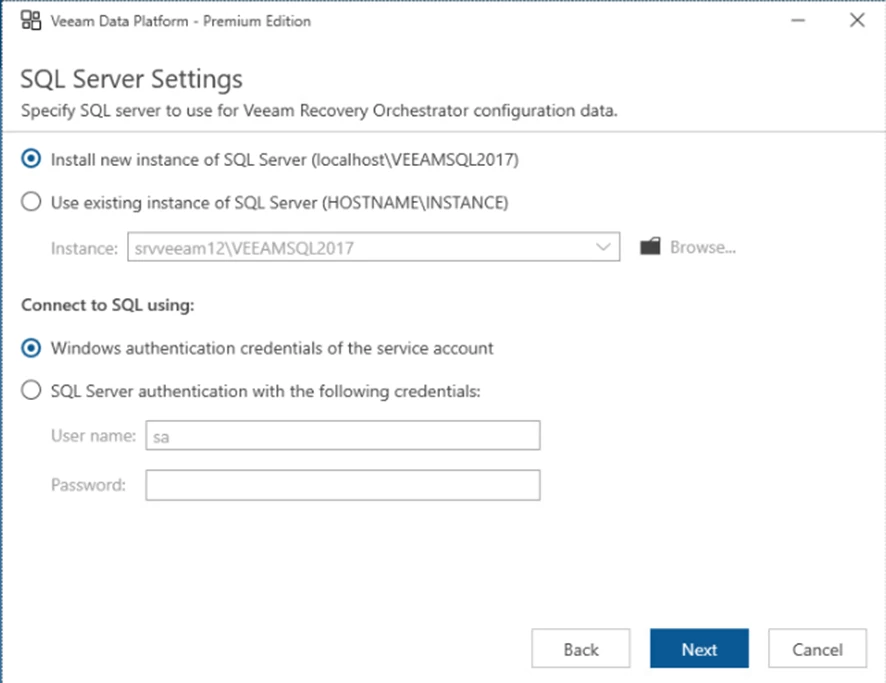
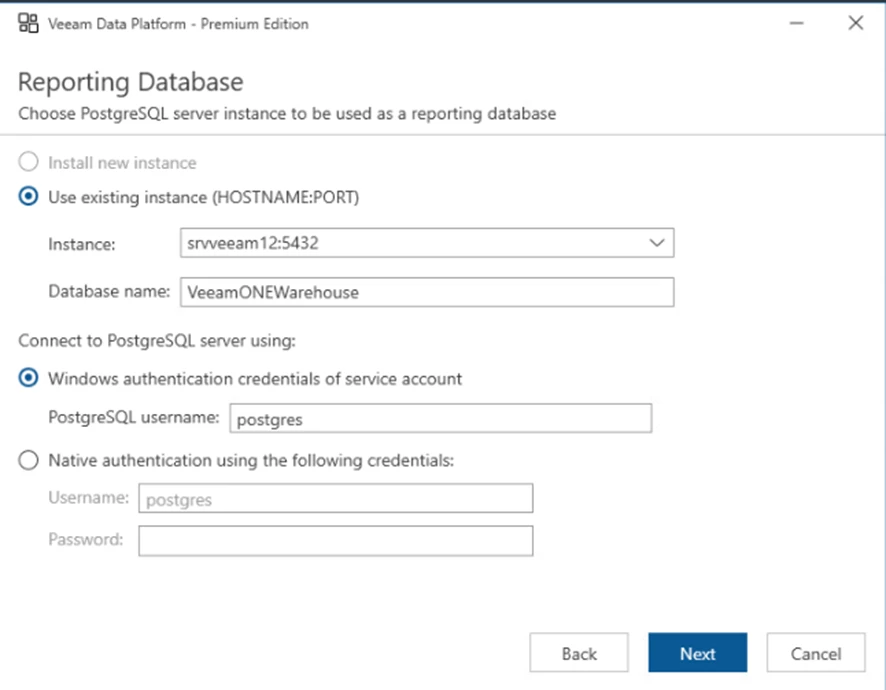
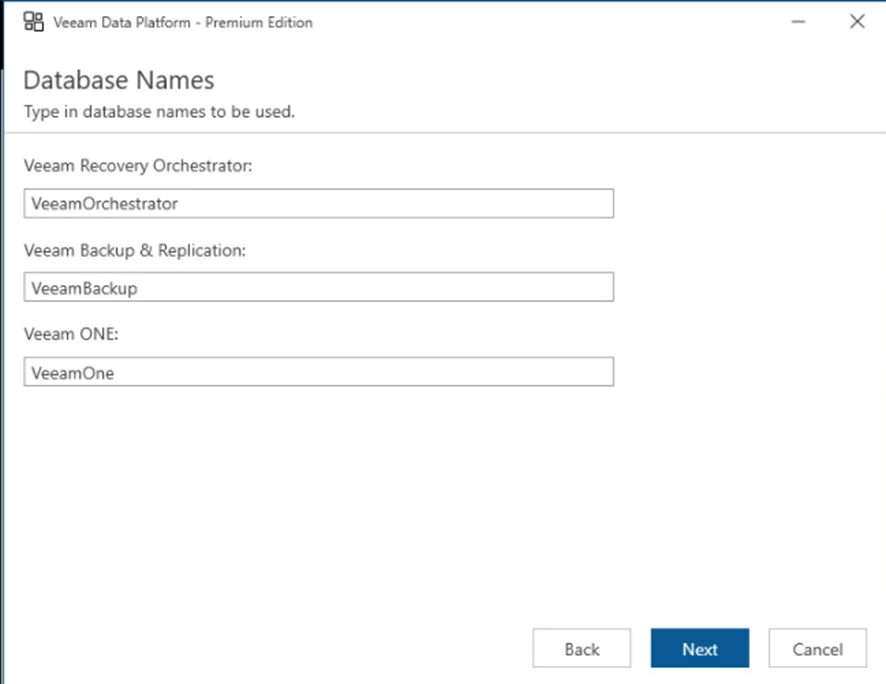
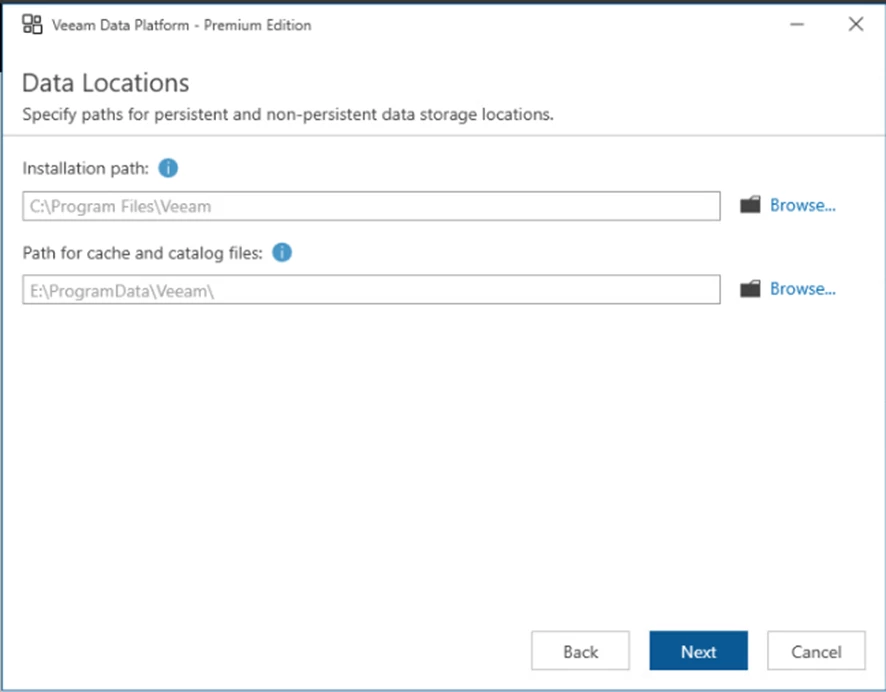
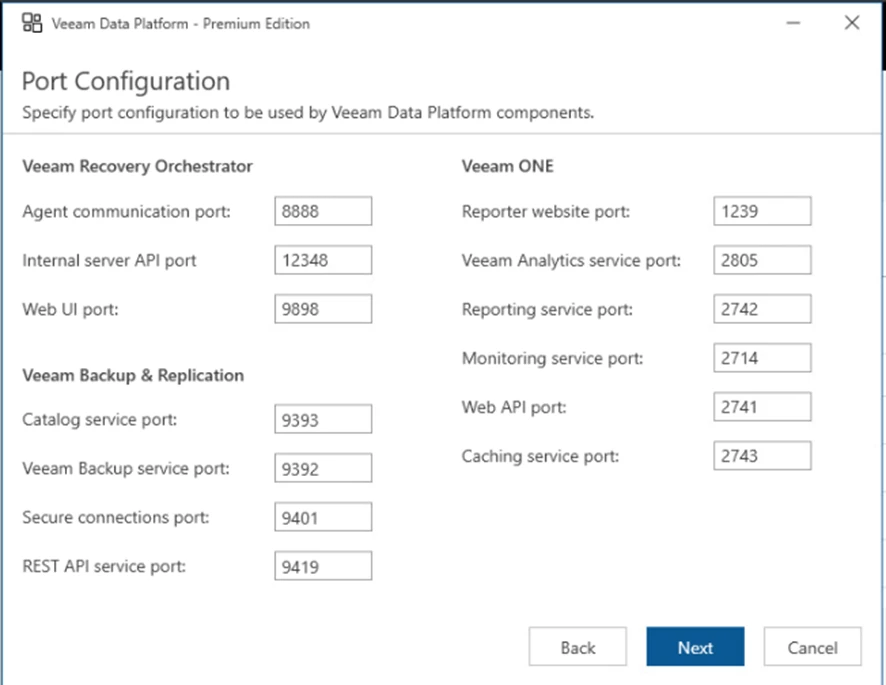
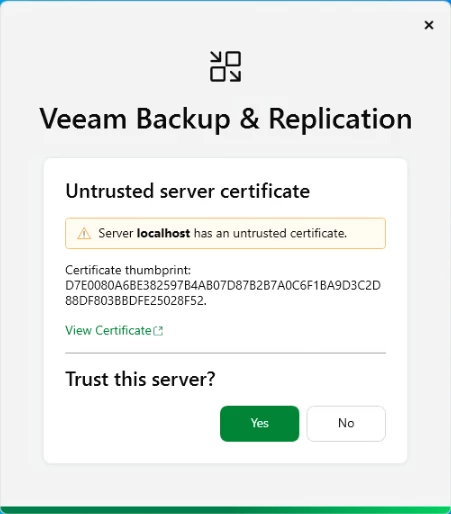
When launching the v13 installer, it automatically detected the existing Veeam Backup & Replication 12.3 installation and offered the option to update to the newest version. This is an in-place upgrade, meaning it layers the new version on top of the existing one without requiring a full reinstall.
The upgrade wizard performs several key steps:
-
Detects the installed version and validates component compatibility.
-
Stops all Veeam services.
-
Updates the system binaries.
-
Prompts for the database upgrade—one of the most important steps for preserving configuration integrity.
-
Restarts the services using the new versions.
The entire process was straightforward, fast, and clearly guided, with built-in safety checks and rollback options.

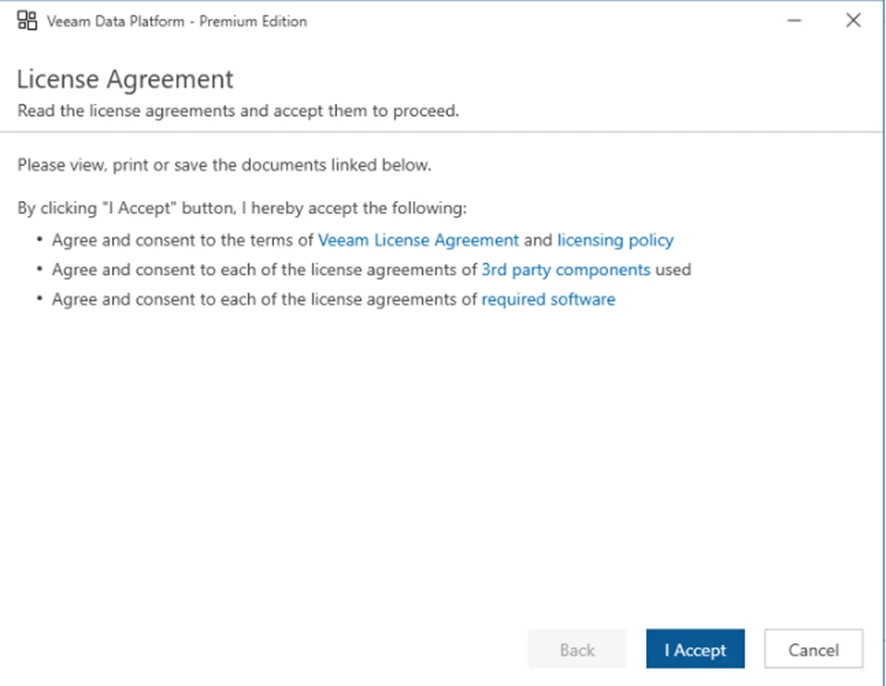
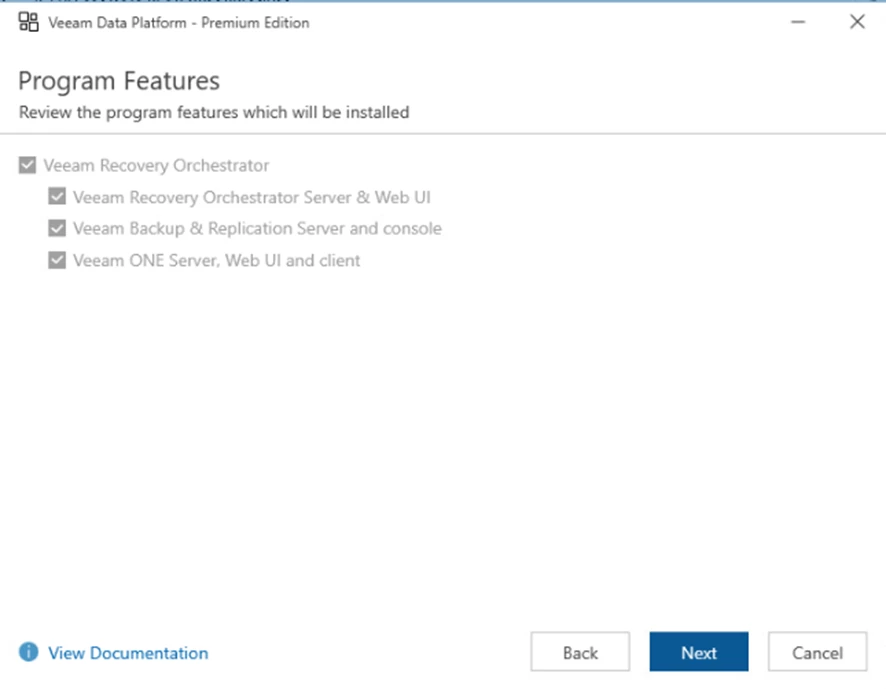
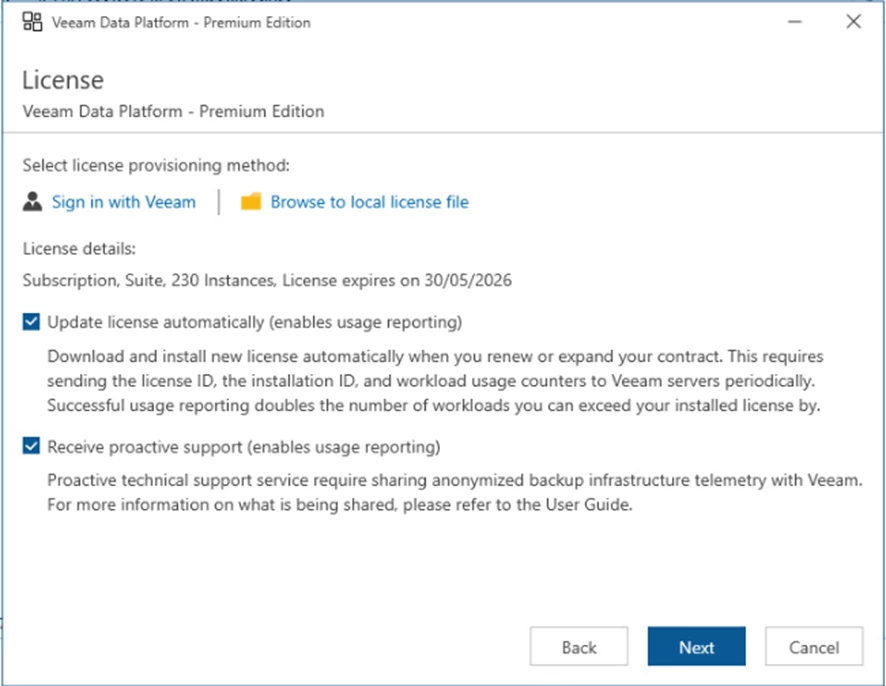
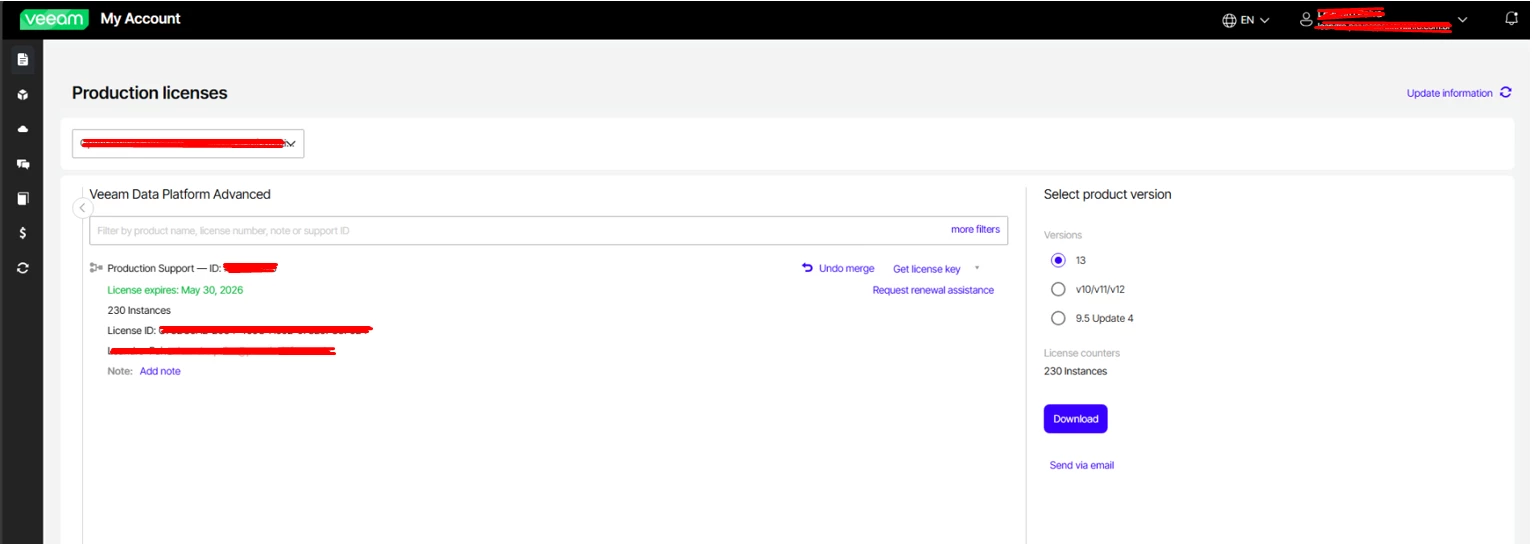
Bonus tip: It’s important to ensure that you download the license file that matches the correct version.
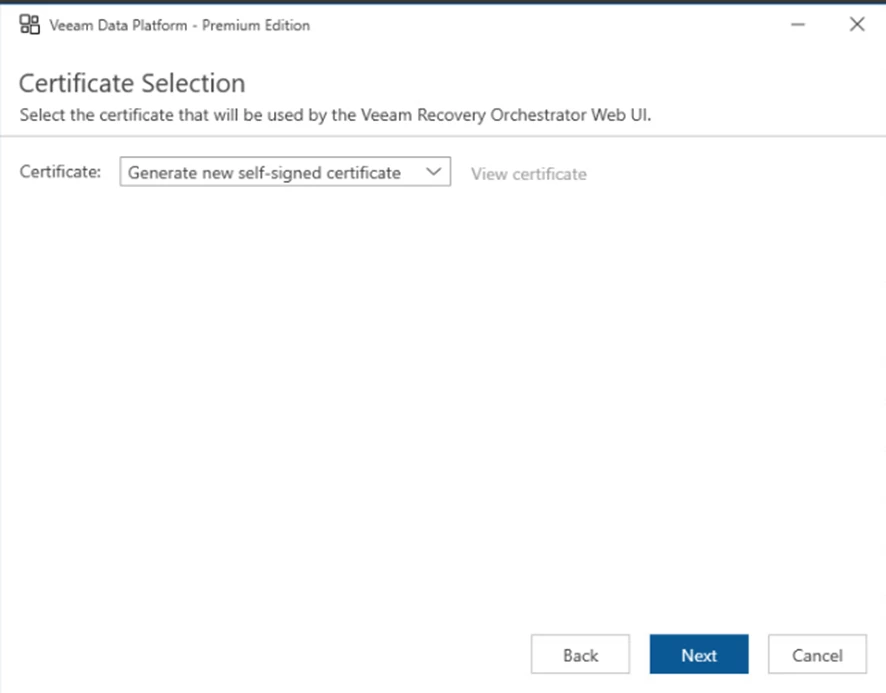
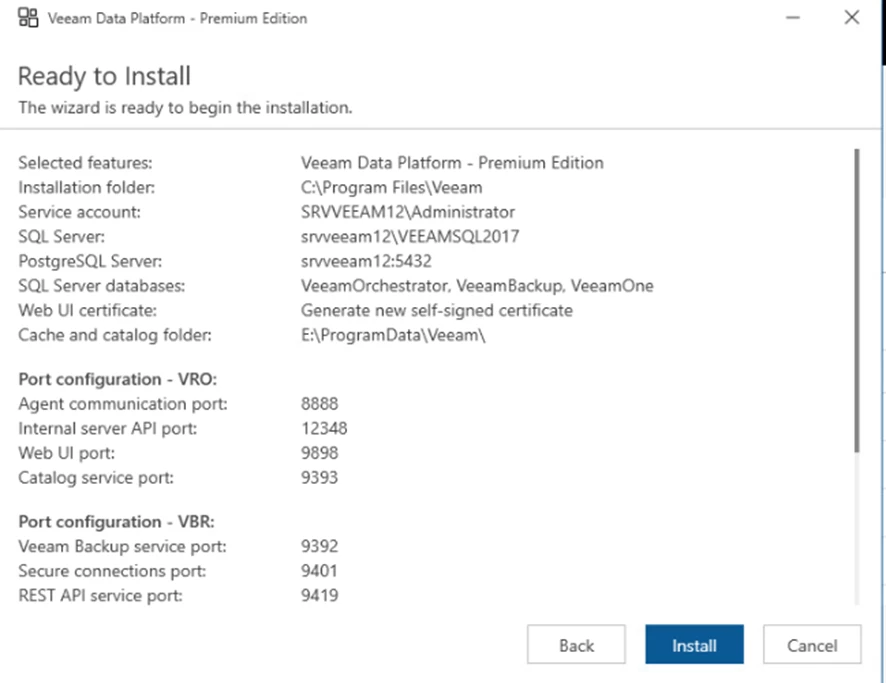
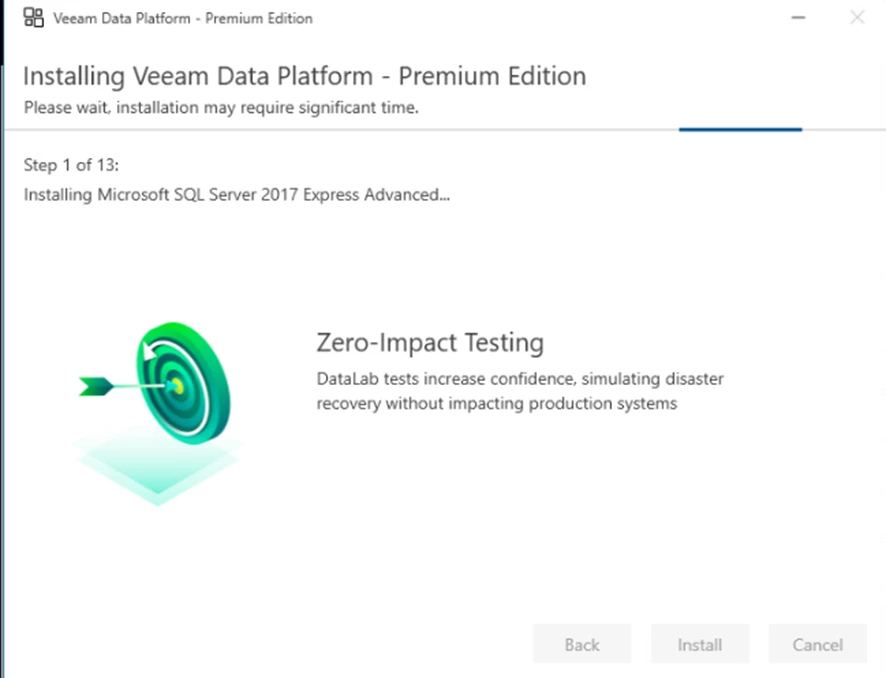
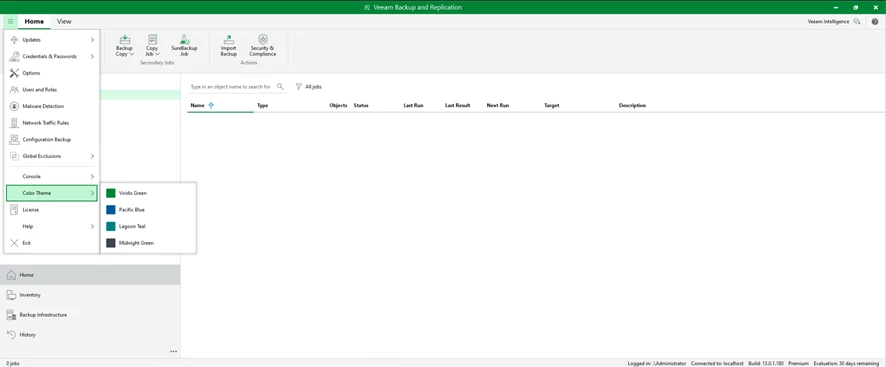
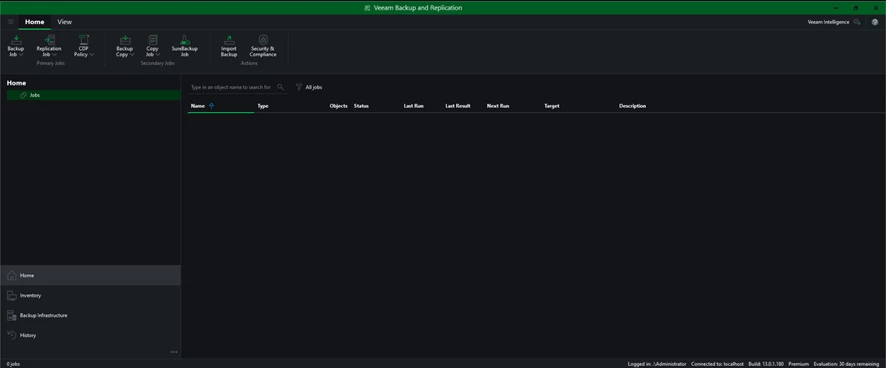
My favorite change: the new and improved Dark Mode, it looks fantastic!
Configuration Restore: Safety and Reversibility
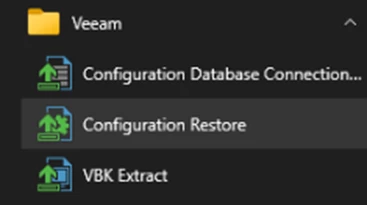
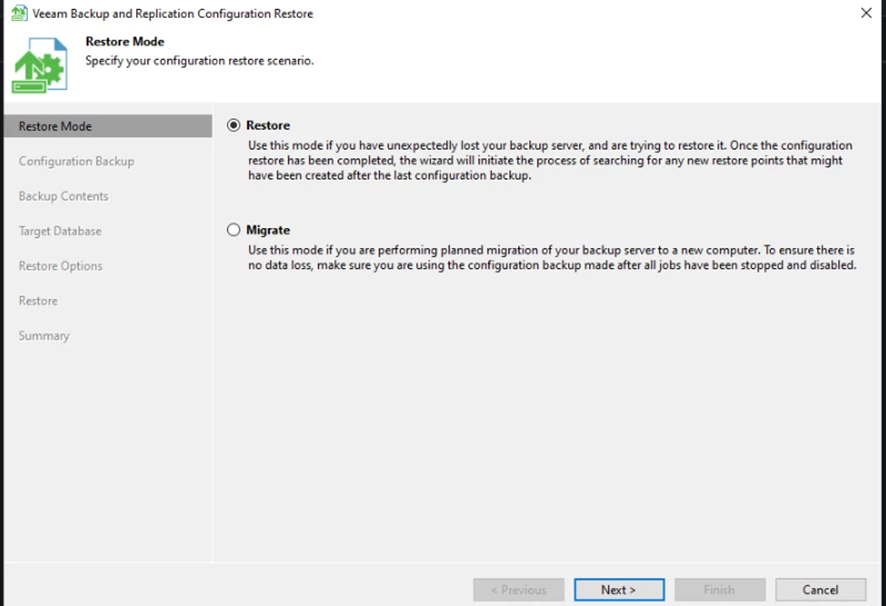
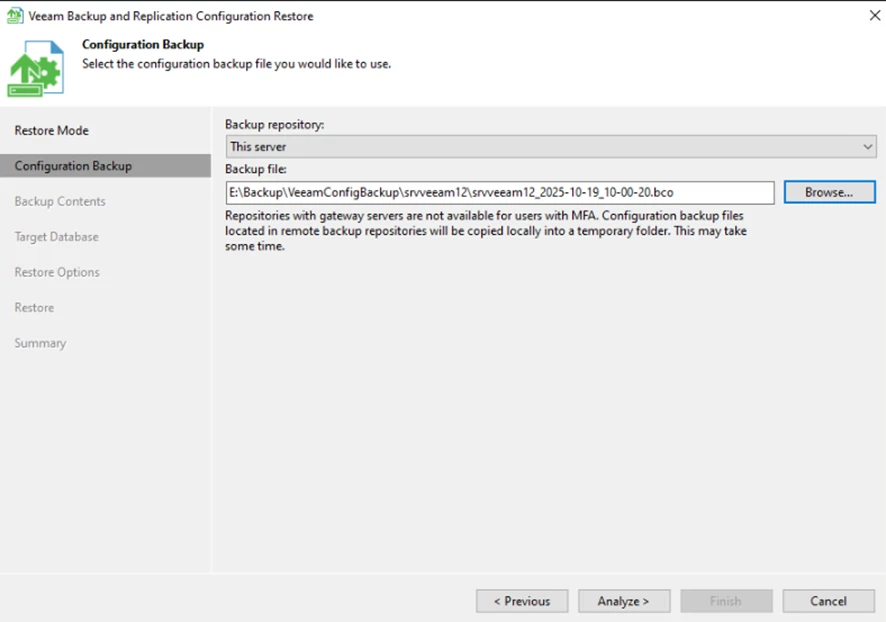
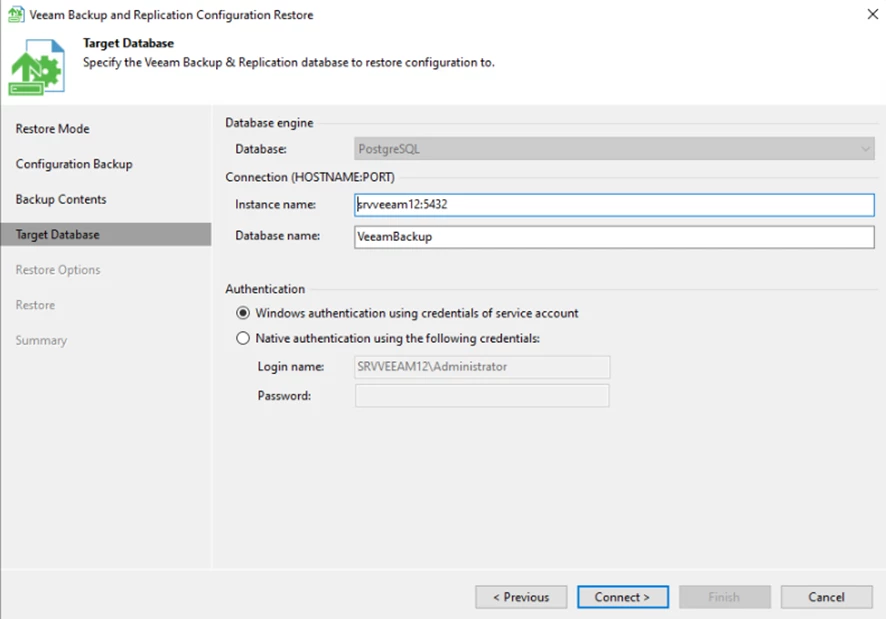
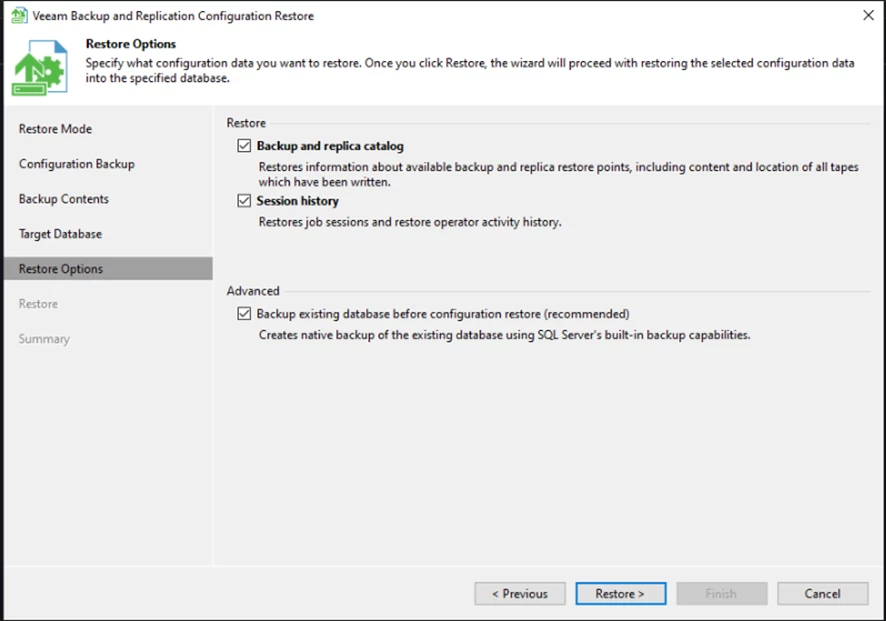
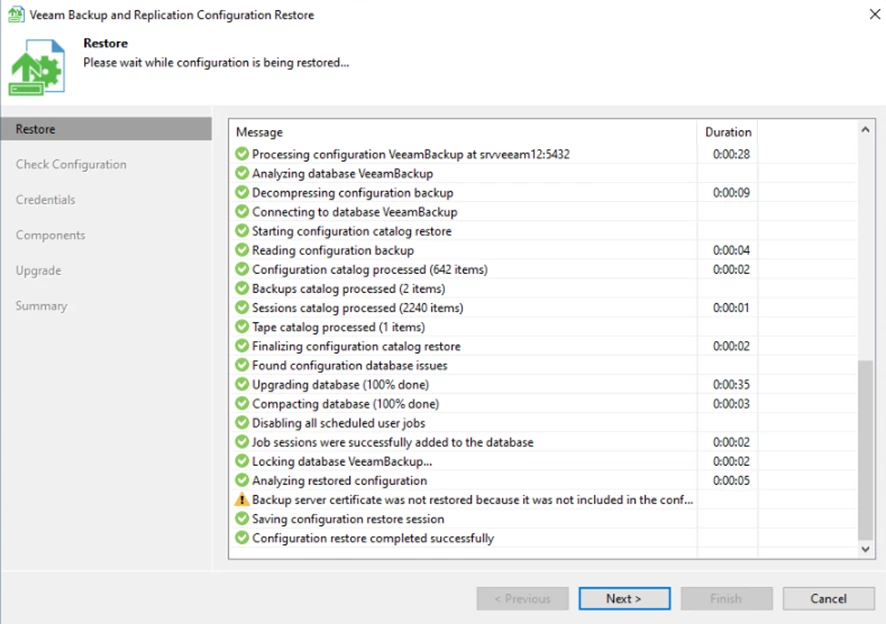
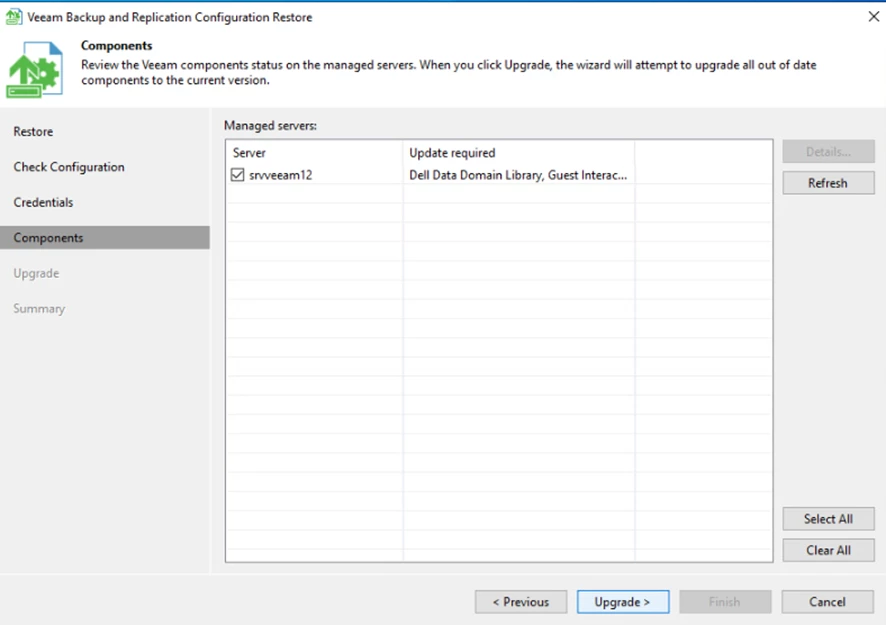
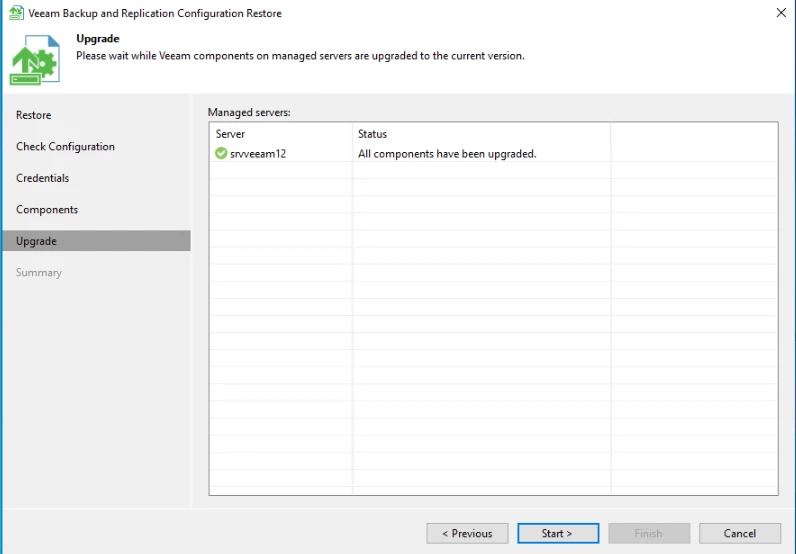
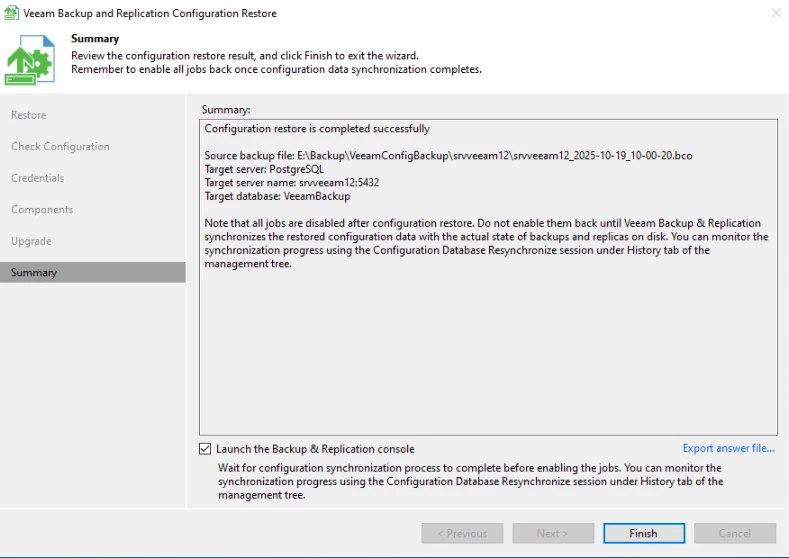
One of the strongest features of Veeam is the reliability of the Configuration Backup, which can be restored at any time if something unexpected occurs during the upgrade.
To validate this, I tested a Configuration Restore after completing the update. This process allows you to restore:
-
Backup repositories
-
Credentials
-
Hosts, proxies, and infrastructure components
-
Jobs, policies, and history
-
Licensing information
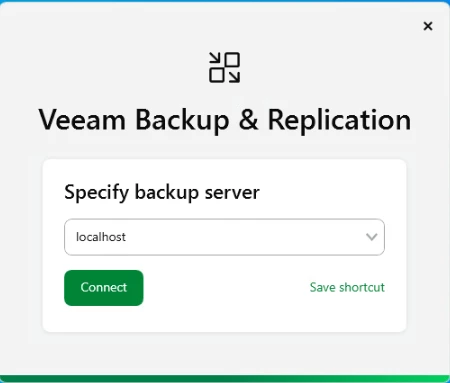
The restore process worked flawlessly, reinforcing how dependable this built-in protection mechanism is and ensuring full reversibility.

What’s New and the Key Benefits of V13
Version 13 introduces a series of improvements that make the upgrade worthwhile, especially considering today’s security landscape and the increasing need for deeper governance.
Enhanced Security
Veeam strengthened its ransomware protection layers and optimized internal component communication. Hardening has also improved, reducing exposure and potential attack vectors.
Better Performance
Backup and restore pipelines have been optimized, allowing better throughput, improved parallelism, and more efficient use of proxies and repositories. Job performance is noticeably smoother.
Improved Governance and Visibility
V13 includes enhanced reporting, more detailed alerts, and improved visibility into backup and data protection policies. This is especially useful for audits and compliance requirements.
Improved User Experience
With V13, the interface feels faster and more intuitive. Job creation workflows have been refined, and the installer provides a safer and clearer upgrade path.
Post-Upgrade Validation
After completing the upgrade, I performed several checks to ensure the environment was functioning as expected:
-
All existing jobs executed without issues.
-
Hypervisor connections (VMware/Hyper-V) remained intact.
-
All repositories were recognized with no adjustments required.
-
Credential records were preserved successfully.
-
Quick Restore and Full Restore tests completed without errors.
All core functionalities were operational, and some performed even better than before.
Conclusion
The upgrade from Veeam Backup & Replication 12.3 to 13 was simple, safe, and highly reliable. The in-place upgrade process works smoothly, and the ability to restore the previous configuration adds confidence for administrators handling production environments.
With major improvements in security, performance, and governance, V13 stands out as a strong and highly recommended upgrade for any organization looking to enhance its data protection strategy. If you haven’t upgraded yet, it’s definitely worth planning the transition.