
Many organizations take comfort in seeing green checkmarks in Veeam Backup & Replication. Backup jobs complete successfully, backup copies are immutable, and the 3-2-1-1-0 rule or even the 3-2-1-2-0 (see From Backup to Cyber Resilience | Veeam Community Resource Hub) is fully implemented.
Everything appears to be under control.
But there is one critical question that often remains unanswered:
Can you actually restore your systems when disaster strikes?
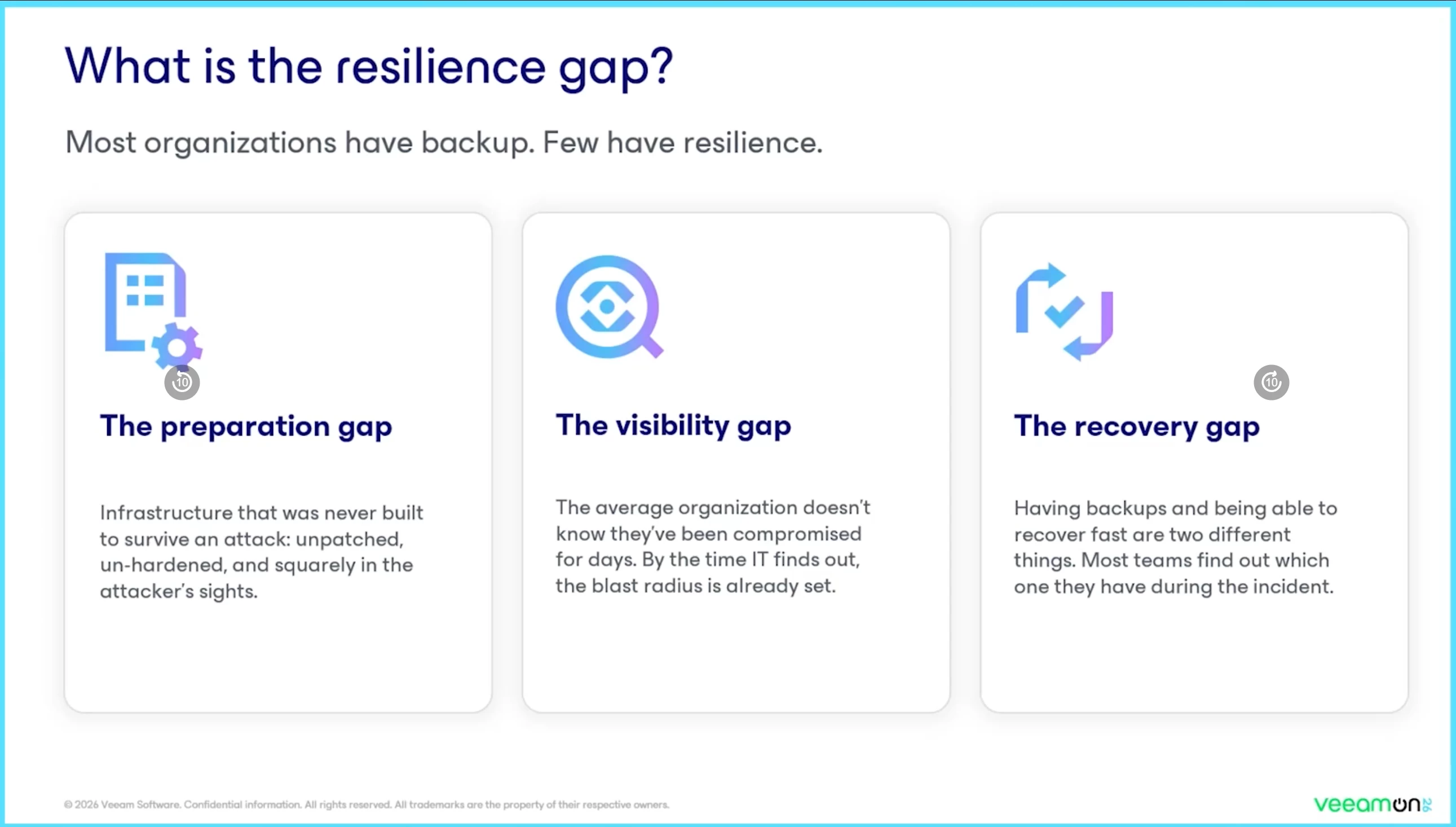
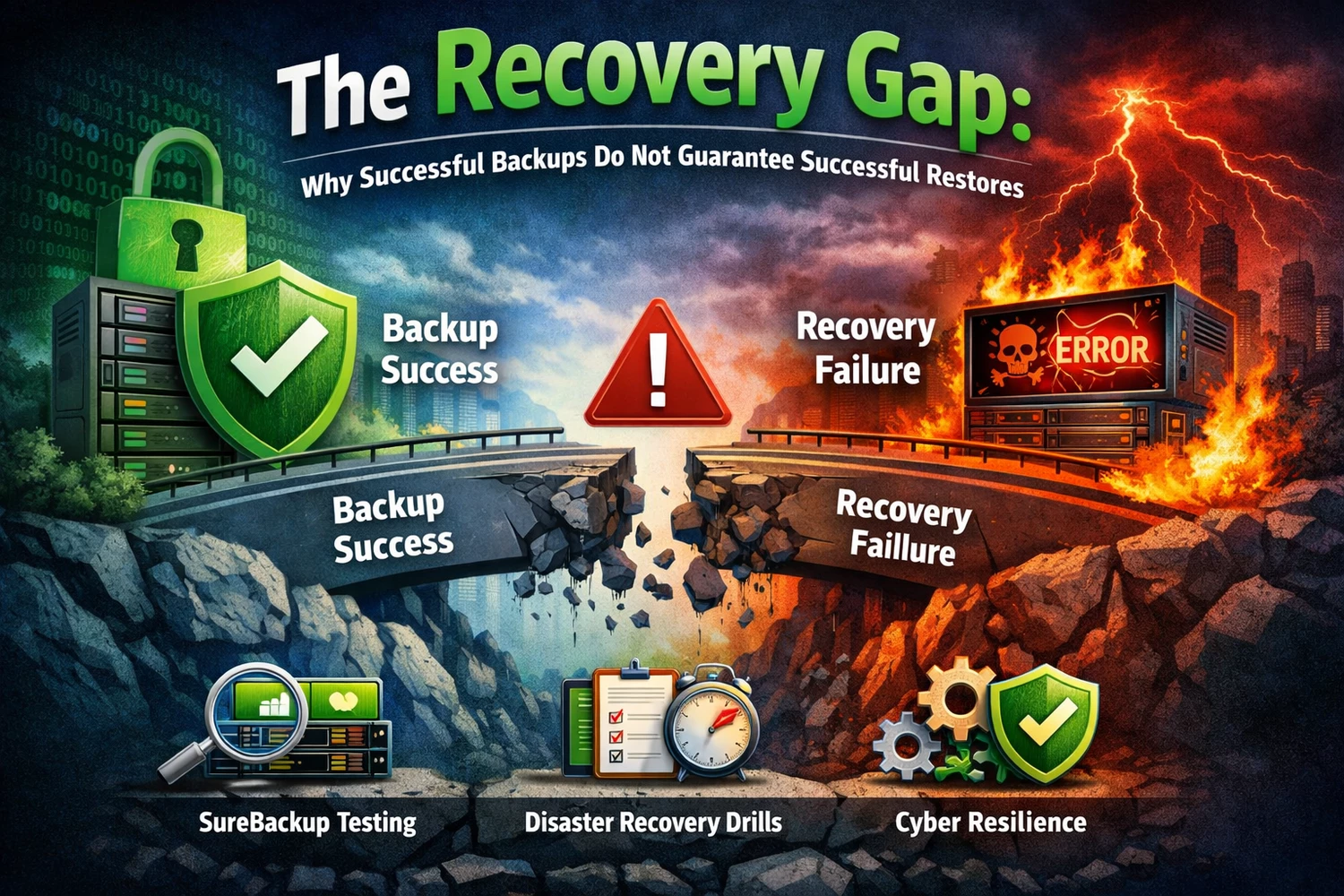
This is what I call the Recovery Gap: the difference between having successful backups and having proven recovery readiness.
Backup Success vs. Recovery Readiness
A successful backup confirms only one thing:
Data was successfully written to storage.
What it does not guarantee is that:
- Virtual machines will boot correctly
- Applications will start successfully
- Databases are transactionally consistent
- Dependencies such as DNS and Active Directory are available
- Recovery objectives can be achieved within the required timeframe
In other words:
Backups may exist, but recovery may still fail.
Keeping the “0” in 3-2-1-1-0 or 3-2-1-2-0 at Zero
The final 0 in the 3-2-1-1-0 or 3-2-1-2-0 methodology represents:
Zero backup errors after verification.
Many organizations interpret this as:
- Backup jobs completed successfully
- No warnings or errors were reported
While this is an important first step, the true meaning of the final zero goes much further.
The 0 should also mean that:
- ✔ Restores are regularly tested and validated
- ✔ Applications are fully operational after recovery
- ✔ Recovery procedures are documented and current
- ✔ Teams know exactly what to do during an incident
Without regular verification, the final zero becomes an assumption rather than a proven fact.
Why SureBackup Is Essential
SureBackup is one of the most valuable features in Veeam Backup & Replication because it automatically verifies whether backups are truly recoverable.
SureBackup can:
- Start virtual machines directly from backup files
- Validate successful boot processes
- Perform heartbeat checks
- Test application availability
- Confirm that backups are recoverable
This transforms backup verification from a theoretical exercise into an automated proof of recoverability.
No verification = No certainty.
Disaster Recovery Testing Must Be Recurring
Surebackup is the first step, but going deeper I recommended performing a real disaster recovery test.
Recovery validation should never be a one-time exercise.
Your environment changes continuously:
- Operating systems are patched
- Applications are upgraded
- Dependencies evolve
- Security settings are modified
- Infrastructure is expanded
A restore that worked six months ago may fail today.
That is why regular disaster recovery testing is essential.
Test Both Backups and Replicas
A complete disaster recovery strategy should validate both backup-based and replication-based recovery.
Backup-Based Recovery
Test the following scenarios:
- Instant Recovery
- Full VM restores
- File-level restores
- Application item restores
Replication-Based Recovery
Test:
- Replica startup and functionality
- Planned failover
- Unplanned failover
- Failback procedures
Both approaches are critical and should be included in recurring DR exercises.
Common Recovery Issues Discovered During Testing
Disaster recovery tests often reveal issues that remain hidden during normal backup operations:
- Missing encryption passwords
- Expired credentials
- Application inconsistencies
- DNS and networking dependencies
- Undocumented manual steps
- Performance bottlenecks
Finding these issues during a controlled test is far better than discovering them during a real incident.
Practical Recommendations
To close the Recovery Gap:
- Use SureBackup to automate backup verification
- Schedule recurring DR tests
- Test both backups and replicas
- Measure RTO and RPO achievements
- Document every recovery procedure
- Store critical documentation securely and offline
Recovery Testing Supports Cyber Resilience
Cyber resilience is not just about creating immutable backups.
It is about proving that:
- Data can be restored
- Applications function correctly
- Recovery objectives are met
- Business operations can continue
Backups are your insurance policy.
Recovery testing is the proof that the policy will actually pay out.
Conclusion
Successful backups are only the first step.
True cyber resilience means validating that recovery works consistently, reliably, and within your required recovery objectives.
SureBackup and recurring disaster recovery testing are essential to keeping the “0” in 3-2-1-1-0 or 3-2-1-2-0 truly at zero.
Because in the end, the only backup that matters is the one you can restore.