Answer

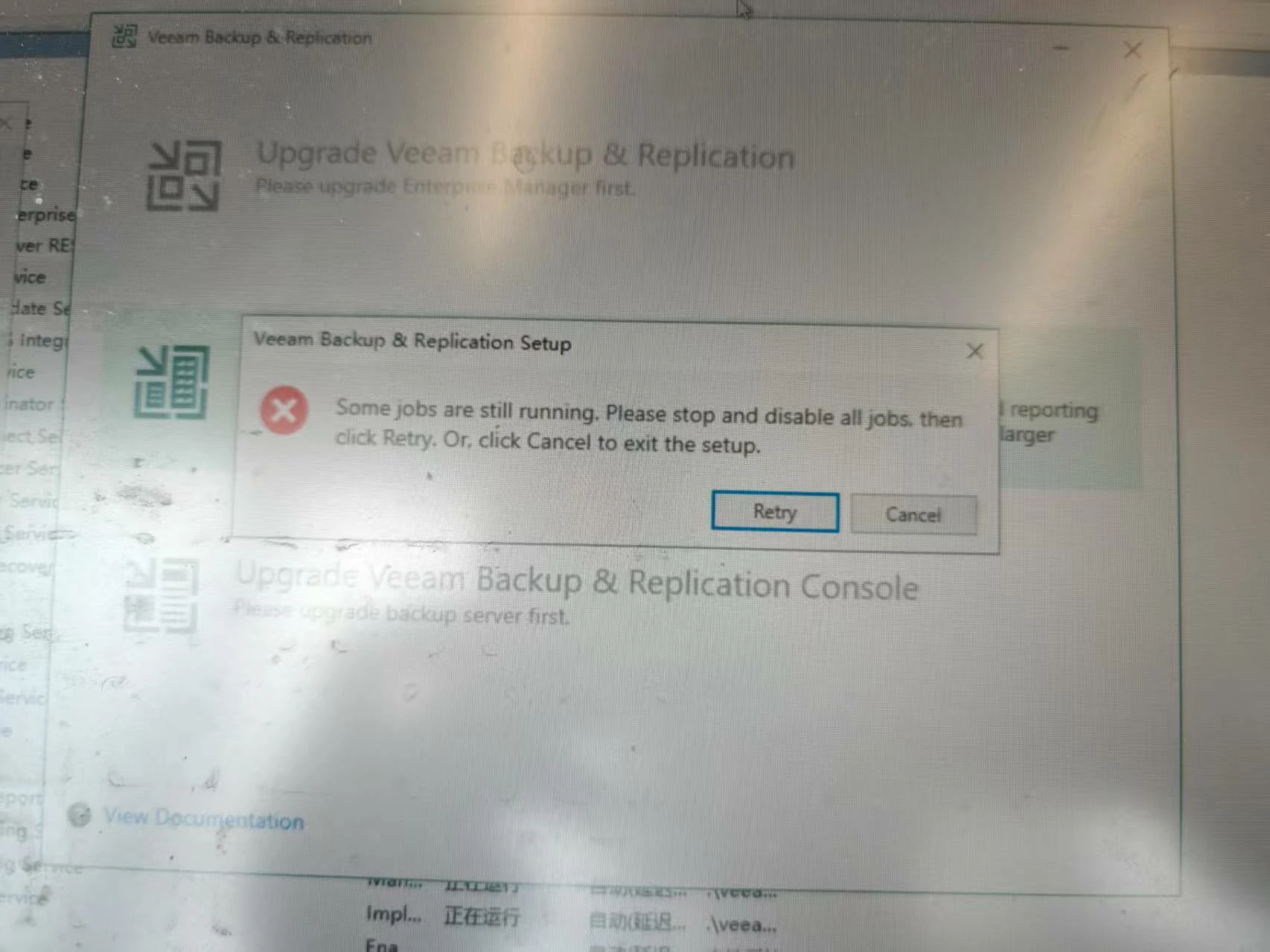
The current VBR version is v12.1.156, and I need to upgrade to the latest version of veeam, v12.3.1.113, but it prompts that a backup task is running. What should I do?

  • June 5, 2025
  • 5 comments
  • 47 views

  • Comes here often

当前的 VBR 版本是 v12.1.156,我需要升级到最新版本的 veeam,即 v12.3.1.113,但它提示备份任务正在运行。我该怎么办?

 

Best answer by CMF

Hi ​@fjl ,

I usually disable all Jobs before doing an Update. Sometimes its also helpfull to reboot the system after disabling the Jobs.


Regards

Chalid

5 comments

  • Author
  • Comes here often
  • June 5, 2025


CMF
Forum|alt.badge.img+8
  • Veeam Legend
  • Answer
  • June 5, 2025

Hi ​@fjl ,

I usually disable all Jobs before doing an Update. Sometimes its also helpfull to reboot the system after disabling the Jobs.


Regards

Chalid


kristofpoppe
Forum|alt.badge.img+10
  • Veeam Vanguard
  • June 5, 2025

Stop and disable all jobs. To be sure, close the management console on the VBR server and stop all Veeam related services.


Marcel.K
Forum|alt.badge.img+9
  • Veeam Legend
  • June 5, 2025

even not directly is some job running, but copy job with immediate copy mode is counted as running job

or jobs with application aware processing as CMF and kristofpoppe mentioned, best practice is to disable all jobs. Another issue is if some user has open console. They have to be closed. Please open task manager and check each user, if they have Veeam process regarding console, if yes, kill it.


Iams3le
Forum|alt.badge.img+11
  • Veeam Legend
  • June 5, 2025

Take a look at these links for a flawless upgrade: 

You will find more details here as well: https://techdirectarchive.com/2025/03/25/upgrade-vbr-to-12-3-1-setup-detected-inconsistent-configuration/