Question

VEEAM V12.3 INSTALLATION ERROR

  • December 16, 2025
  • 9 comments
  • 27 views

I first of all installed Veeam v12.3 on an external drive then i uninstalled it. I then tried to install it on the hard drive of my PC, but this error popped up. I did some research and discovered it could be because of the last installation residues that could still be running in my PC. So i went on checking all the possible places where these residues could be (task anager, register,...) but still after trying to install it the same error pops up. So what can be the problem with this installation?



9 comments

Chris.Childerhose
Forum|alt.badge.img+21
  • Veeam Legend, Veeam Vanguard
  • December 16, 2025

What is the error message in English?  There is more than likely something still registered somewhere.

Check the Control Panel > Add/Remove Programs to see if anything Veeam is there and remove it.  Then try again and see.


lukas.k
Forum|alt.badge.img+13
  • Influencer
  • December 16, 2025

A. very simple idea: I guess you already tried to reboot the system after you uninstalled Veeam the first time?


Chris.Childerhose
Forum|alt.badge.img+21
  • Veeam Legend, Veeam Vanguard
  • December 16, 2025

A. very simple idea: I guess you already tried to reboot the system after you uninstalled Veeam the first time?

Ah yes always forget the good old MS fix.  🤣


  • Author
  • New Here
  • December 16, 2025

What is the error message in English?  There is more than likely something still registered somewhere.

Check the Control Panel > Add/Remove Programs to see if anything Veeam is there and remove it.  Then try again and see.

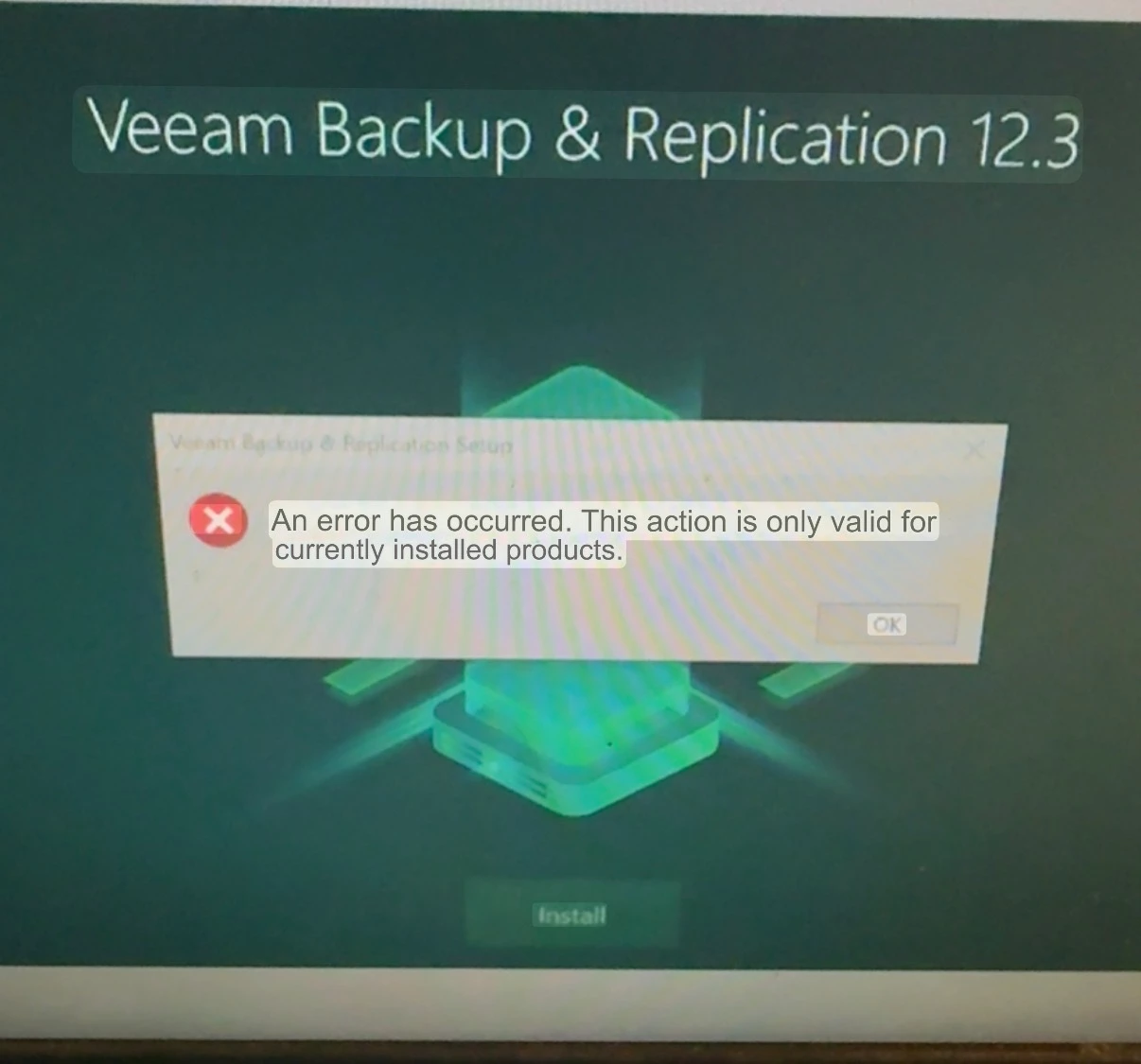
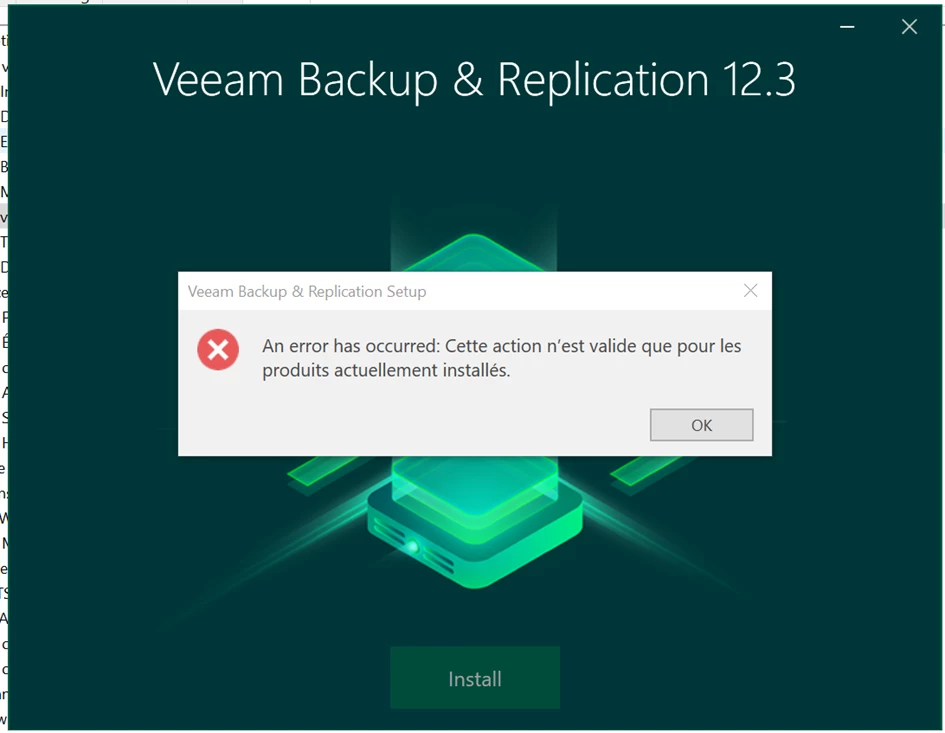
An error has occured: This action is only valid for currently installed products.


  • Author
  • New Here
  • December 16, 2025

Of course I tried, but the same errors shows up


Chris.Childerhose
Forum|alt.badge.img+21
  • Veeam Legend, Veeam Vanguard
  • December 16, 2025

What is the error message in English?  There is more than likely something still registered somewhere.

Check the Control Panel > Add/Remove Programs to see if anything Veeam is there and remove it.  Then try again and see.

An error has occured: This action is only valid for currently installed products.

Did you try rebooting like Lukas mentioned?  If you did and still have the problem there is something lingering in your system and it would be best to open a support ticket to get them to help clean things up.


  • Author
  • New Here
  • December 16, 2025

What is the error message in English?  There is more than likely something still registered somewhere.

Check the Control Panel > Add/Remove Programs to see if anything Veeam is there and remove it.  Then try again and see.

No Veeam program shows there...


Chris.Childerhose
Forum|alt.badge.img+21
  • Veeam Legend, Veeam Vanguard
  • December 16, 2025

What is the error message in English?  There is more than likely something still registered somewhere.

Check the Control Panel > Add/Remove Programs to see if anything Veeam is there and remove it.  Then try again and see.

No Veeam program shows there...

Ok please contact Support and open a ticket to get this resolved.  The community is NOT support.


Iams3le
Forum|alt.badge.img+11
  • Veeam Legend
  • December 17, 2025

Hi ​@jefflionel,
Your assumption and findings are correct. Windows still has registry entries, services, and other references that point to the old installation path.

This causes the error above instead of allowing a fresh install. To start a new setup, the suggestions from my peers are excellent. You have already removed Veeam v12.3 via Control Panel/Windows Settings and please “reboot”. But if the error still appears. Please follow the steps below:

  • Navigate to the Windows Registry, look for orphaned registry keys, delete them, and do not forget to reboot.

  • If there are leftover folders, please remove them, and also check whether any Veeam services are still present.

Next, restart your computer and try the re‑installation. If the issue persists after these steps, please review the logs or Windows Event Viewer, or contact Veeam Support.