Firstly, thank you for the warm welcome.
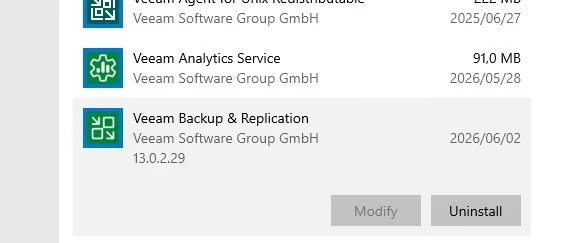
Regarding the upgrade, our VBR server runs as a VM, and fortunately, a VMware snapshot was taken before we started. This turned out to be one of our better life decisions, as it allowed us to successfully roll back when things went sideways.
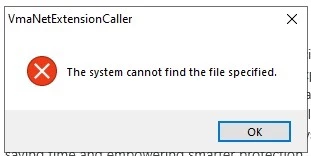
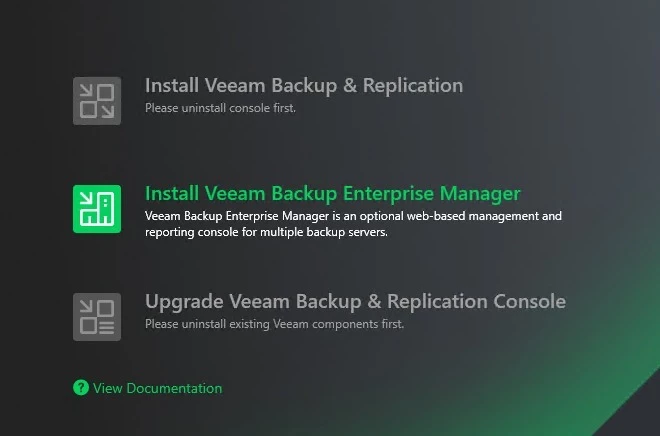
After encountering the error, we attempted to restart the upgrade but were unable to proceed. We rebooted the server, and then, with time against us, followed guidance from a link that suggested clearing the TEMP directory before retrying the install.
Against my better judgment (and perhaps common sense), we went ahead with this step… which, unsurprisingly, turned out to be a big mistake. Lesson learned: not everything on the internet should be trusted, especially under pressure.
We also opened a support ticket with Veeam, but as mentioned above, we had unfortunately already cleared the files required for proper investigation. On a side note, it was the first time I’ve ever heard a Veeam support agent chuckle… in disbelief, I suppose! Our ticket remains open, incase the same issue pops up.
Fortunately, we were able to get the image back up and the VBR server running to perform some critical restores for our DBAs (who were understandably starting to look at us a bit nervously).
We are planning to reattempt the upgrade next Wednesday. Will keep you all updated on how it goes.
Thanks again for all the excellent advice, much appreciated!