Hi,
I was trying to restore individual files after booted in using the Veeam Recovery Media ISO (from USB stick) but not like in Windows it only supports restoring volumes I guess or am I missing something?
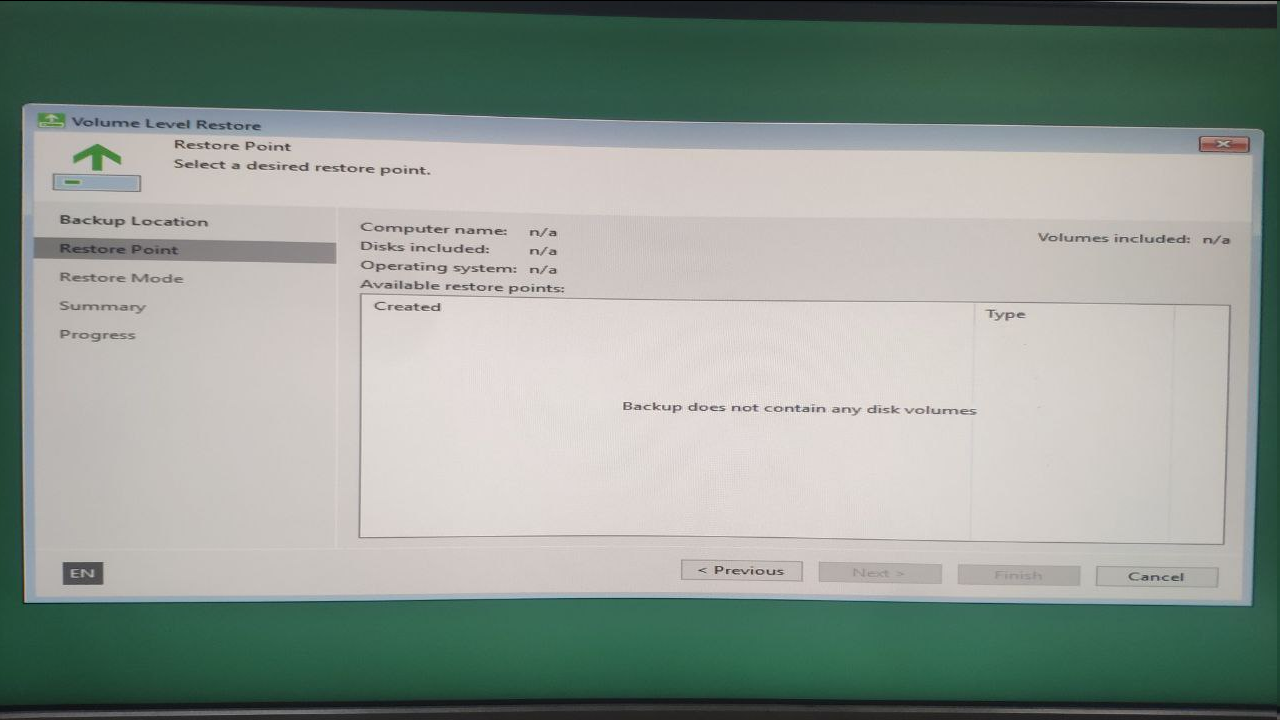
Thanks

Hi,
I was trying to restore individual files after booted in using the Veeam Recovery Media ISO (from USB stick) but not like in Windows it only supports restoring volumes I guess or am I missing something?
Thanks
Best answer by Chris.Childerhose
Usually the ISO is used to restore volumes. If you need to restore files you can do it from the client within Windows.
Enter your E-mail address. We'll send you an e-mail with instructions to reset your password.