Answer

Unable to Create Job for Proxmox VM

  • November 27, 2024
  • 9 comments
  • 437 views

Hi Veeam Team,


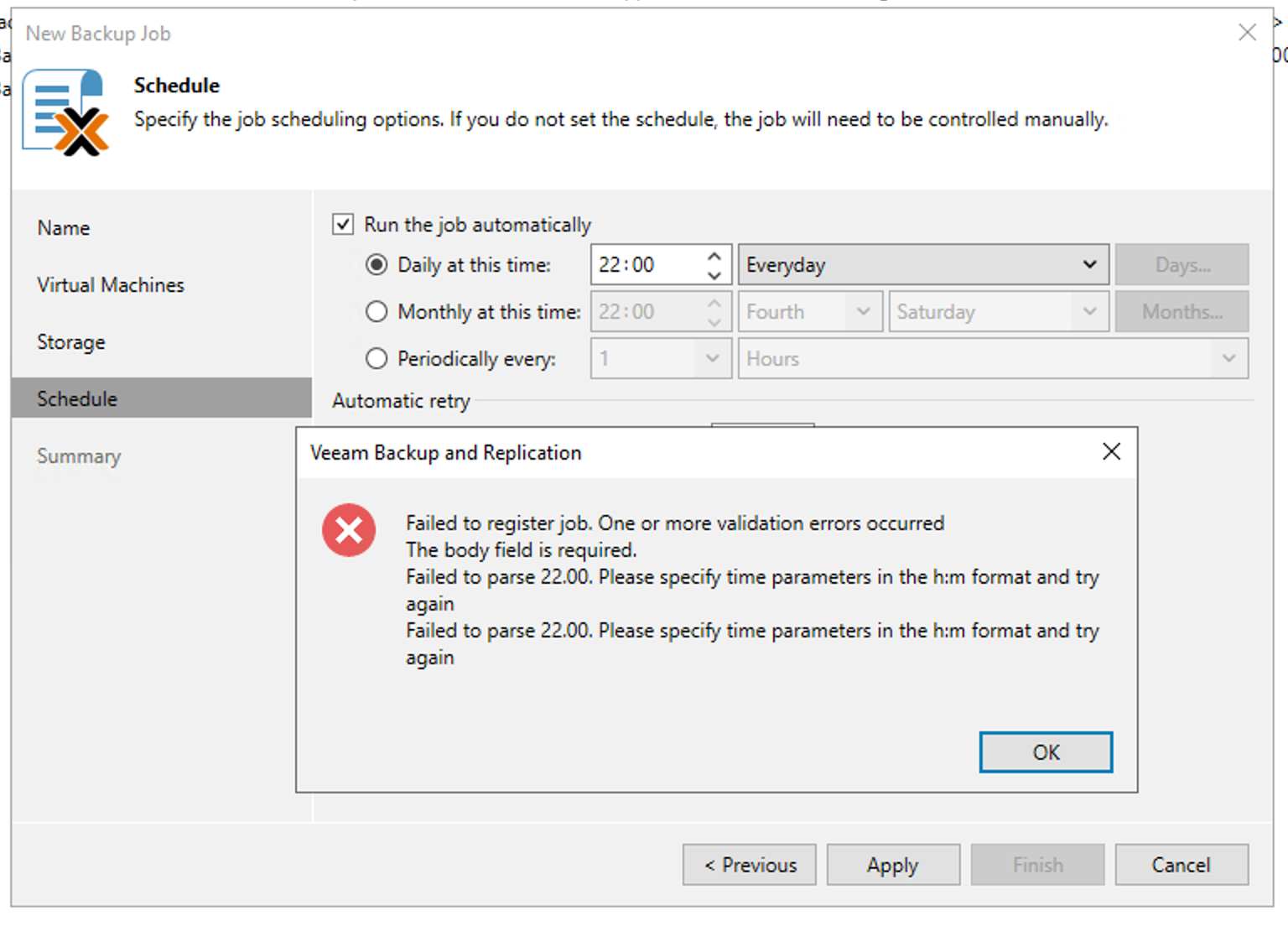
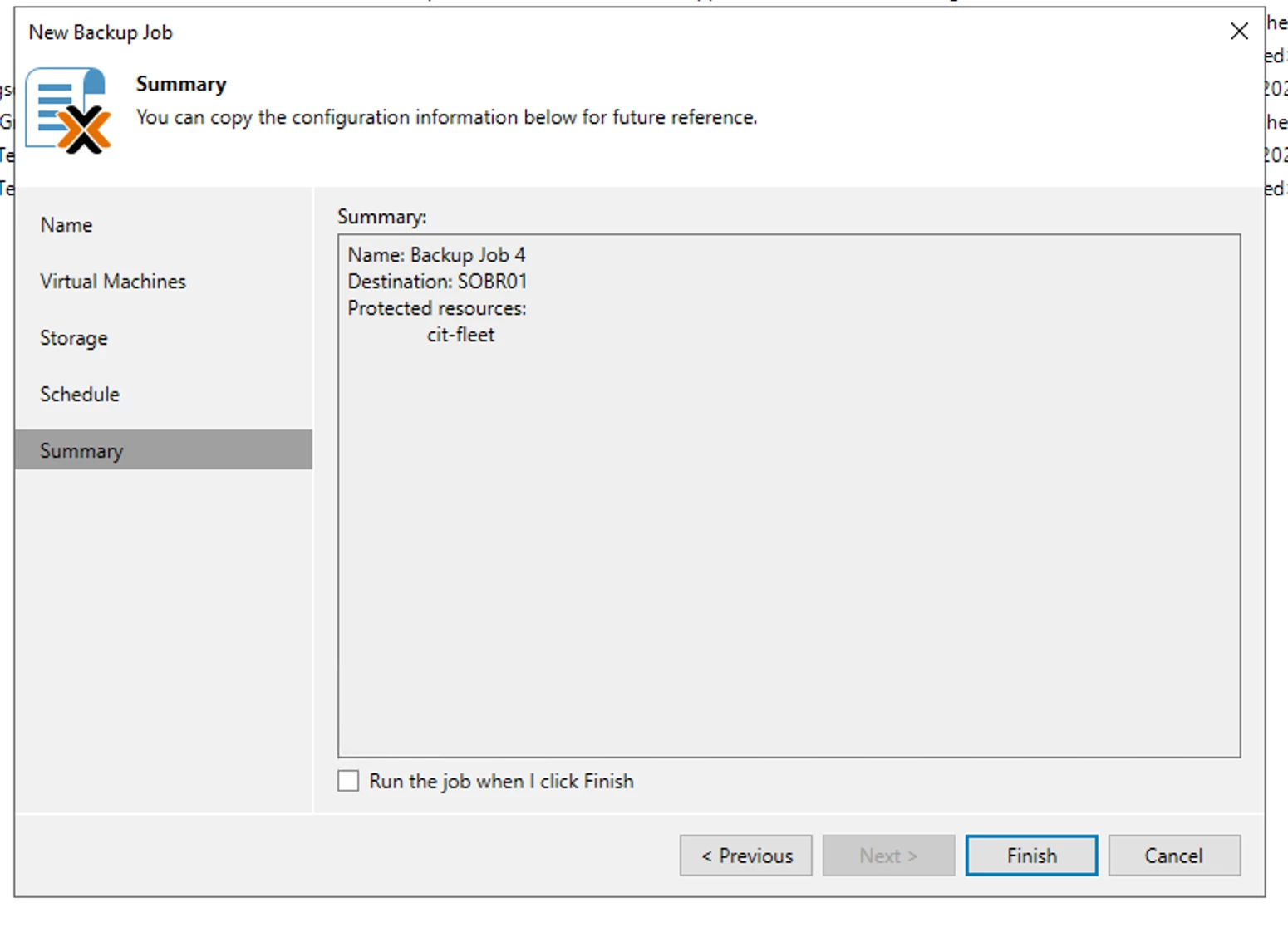
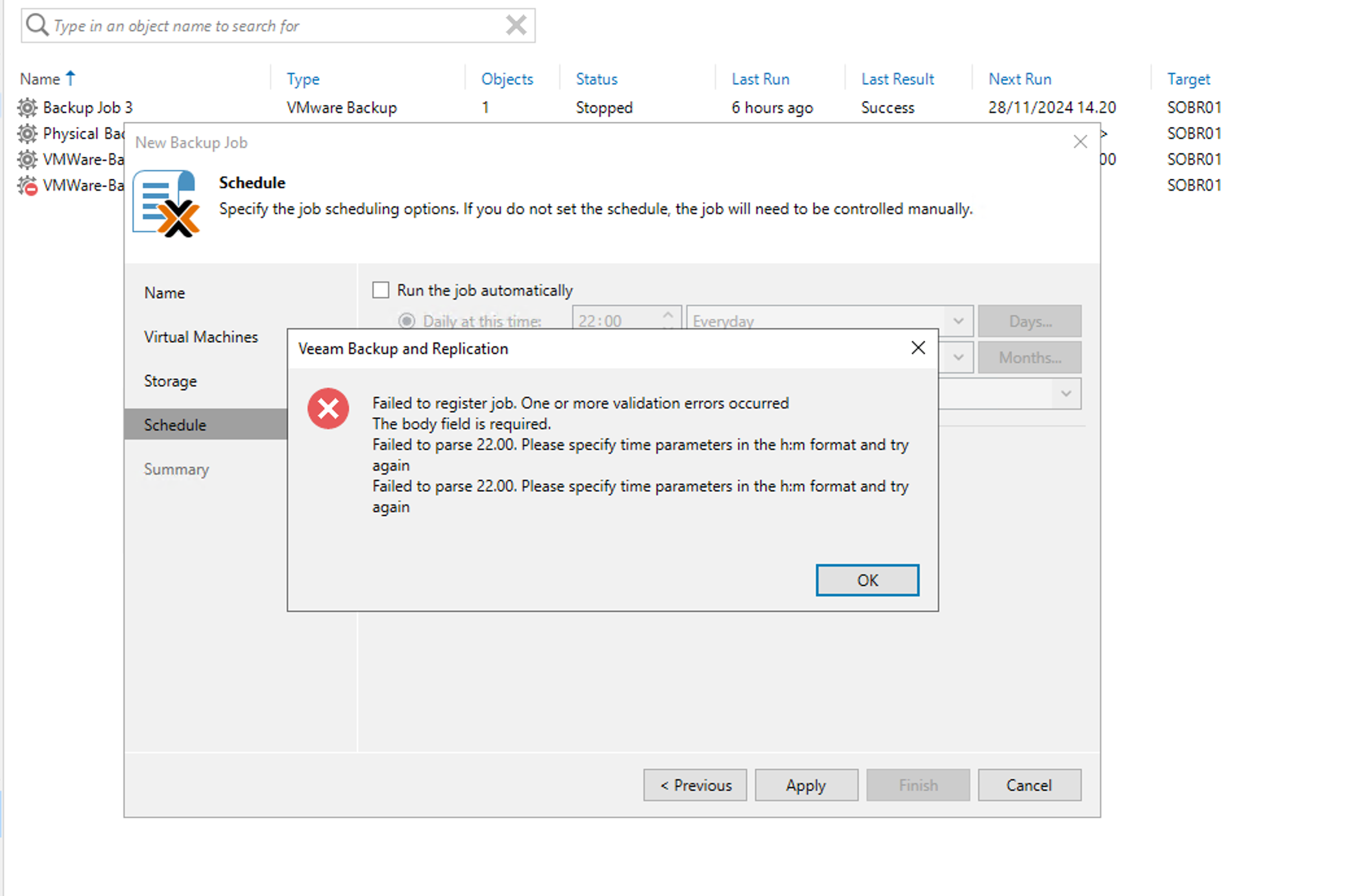
I just tried to overview veeam with proxmox. add inventory and add worker is working properly. but during creation job job in step schedule backup. I found error like below :


Failed to register job. One or more validation errors occurred
The body field is required.
Failed to parse 22.00. Please specify time parameters in the h:m format and try again


if someone in this forum found same issue and has been solved it. kindly inform how to resolved it. 


thanks
Best answer by Sakari Anttonen

Hi ​@dhirmansyah , 

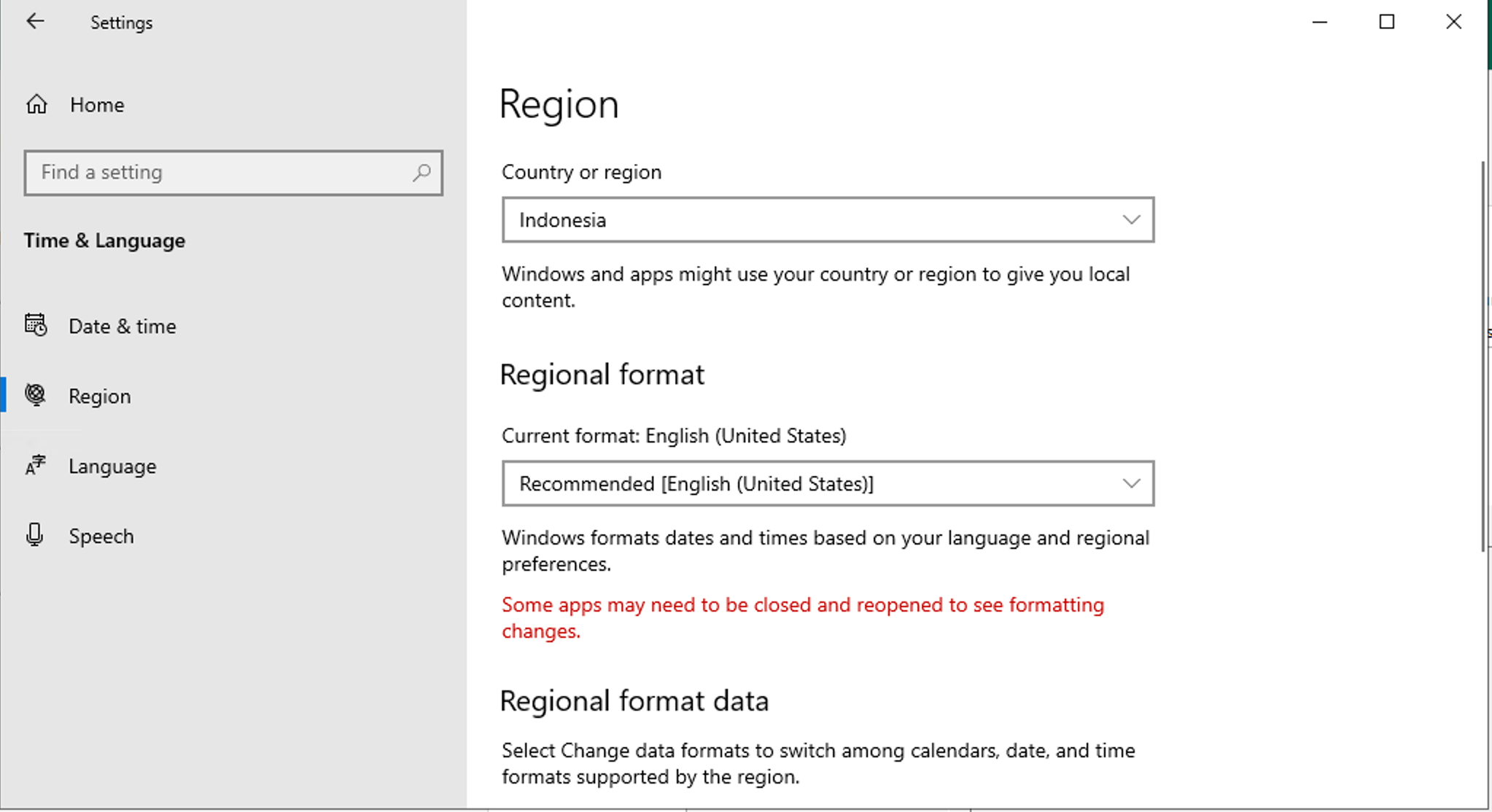
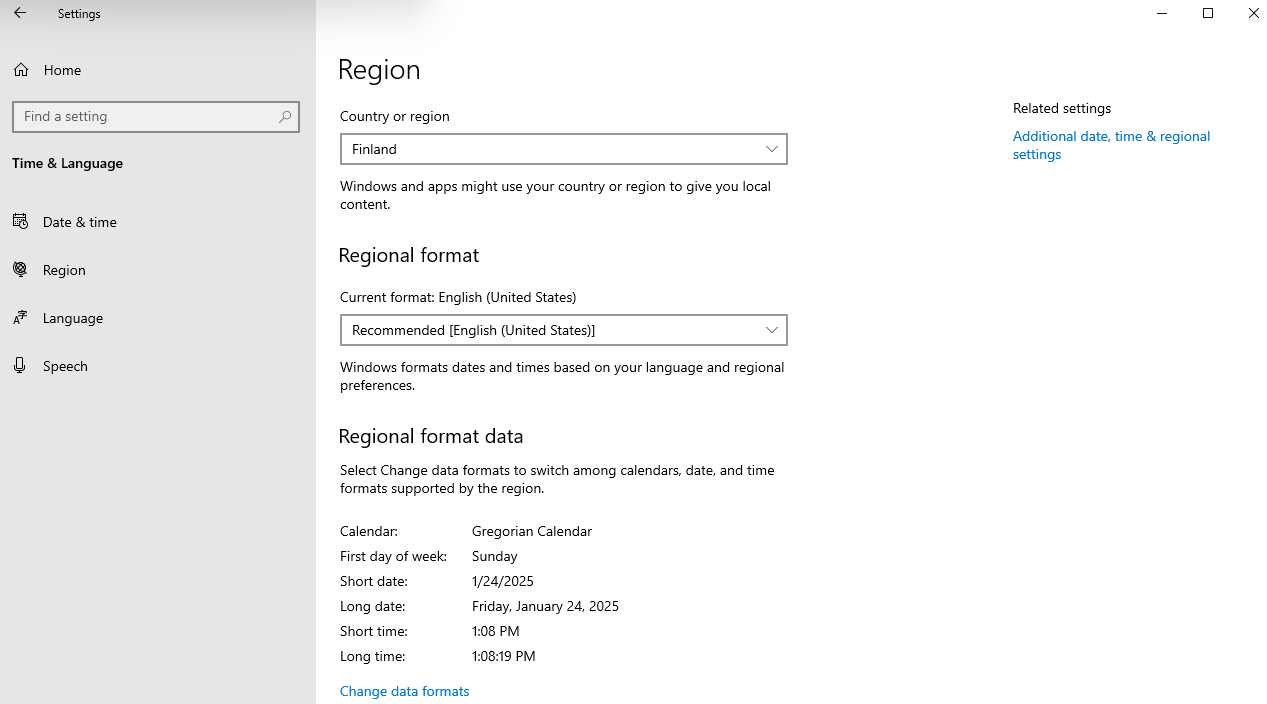
I did run into same issues when trying to create job with Veeam B&R 12.3.0.310. The problem here is that Veeam is using your Windows Date & Time settings, after just changing regional settings from whatever language / time you are using to English (United States) it starts working just fine.

This seems to be a bug, as Veeam is not checking your time settings correctly when doing Proxmox VE Backup job.

In my case, I changed Date format from Windows from Finnish → English (United States) and was able to do the job after that.


9 comments

dloseke
Forum|alt.badge.img+8
  • Veeam Vanguard
  • November 27, 2024

It appears that you may have a time set to start the job at 22.00 rather than 22:00.  Can you double check your time format and try again?


  • Author
  • Not a newbie anymore
  • November 27, 2024

Hi ​@dloseke thanks for quick response. I think the format was correct as capture below. and I think it restricted by VBR console and cannot be change from : (colon) to . (dot).


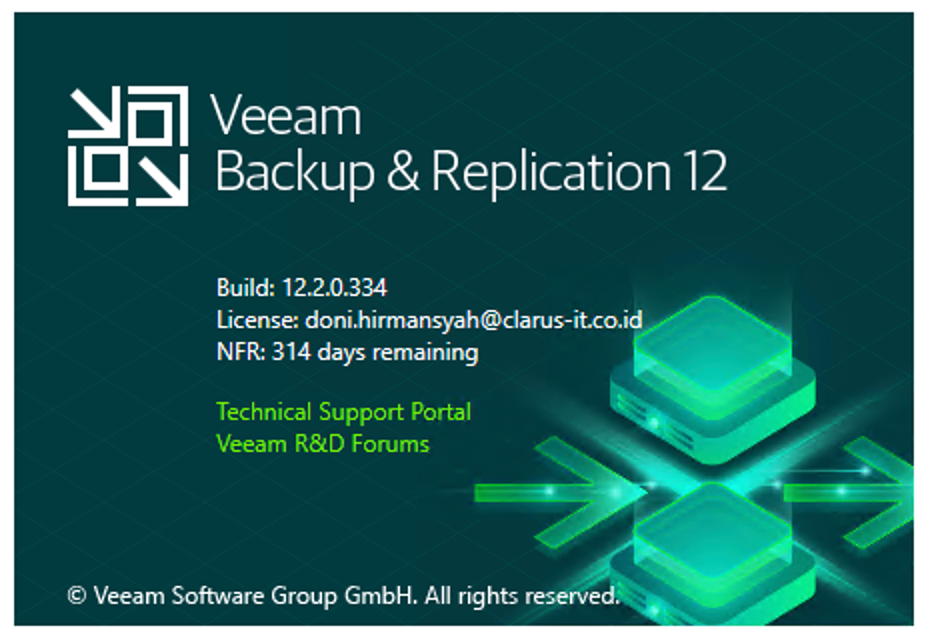
and for your information I’m using version 12.2.0.334


dloseke
Forum|alt.badge.img+8
  • Veeam Vanguard
  • November 27, 2024

If you haven’t tried already, I’d first try creating the job with no schedule (uncheck run job automatically) and then edit the job and convert it.  I’d also try recreating the job from scratch.  Third option would be to try and copy and existing job, but it appears that this may be your first Proxmox job, so I don’t think you’d be able to copy the job. 

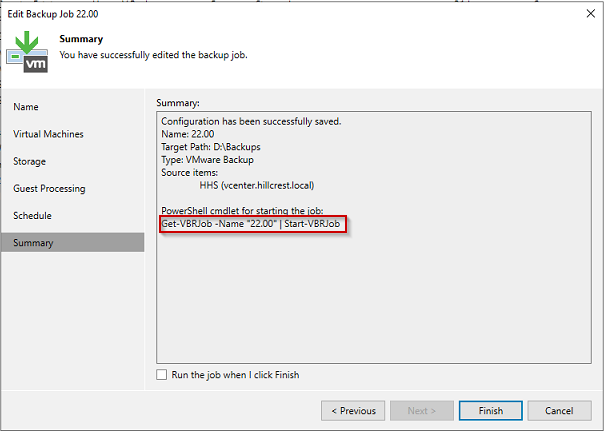
It appears that that when Veeam creates the job it actually converts the time format from the system environment format to the format of hh.mm based on my screenshot below.  I tried putting one of my servers into 24h time and 12h time and both result in no errors. 

Aside from that, my only other suggestion would be to open a case with support.  I see you’re using a NFR license, so there is support, but it’s going to be best effort on the same SLA and Community Edition support, but if I was them, I’d be interested in why this error is happening.


  • Author
  • Not a newbie anymore
  • November 27, 2024

Hi ​@dloseke ,


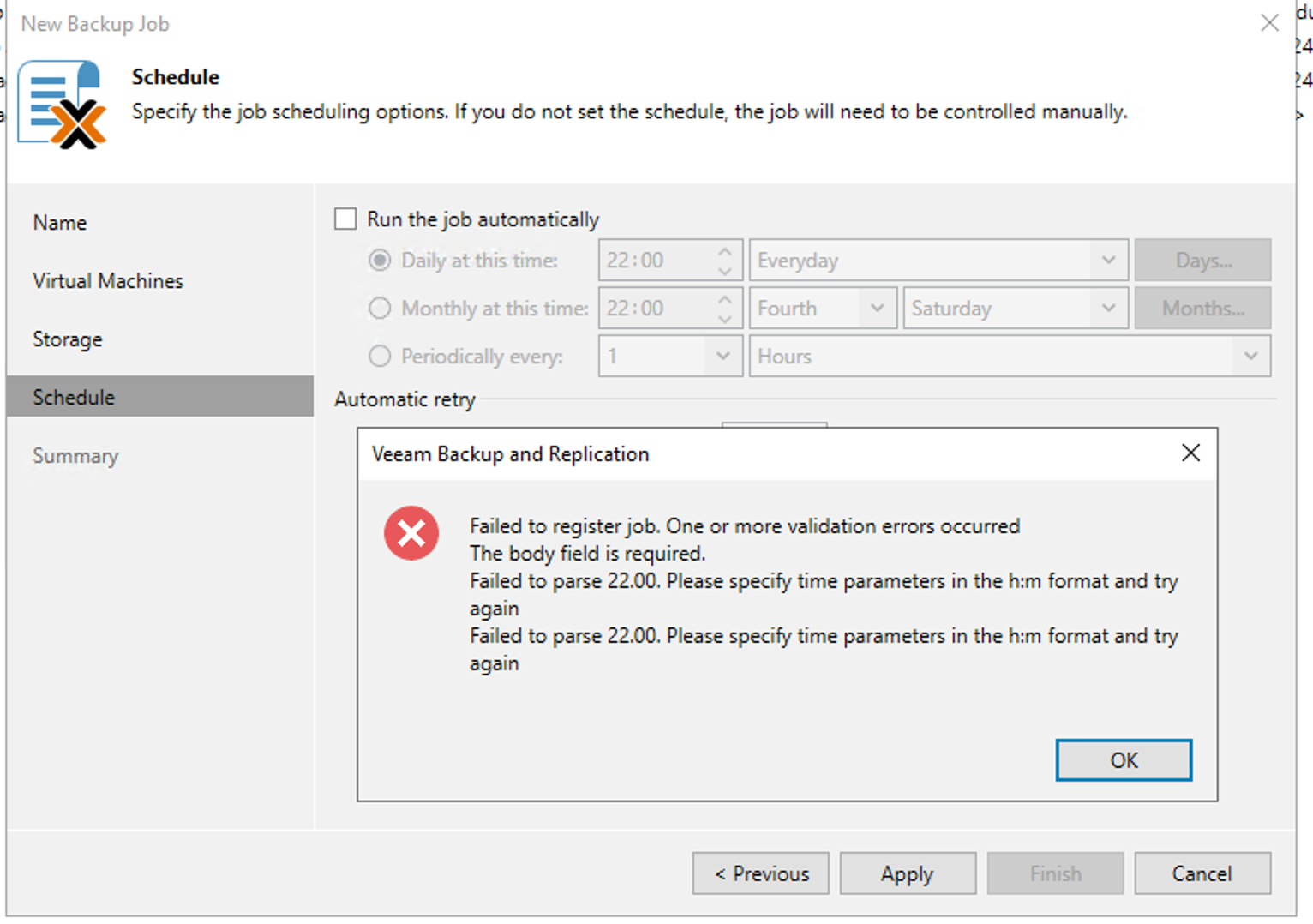
thanks for your suggestion, but in our testing environment, I tried to uncheck the schedule ( run the job automatically) and the response is same. I still cannot apply this configuration. 


I’m not sure is it bugs or not. but yes I will try to open ticket. 


AndrePulia
Forum|alt.badge.img+9
  • Veeam Vanguard
  • November 29, 2024

@dhirmansyah Hi, is it possible you try to backup another hypervisor just to try to isolate the problem? ans see if the same error happen?


  • Author
  • Not a newbie anymore
  • November 29, 2024

Hi ​@AndrePulia ,


many thanks for your suggestion. Yea we tried to test backup from VMware and also backup using agent base. It’s working as expected. But for proxmox not as expected. 


Hi ​@dhirmansyah , 

I did run into same issues when trying to create job with Veeam B&R 12.3.0.310. The problem here is that Veeam is using your Windows Date & Time settings, after just changing regional settings from whatever language / time you are using to English (United States) it starts working just fine.

This seems to be a bug, as Veeam is not checking your time settings correctly when doing Proxmox VE Backup job.

In my case, I changed Date format from Windows from Finnish → English (United States) and was able to do the job after that.


  • Author
  • Not a newbie anymore
  • January 24, 2025

Hi ​@dhirmansyah , 

I did run into same issues when trying to create job with Veeam B&R 12.3.0.310. The problem here is that Veeam is using your Windows Date & Time settings, after just changing regional settings from whatever language / time you are using to English (United States) it starts working just fine.

This seems to be a bug, as Veeam is not checking your time settings correctly when doing Proxmox VE Backup job.

In my case, I changed Date format from Windows from Finnish → English (United States) and was able to do the job after that.


Hi ​@Sakari Anttonen ,


Thanks for your insight. we will to try it first and will update for the result.


Thanks


  • Author
  • Not a newbie anymore
  • January 24, 2025

Hi ​@dhirmansyah , 

I did run into same issues when trying to create job with Veeam B&R 12.3.0.310. The problem here is that Veeam is using your Windows Date & Time settings, after just changing regional settings from whatever language / time you are using to English (United States) it starts working just fine.

This seems to be a bug, as Veeam is not checking your time settings correctly when doing Proxmox VE Backup job.

In my case, I changed Date format from Windows from Finnish → English (United States) and was able to do the job after that.


Hi ​@Sakari Anttonen ,


Thanks for your insight. we will to try it first and will update for the result.


Thanks


@Sakari Anttonen Finally it’s working now. 


you are right after we change region format to US


Now we are able to create the job.

Really appreciate it. 


thanks!!