
Solved

Cannot open a case in web portal

  • March 30, 2026
  • 4 comments
  • 26 views

Every time I try to open a case in my Veeam portal, I get a permission error that I can’t:
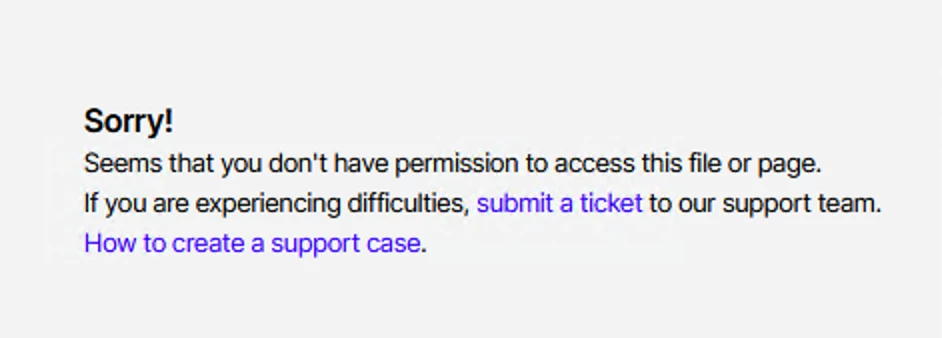
Which is odd as I am the admin for our license, and I can’t raise a ticket to say I can’t raise a ticket as it always goes back to this error. Can’t use phone support as you need a case number from raising a case. Could someone from Veeam help sort this out? 

Regads

Damien

Best answer by DamienGM

Fixed. I restarted the browser and its working. Though I couldn’t find a Logout Button on the web portal..

4 comments

regnor
Forum|alt.badge.img+14
  • Veeam MVP
  • March 30, 2026

Hi ​@DamienGM! At what point during opening a case do you run into this error? Does it happen when you submit the case, or already when trying to access the “Open a Case” site?


  • Author
  • Not a newbie anymore
  • Answer
  • March 30, 2026

Fixed. I restarted the browser and its working. Though I couldn’t find a Logout Button on the web portal..


regnor
Forum|alt.badge.img+14
  • Veeam MVP
  • March 30, 2026

Thanks for your feedback and good to hear that it’s now working. You can find the Sign Out option at the top right corner when clicking on your email address.


Chris.Childerhose
Forum|alt.badge.img+21

Another tip if you have a second browser try that next time if there is one.  Glad you got it sorted.


