



Veeam Pulse allows administrators to create and manage licenses through a centralized and streamlined workflow. The process typically involves accessing the Pulse portal, generating a new license based on the required product and subscription parameters, and assigning it to the appropriate customer or environment. Once created, the license can be downloaded or automatically synchronized with Veeam products, ensuring proper activation and compliance. This approach simplifies license lifecycle management, reduces manual errors, and provides clear visibility over usage and entitlements.
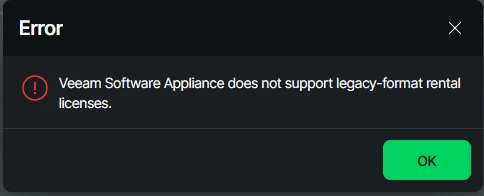
This is the error you receive when using a licence in legacy format.
Veeam Software Appliance does not support legacy-format rental licenses.
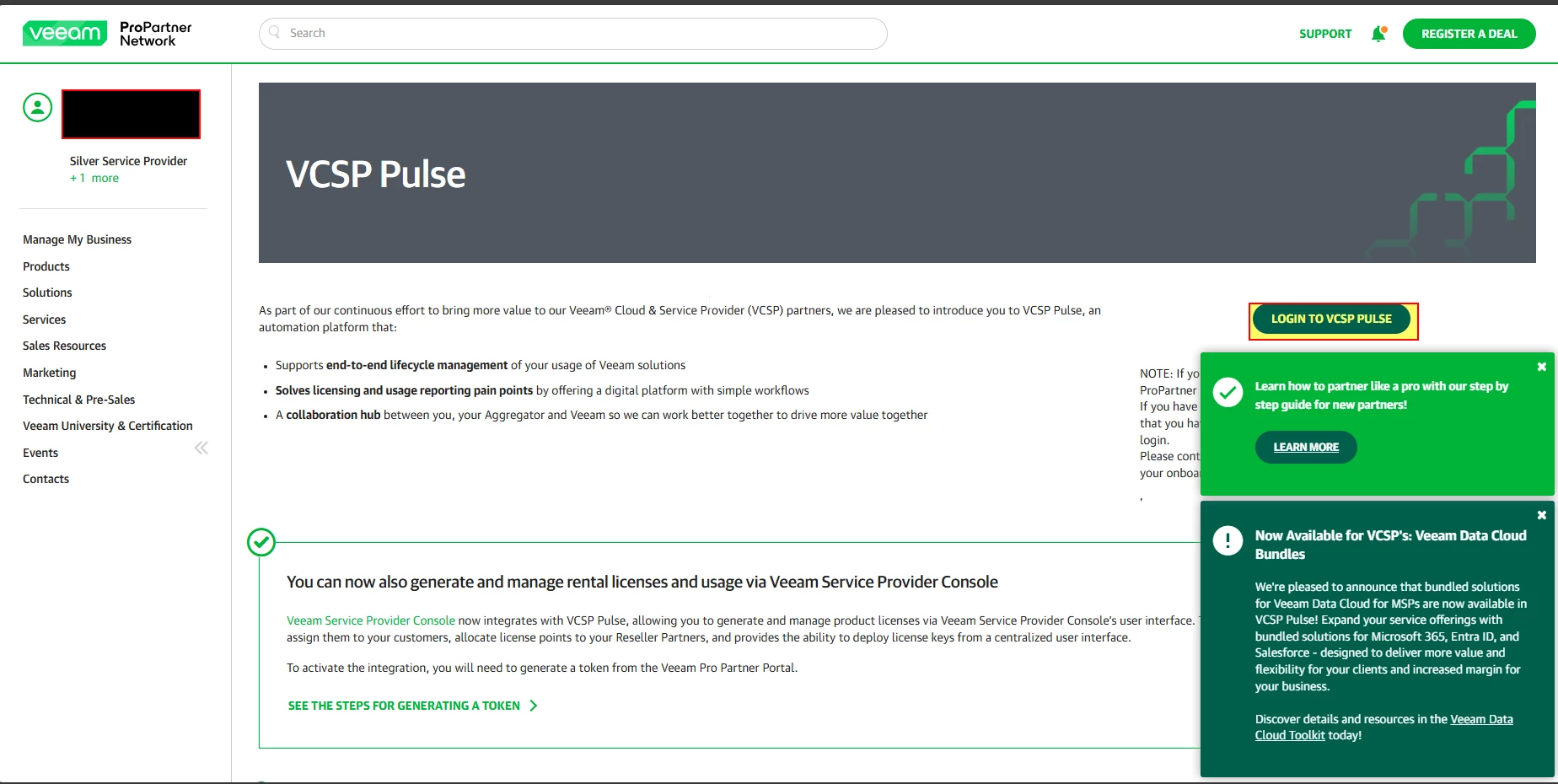
- Enable your account to login on Pulse system
- Veeam ProPartner Portal
- Login click on LOGIN to VCSP PULSE
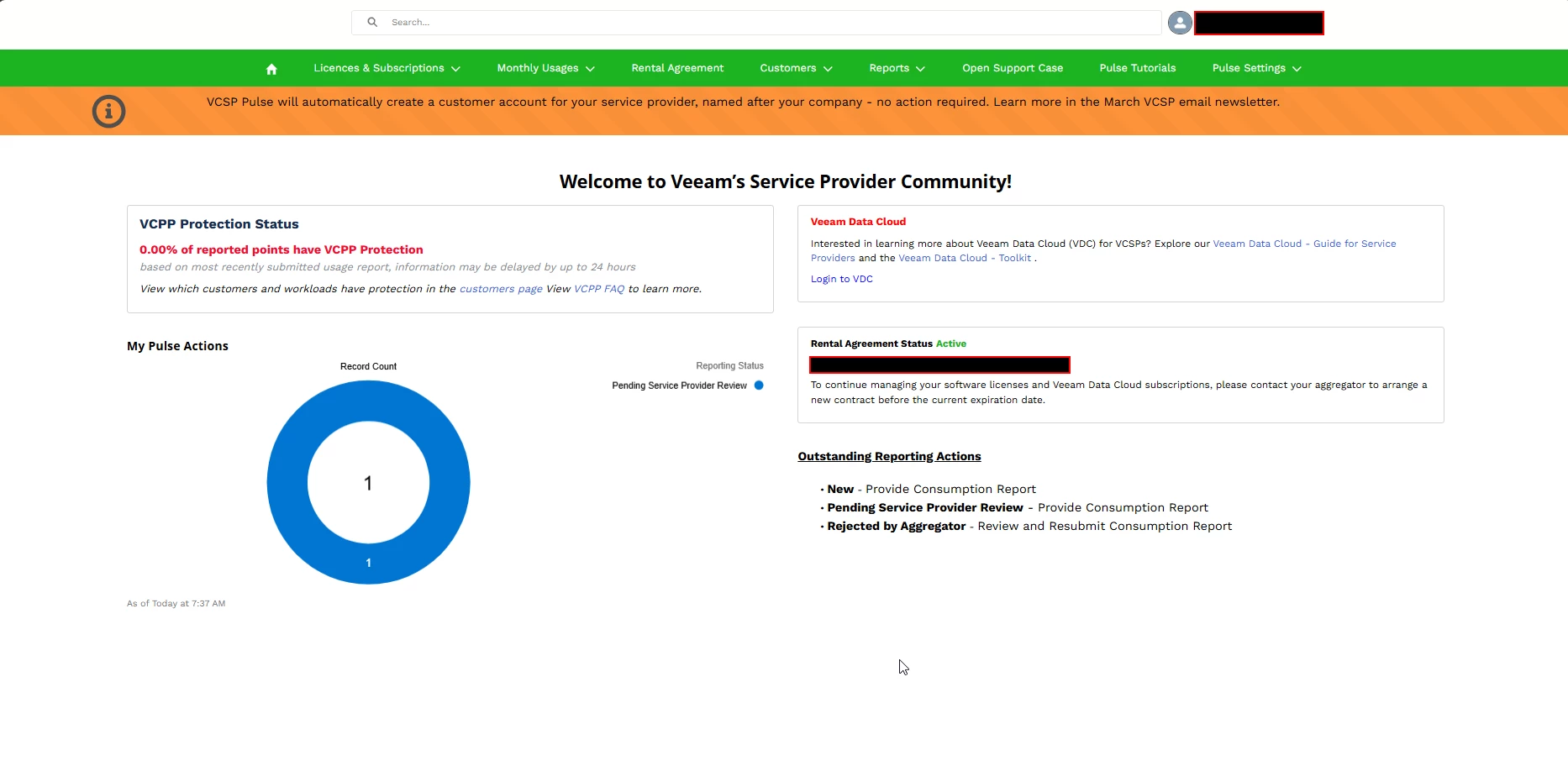
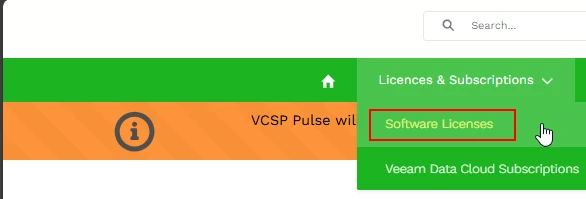
- Select Software License
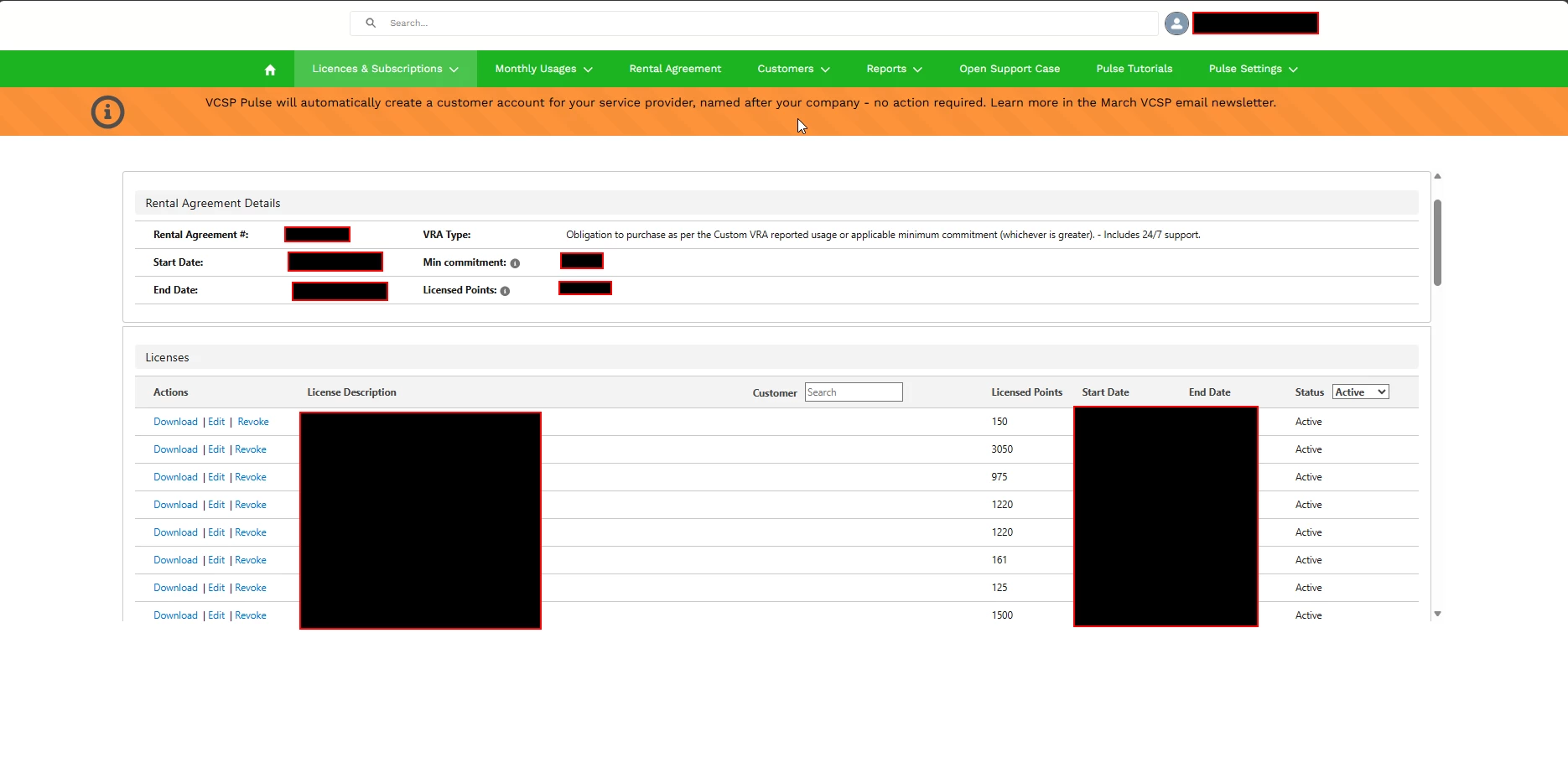
- The complete list of your licences will appear.
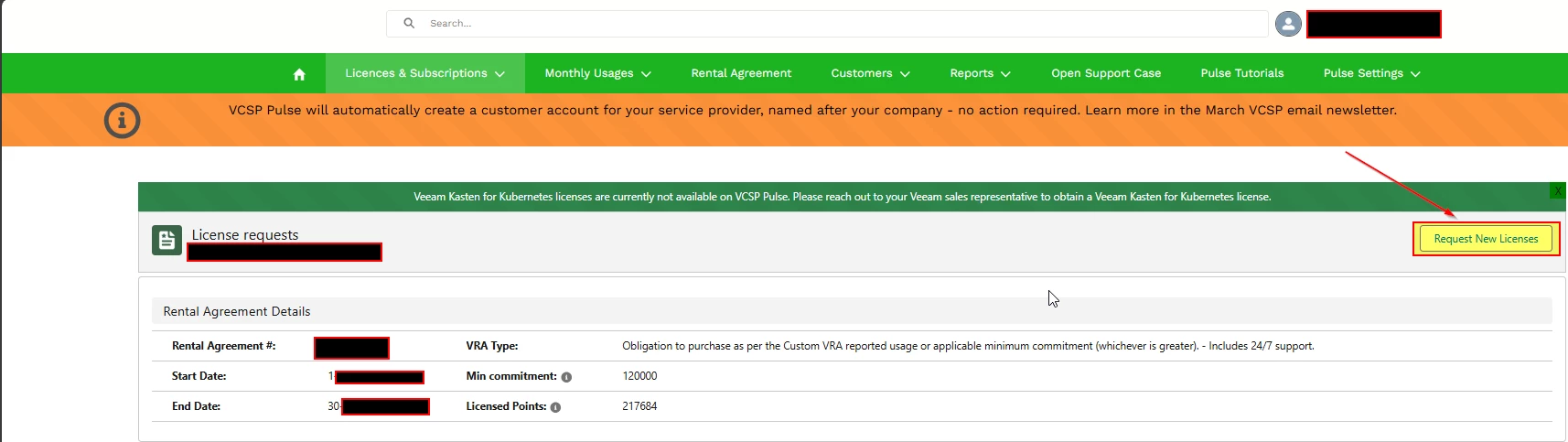
- Request New License
- Enter your company or customer details
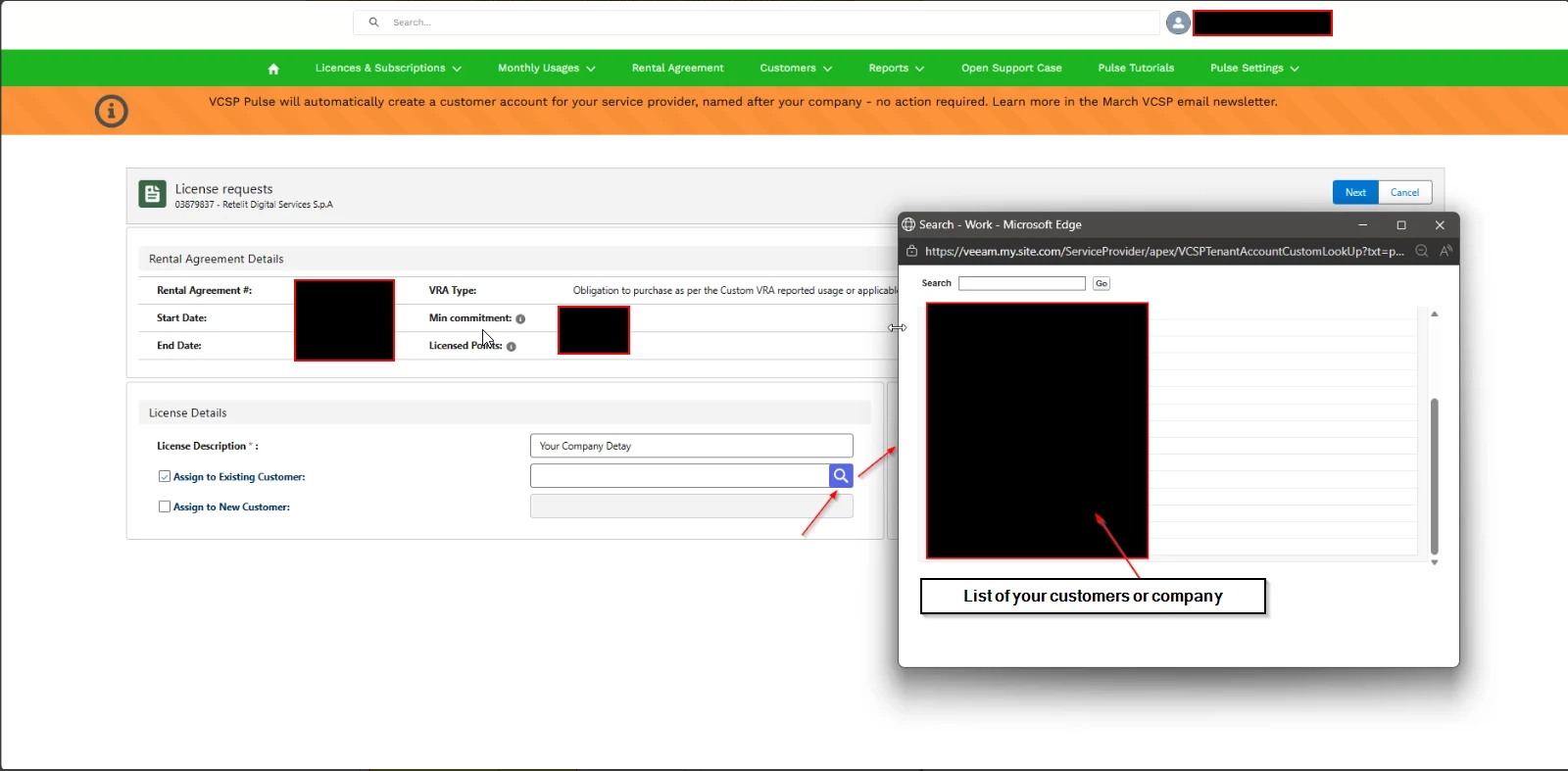
- If you need to create a new company or customer, proceed by ticking ‘Assign new Customer’.
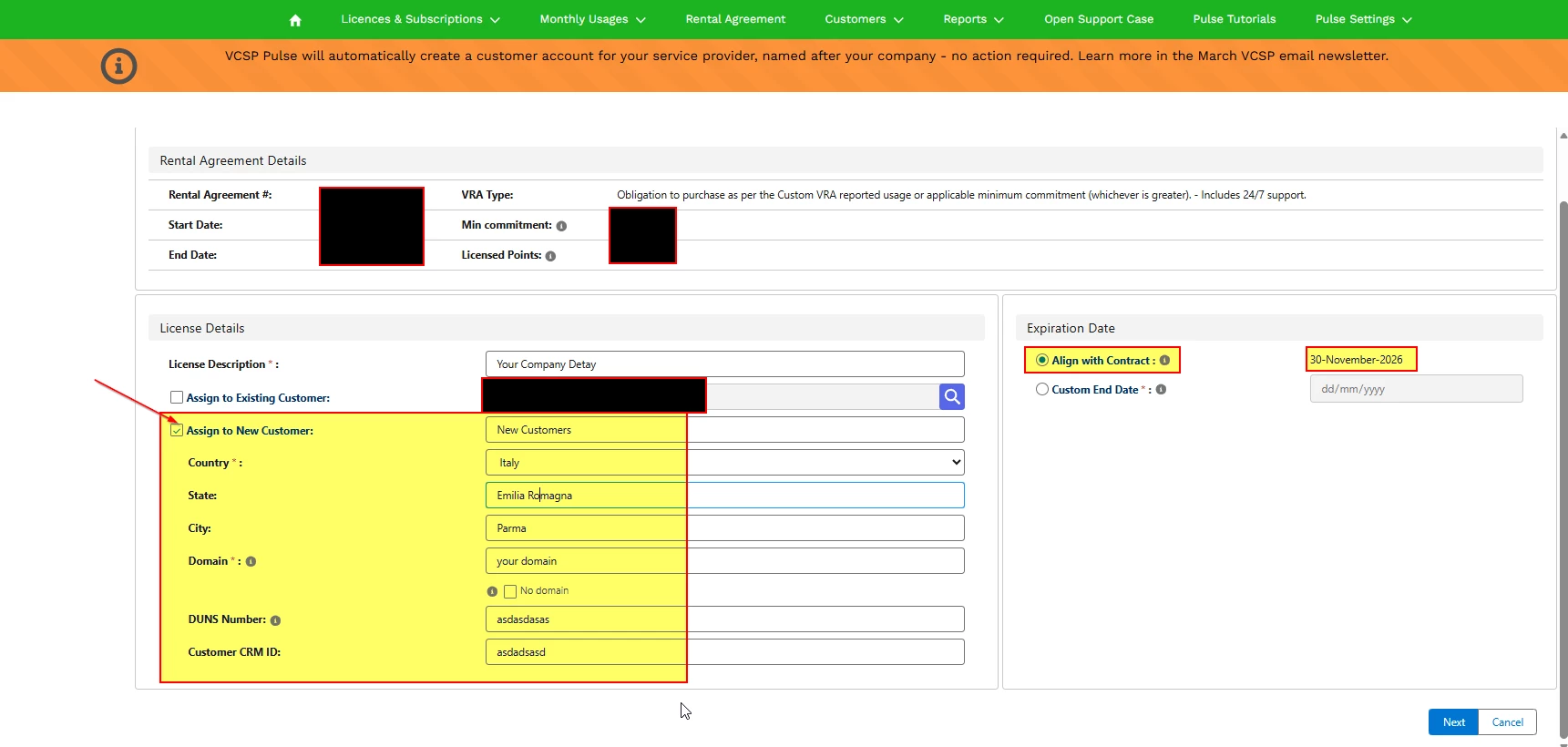
- Next
- Select the type of licence you need. In my case, I needed to issue a new Veeam Data Platform Premium licence for my new VSA.
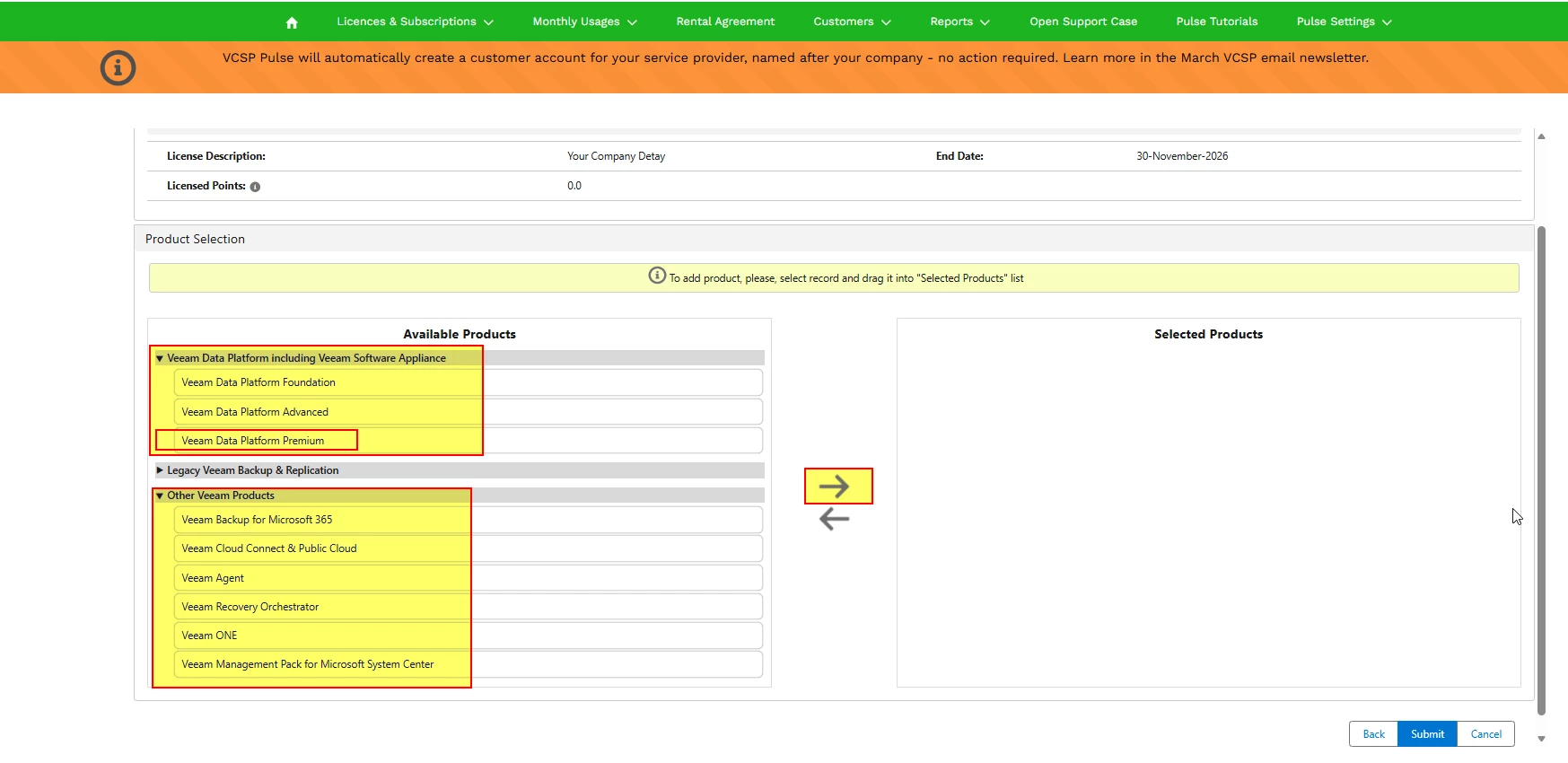
- Select the quantity required for your needs and the type of resources to be licensed.
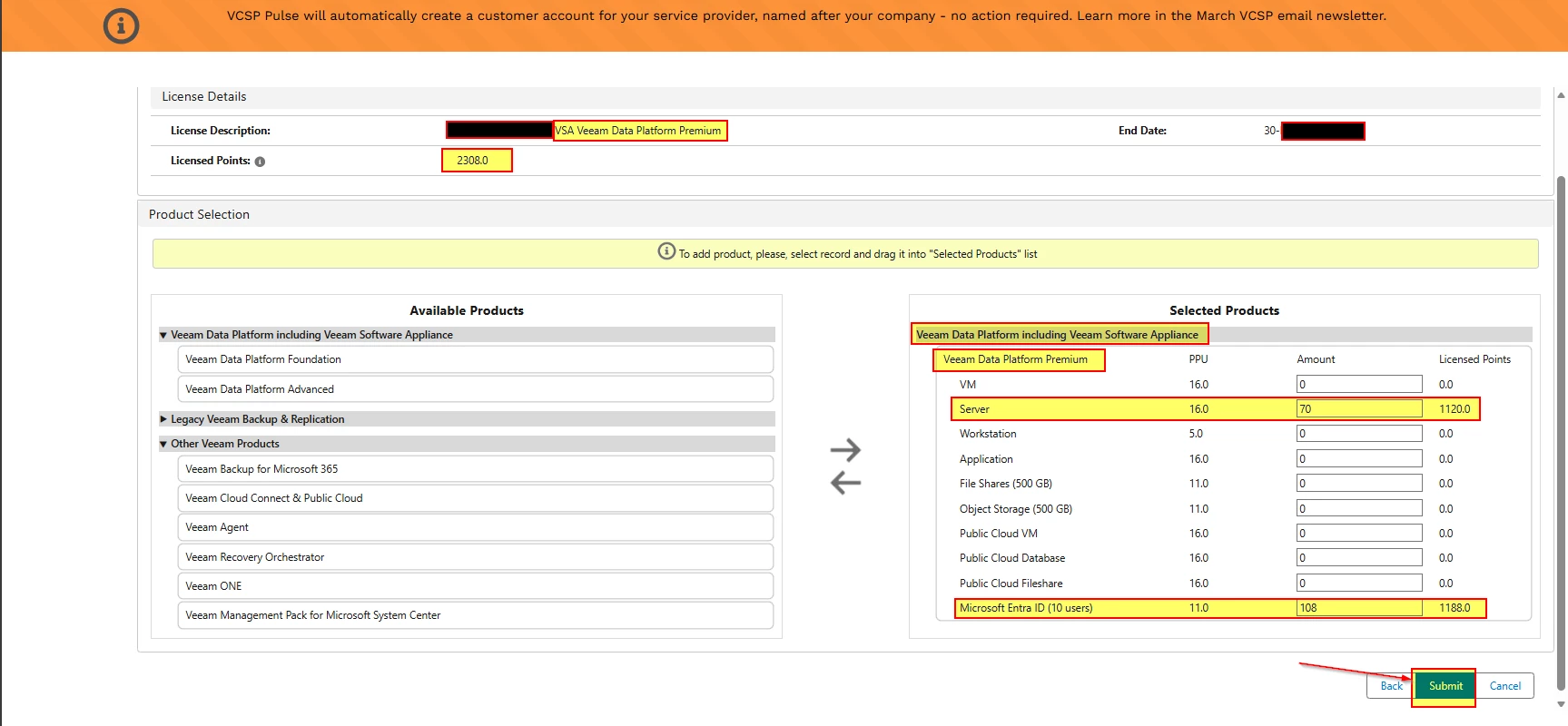
- Complete the operation by pressing ‘Submit’.
- You will return to the ‘Licence & Subscription’ screen. Locate your new licence, download it, and install it.
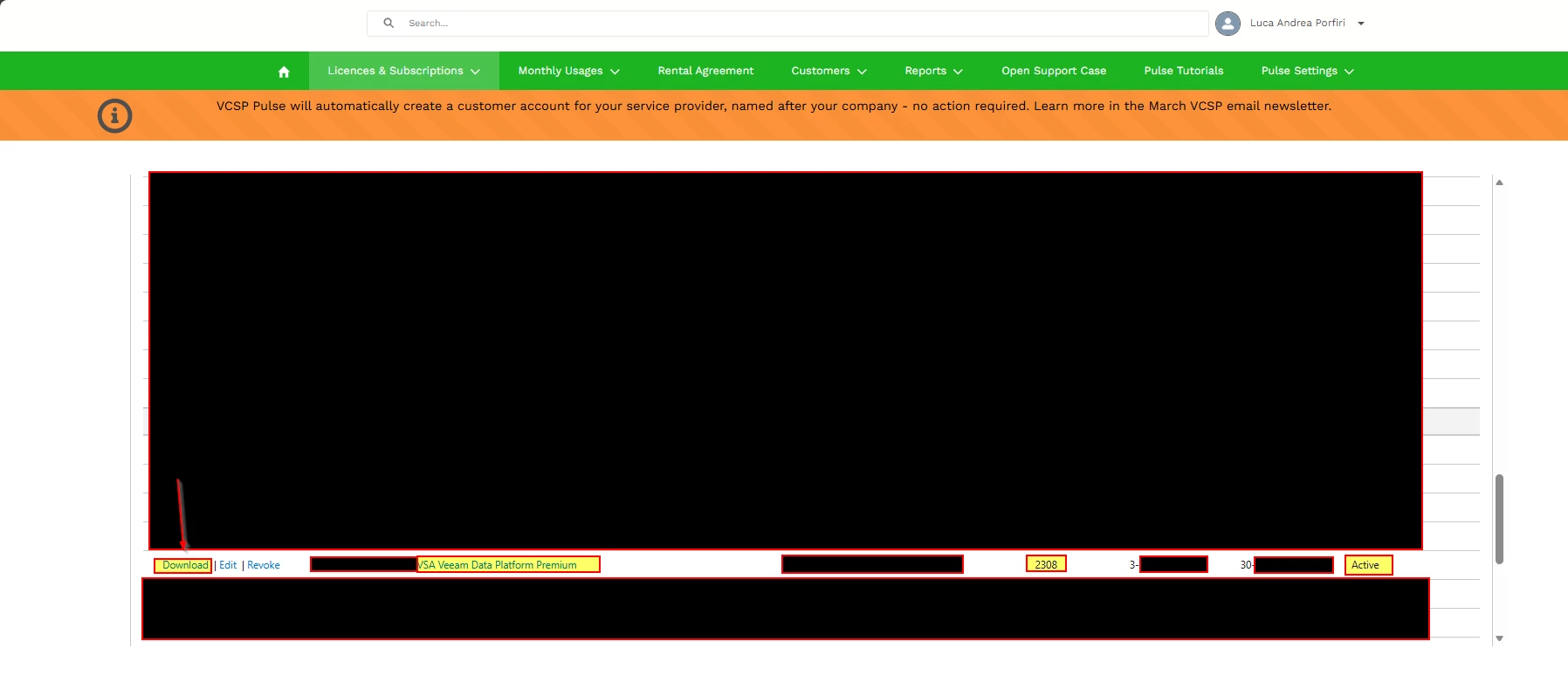
- Go to the VSA Web console --> Configuration --> Licence Information ---> Install
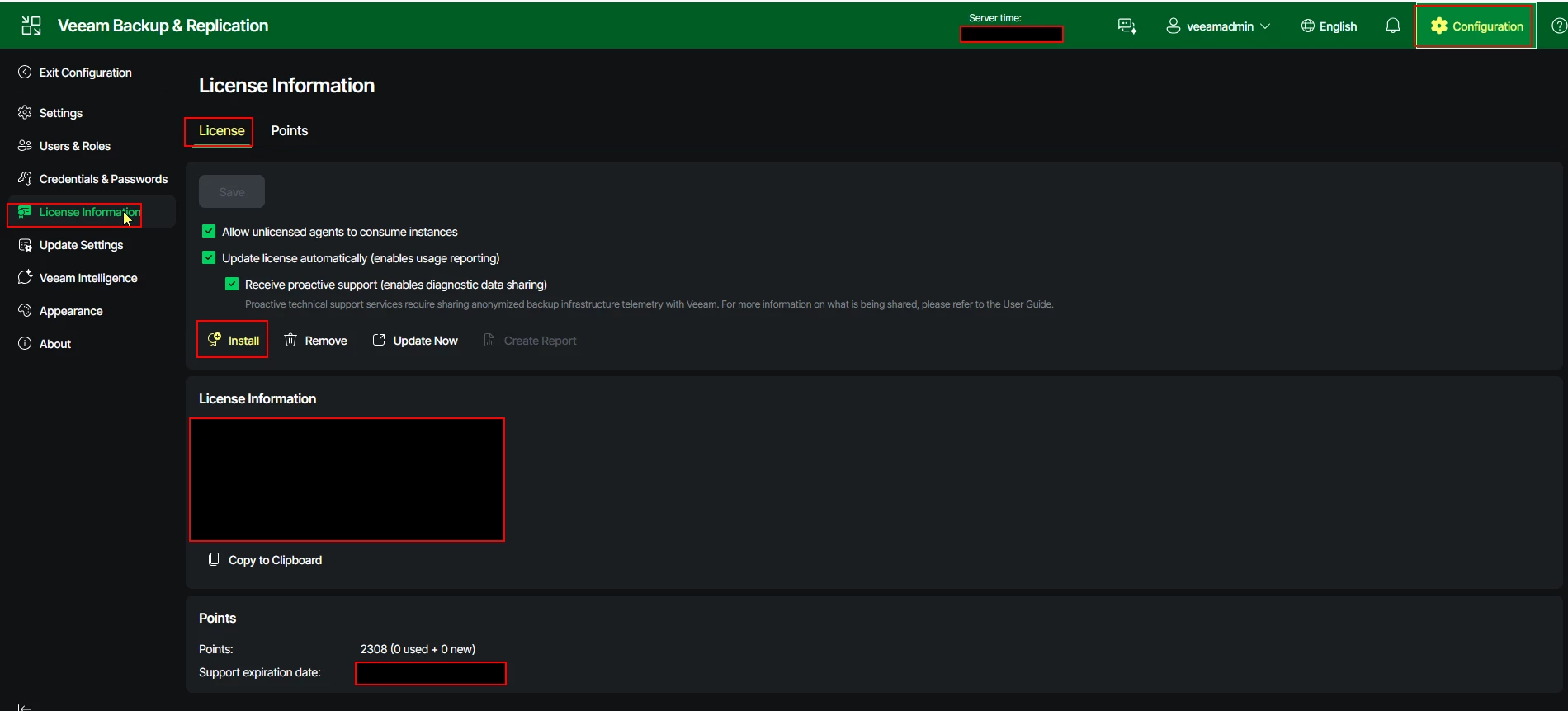
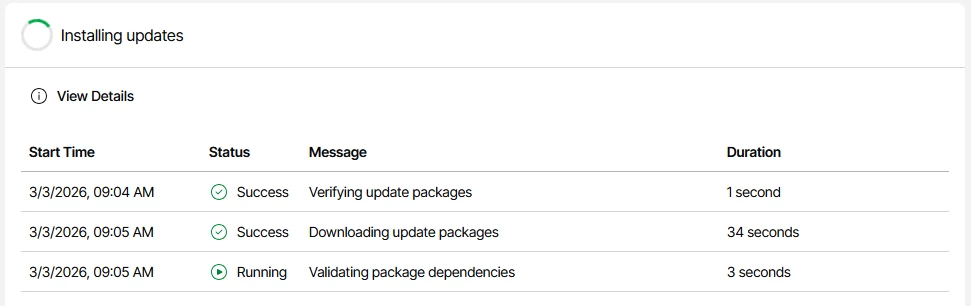
- It will proceed with the installation of the licences and immediately scan for updates.
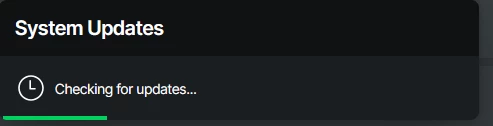
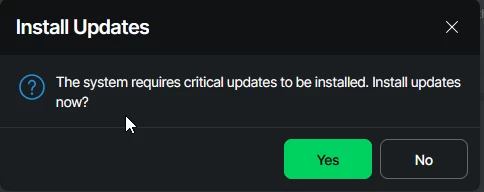
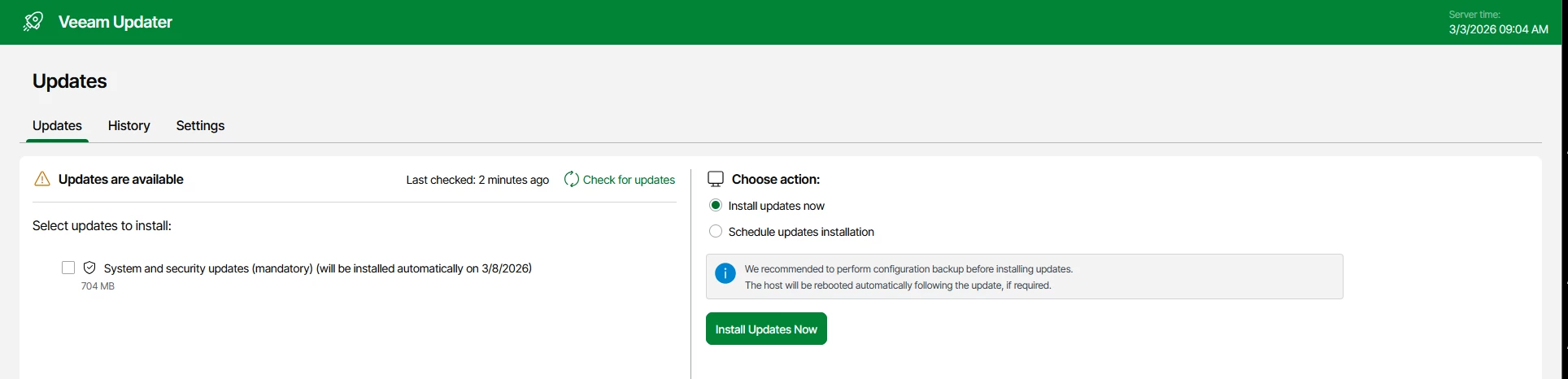
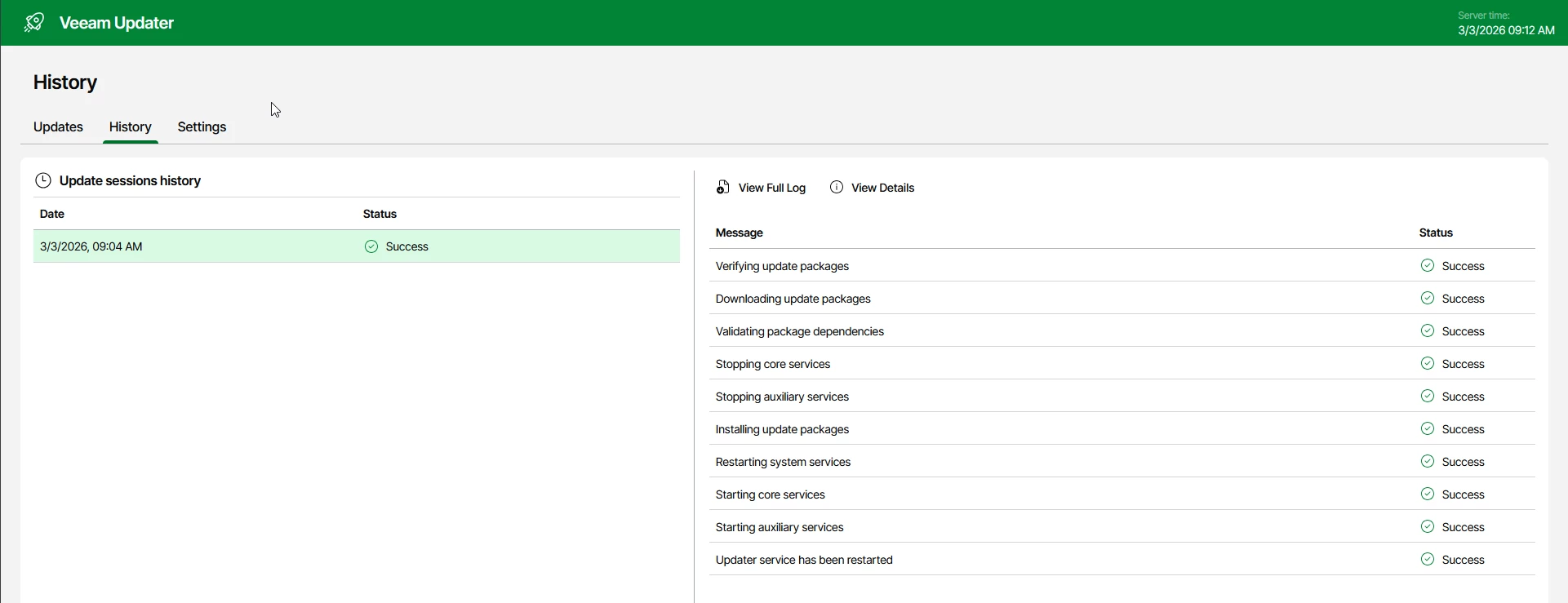
The procedure is complete.






