



My colleague
Due to the heavy load on the disks, even after creating exclusions on low-criticality disks, the full backup was exceeding 20 TB, and the incr about 3 TB.
Veeam Agents will always need to back up the images to initiate the child backup (Transaction Log).
We deployed the SQL Plugin on both hosts to optimize disk space provisioned by our Pure Storage repository.
We separated the jobs between standalone databases and Always On databases.
This way, we monitored backup growth separately.
- Use cases (Not all possible):
- When databases are large in our example. The cluster exceeds 15 TB;
- You have more DBAs than backup administrators. DBAs have full access to backup, restore, and reports;
The backup administrator cannot directly edit in VBR:
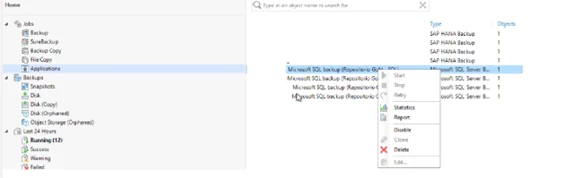
However, by easily accessing the plugin on the local machine, we can make various edits; this is the restore edit:
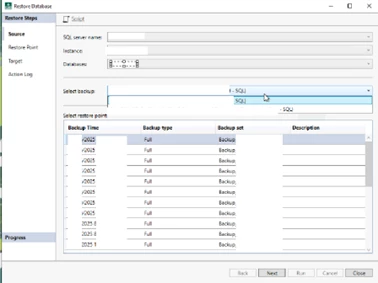
Remember that this is not a restore process where you hand it over to the DBA to perform the recovery.
You can restore “databaseRestore001”, for example, and perform the recovery directly on the instance.
Some gains (in our case)
- Pure Storage write effectiveness improved by 40%;
- DBAs are now happy managing backups;
- The backup window has shrunk, jobs process databases in parallel, and there's no need to process the machine image beforehand;
Please note that we still back up machine images via Agent, but with a different frequency and the data has a different retention period.
This post is simply a sharing of experience to support use cases.
Each client and environment needs to be evaluated in advance to determine how the jobs should be configured.



