Today was release the Veeam Backup & Replication.
The process of upgrading or updating a Veeam Software Appliance (VSA) is straightforward and performed via the web interface. One of the advantages of using the VSA is that you do not need to manually manage packages and dependencies within the operating system, as the appliance itself handles the update lifecycle.
Despite how easy it is, I will show you here how to perform the upgrade procedure.
Navigation and Checking for Updates
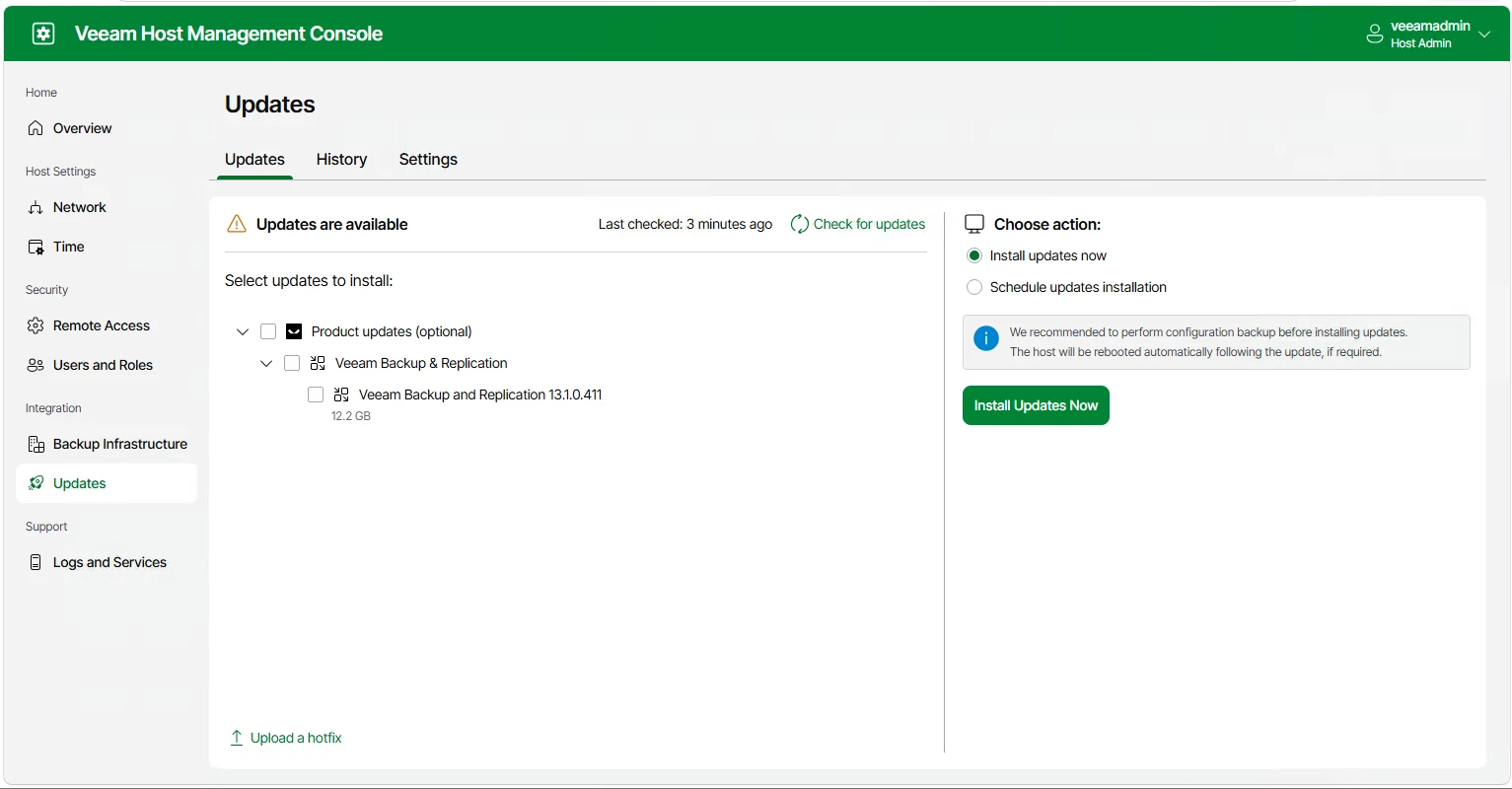
Access the Host Management Console interface of your Veeam Software Appliance. In the left-hand menu, click the Updates button.
This screen will show available updates; you can select the Veeam Backup & Replication option and click the Install Updates Now button.
Configuration Check and Details
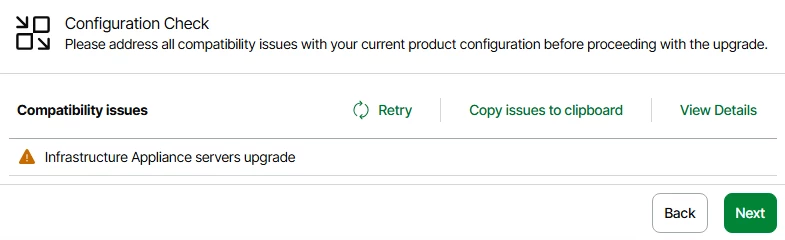
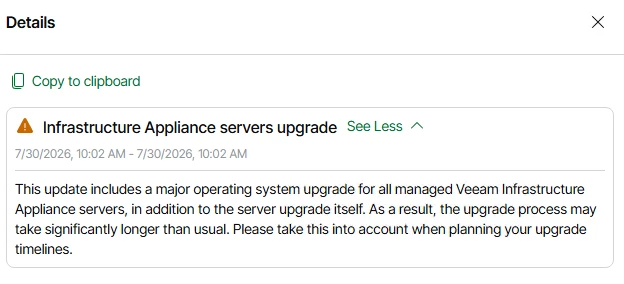
Now we need to check some details and look if it have any compatability issues:
Installation Process
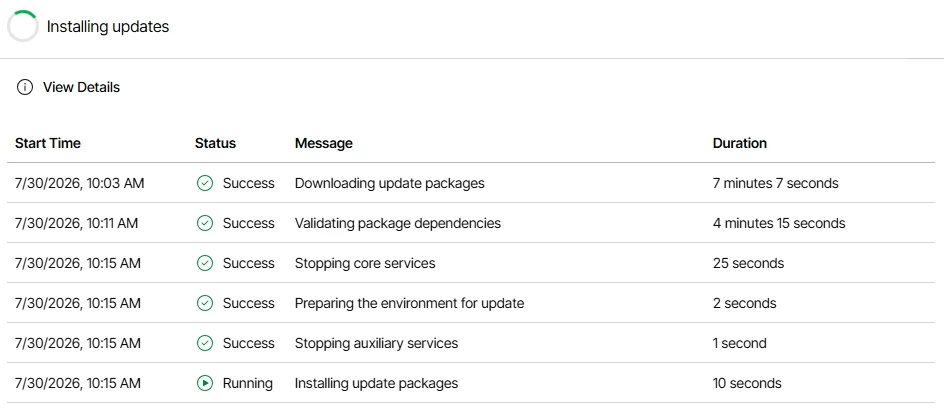
The wizard will take over and automatically begin downloading and applying the packages. A progress bar displaying the message Installing updates packages will appear throughout the process.
At this stage, the appliance itself orchestrates all operating system dependencies in the background, ensuring that no Veeam services are disrupted during the transition.
Conclusion and Validation
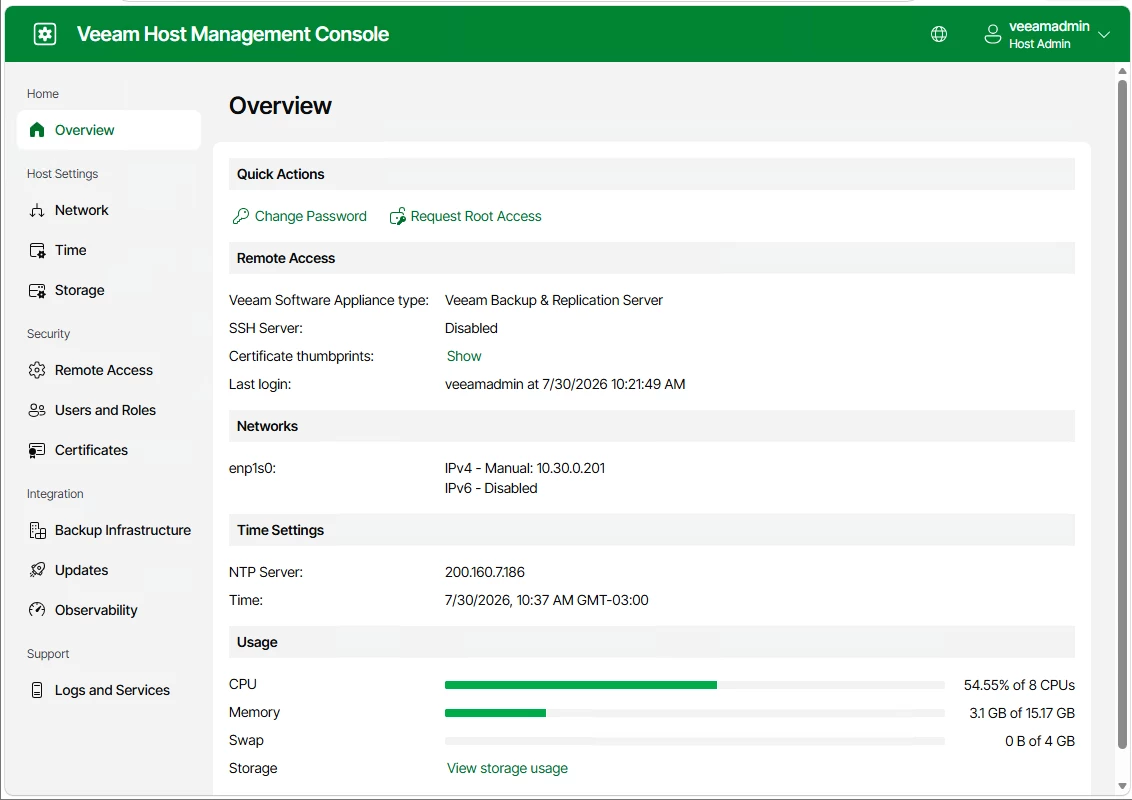
After this is possible to login on the Host Management Console interface and se thats everything is fresh and clean. Now it’s possible to see the usageof the VSA too: