Hi folks,
If some of you have already try to delete a S3 bucket from the Object First interface you probably got the following error, even if you have delete all backups.
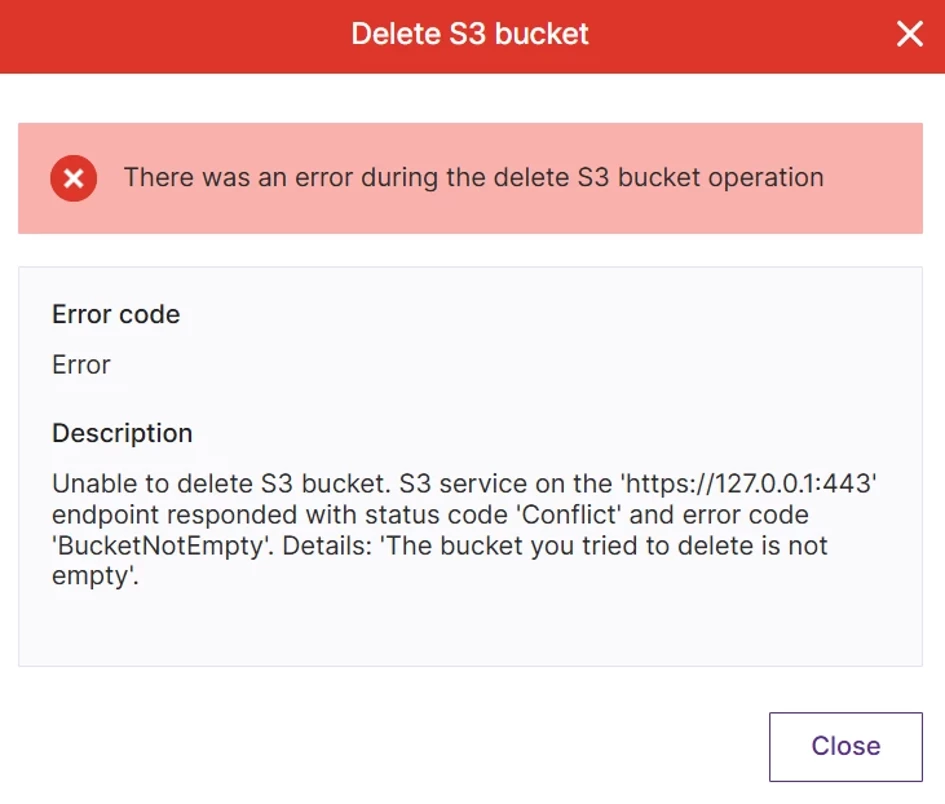
S3 protocol does not allow deleting the bucket that contains any objects. In case the bucket was already in use, it should be cleared before deleting.
Good new ! There is an utility to delete all the data from a bucket, including buckets with enable versioning.
😮Oh god ! What could happen if I have some backups protected with immutability ?
Don’t worry, in case if the bucket has immutable data, it can not be deleted before the immutability period is expired. 💪
1. Installation
clear-bucket utility does not require installation.
- Download it with Web browser using the following link: https://repo.objectfirst.com/helpers/clear-bucket.zip
- Unpack the zip file
2. Usage
- Start the clear-bucket.exe program as usual. It interactively requests the information required to connect to S3 storage
- Endpoint URL: use the same format you use for other client settings, for example: https://192.168.70.5
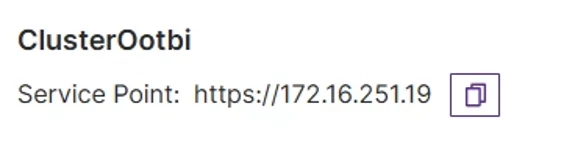
Use the service point address.
- Endpoint URL: use the same format you use for other client settings, for example: https://192.168.70.5
-
- At this step, the utility checks if the URL is accessible. In case there are any issues, it allows reentering the URL. For the HTTPS endpoint, the certificate is checked. In case S3 storage has a self-signed certificate or there are any other issues related to the SSL certificate of the server, it shows the corresponding warning.

-
- Enter the S3 access key ID, S3 secret access key and the Bucket name to clean.

-
- At this step, the utility checks access to the bucket with the provided credentials. In case if there are access issues, it allows reentering credentials and bucket name. You could specify a folder or leave empty to clean everything.
- Enter the bucket name. This step protects from accidental data deletion
3. Operation
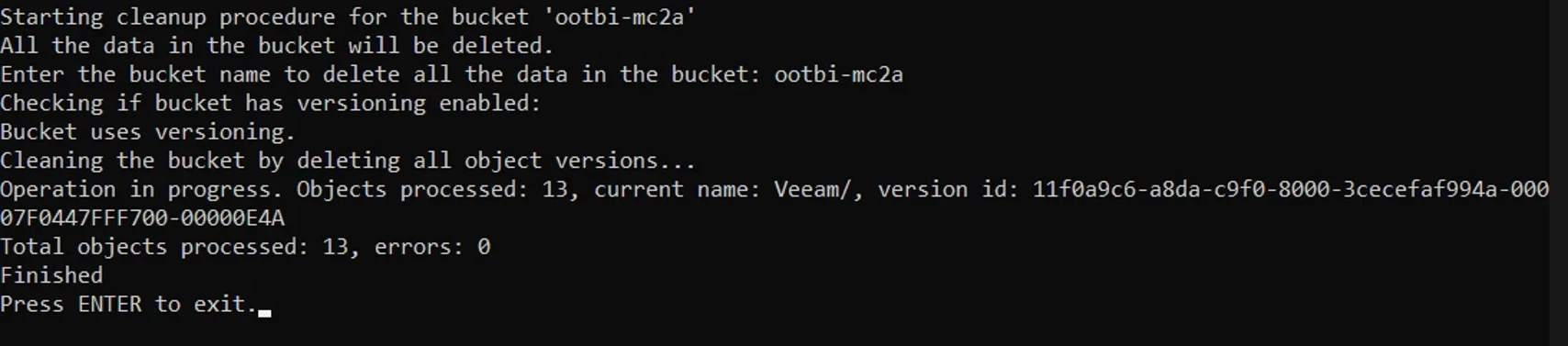
During this step, the utility starts deleting the data.
- It works in the loop:
- Get list of objects by packet of 1000
- Delete the set of objects
- Show intermediate statistics - for the current set of objects. Last object key name and version id. Number of objects processed. Detailed error descriptions are shown for the first five objects in each 1000 object packet.
- When all objects are processed, it shows total numbers and exits.
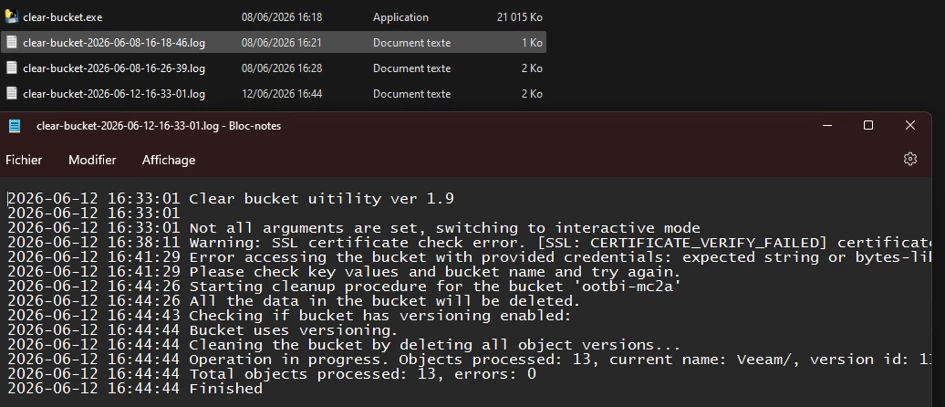
In the execution folder you will find, logs files for each process jobs.
Then, in the ObjectFirst interface you could now delete the bucket without any issue. This one is empty.

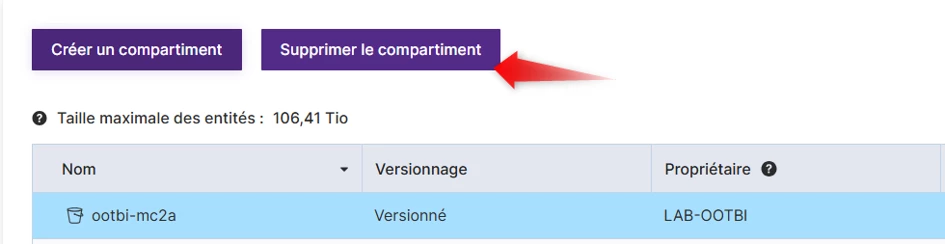
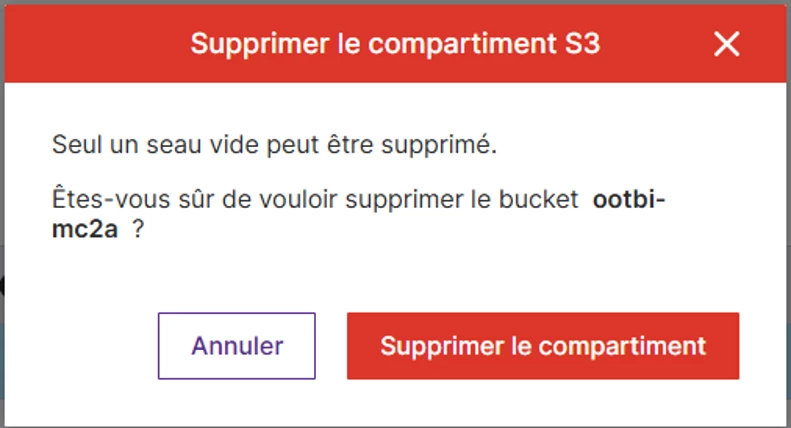
The bucket is gone !
I didn’t try to use this tool with another product like Wasabi yet.