
Hi everyone!
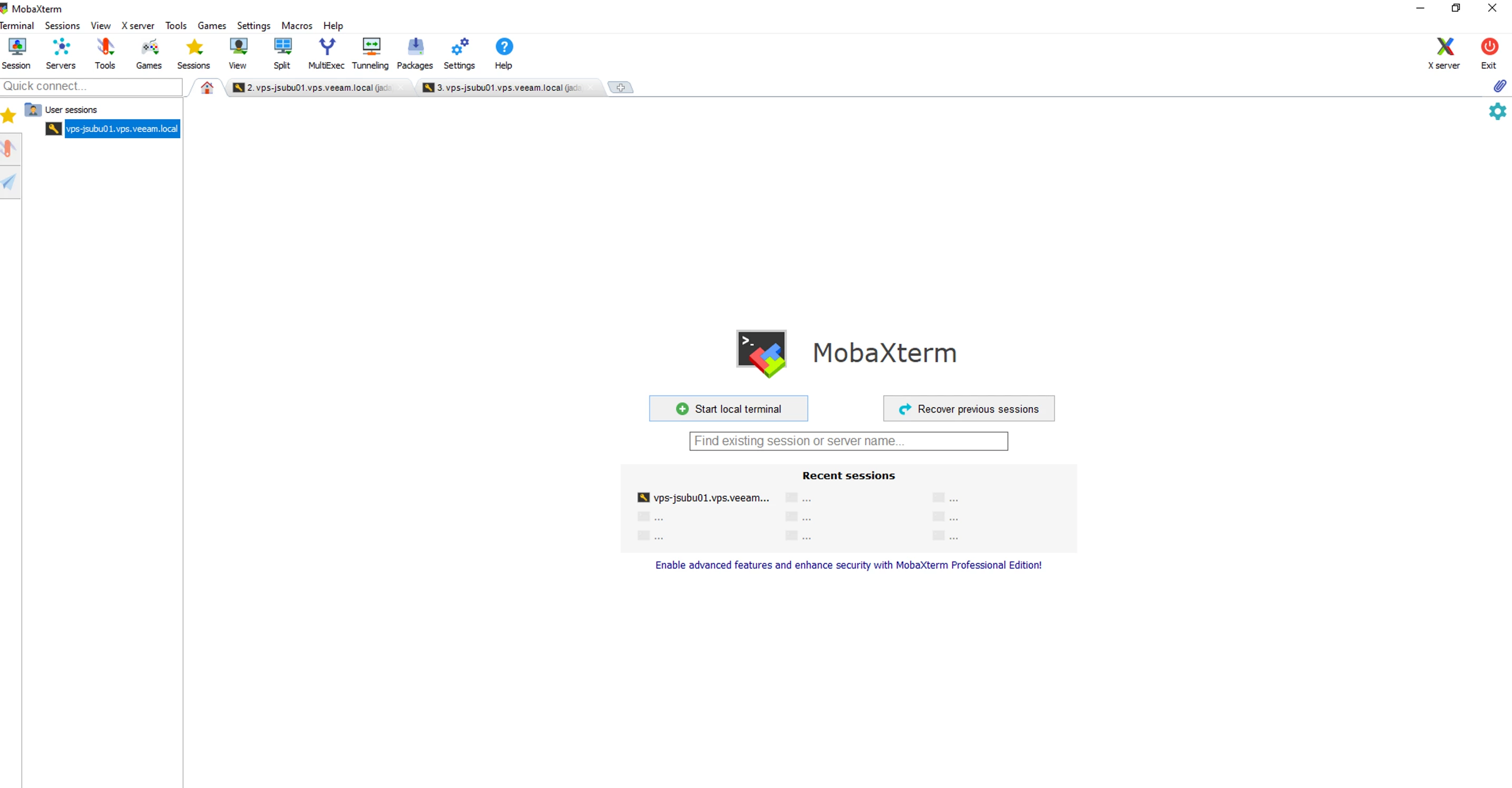
I've been working in the lab on some Kubernetes deployments using MobaXterm Home Edition and Rancher. I started off using PuTTY, but found that it could be limiting for what I needed. So I began my hunt to find the best SSH client, and I ended up landing at MobaXterm.
In this post, I want to talk a bit about why I opted to use MobaXterm and all of the great features it offers, especially pertaining to working with Kubernetes.
- Intuitive UI and Easy to Navigate
While evaluating alternatives to PuTTY, I found that PuTTY along with other SSH terminals looked a bit dated and less approachable. Since this was my first time doing this much terminal-focused Kubernetes work, I wanted a tool I could easily navigate to reduce friction. MobaXterm has a very sleek interface that lends itself nicely to beginners and experts alike.
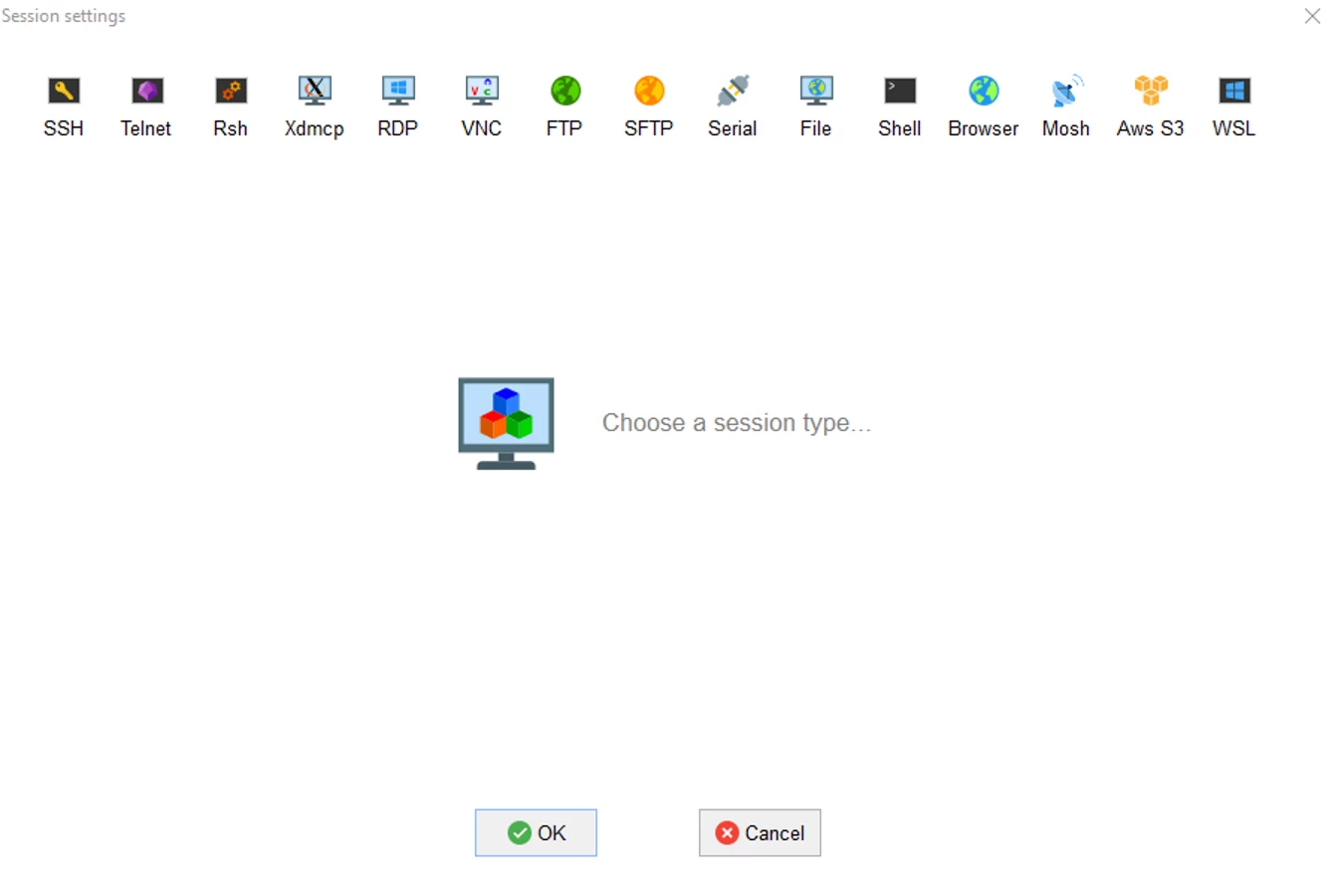
- 15 Session Settings/Options
MobaXterm supports a wide range of session types (SSH, Telnet, RDP, etc.), which makes it useful as a single tool for connecting to different systems and services.
- Multiple Remote Sessions in 1 Window
MobaXterm makes it easy to keep several sessions open at once in a single window. This is extremely helpful when working with Kubernetes because I could monitor one process in one tab while running commands in another. For example, if I had a pod that was failing, I could monitor its status in a tab while troubleshooting the issue in another tab.
- Customization of Plugins and Extensions
There are many customization options available, such as custom startup commands and configuration settings. While I haven't implemented this feature yet, it could be helpful for users who have very specific workflows they need to tailor their application to.
- Unix Commands if accustomed to Unix/Linux Systems
If you are used to a Unix/Linux environment, MobaXterm includes a set of Unix commands (like 'bash', 'ls, 'grep', etc.), allowing you to run Linux commands directly from your Windows machine and providing a familiar environment. This was extremely helpful because it let me use commands that I had already seen before, so the learning curve didn't feel as steep.
I hope you enjoyed reading about my experience using MobaXterm as much as I enjoyed working with it! In the uphill battle of learning Kubernetes and deploying workloads/apps to a cluster, it was genuinely nice to have a terminal that felt easy to use and didn't get in the way. Since Kubernetes environments can become complex quickly, I am also going to start looking into tools like Veeam Kasten, which focuses on Kubernetes-native data protection, backup, and recovery for applications running in clusters. If you're looking for a new SSH client, I would 1000% recommend giving MobaXterm a try!