


The release of Morpheus 9.1.0 marks one of the most significant updates in the platform’s history. While the release notes list nearly 80 new features and enhancements, the real story isn’t the number. It is how these innovations collectively strengthen virtualization, observability, storage, automation, and cloud-native operations across a unified platform
Much of the innovation focuses on improving the virtualization experience for VM Essentials customers. From Host Profiles and advanced migration capabilities to intelligent storage management, GPU virtualization, virtual switching, monitoring, and operational automation, this release delivers meaningful improvements for organizations running business-critical virtualized workloads.
Therefore, it´s time to upgrade your HPE Morpheus VM Essentials Manager and the Host Agents.
This procedure is aimed at customers using release 9.0.0 or later. If you are using 8.x or earlier, you must first reach 9.0.x, because 9.0.0 is the minimum required to migrate to release 9.1.0.
Upgrading the VM Essentials Manager will cause 10-15 minutes of downtime. Ensure VME Manager users are not doing critical work during the upgrade window.
This downtime applies only to the VME Manager itself and has no effect on the hypervisor host(s) or any provisioned VMs currently running.
To upgrade the VM Essentials Manager, you’ll need to obtain the .deb upgrade package(s) from the VM Essentials page on the HPE Software Center.
Once logged into My HPE Software Center, click on the “Software” section from the side navigation. Search for “VM Essentials”.
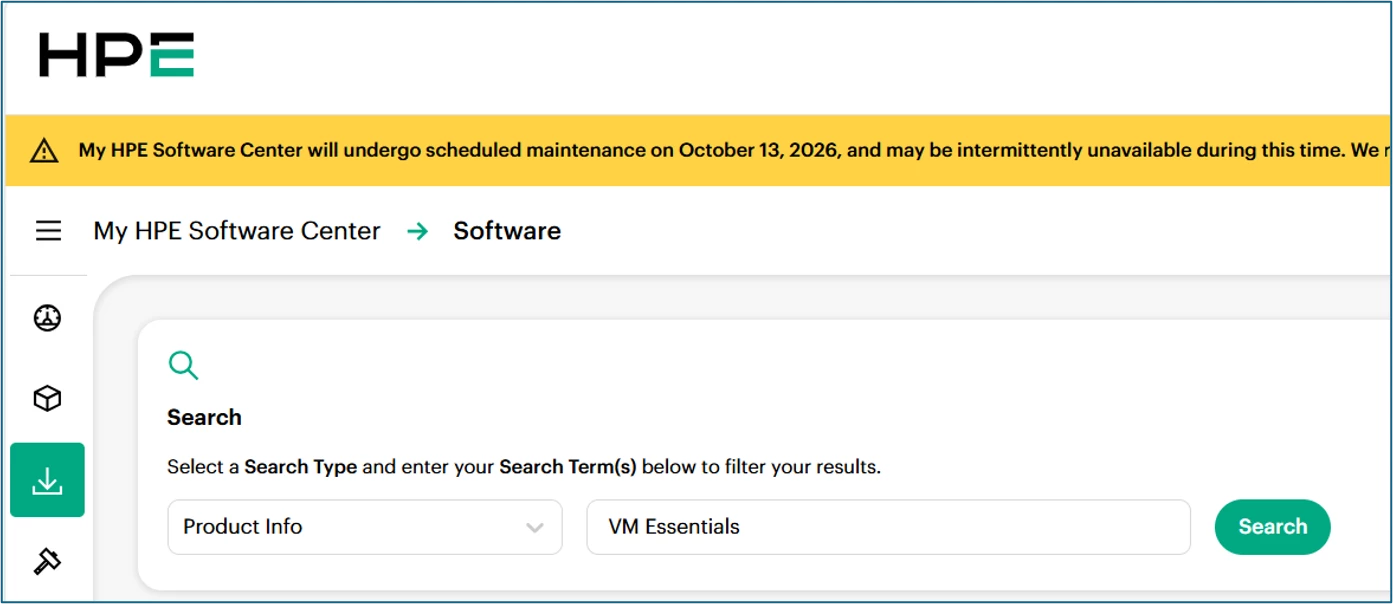
The latest release (9.1.0) will be presented. In the right corner, select the “Actions” menu and the “Get Downloads” option.
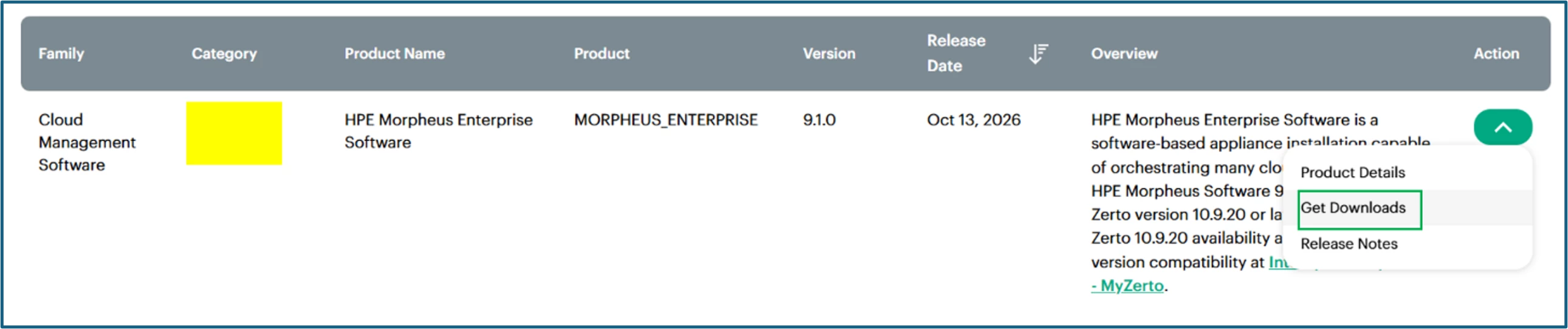
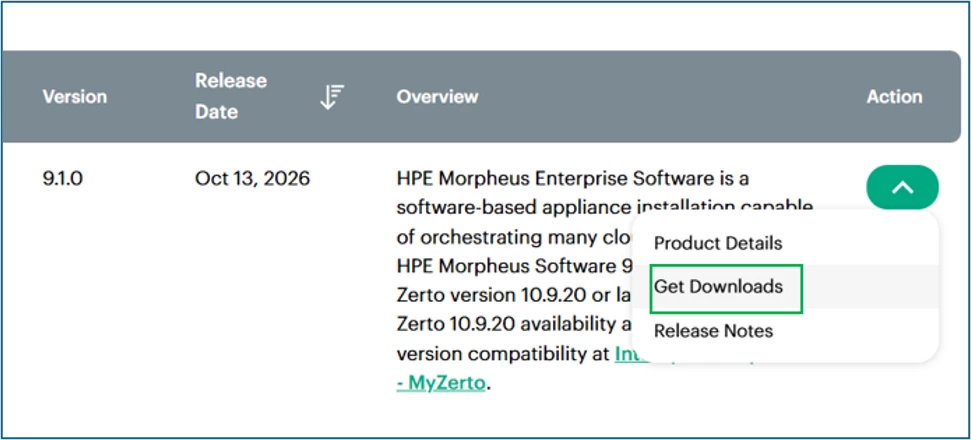
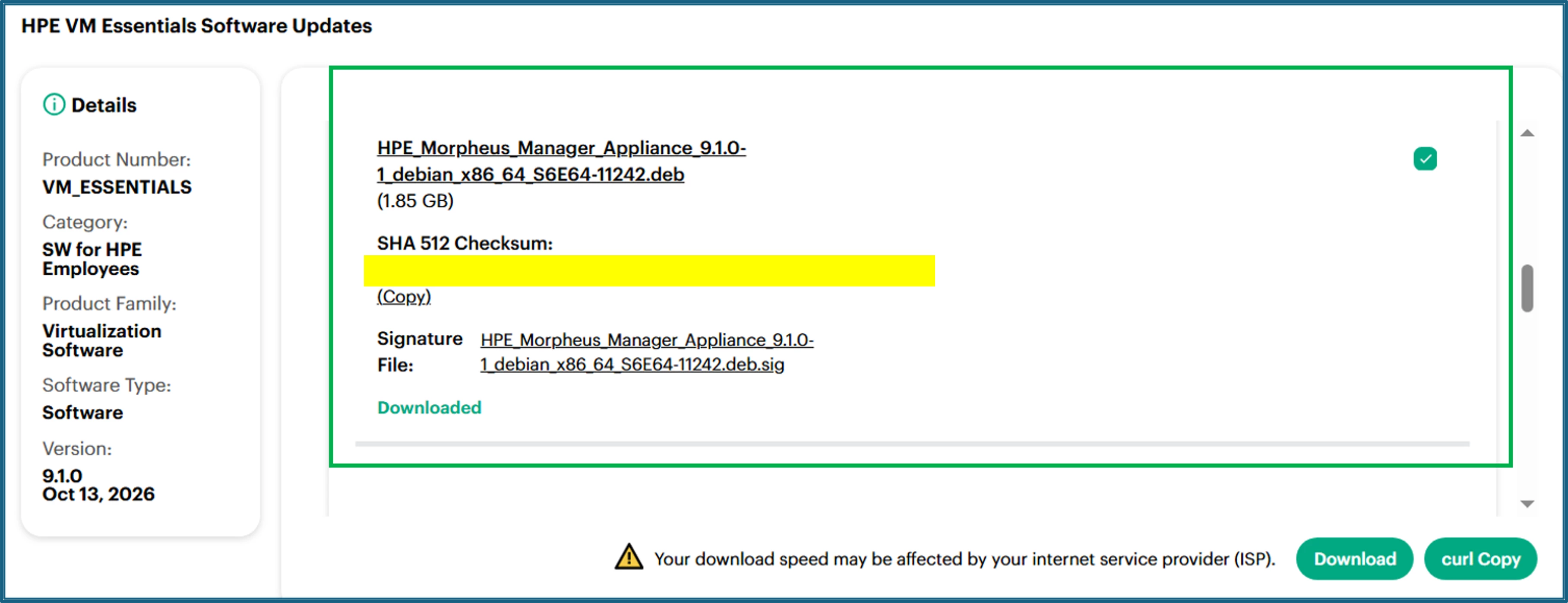
On the Downloads page, you’ll see the software packages. For an upgrade, you only need the .deb file available in the software center (and potentially the “supplemental” Debian package as well if this will be an offline upgrade).
Select the .deb files and click on the “Download” button.
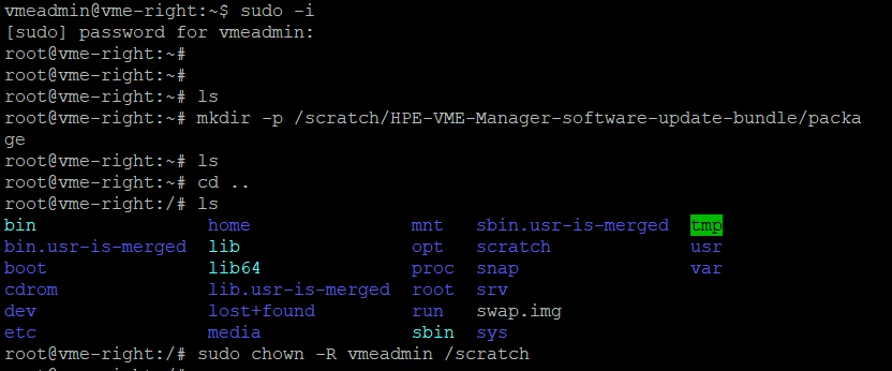
Log in to the VME Manager using the SSH credentials
Ensure you are the root user: sudo -i
Create the directory to store the .deb file: mkdir -p /scratch/HPE-VME-Manager-software-update-bundle/package
Change the owner of the directory to the SSH user: chown -R <vme-manager-ssh-user> /scratch
Example: chown -R vmeadmin /scratch
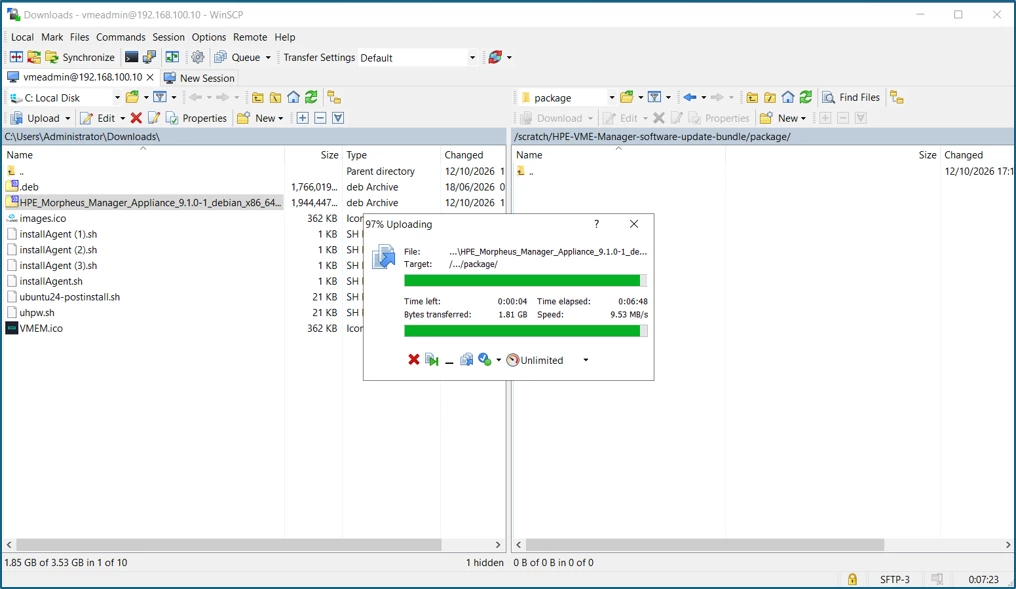
Using WinSCP, upload the .deb file to the /scratch/HPE-VME-Manager-software-update-bundle/package directory.
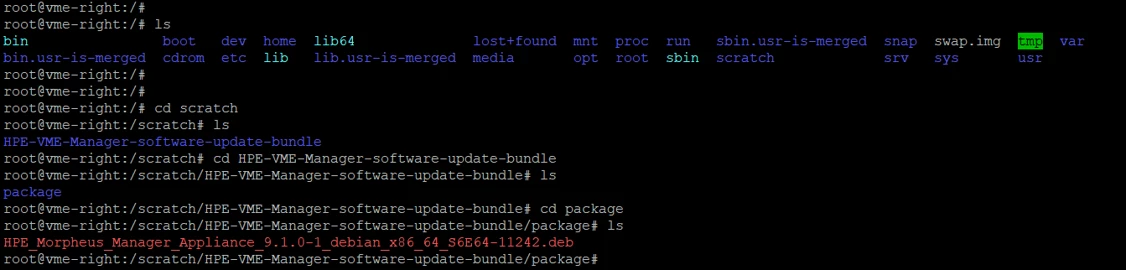
Make sure that the file is uploaded.
Now, stop the current services: sudo morpheus-ctl stop morpheus-ui

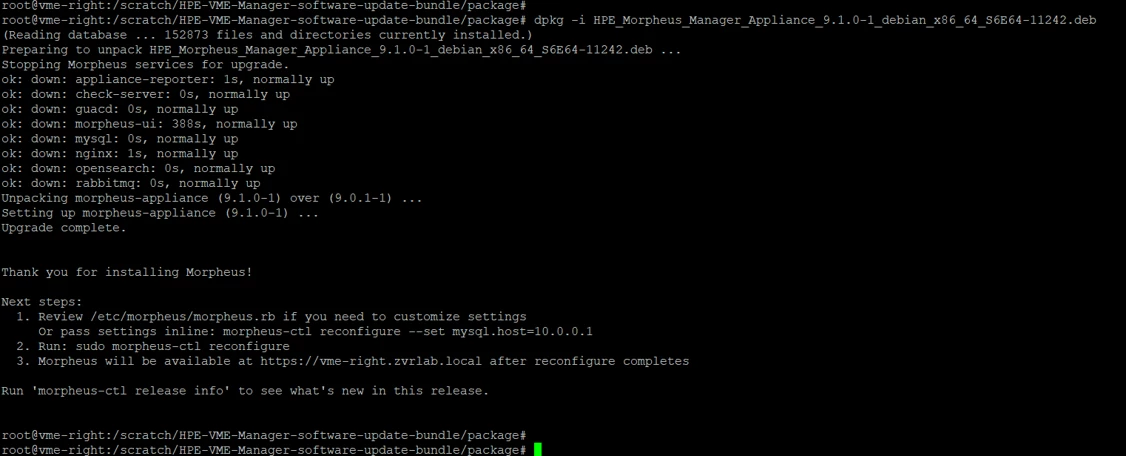
Start the package installation: sudo dpkg -i xxxx.deb
If you are performing an offline upgrade: sudo dpkg -i xxxx.supplemental.deb
Example: sudo dpkg -i HPE_Morpheus_Manager_Appliance_9.1.0-1_debian_x86_64_S6E64-11242.deb. In this example, you can type “sudo dpkg -i HPE <TAB>” and the full filename will appear.
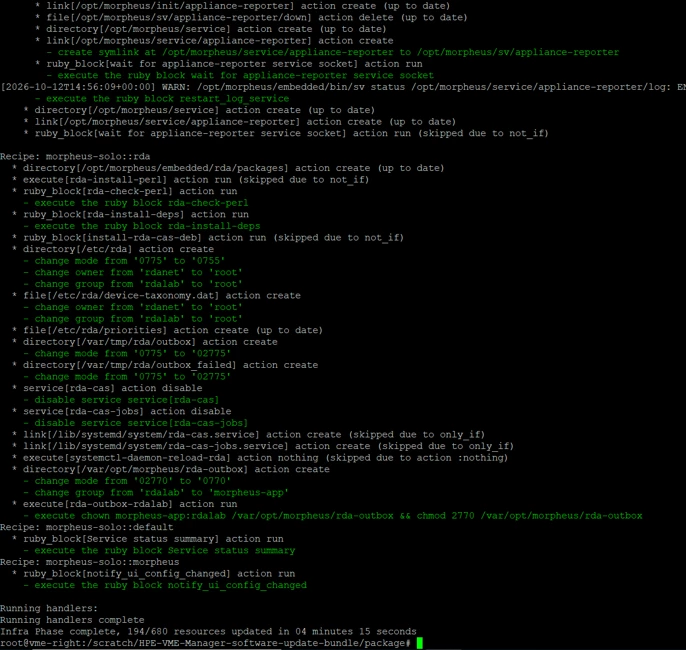
Start the VME Manager reconfiguration: sudo morpheus-ctl reconfigure
This process will take some time.
After the reconfiguration completes, access the VME Manager web console.
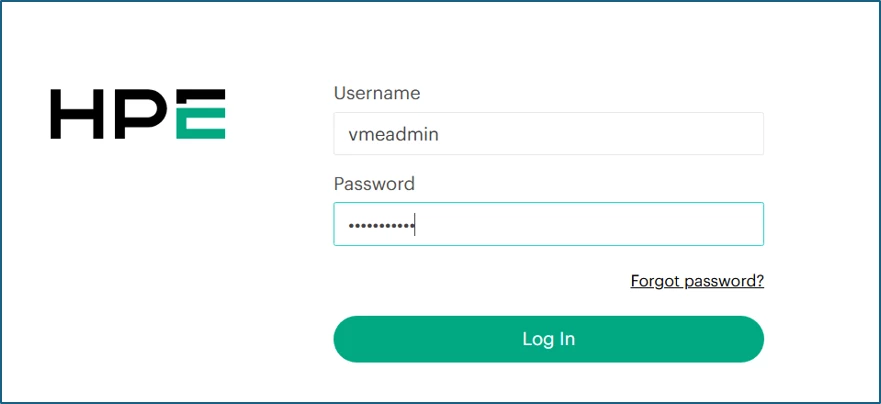
Check for any error messages.
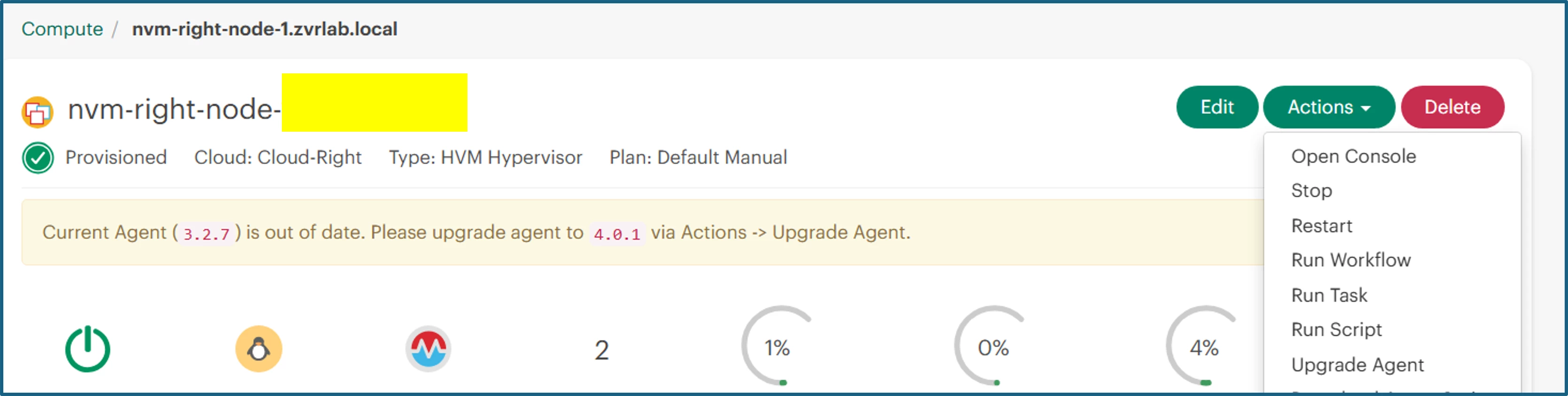
If the host agent needs an update, you will see a message on the dashboard and below on the host’s page.
It will mention the current version and which version the agent needs to be upgraded.
Example: “Current Agent (3.2.7) is out of date. Please upgrade the agent to 4.0.1 via Actions>Upgrade Agent”.
As you are upgrading from 9.0.0 or later, the agent upgrade can be performed online.
Just select the first host, click on “Actions” and click on “Upgrade Agent”
Confirm the upgrade.
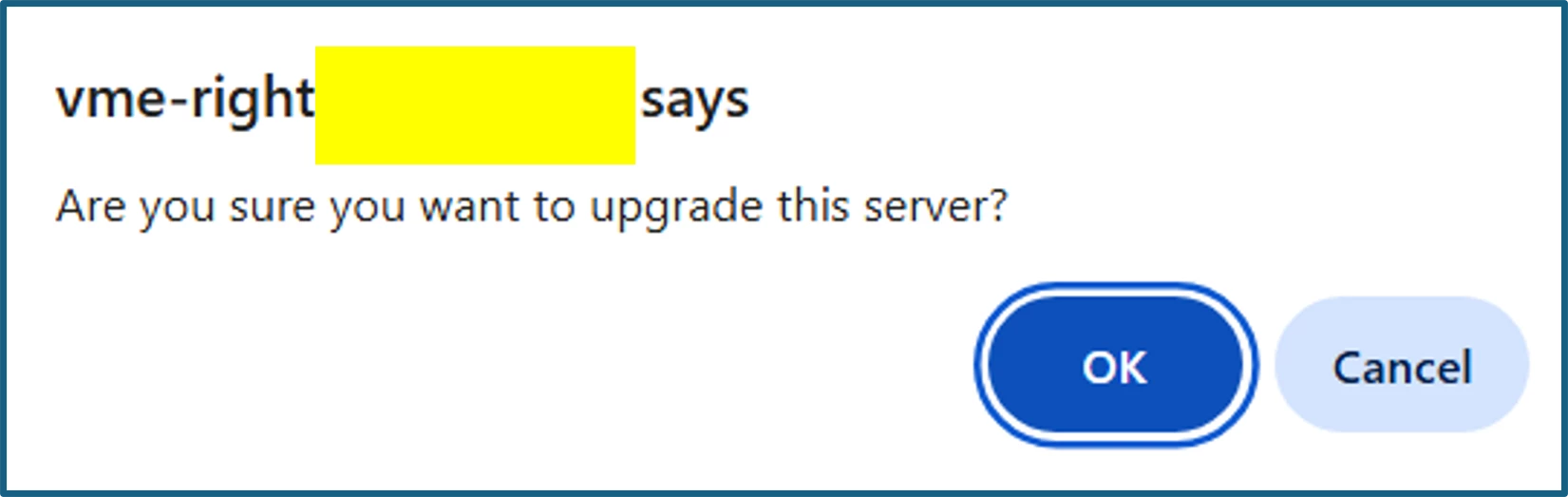
The agent upgrade process will start.
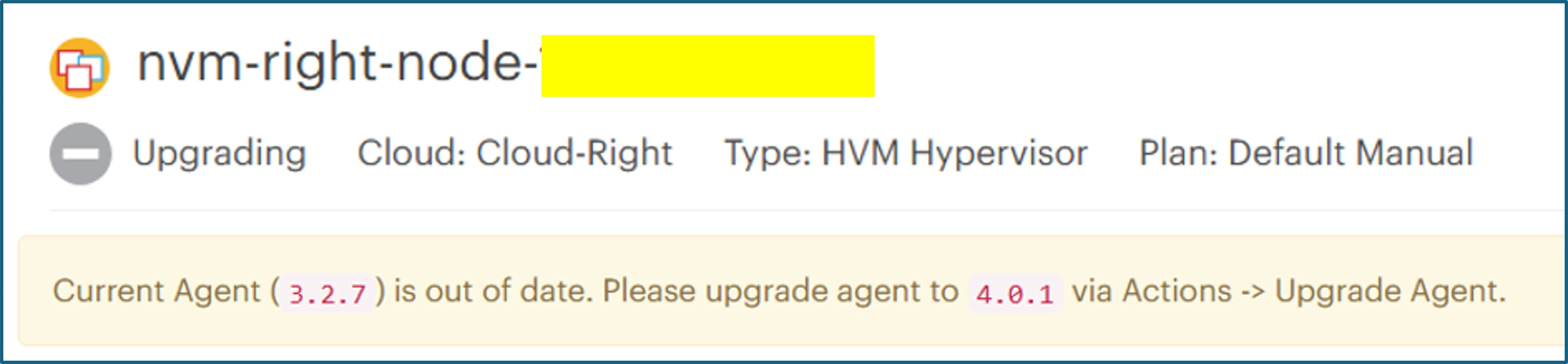
After the process is concluded, check that the host status has moved to the “Provisioned” state.

Repeat the host agent upgrade procedure for all hosts in the cluster.
Final Step: Go to the Dashboard and verify the version has been upgraded.
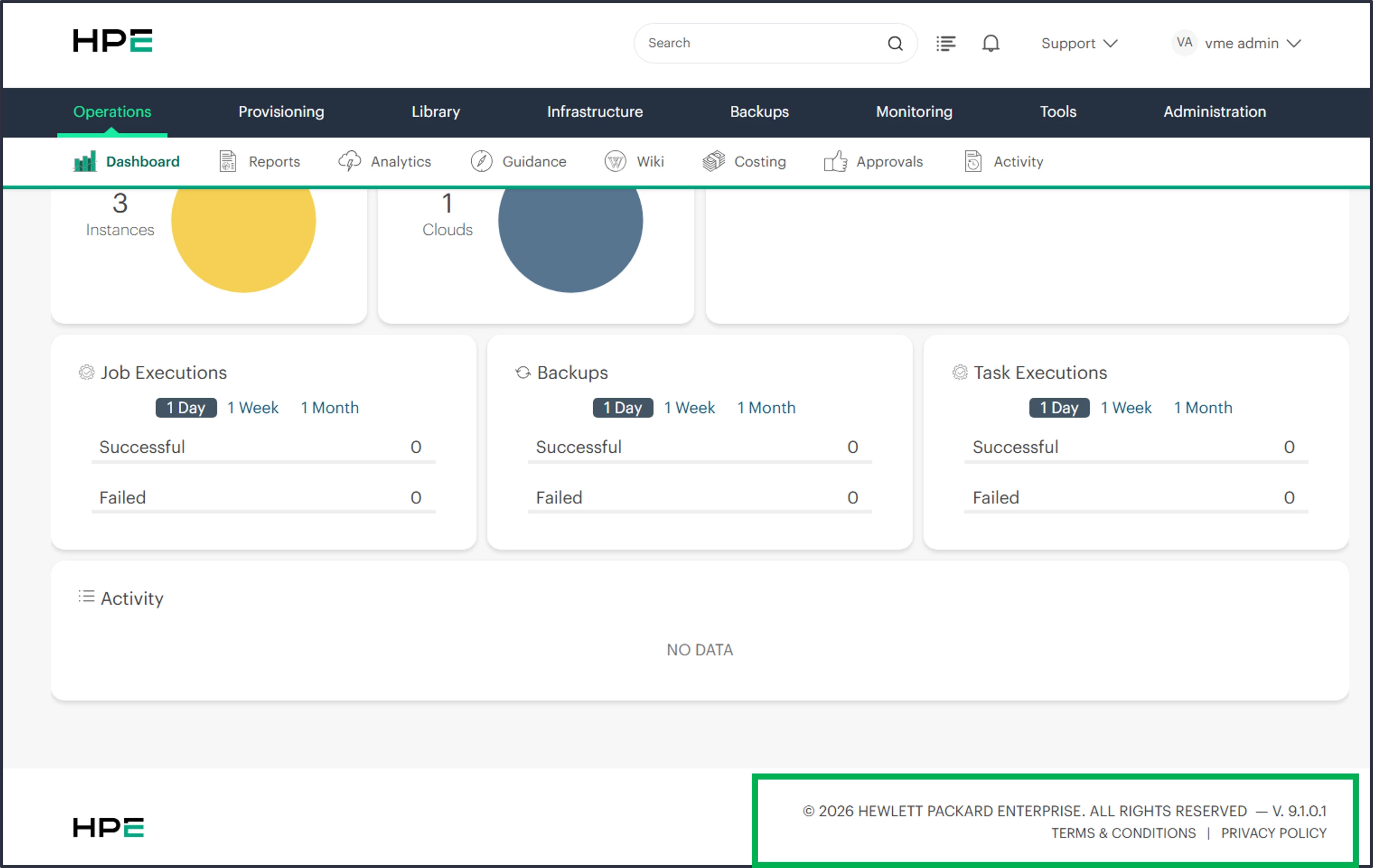
Your cluster is now upgraded, and you can use all new features of your HPE Morpheus VM Essentials 9.1 subscription.
References:
v9.1.0 Release Notes – Morpheus Documentation
HPE Morpheus VM Essentials Software | HPE Morpheus VM Essentials Software Documentation v9.1.0
Upgrading the manager | HPE Morpheus VM Essentials Deployment Guide