
I am sharing with the community the procedure I followed to resolve the failure of the Application Aware backup post-installation of Sentinel One.
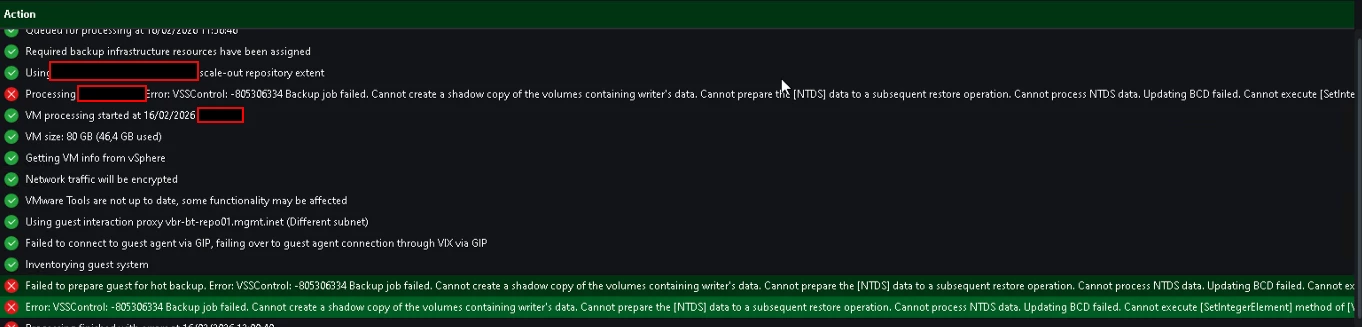
- Exception procedure S1 VSS SafeBOOt Tamper Protection
Open Administrative CMD
cd "C:\Program Files\SentinelOne\Sentinel Agent your-version"
sentinelctl unprotect -k "<passphrase>"


sentinelctl config -p agent.vssConfig.enableResearchDataCollectorVssWriter -v false -k""PASSPHRASE"


sentinelctl config -p agent.vssConfig.vssProtection -v false


sentinelctl config -p agent.vssSnapshots -v false


sentinelctl config -p agent.safeBootProtection -v false -k "PASSPHRASE"


sentinelctl config antiTamperingConfig.allowSignedKnownAndVerifiedToSafeBoot true -k "PASSPHRASE"- delete shadow :
diskshadow
delete shadows all
Exit
- re-enable protection:
sentinelctl protect -k "<passphrase>"
Regards