



After Part q, 2 and 3, lets finish with creating the VPN account and setup the client.
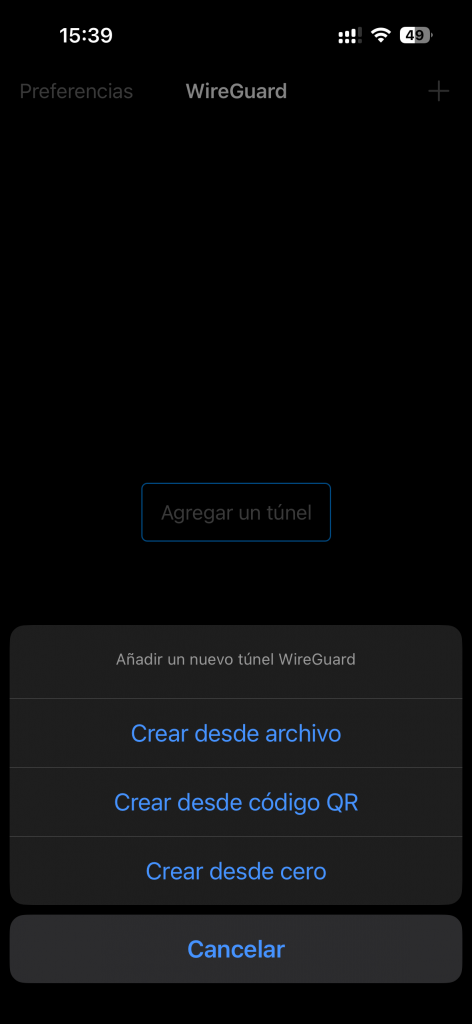
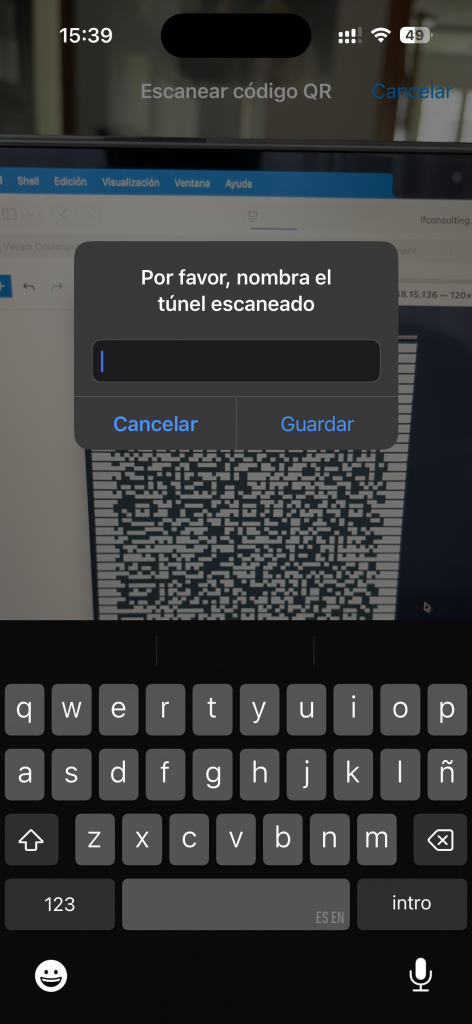
Now, let's create a VPN user, to be able to set it up into our phone / laptop, and start using our WireGuard VPN.
Connect to your new deployed server via ssh
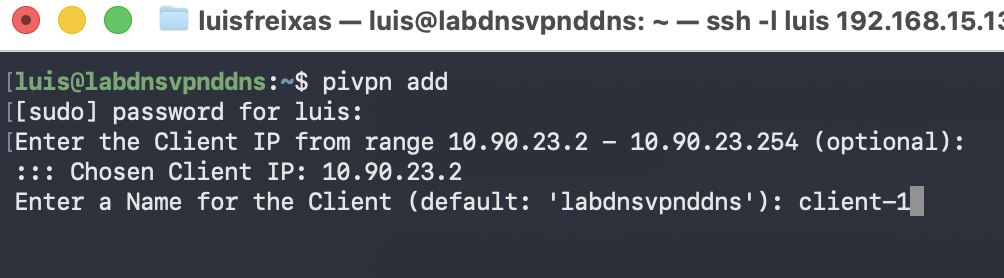
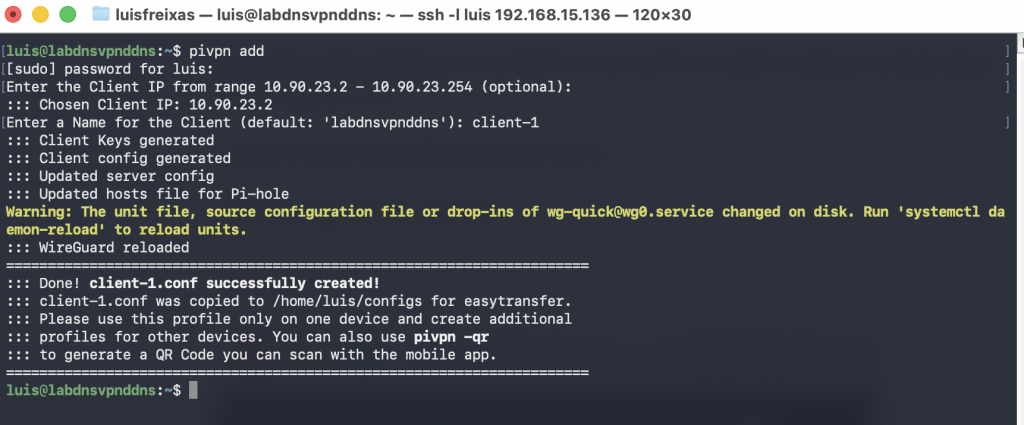
Now, lets execute the command:
pivpn add



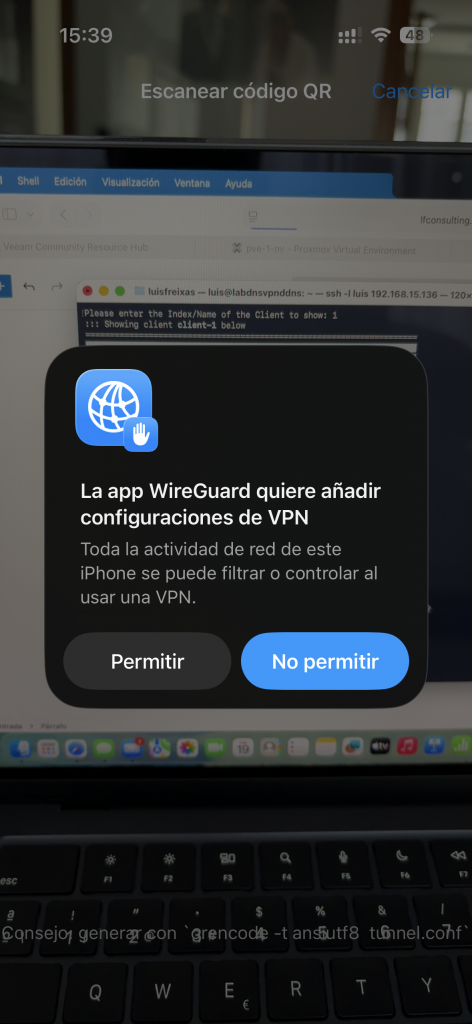

Done!
now, you have your VPN fully configure.
anua time you want to connect, simply open the app and switch the VPN to on (green)
all traffic will be back and forth the VPN.
cheers.

