



Hi everyone
After christmas, I had some time to improve my lab a little bit.
I decided to setup a Pi-Hole to use it as my main DNS and filtering app, and why not, use it also over my VPN with WireGuard , and be able to use it all the time reaching my Server from anywhere with a FQDN instead of an IP (Dynamic), with DuckDNS.
As a base system, I chose Ubuntu Server, with the minimum installation,
choose your own, maybe you will need to adapt some commands or content.
After login into my clean ubuntu server machine, and update all the packets,
I went to the Pi-Hole website, and click into the Install Pi-Hole button.
I used the Curl command with sudo before:
curl -sSL https://install.pi-hole.net | bash

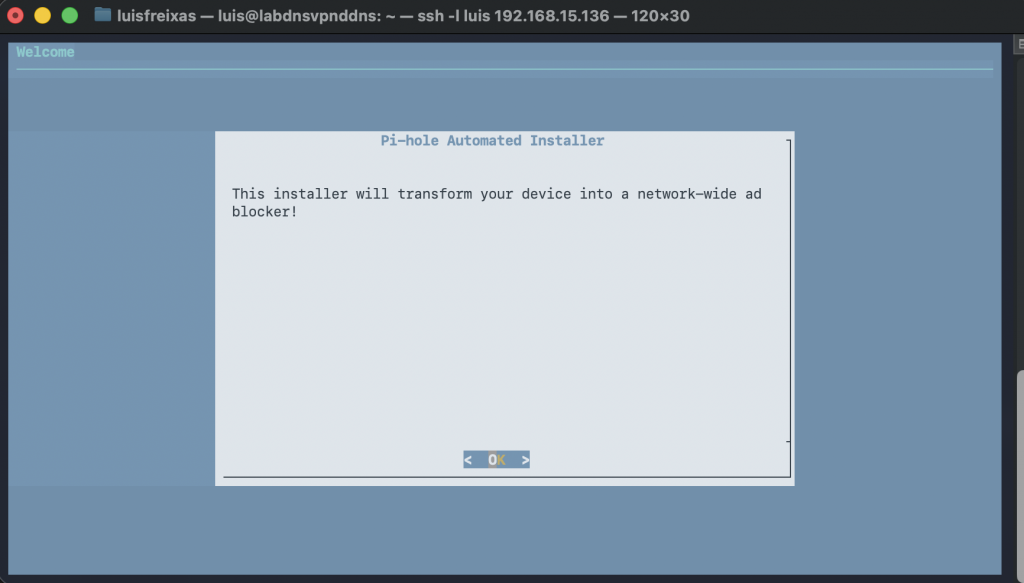

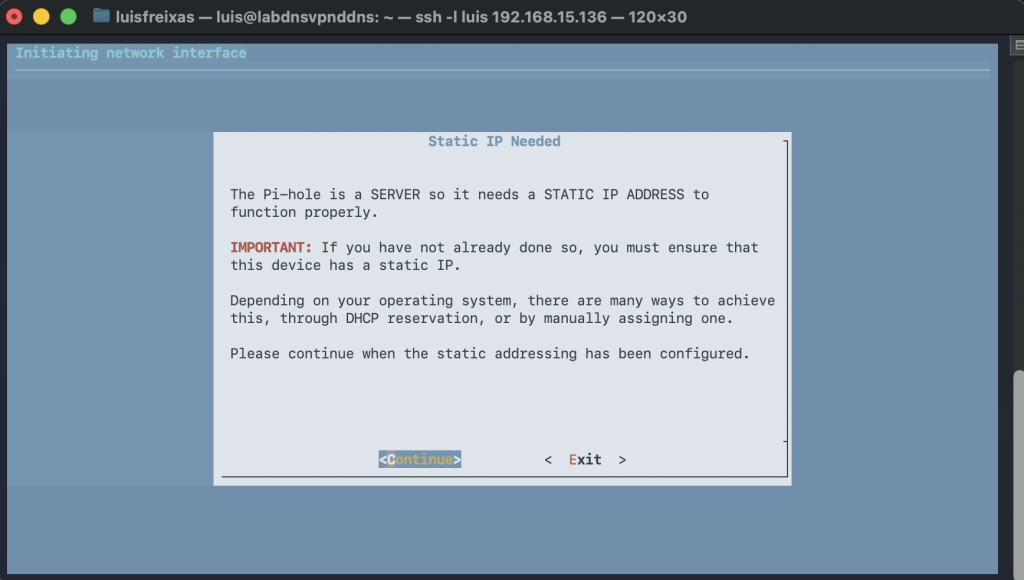
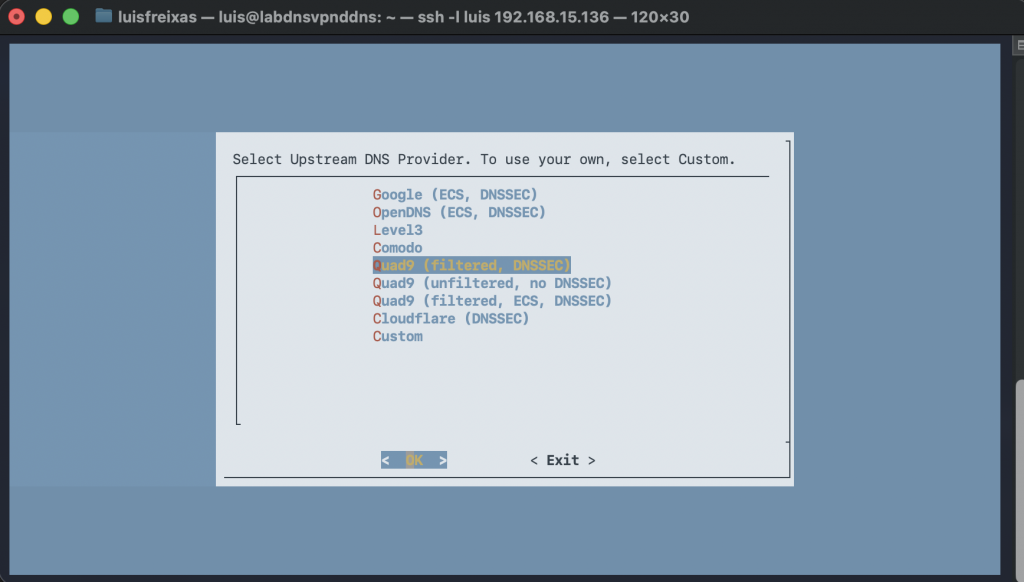
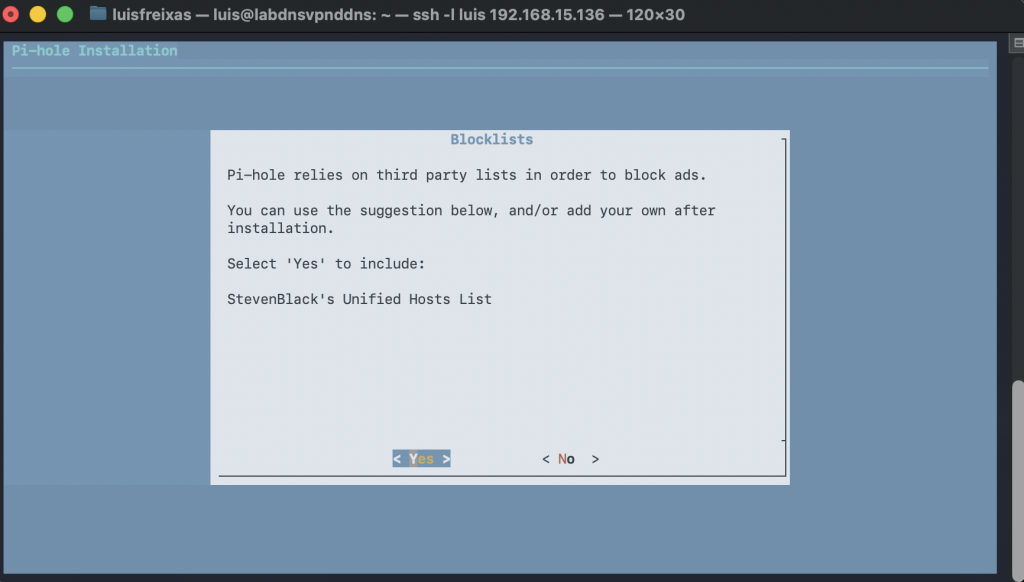

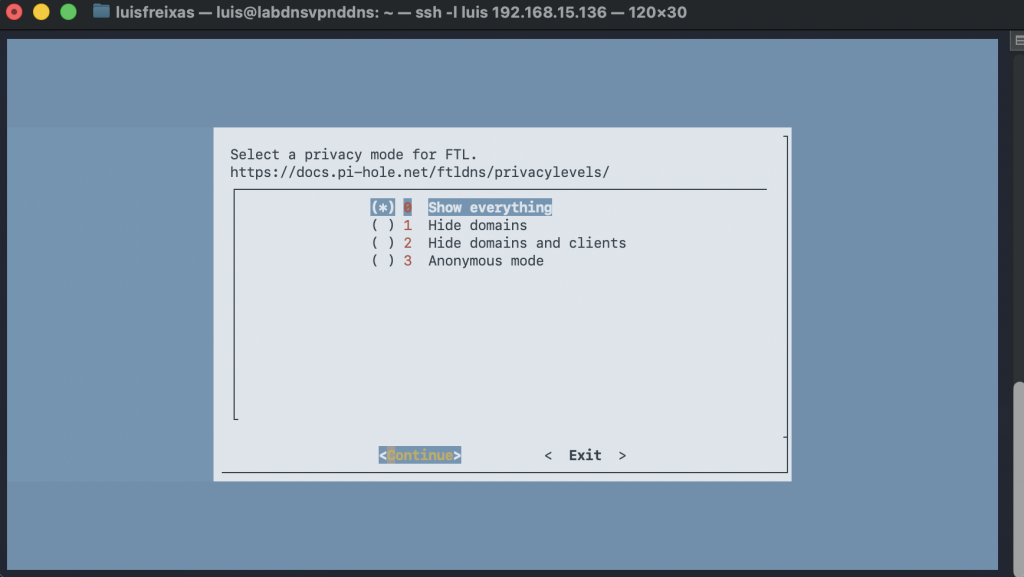
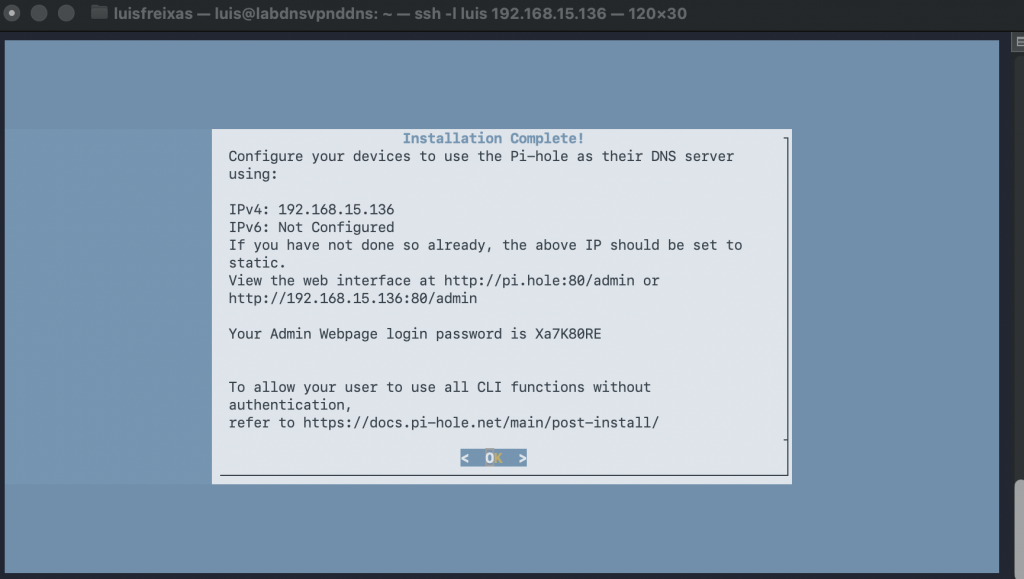
Now let´s open a browser and login into the Pi-Hole console:
http://192.168.15.136:80/admin
using the password provided in the previous step: Xa7K80RE
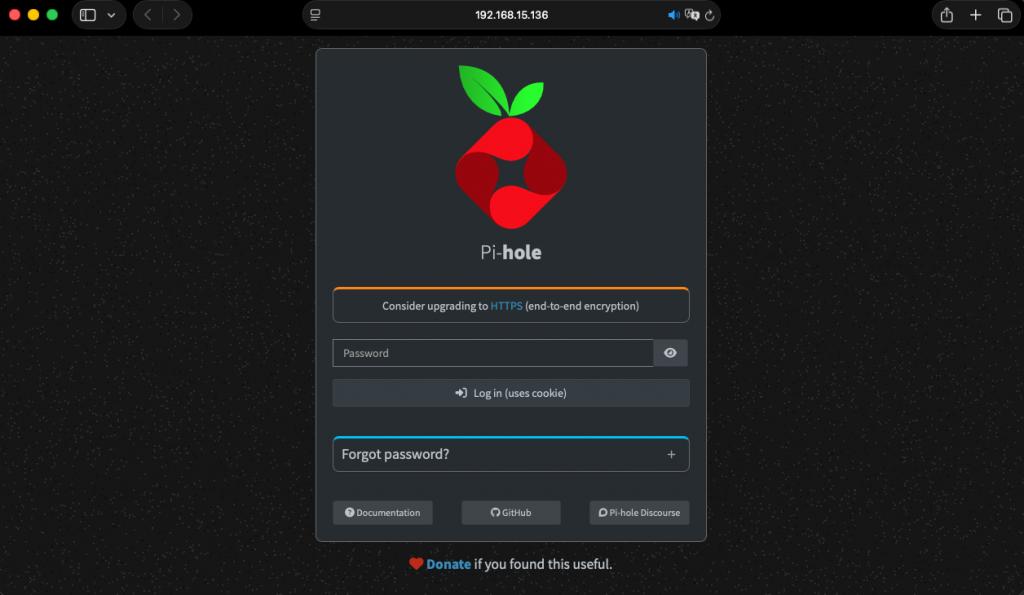
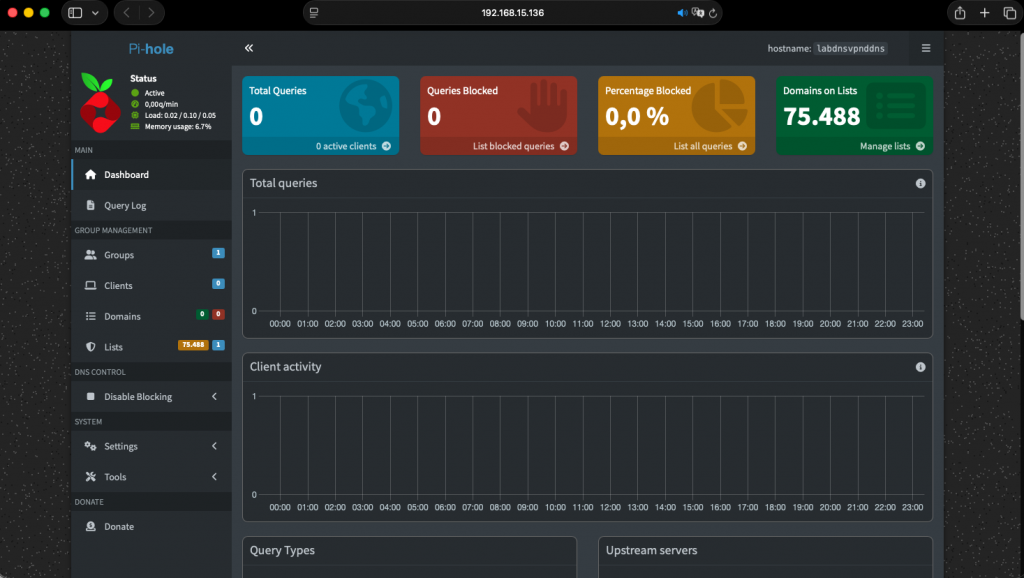
Done!
Pi-Hole has many options and features,
for now, lets keep it like this, as DNS with filter capabilities, we will tune it up in another entry.
happy new year!
cheers.