Since this step is similar to the below, I will not be dropping the entire content here. Kindly take a look at the following guide for more information “Building VIHR: Ransomware-Proof Repository with Veeam JeOS”.
The article walks through the steps on how to deploy a Veeam Infrastructure Hardened Repository (VIHR) using the new Veeam JeOS (Just Enough OS). It is aimed at improving ransomware resilience for backup infrastructure. It highlights that modern threats increasingly target both production workloads and backup storage, making immutability essential.
This blog post covers practical steps for building a lab environment in Proxmox VE or XCP-ng as well and installing the JeOS-based Veeam Hardened Repository ISO, and configuring the repository server with hostname, static networking, and accounts.
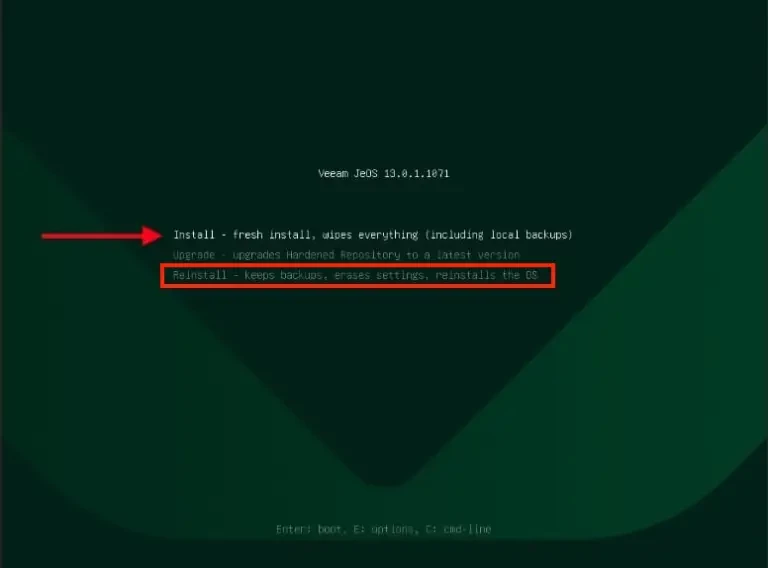
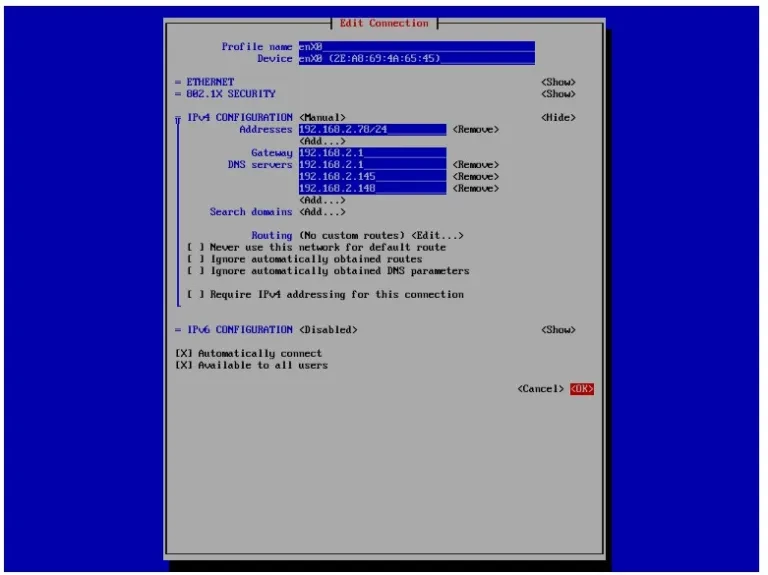
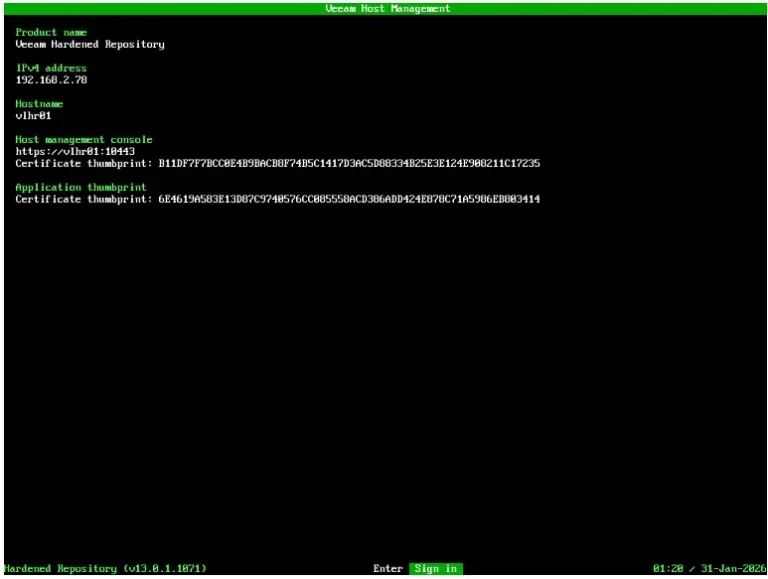
After installation, the guide shows how to access the Host Management UI, create user roles and enable MFA, and then proceed to add the VIHR to Veeam Backup & Replication. Going forward, you will find these two links very vital “How to fix Failed to connect to Deployer Service Error, and Upgrade legacy VHR to Veeam Infrastructure Hardened Repository”.
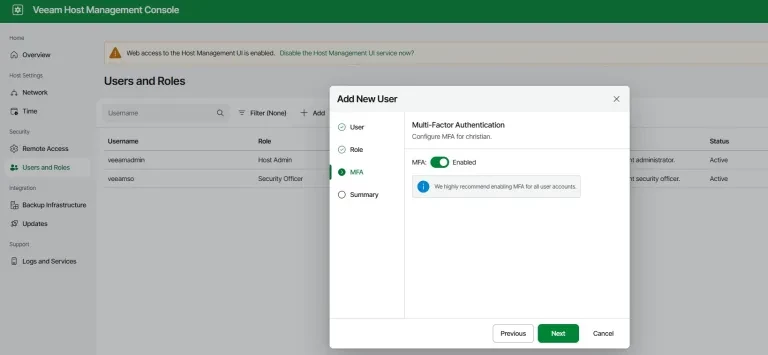
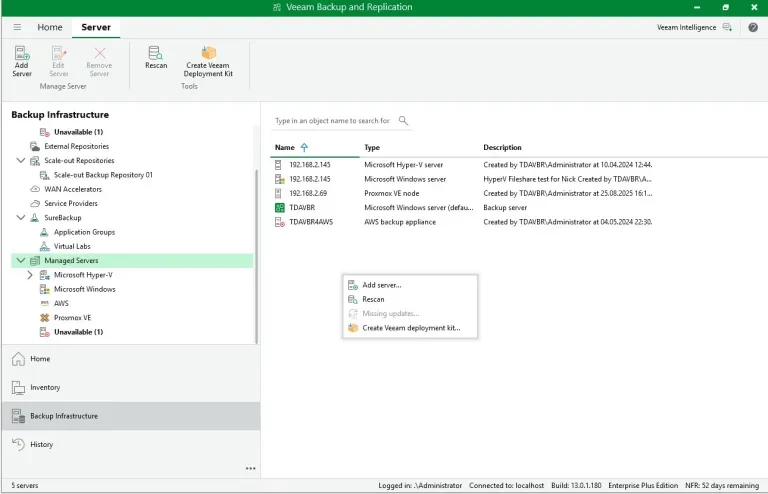
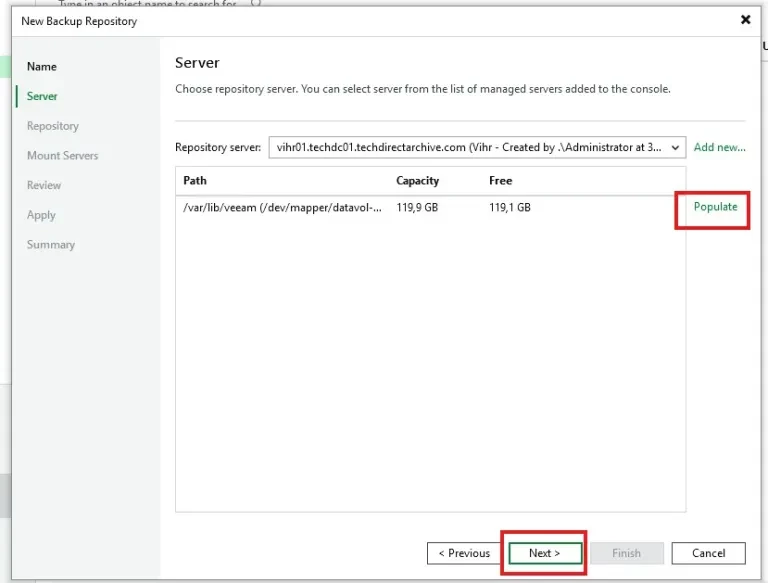
It further showed the steps on creating the Linux Hardened Repository, and selecting the repository path and setting immutability.
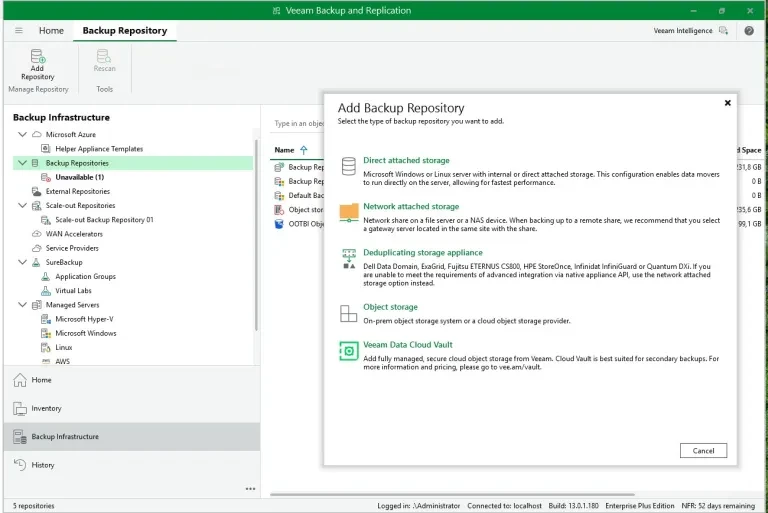
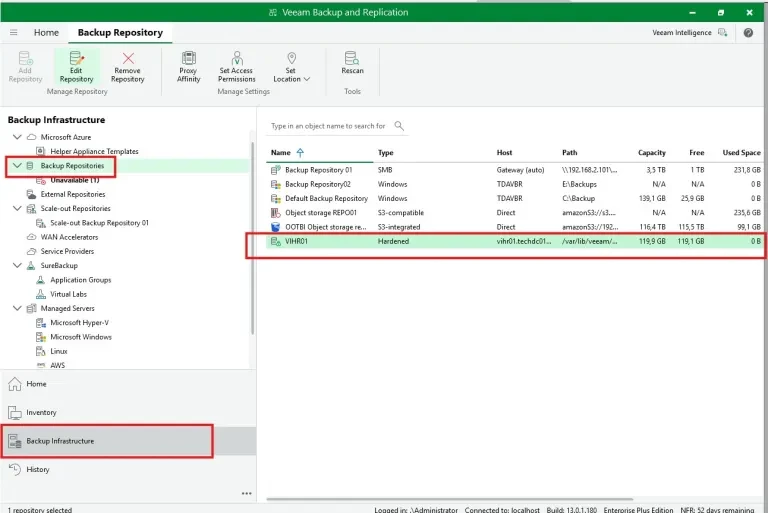
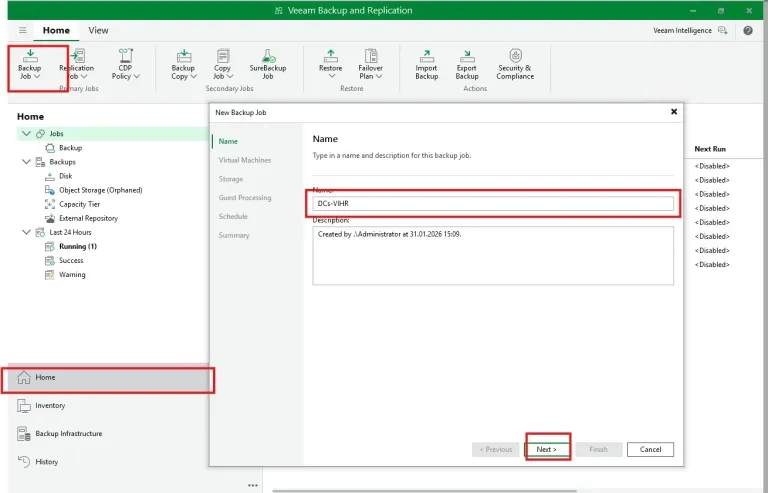
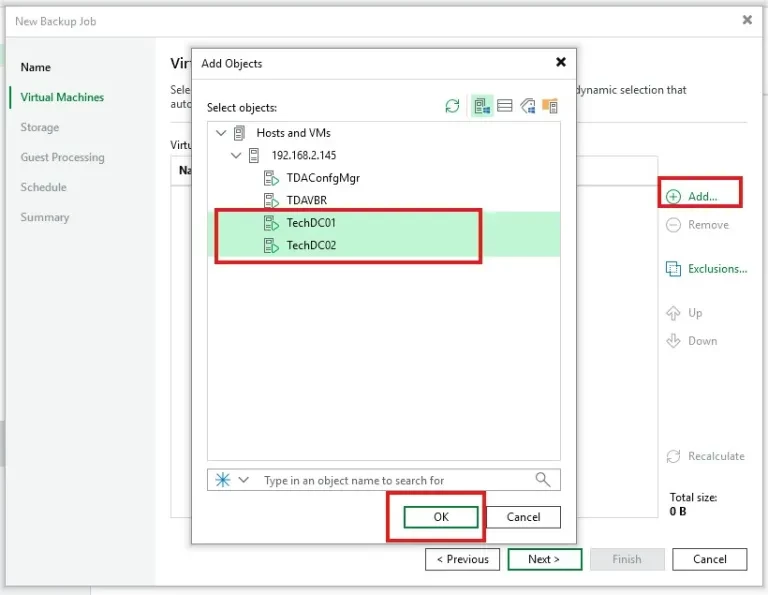
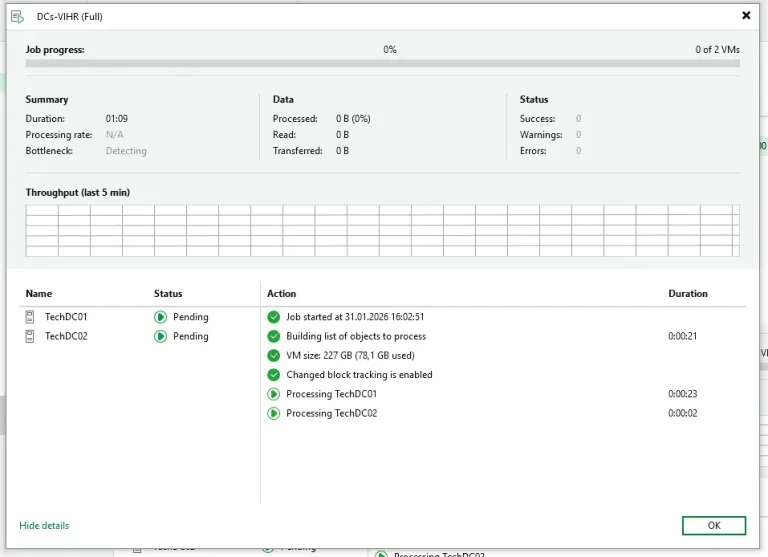
Finally creating and configuring a backup job that targets the newly hardened repository
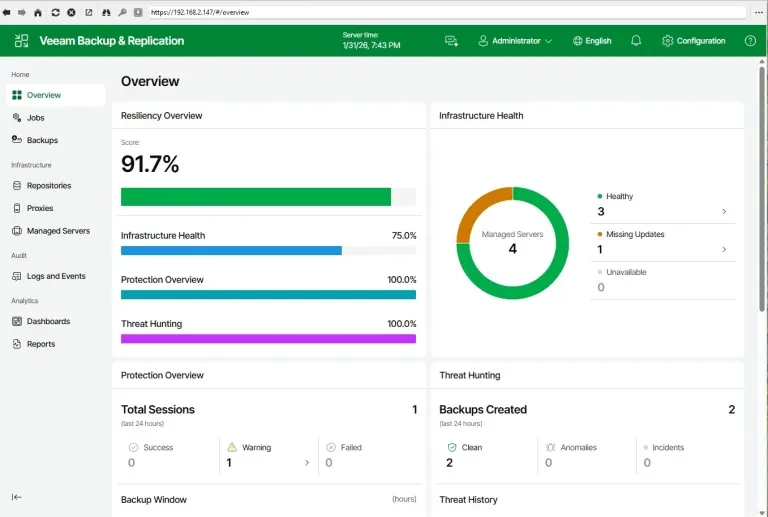
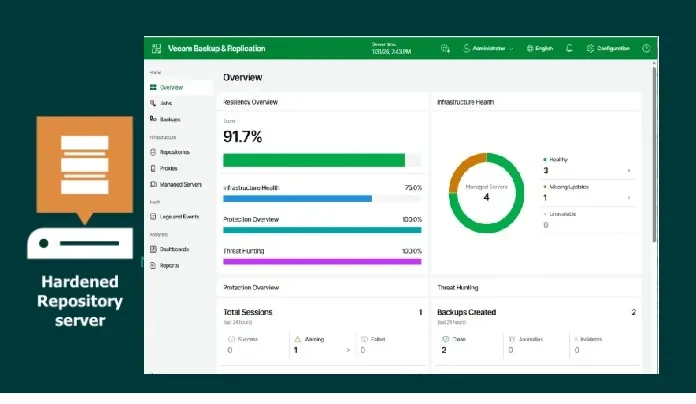
The below is my VBR Dashboard post-VIHR setup: 91% Infrastructure Health (4 servers, 1 update pending), 100% Protection Overview, 1 successful/2 cleaned backups, 1 failed job.