


It was a holiday weekend here in Brazil, Carnival, and I was off when I got the call around noon.
A client had been hit by a ransomware attack.
The entry point was a phishing email that compromised a workstation. From there, the attacker managed to move laterally, reach Active Directory, and eventually gain access to the entire environment.
By the time I was involved, most of the damage was already done.
Around 50TB of Windows-based VMs were encrypted. Production was down.
The environment did have antivirus in place, but it wasn’t properly configured to stop that kind of behavior. In the end, it wasn’t enough.
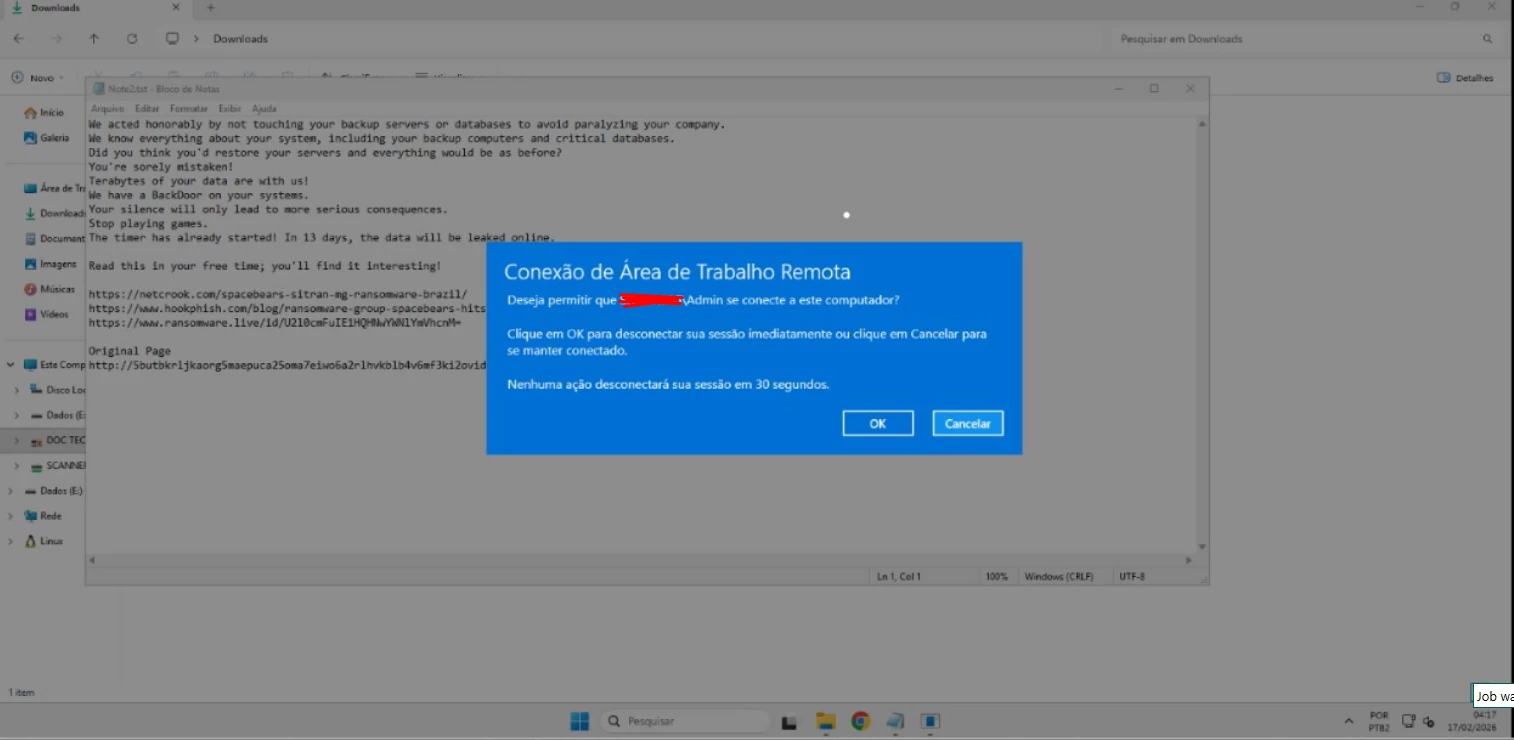
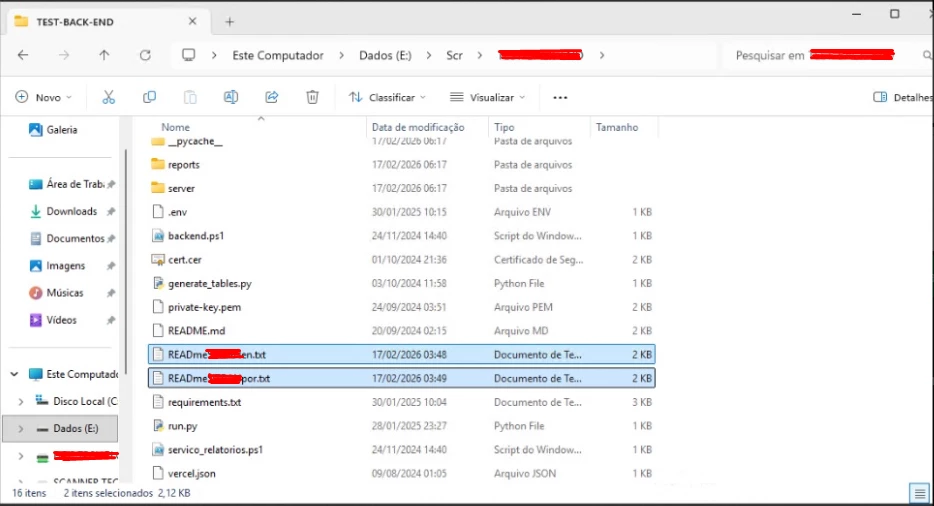
At that moment, the biggest challenge wasn’t just restoring the environment, it was figuring out when it had actually been compromised.
Without that, choosing a restore point becomes a risk.
You might bring everything back… already infected.
That’s where Veeam Software made all the difference.
It wasn’t a straight path, each restore point helped us understand how far the compromise had gone.
Instead of guessing, I started validating restore points using Instant Recovery.
I would bring up the VM directly from backup and inspect it:
- checking for unknown users
- looking for suspicious services
- validating if security controls were still in place
Point by point, going back in time.
Until we found it.
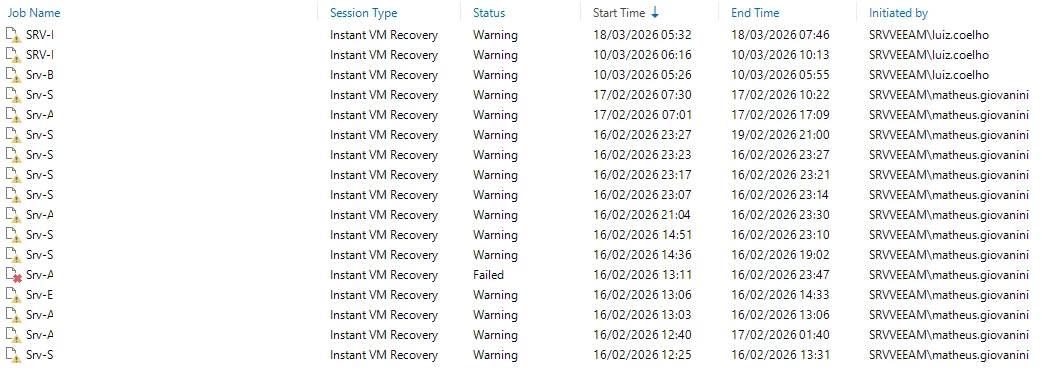
In one of the most recent restore points, from Sunday night, there was a user logged into a server that shouldn’t have been there, actively using a remote access tool.
That was the turning point.
Now we had a timeline.
Now we had confidence.
From there, we could move forward with the restore knowing we were bringing back a clean state.
We started with the most critical systems, file server, database, and application servers.
Using Instant Recovery through Veeam Backup & Replication, those systems were up and running in minutes, booting directly from backup while the full migration to production storage continued in the background.
Production started breathing again almost immediately.
And there was real pressure behind that recovery.
At one point, there was a truck fully loaded with temperature-sensitive goods waiting to be released, and the system needed to be operational for that to happen.
The estimated value was over $1M, which gives you an idea of how critical that moment was.
While we were still identifying clean restore points, there was constant pressure from the business side to get systems back online as quickly as possible.
Thanks to the speed of Instant Recovery through Veeam, the operating systems were available within minutes, even for large workloads, including a database server with over 18TB.
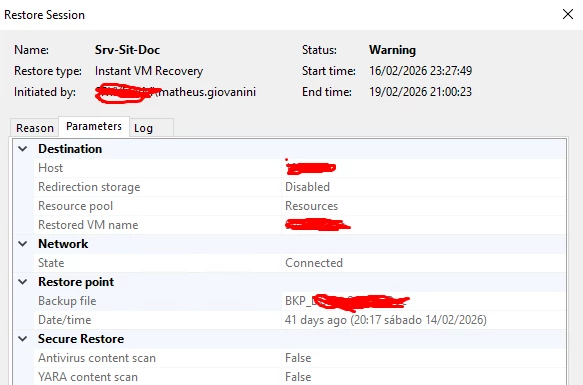
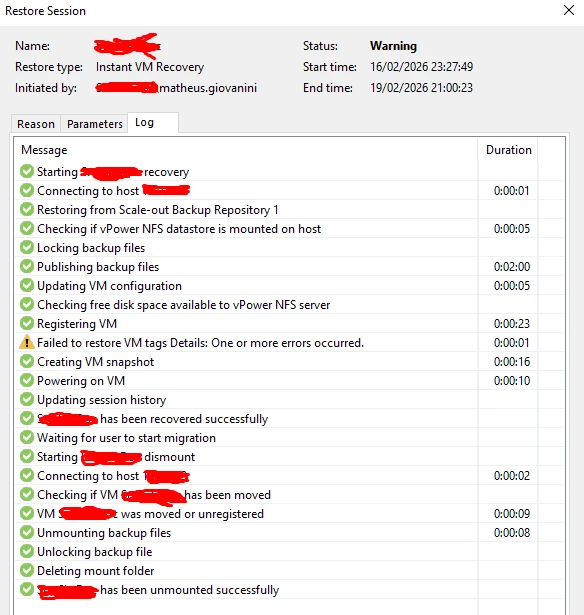
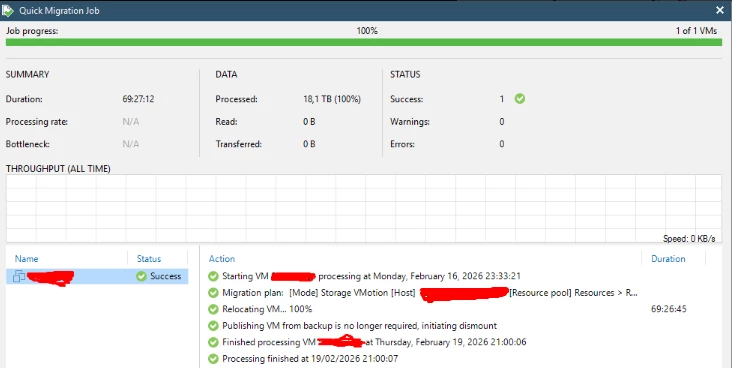
That made all the difference.
Instead of waiting hours for a full restore, the client was able to resume operations quickly, while the data migration continued in the background.
In the end, the delay was limited to just a few hours, and the load was successfully delivered.
Without that approach, the recovery time would have been significantly longer, and the business impact much higher.
We often say that backup professionals are only remembered when something goes wrong.
And it’s true.
Most of the time, everything is quiet. Jobs run, reports are clean, and no one notices.
But when things break, really break, that’s when we step in.
No spotlight, no warning. Just responsibility.
And in moments like this, backup stops being just a routine task.
It becomes the difference between chaos and recovery.
#Veeam #VeeamBackup #InstantRecovery #Ransomware #Restore #BackupStrategy #DataRecovery #WorldBackupDay

