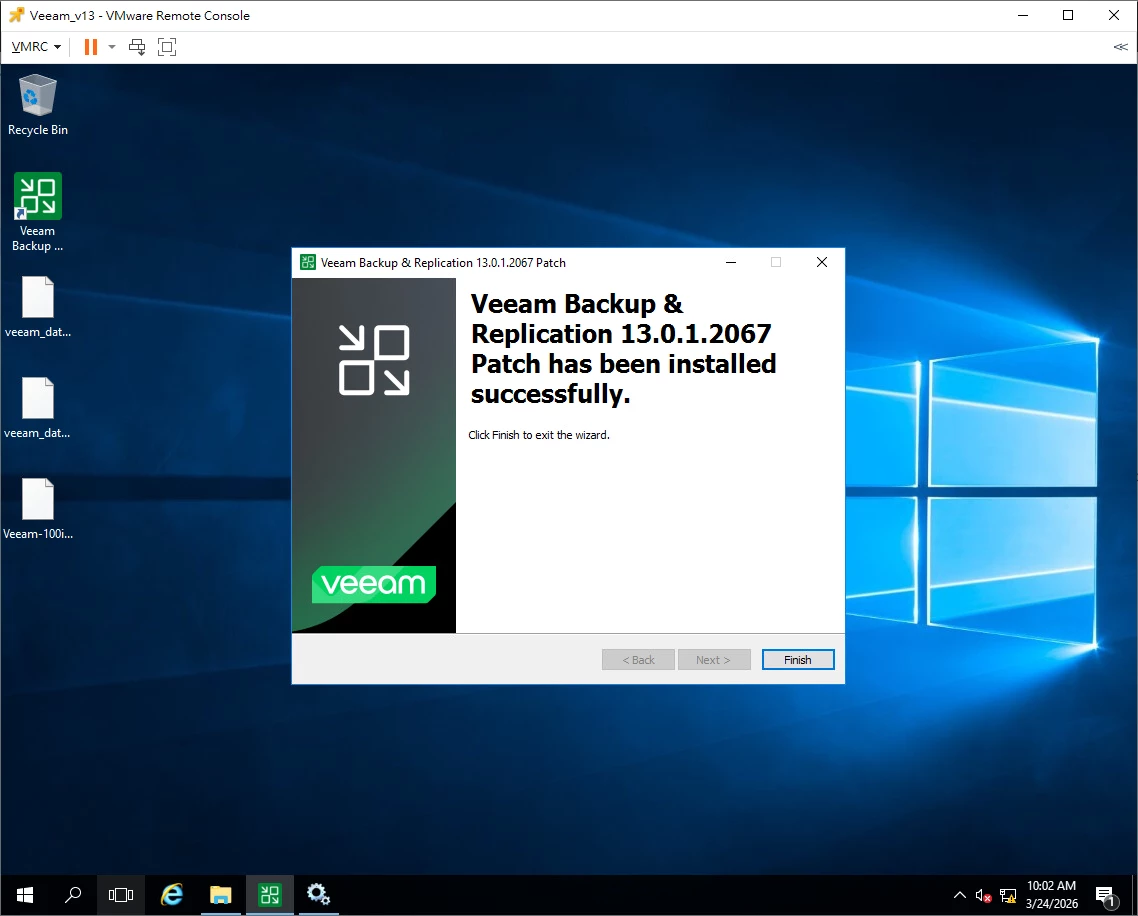

Issue: The REST API service times out during initial startup because the default timeout is too short.
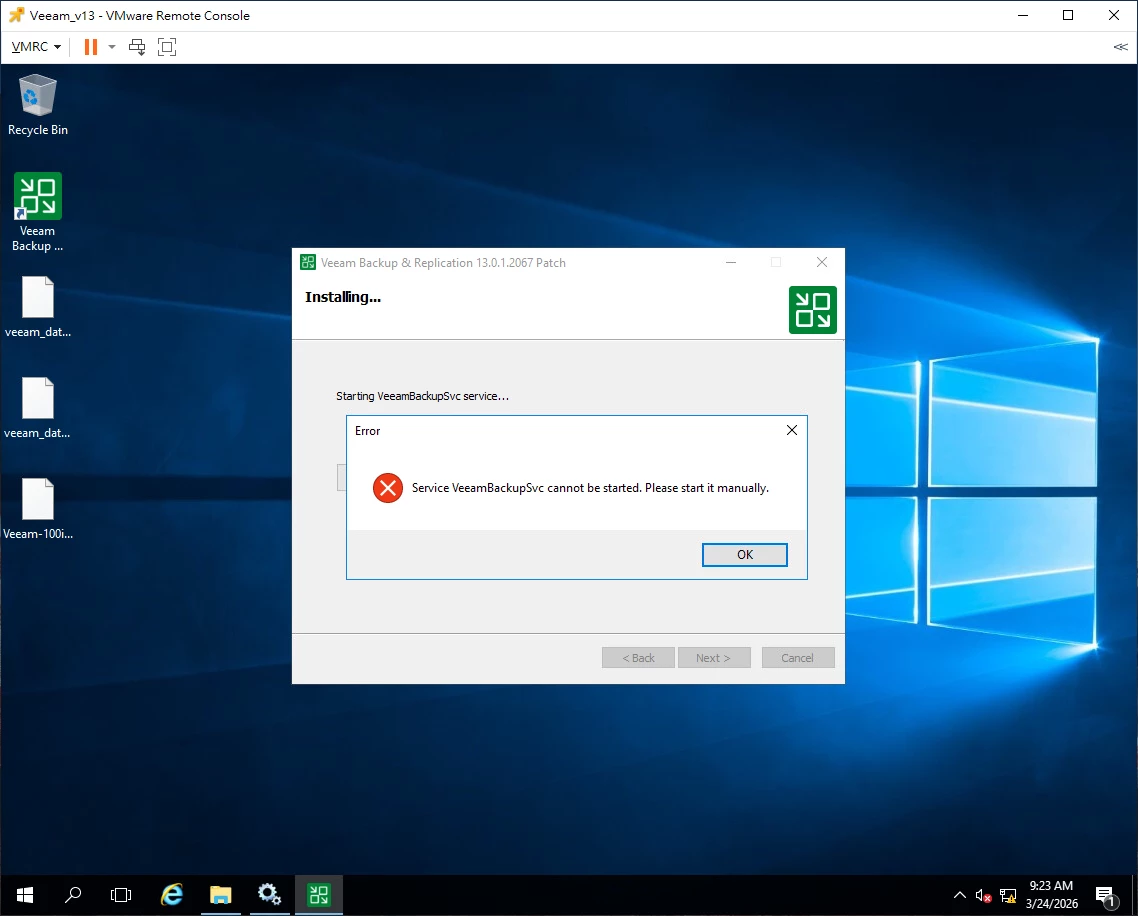
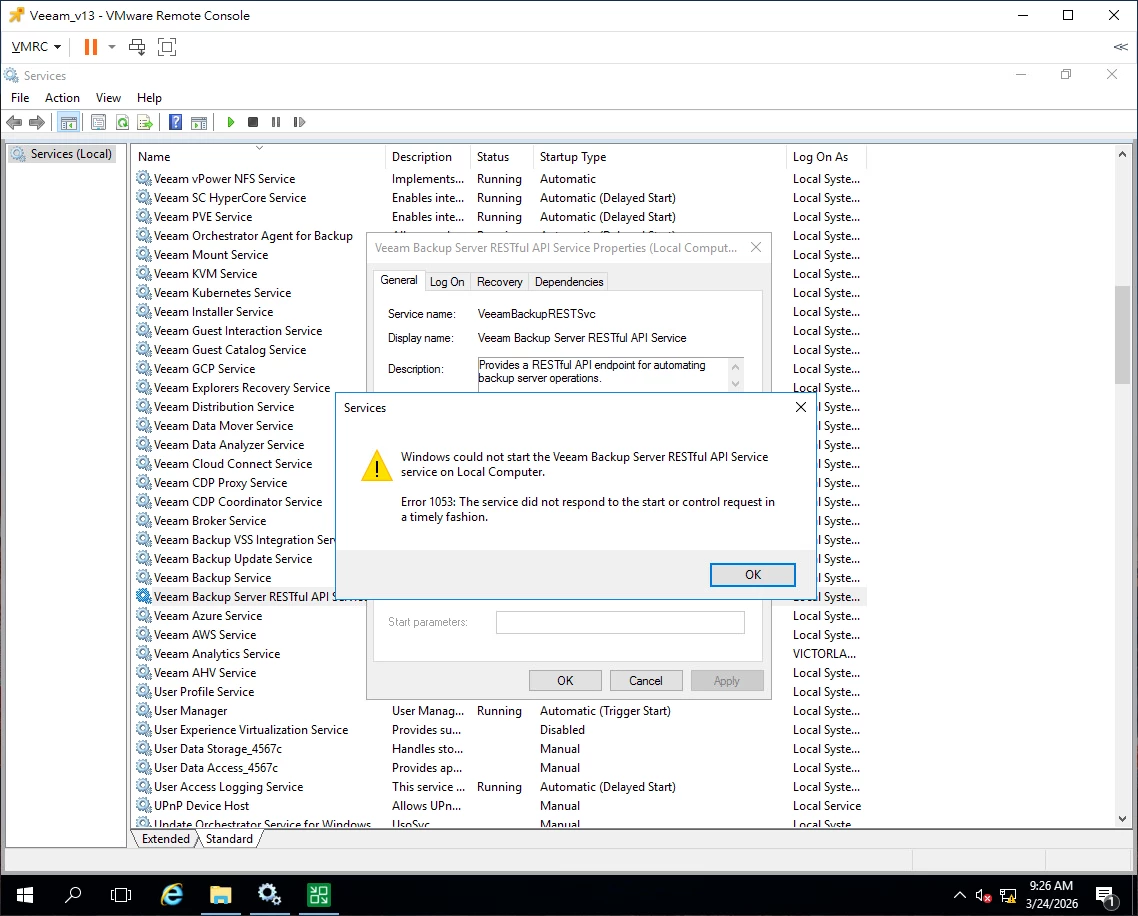
Fix: Increase the Windows service startup timeout using PowerShell (run as Administrator):
powershell
Set-ItemProperty -Path "HKLM:\SYSTEM\CurrentControlSet\Control" -Name ServicesPipeTimeout -Value 300000 -Type DWord
Then reboot the server.
Note: The default timeout was set to 30 seconds in some builds. A repackaged ISO (13.0.1.180_20251130) was released to address this by allowing more time for the REST API service to start.