TALOS THE IMMUTABLE!
Talos is an immutable Linux distribution which in turn allows you to run an immutable Kubernetes cluster.
It can be argued that the installation is more complicated than a standard say ubuntu + k3s setup but it is well worth it in today’s “ever changing security landscape” (note: that quote was taken from GeoffAI a new, albeit rather slow, SLM (smaller language) model that runs on the power of a light bulb or a few “non alcoholic” beers 😇)
But I digress!
The recent Hugging face breach that was performed entirely by AI agents led experts to recommend urgently to deploy immutable infrastructure wherever you can.
https://cloudsecurityalliance.org/artifacts/hugging-face-ciso-post-mortem
I could not think of a better time to make my clusters immutable!
Right from the get go things here will be different. We won't download a generic iso but instead create one on our own in the cloud for our specific needs:
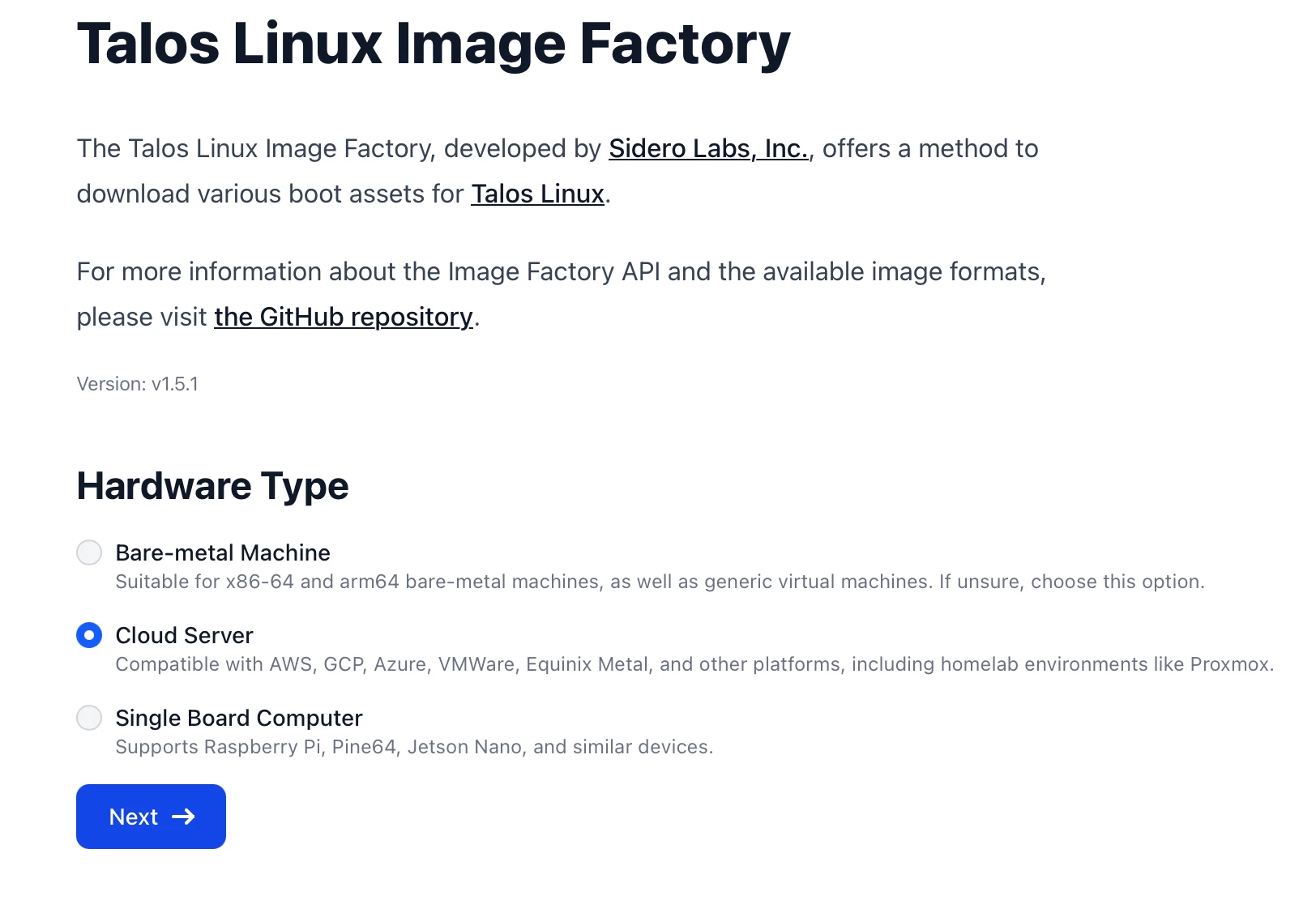
For this we head to the factory and start building:
I will choose cloud server because I will be running this on a Proxmox host:
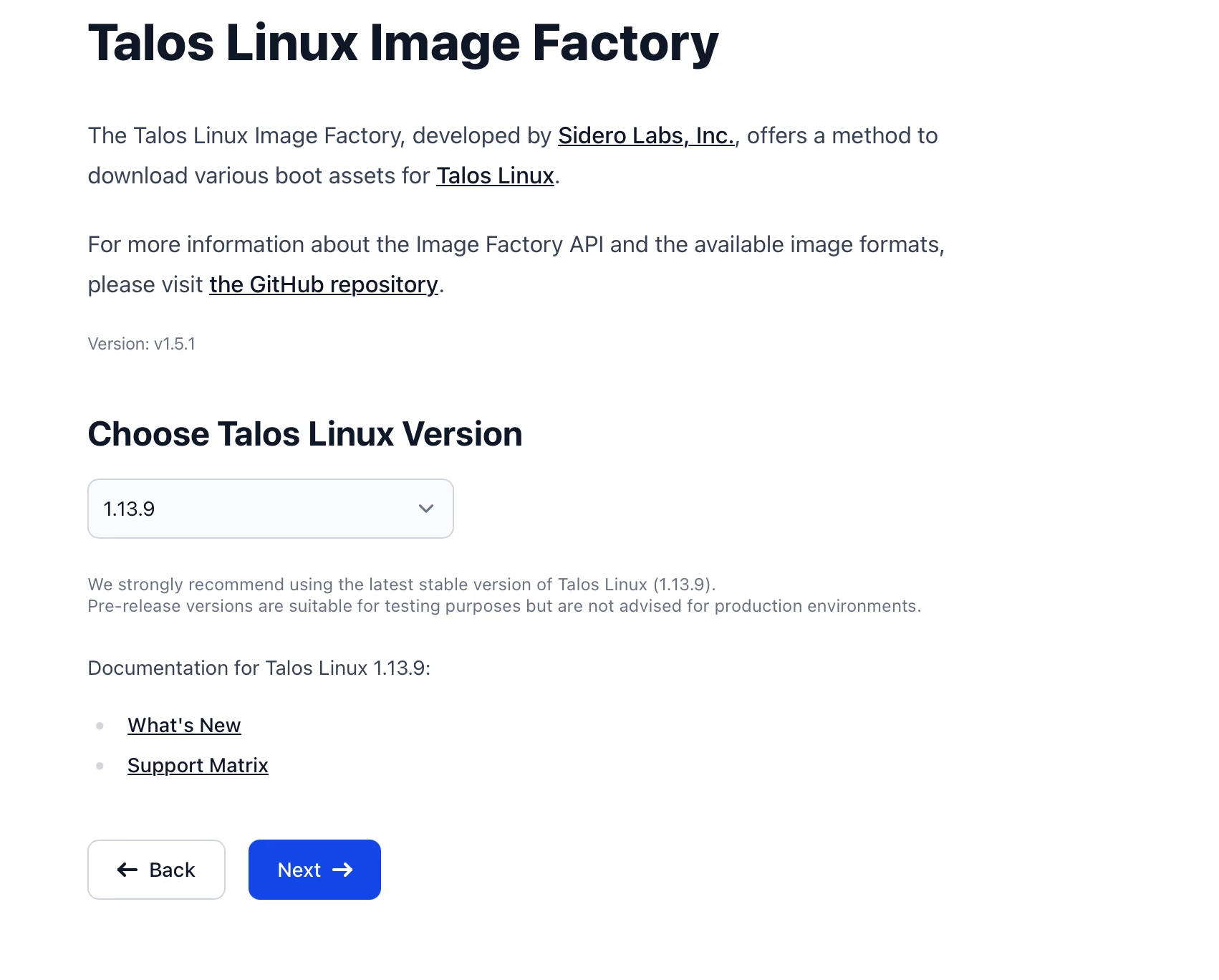
Next we choose which version:
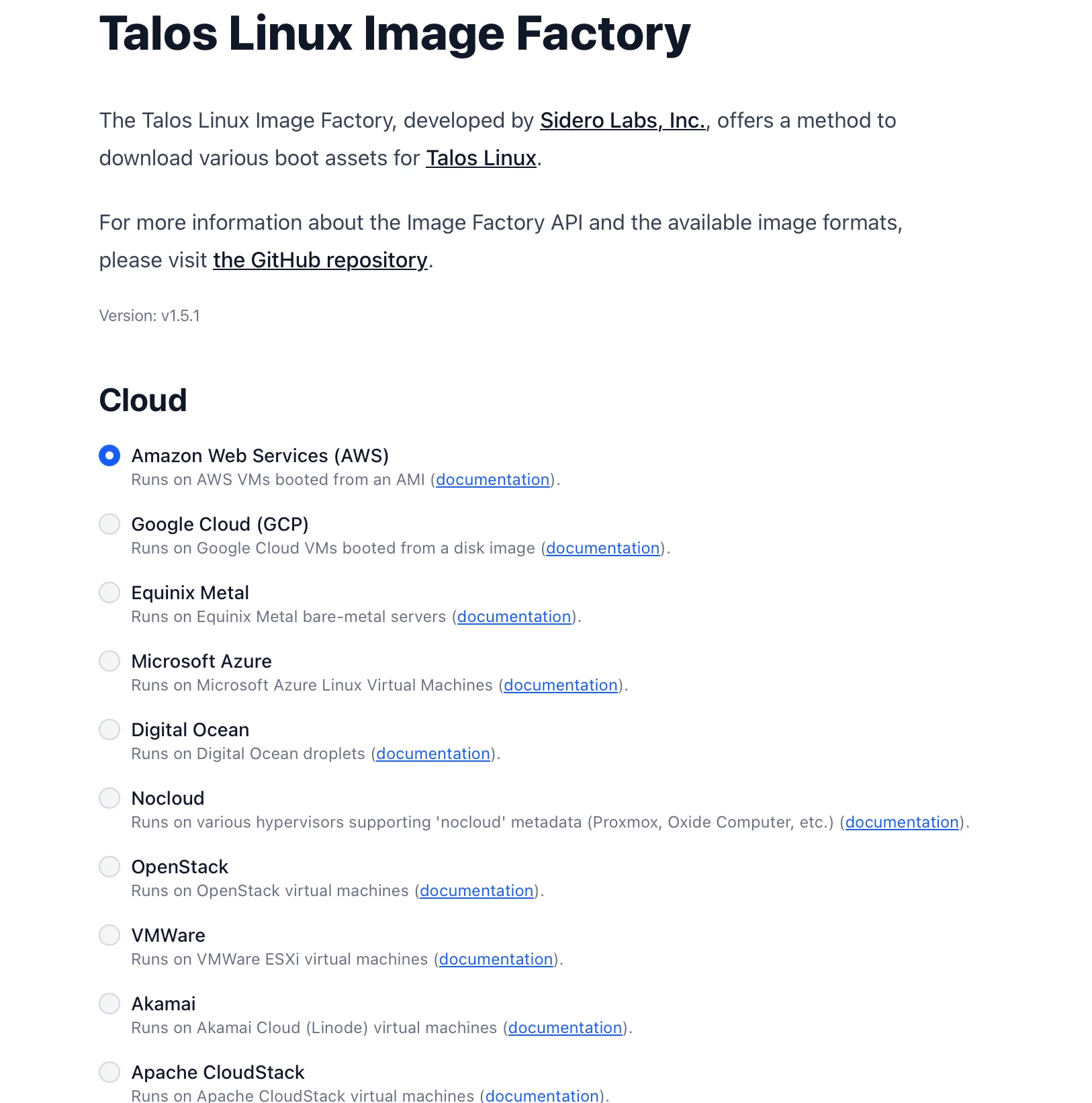
The Talos Linux Image Factory reminds me of one of those childhood candy shops :), every flavour imaginable:
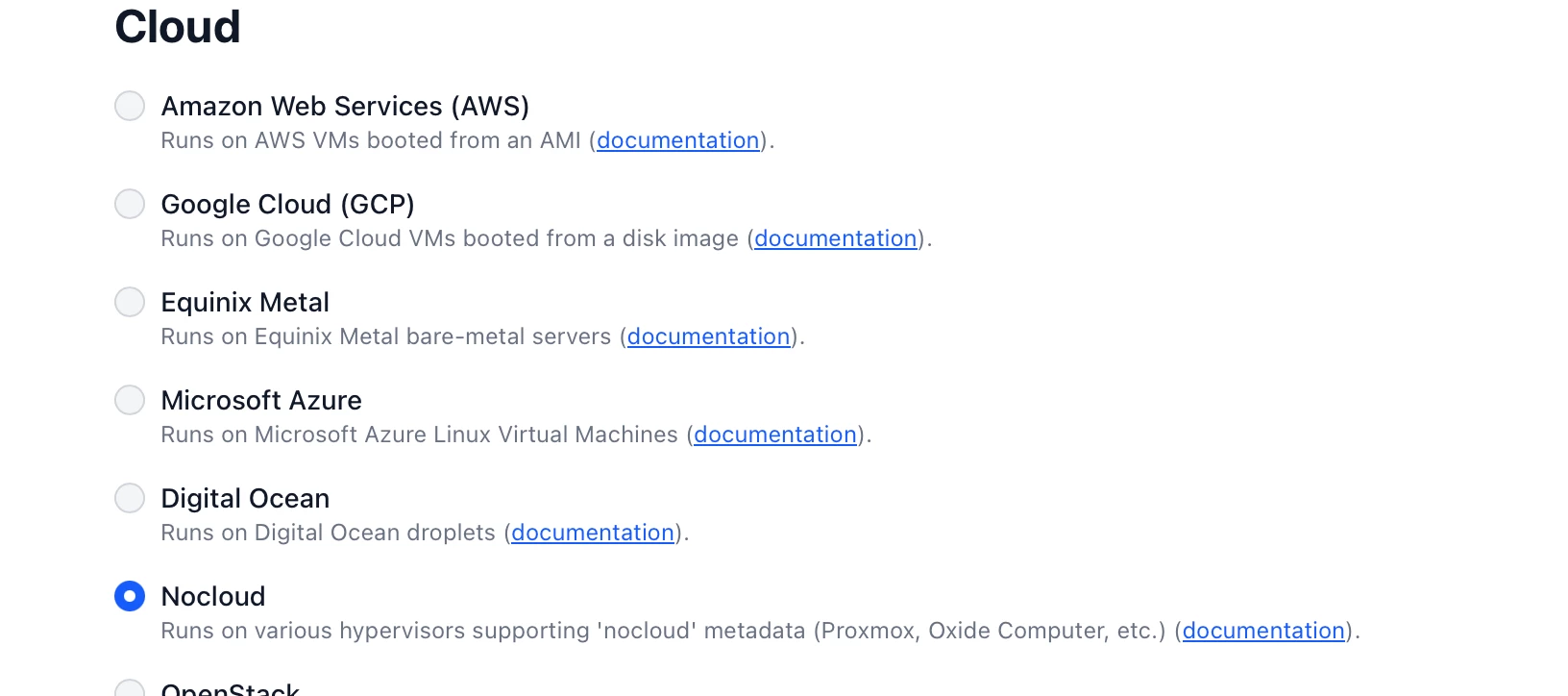
Funnily enough we pick Nocloud in the Cloud (I love it!!!) since that is where Proxmox lives:
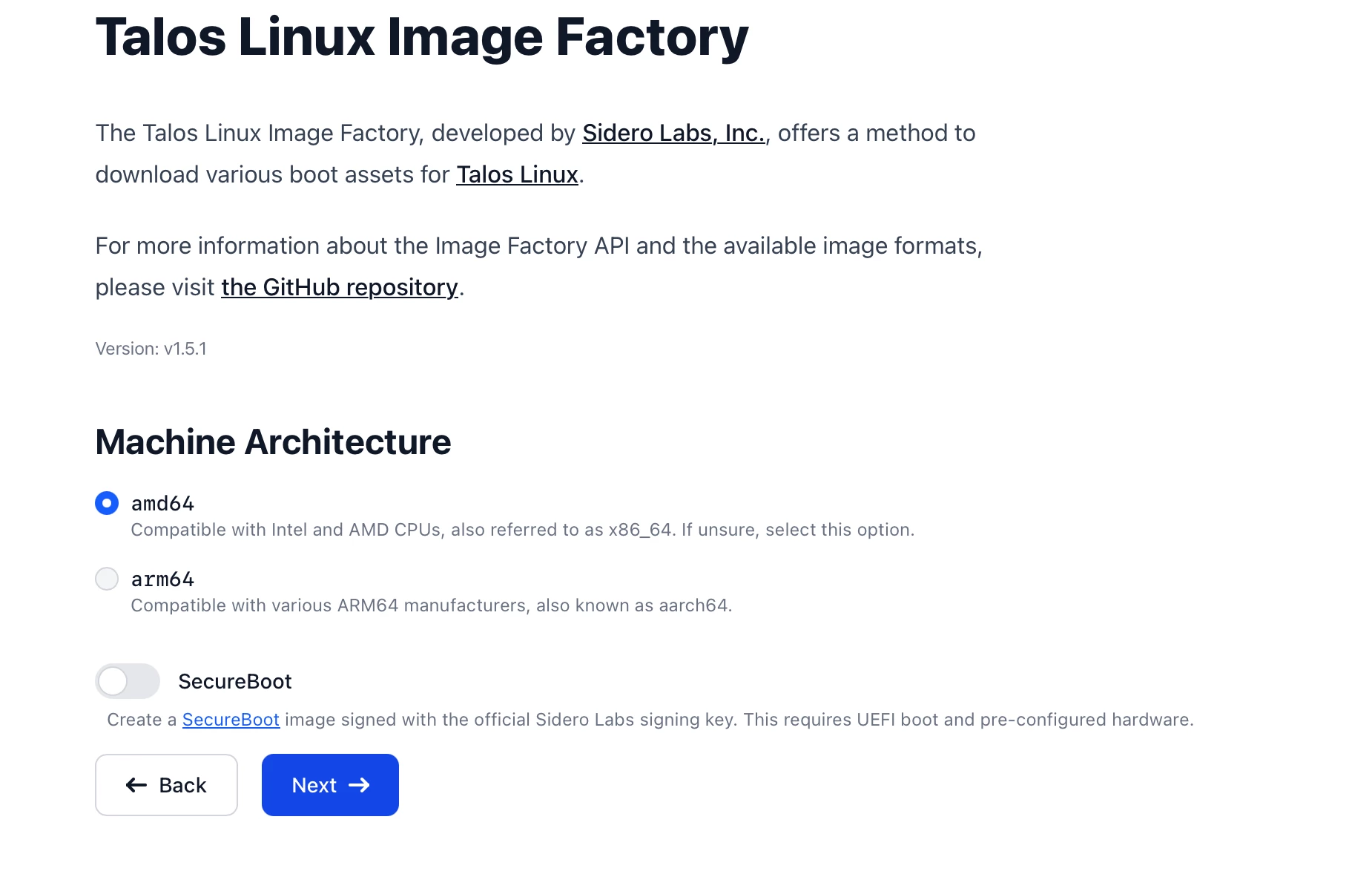
Now its time to choose your architecture:
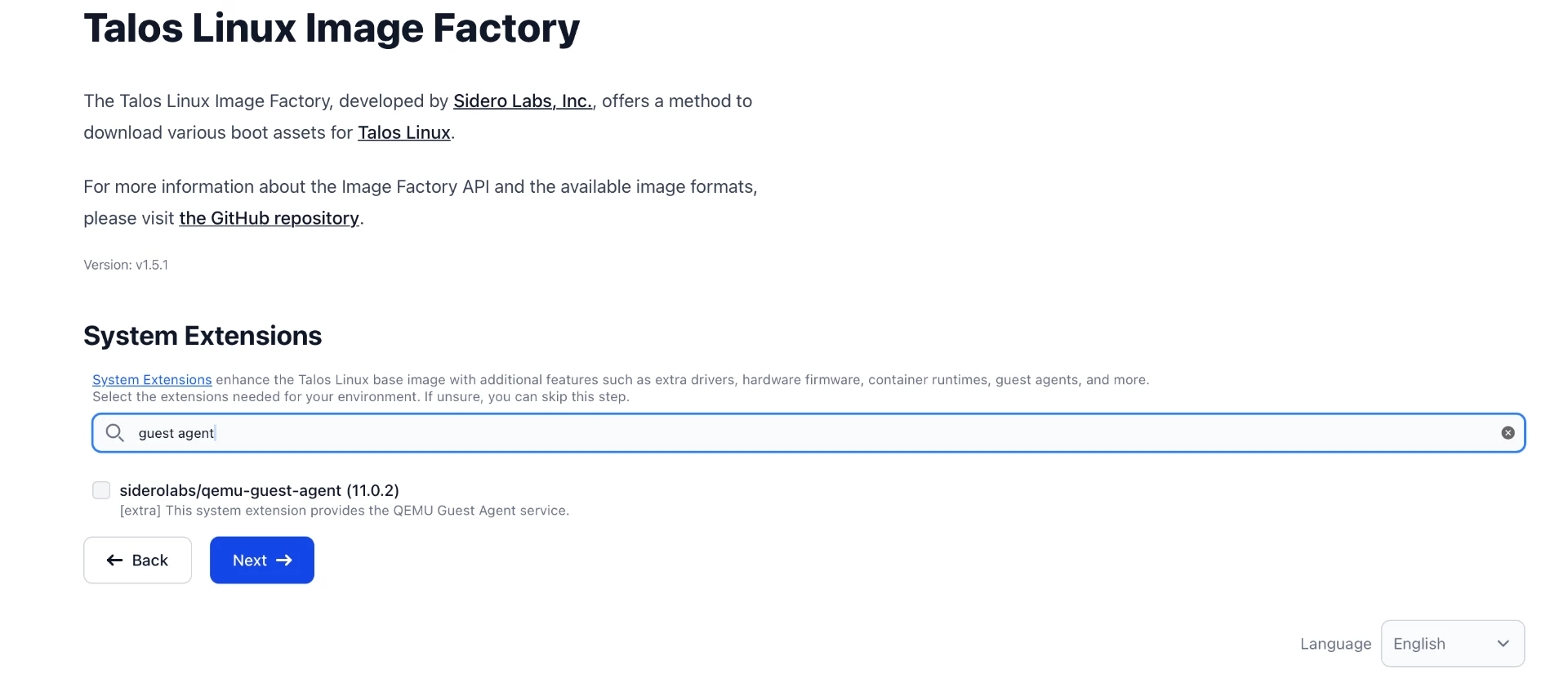
They have numerous System Extensions and thoughtfully provided us with a search bar:
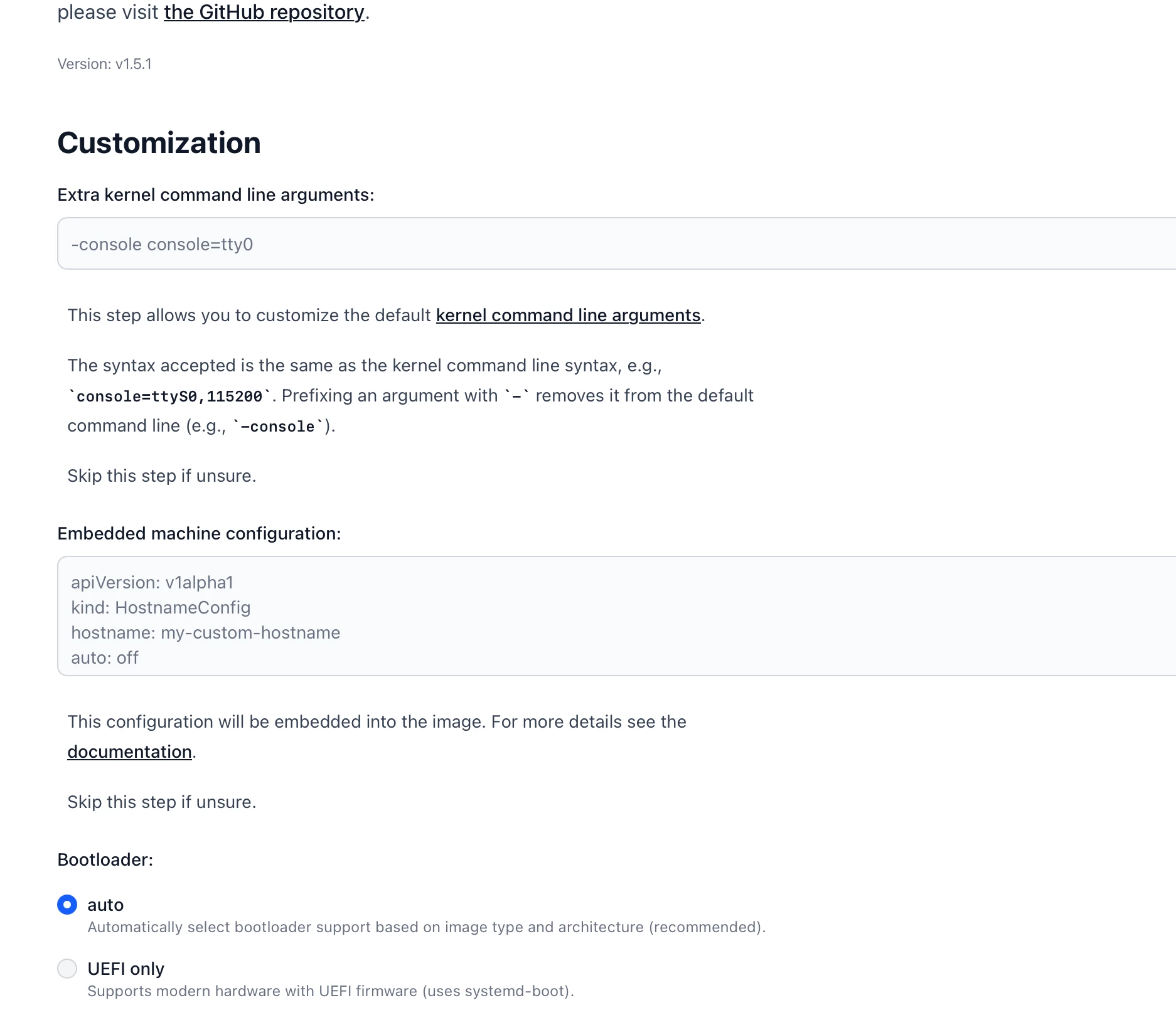
You can further customize and I just left everything on auto:
Finally you are given a choice of different options for download format etc but I went with a good old ISO:
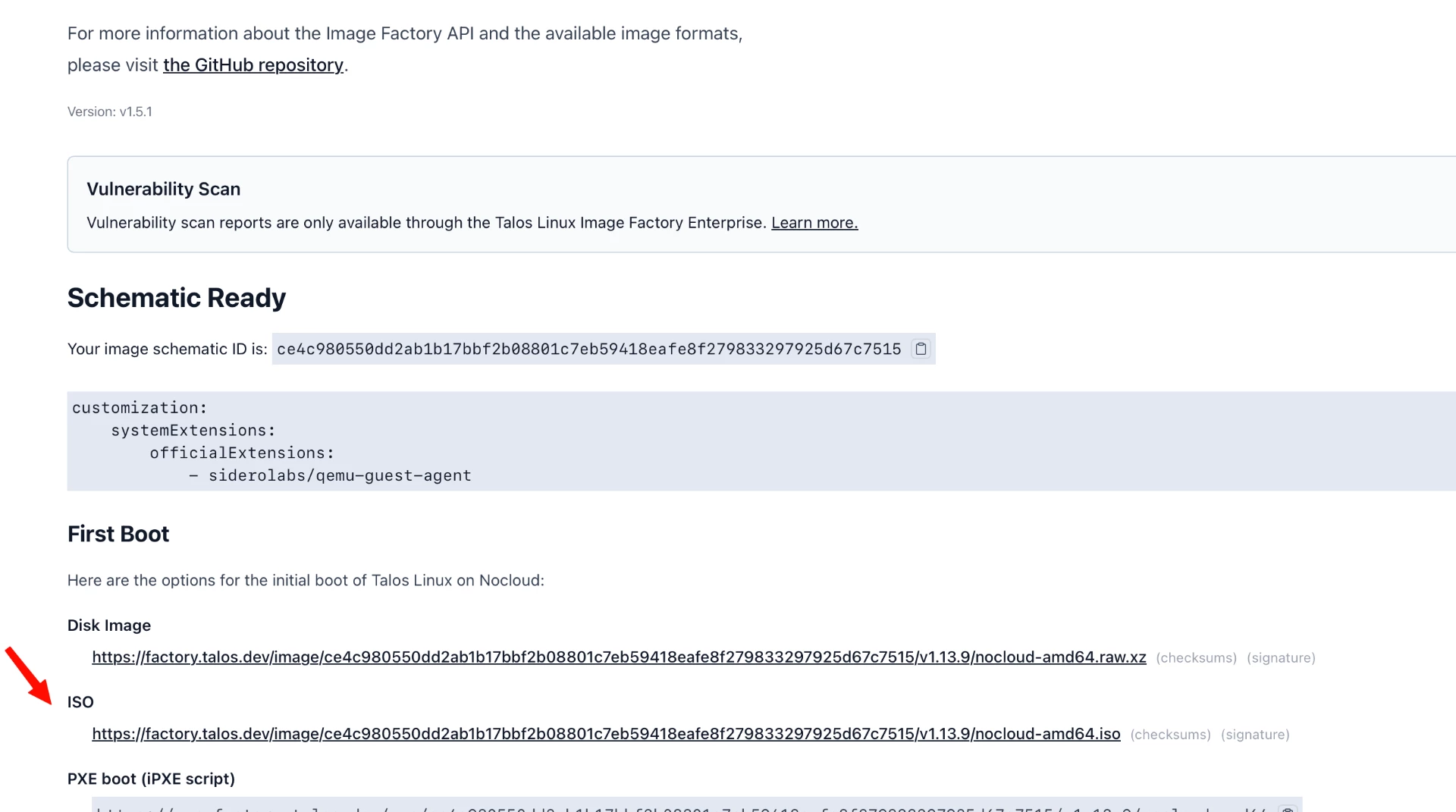
It will automatically download and we are ready to go.
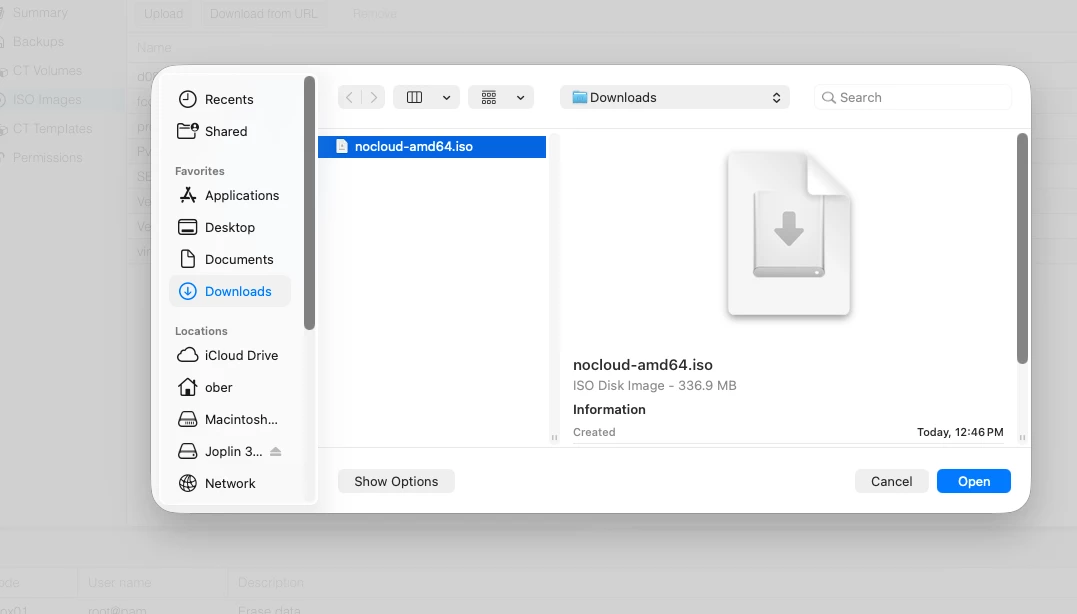
Upload the nocloud-amd64.iso to the Proxmox host:
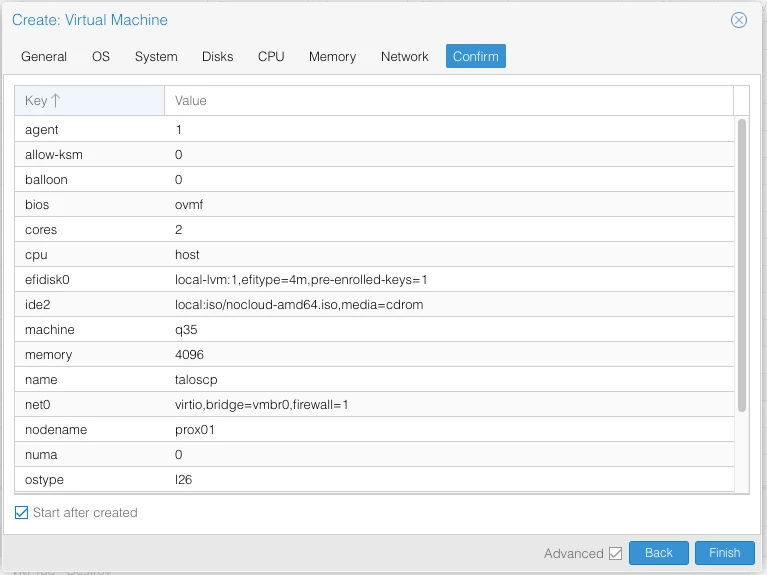
Let's create the VM
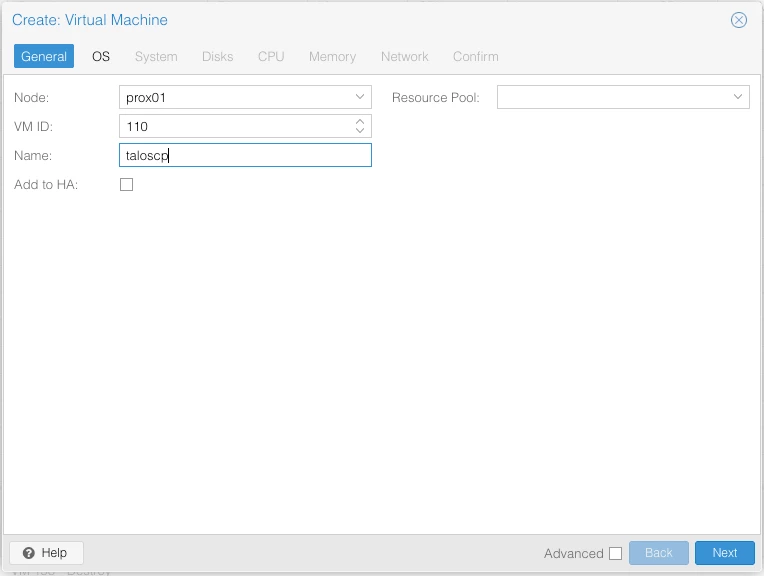
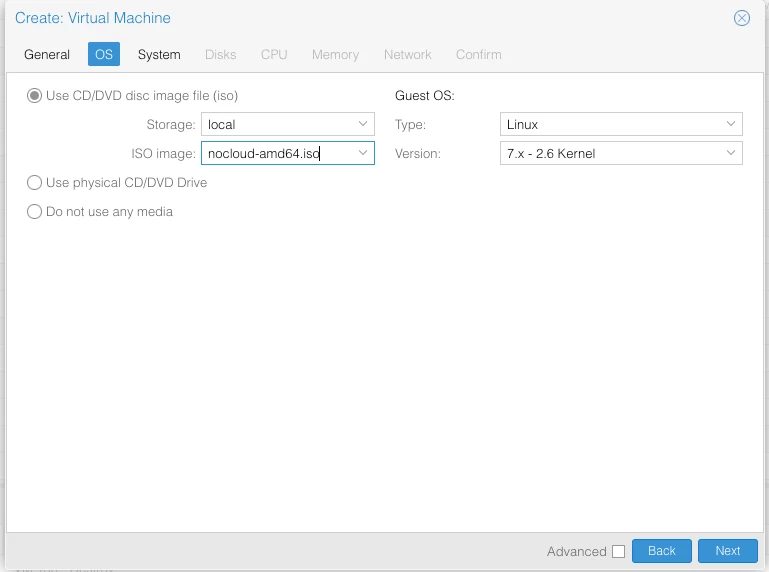
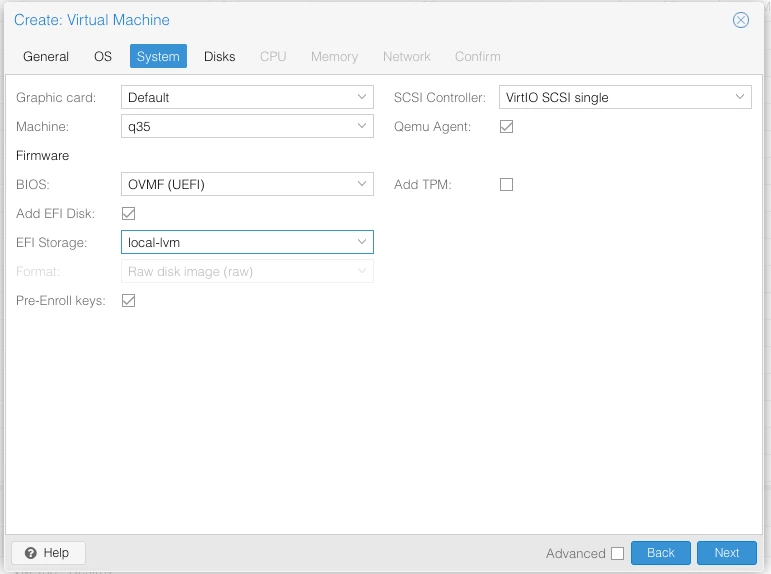
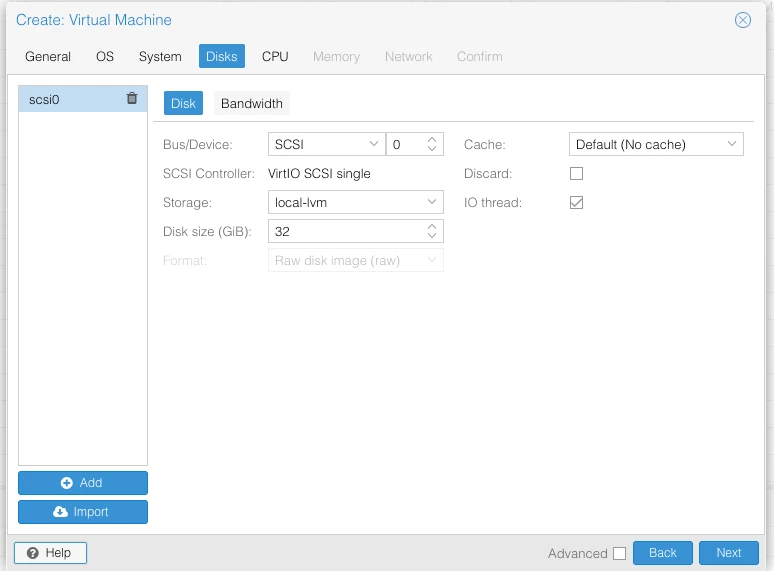
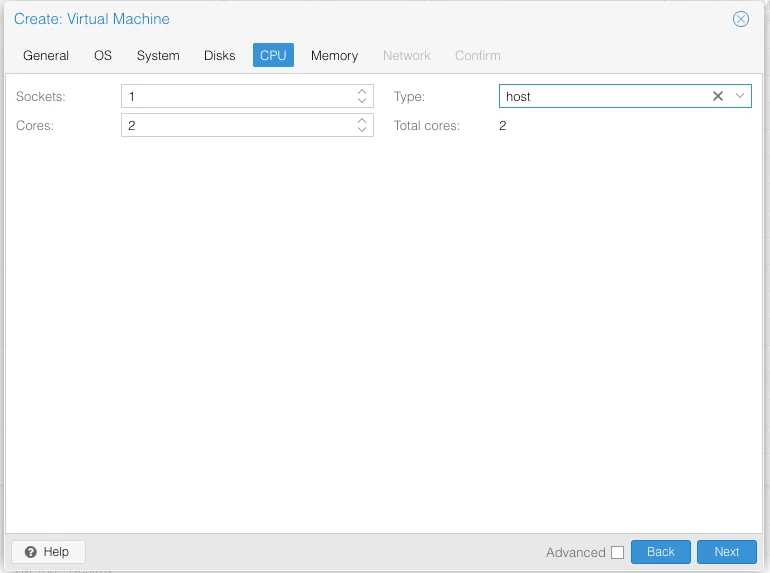
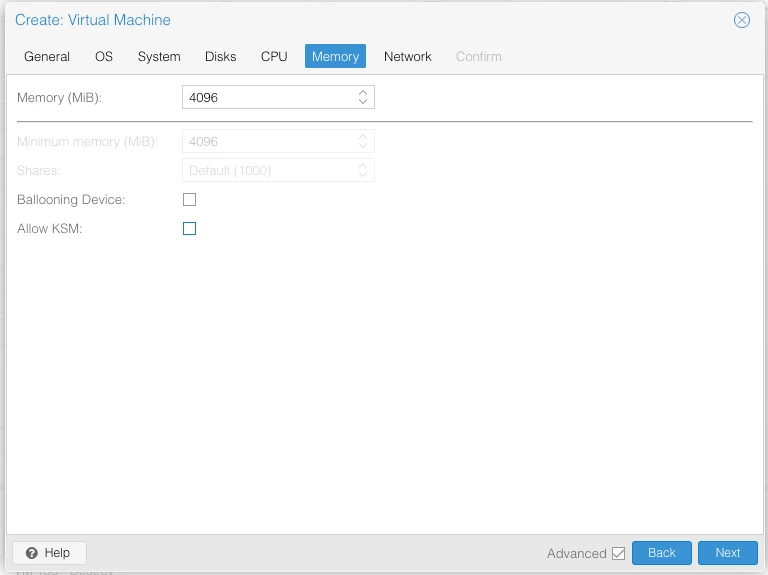
Its important to disable memory ballooning:
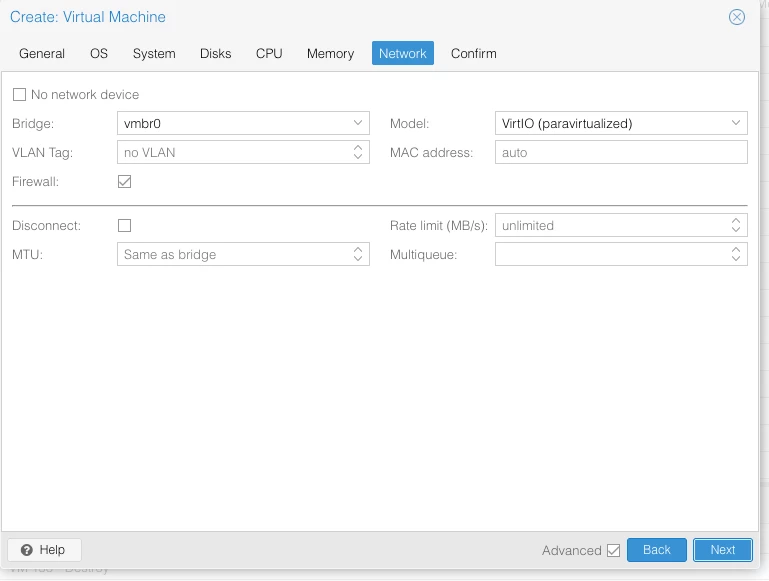
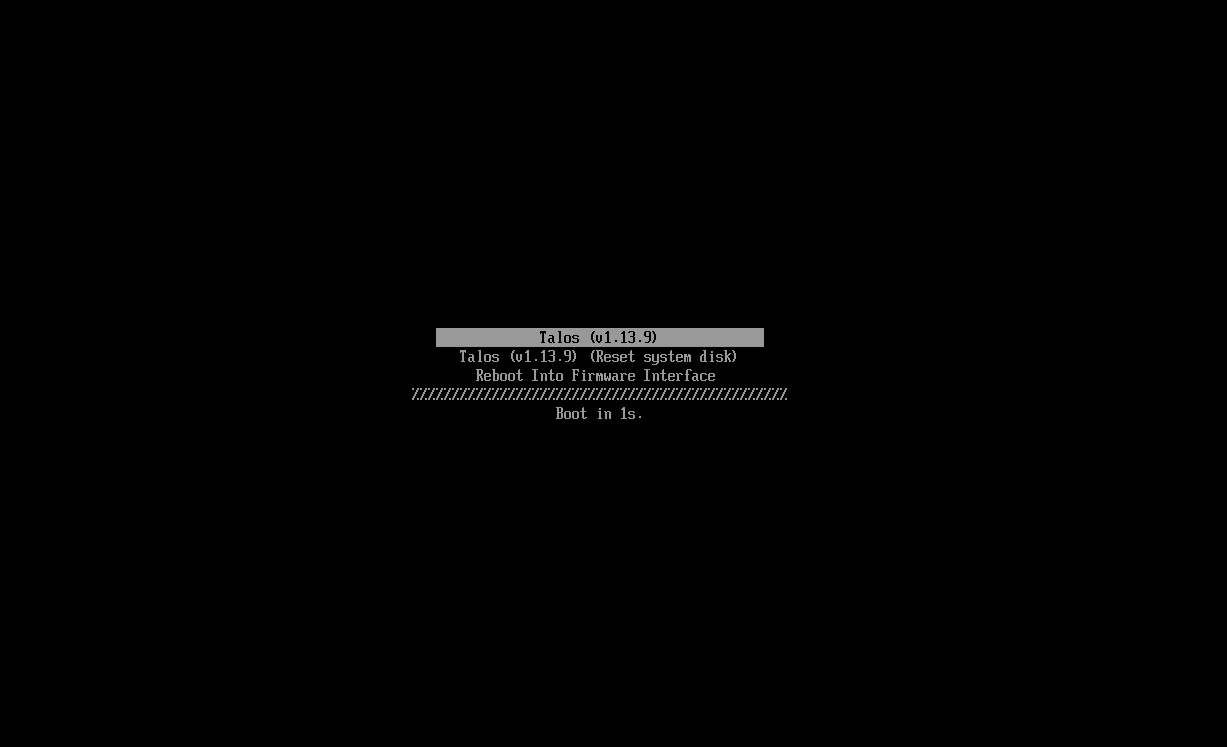
Boot from the ISO:
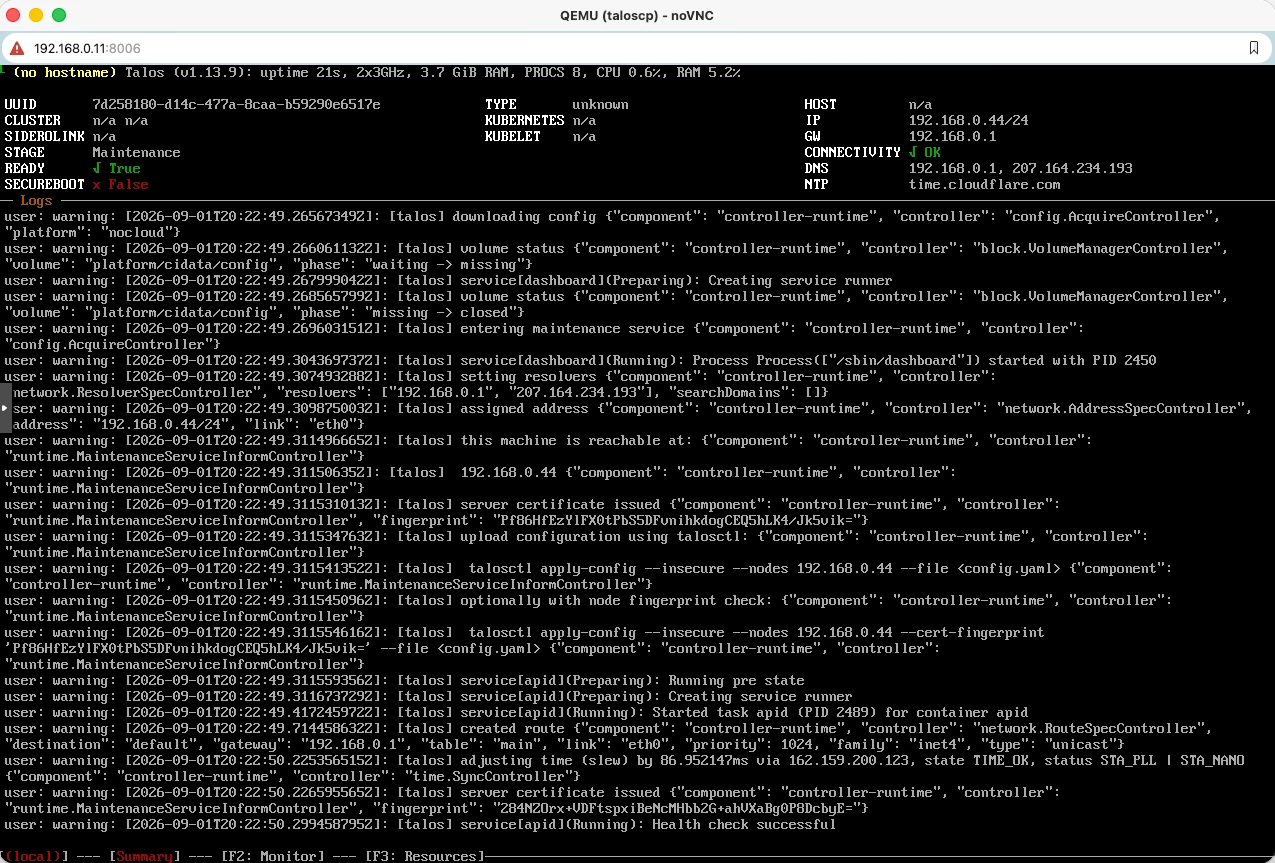
Note down the IP address
Now we need to install the Talos command line client Talosctl and the Kubernetes cli on our local machine from where we will control the cluster. On my Mac I will use homebrew:
brew tap siderolabs/tap

brew trust siderolabs/tap

brew install siderolabs/tap/sidero-tools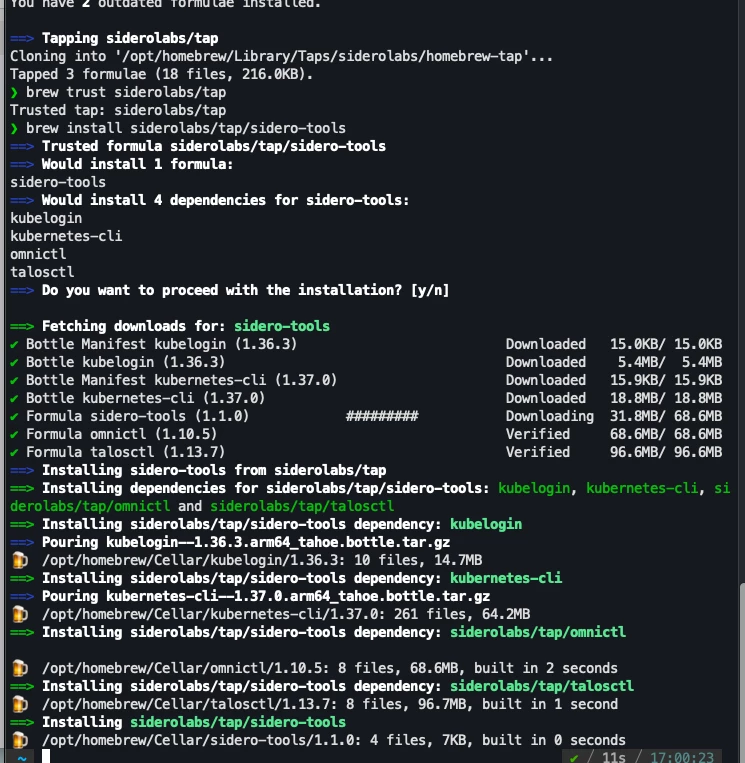
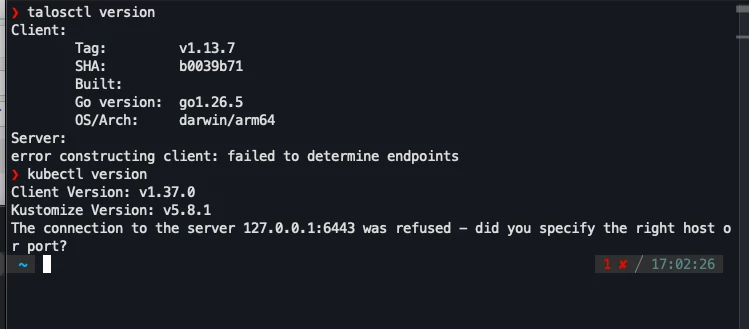
Create two other vms, these will be worker nodes. For the workers I will give each 8GB of memory but otherwise I will make the settings the same.
I have written down my IP addresses and now will export them to a variable:
export CONTROL_PLANE_IP=192.168.0.44
export WORKER_IP=("192.168.0.24" "192.168.0.56")
We also need to get our disk information:
talosctl get disks --insecure --nodes $CONTROL_PLANE_IP
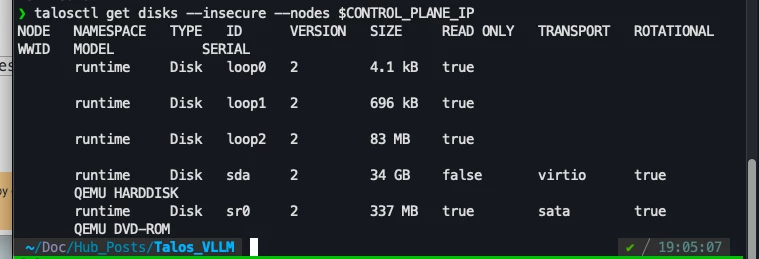
Note down the disk ID, in my case sda
We will now generate our cluster configuration files.
First export a cluster name and the disk name
export CLUSTER_NAME=geoffcluster
export DISK_NAME=sda
Now run the command to generate the files:
talosctl gen config $CLUSTER_NAME https://$CONTROL_PLANE_IP:6443 --install-disk /dev/$DISK_NAME
We are ready to apply the configurations. First we will apply for the control plane:
talosctl apply-config --insecure --nodes $CONTROL_PLANE_IP --file controlplane.yamlBack on the console we should see the node installing:
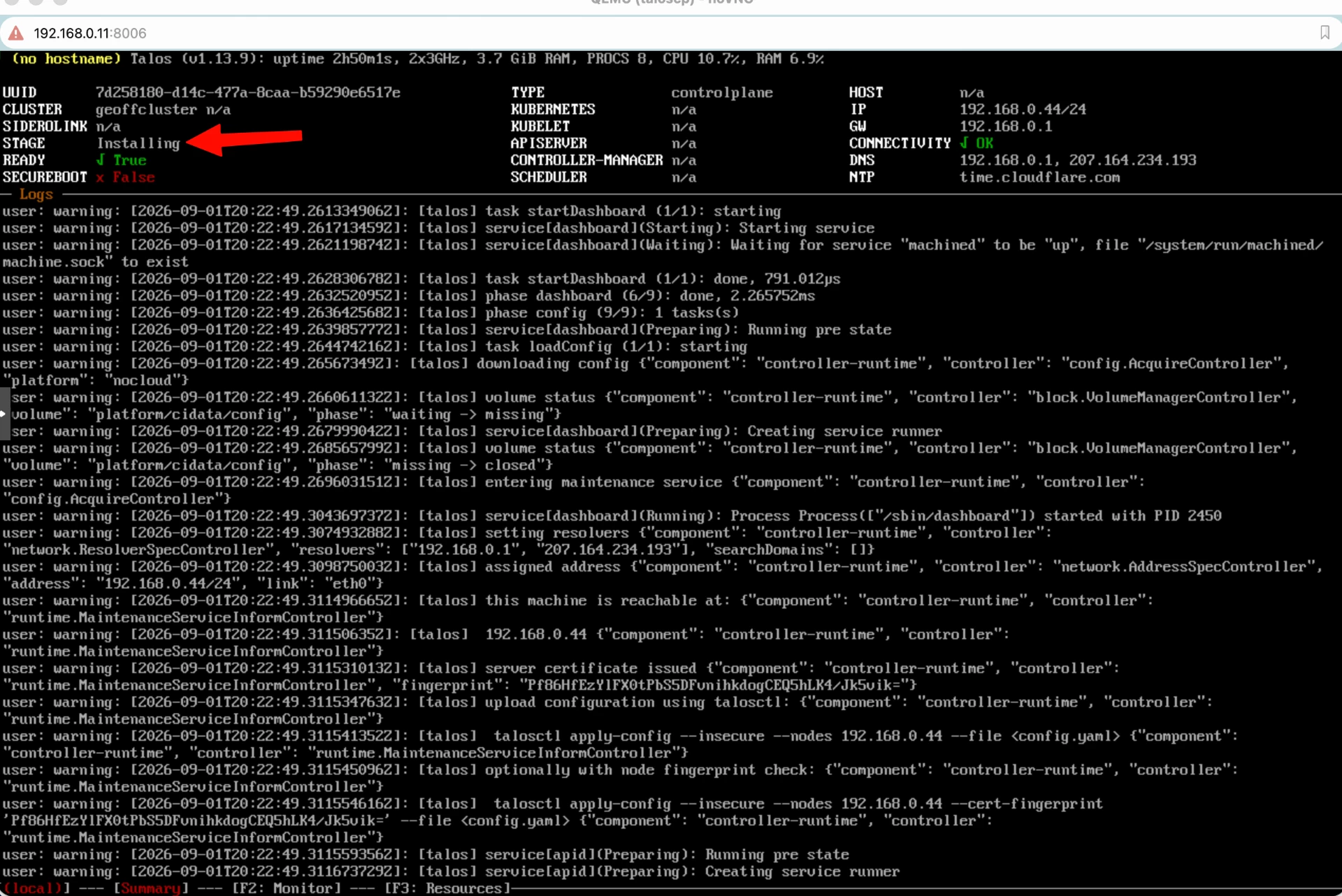
Next apply the worker configurations:
for ip in "${WORKER_IP[@]}"; do
    echo "Applying config to worker node: $ip"
    talosctl apply-config --insecure --nodes "$ip" --file worker.yaml
done
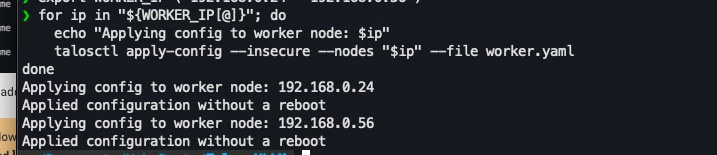
The VM will reboot and eventually you should see a message about needing to bootstrap the installation:
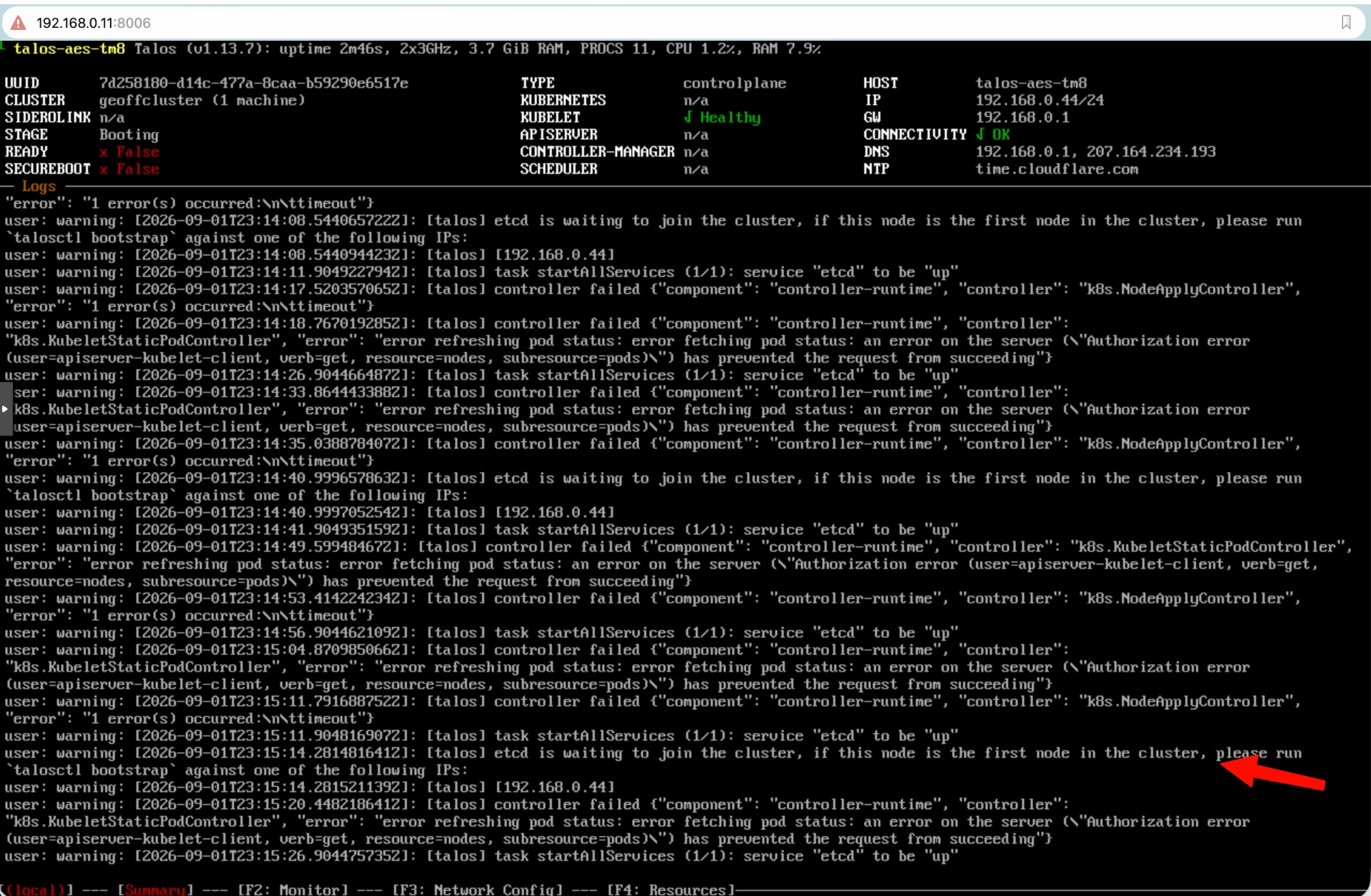
We will setup our endpoints for the talosctl command:
talosctl --talosconfig=./talosconfig config endpoints $CONTROL_PLANE_IP
Then we will bootstrap the cluster:

This will take a while and don't worry if you are watching the screen and seeing errors, it will be ready eventually.
After it has completed bootstrapping you should see this:
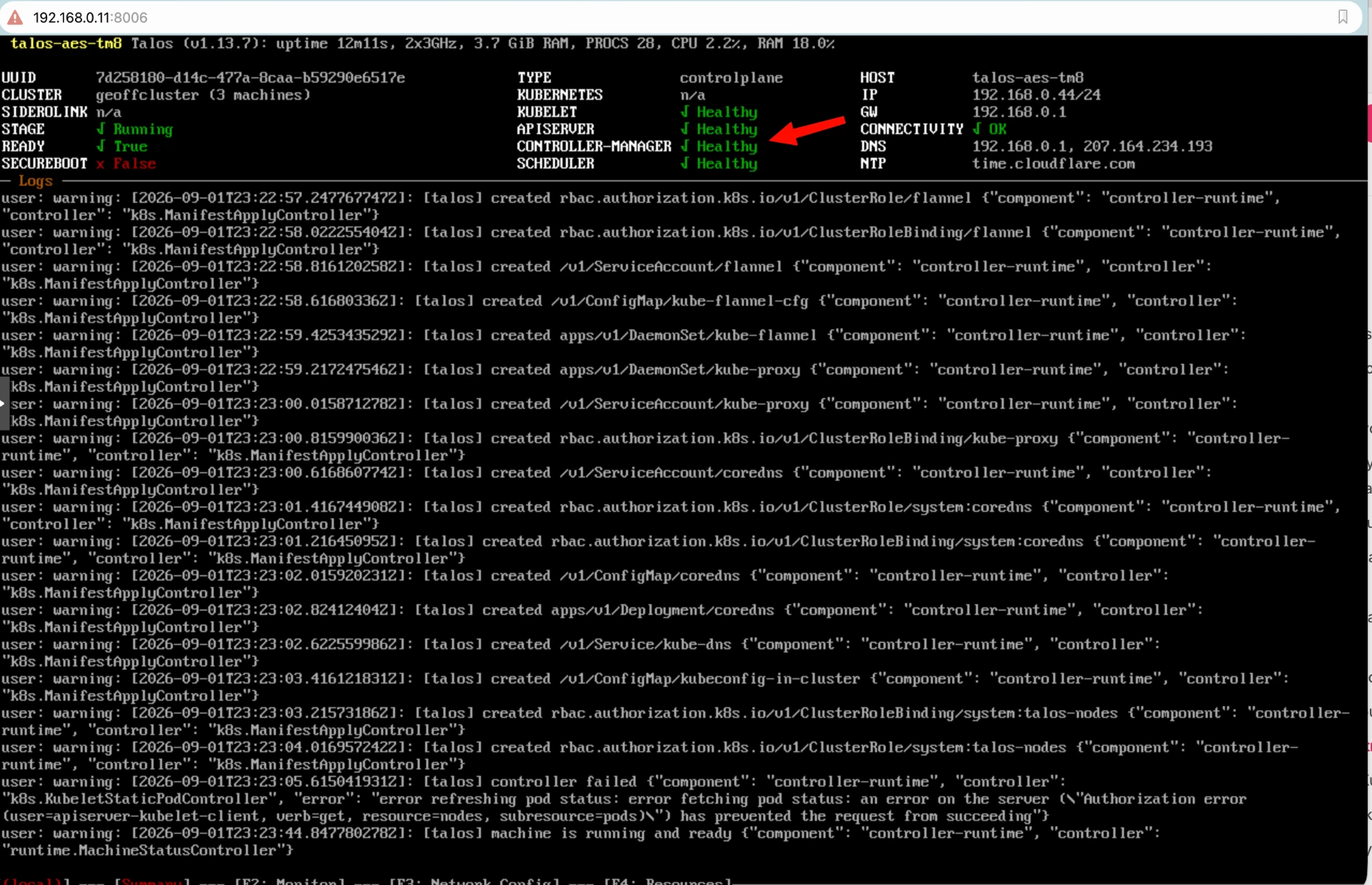
We will also need to get our Kubernetes access setup and merge it into our local Kubernetes config:
talosctl kubeconfig --nodes $CONTROL_PLANE_IP --talosconfig=./talosconfig
Voila!
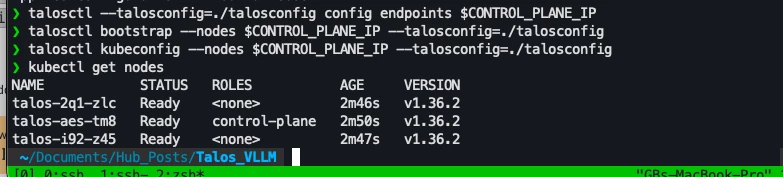
We now have our 3 node "immutable" Kubernetes Cluster.
Tune in next time when we deploy a vLLM inference on the cluster