



Hi Everyone,
Kasten 8.5 is out so I called my boss and said sorry all meetings cancelled! Well not quite but strategically I saw the announcement just as I was heading for Lunch, so skipped lunch.
There are so many exciting features that I did not know where to start.
Upgrading Kasten is easy. If you installed via Helm chart then this command will do the trick:
helm repo update && helm get values k10 --output yaml --namespace=kasten-io > k10_val.yaml && helm upgrade k10 kasten/k10 --namespace=kasten-io -f k10_val.yaml
Wait until all the pods are back up and voila!
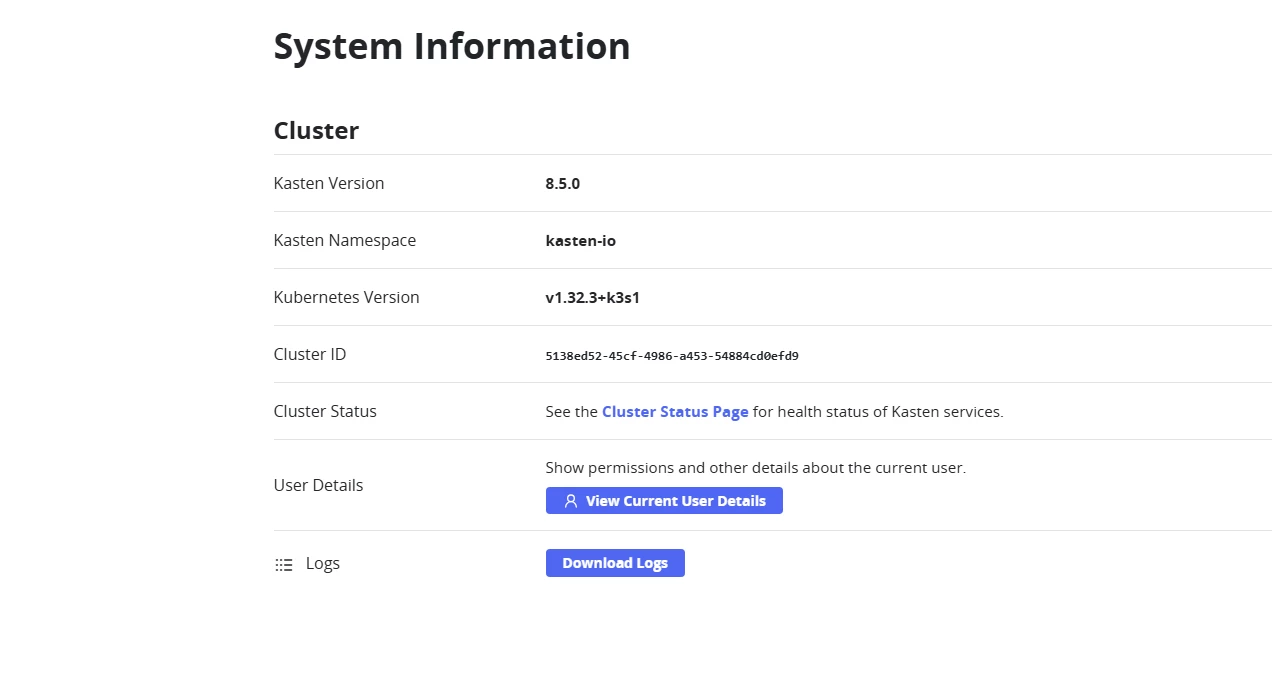
There are some many things to check out but I decided to start with the restore point validation since it reminds me of surebackup in Veeam. I want deep dive into the technology just head but will only show how it is done, which like all things Kasten is easy!
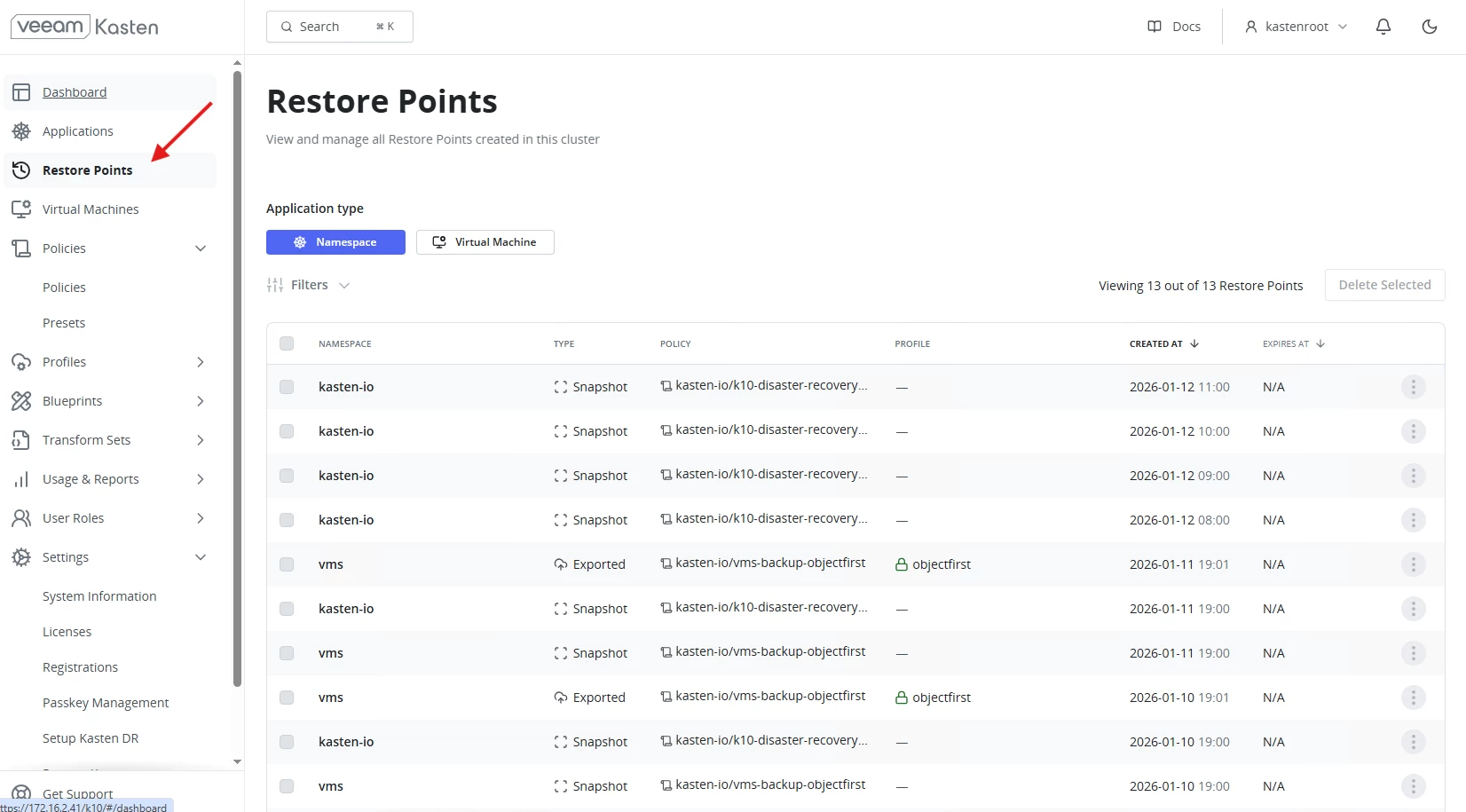
Go to Restore points in the left side menu
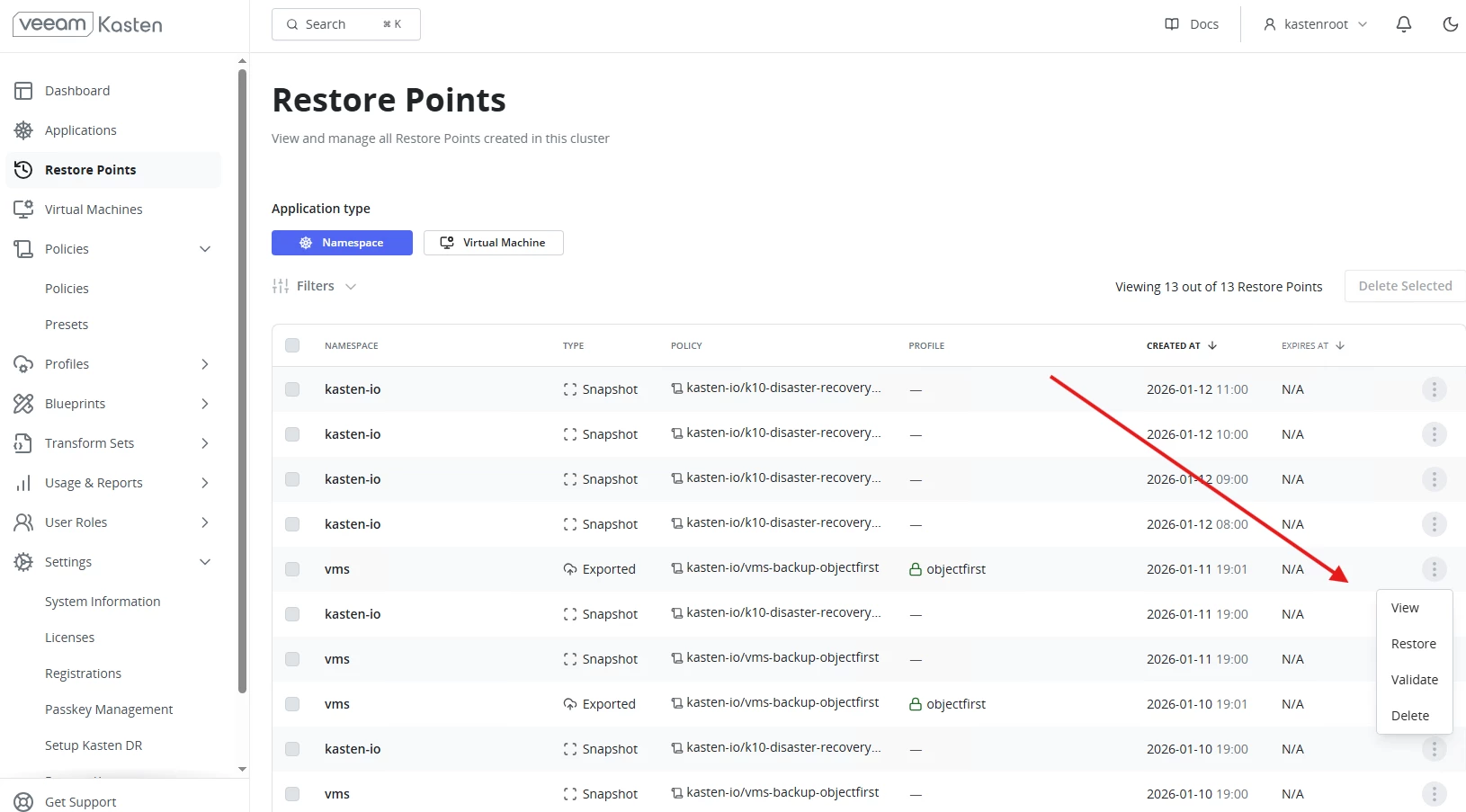
Next choose a restore point and click on the dotted menu and choose validate:
You then have a choice between a full data scan or Metadata only. At the bottom there is a Fast Fail box if you would like to have the validation terminate immediately if the validation fails at some point.
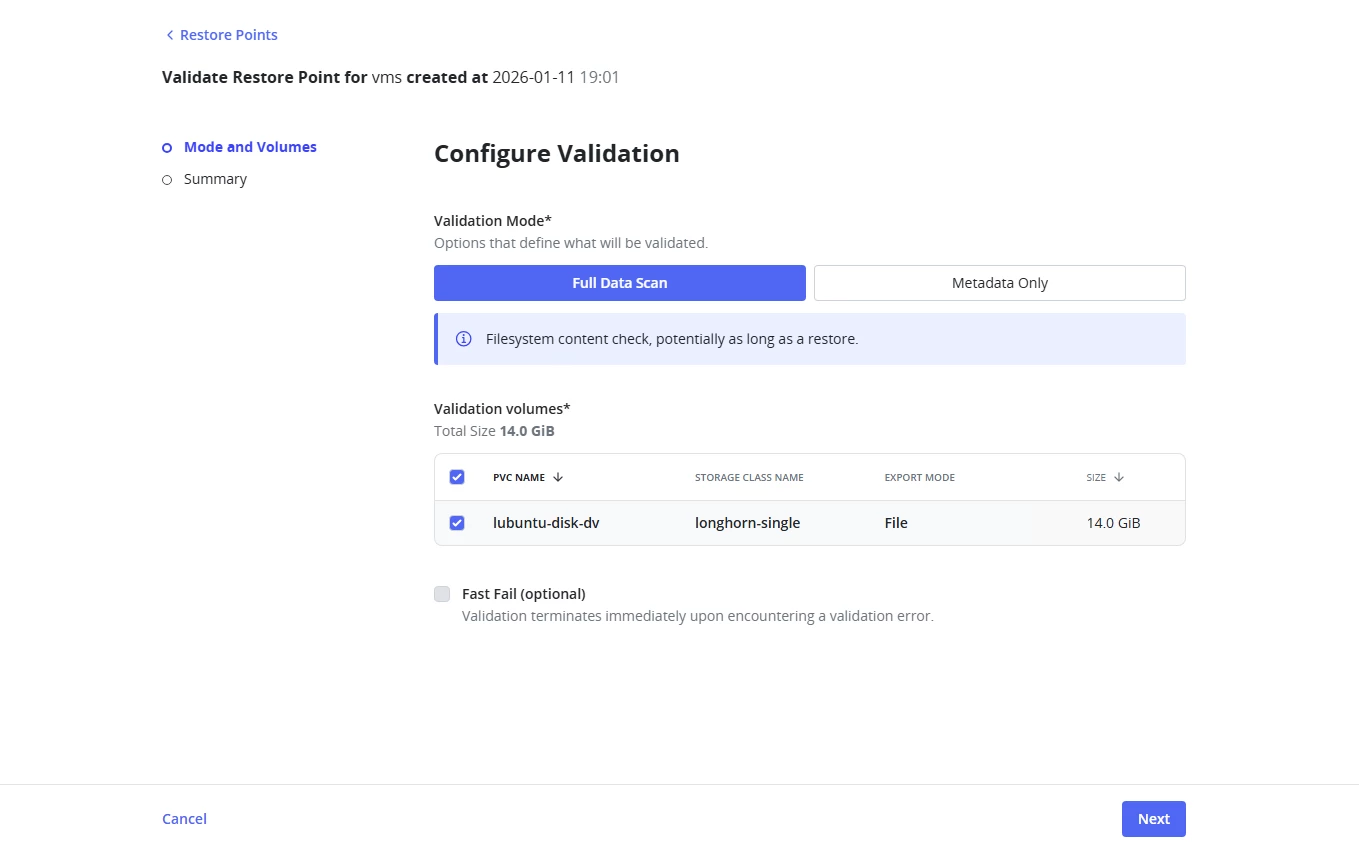
Press Next
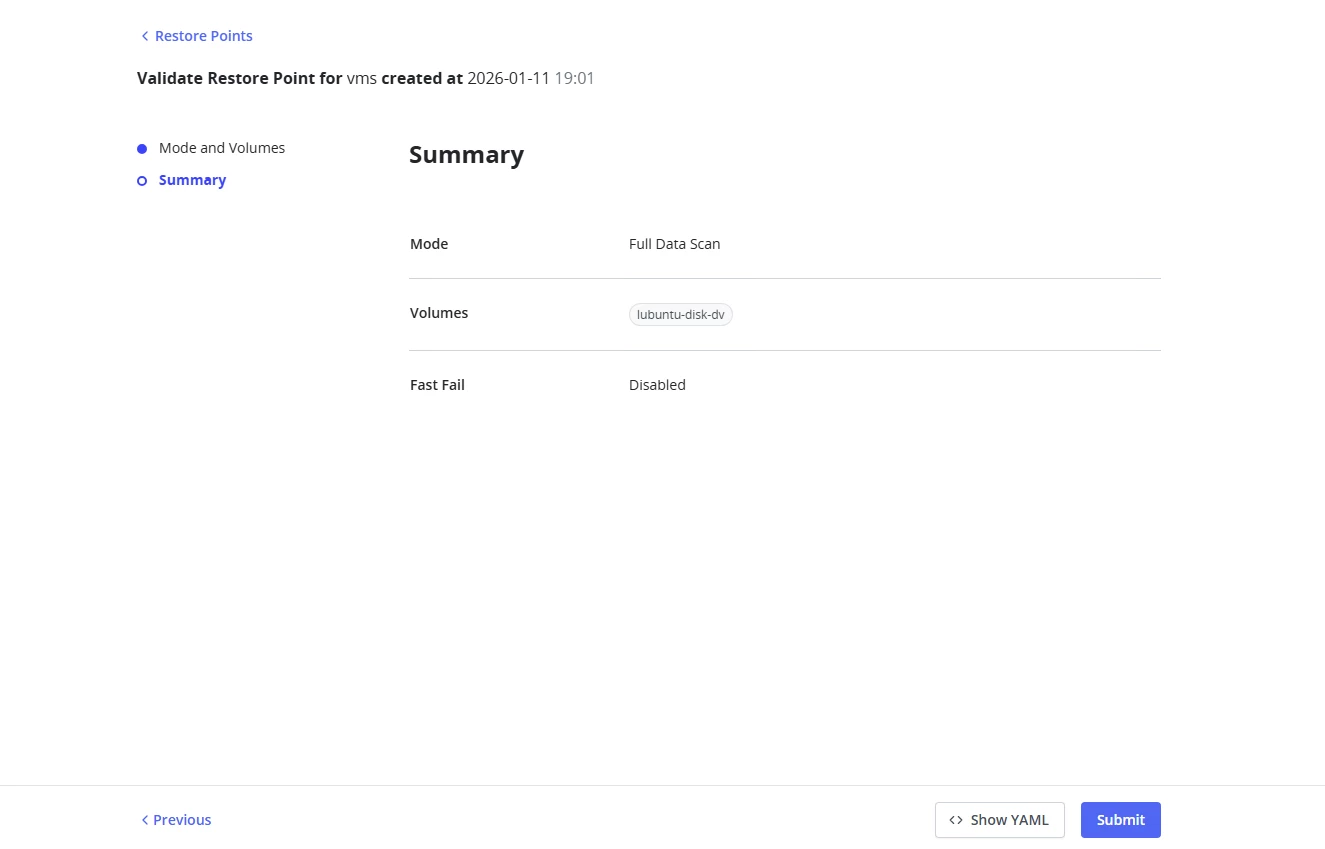
Then press submit.
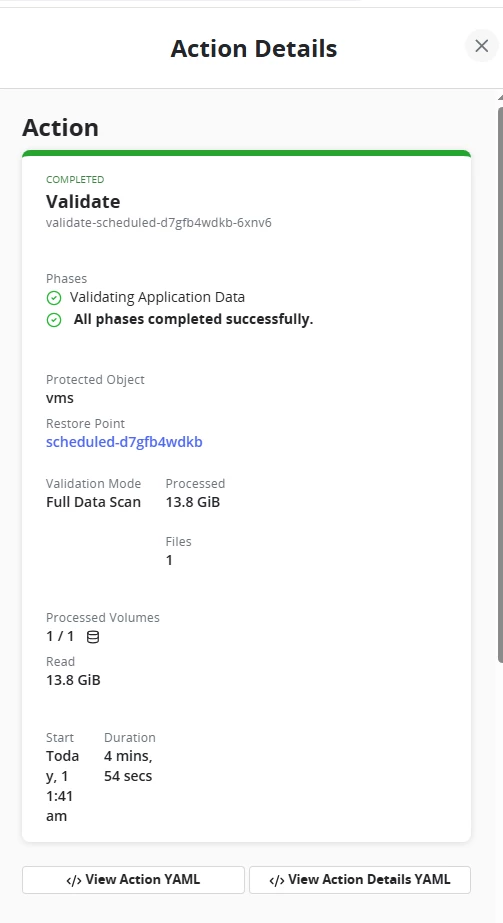
I just love those green reports, fond memories of all the Veeam successful backups!

You can click on the Dashboard item and get details:
This feature probably won’t get the same hype headlines as AI Blueprints but for data protection professionals, we know validation is gold!