Solved

Where To Turn-Off Email Notification ?

  • Oct 23, 2025 1:09 AM UTC
  • 6 comments
  • 114 views

Hi,

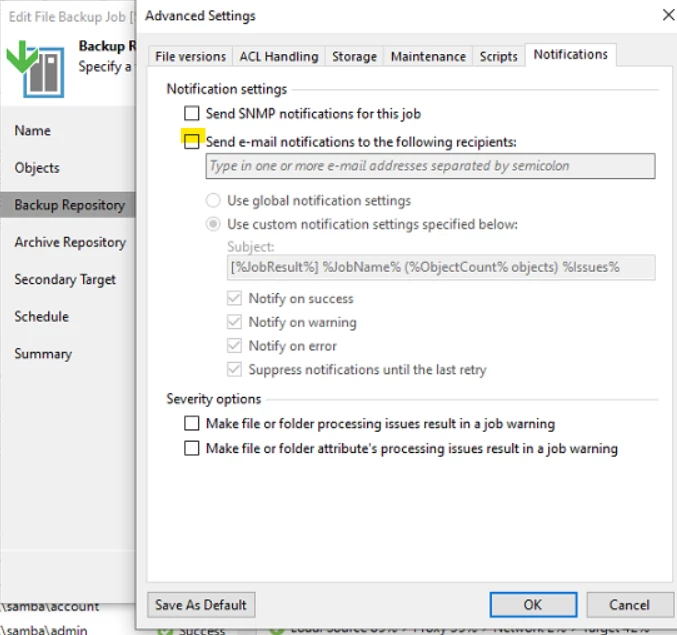
Previous I have turn on backup notification but now after turn off, email is still send ? Any idea where I can turn off ?


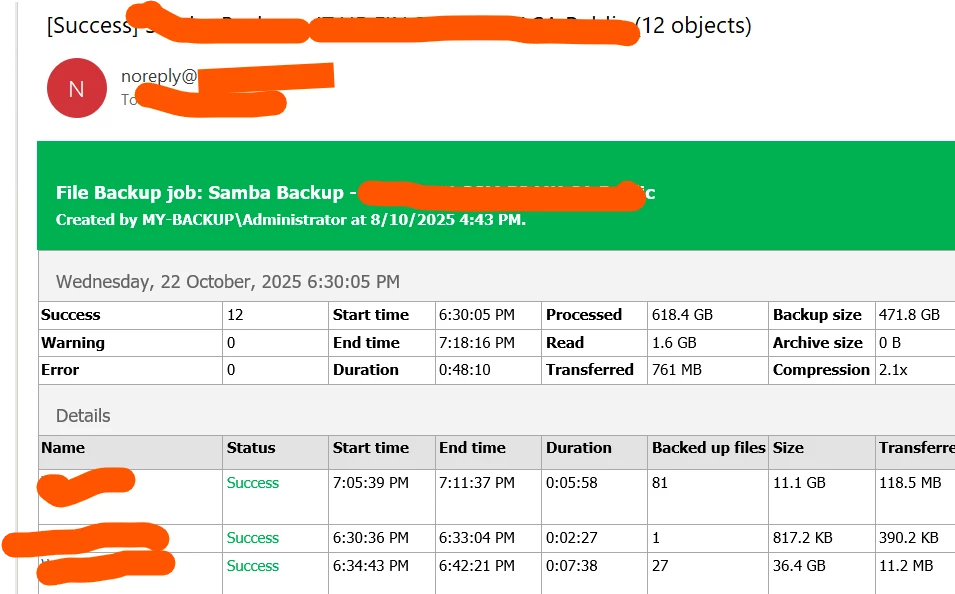
Sample email notification
 

Best answer by Chris.Childerhose

Check here - https://helpcenter.veeam.com/docs/backup/hyperv/general_email_notifications.html?ver=120


View original

6 comments

Chris.Childerhose
Forum|alt.badge.img+23

You can change that in the general settings. Click the hamburger menu and General Options.  Change the email settings there.


Chris.Childerhose
Forum|alt.badge.img+23
  • Veeam Legend, Veeam Vanguard
  • Answer
  • Oct 23, 2025 1:32 AM UTC

lukas.k
Forum|alt.badge.img+12
  • Influencer
  • Oct 23, 2025 7:11 AM UTC

Agreed with ​@Chris.Childerhose.

The window you screenshotted is only a “subsetting” from a specific job but you have global settings as well that will send email notifications.


  • Author
  • New Here
  • Oct 23, 2025 9:31 AM UTC

Ok.. thanks all for guideline. 


Chris.Childerhose
Forum|alt.badge.img+23

Not a problem let us know if this fixes the issue. 


Scott
Forum|alt.badge.img+10
  • Veeam Legend
  • Oct 24, 2025 4:46 PM UTC

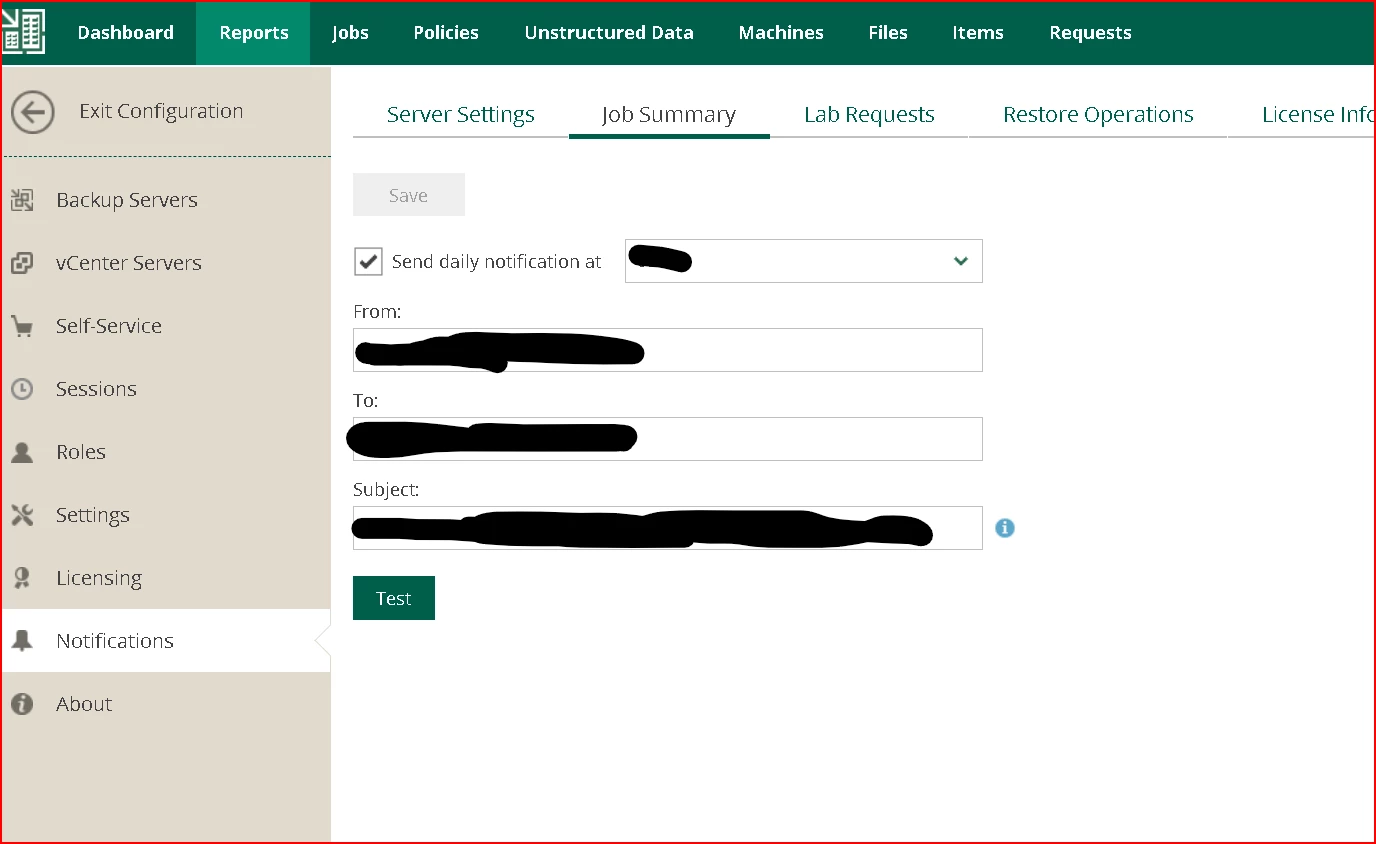
Also, if you use enterprise manager, there is a daily summery.