Question

VBR Access is Denied

  • December 12, 2024
  • 8 comments
  • 443 views

waqasali
Forum|alt.badge.img+4

Dear Community,


To reach this step, I resolved the error "SSPI authentication failed for user" by following the steps outlined in the official Veeam article: https://www.veeam.com/kb4542


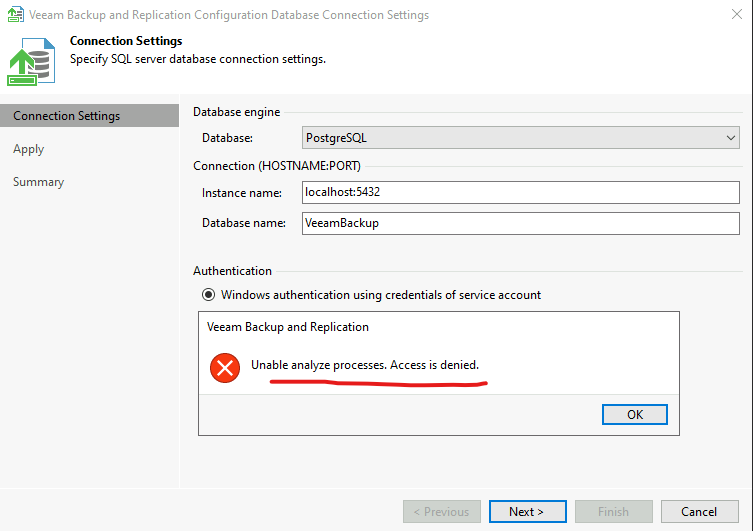
However, I am now stuck at a point where I must assign the appropriate permissions to proceed.


Could someone please guide me to where and how to assign the necessary permissions?


Your advice and suggestions would be greatly appreciated!



8 comments

coolsport00
Forum|alt.badge.img+21
  • Veeam Legend
  • December 12, 2024

Seems there was a Forums post where someone had the same SSPI error you did. See if what they did helps with your 2nd issue:

https://forums.veeam.com/veeam-backup-replication-f2/upgrade-v12-0-v12-1-t91472.html

https://www.veeam.com/kb1471


coolsport00
Forum|alt.badge.img+21
  • Veeam Legend
  • December 12, 2024

Also, would be helpful to know what specifically you were attempting to begin with as well as subsequently after you resolved your SSPI error.


Chris.Childerhose
Forum|alt.badge.img+21
  • Veeam Legend, Veeam Vanguard
  • December 12, 2024

This seems to be an issue on the VBR server where it is checking the services as per the error.  Check who you are running this with and permissions but also let us know what you are trying to do.


waqasali
Forum|alt.badge.img+4
  • Author
  • On the path to Greatness
  • December 13, 2024

Seems there was a Forums post where someone had the same SSPI error you did. See if what they did helps with your 2nd issue:

https://forums.veeam.com/veeam-backup-replication-f2/upgrade-v12-0-v12-1-t91472.html

https://www.veeam.com/kb1471


this error I already fixed it thank you for your response.


waqasali
Forum|alt.badge.img+4
  • Author
  • On the path to Greatness
  • December 13, 2024

This seems to be an issue on the VBR server where it is checking the services as per the error.  Check who you are running this with and permissions but also let us know what you are trying to do.


sure let me gather rest are screenshot and i will post here with more details.


waqasali
Forum|alt.badge.img+4
  • Author
  • On the path to Greatness
  • December 15, 2024

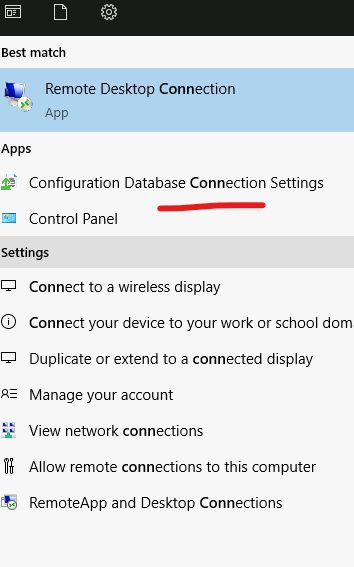
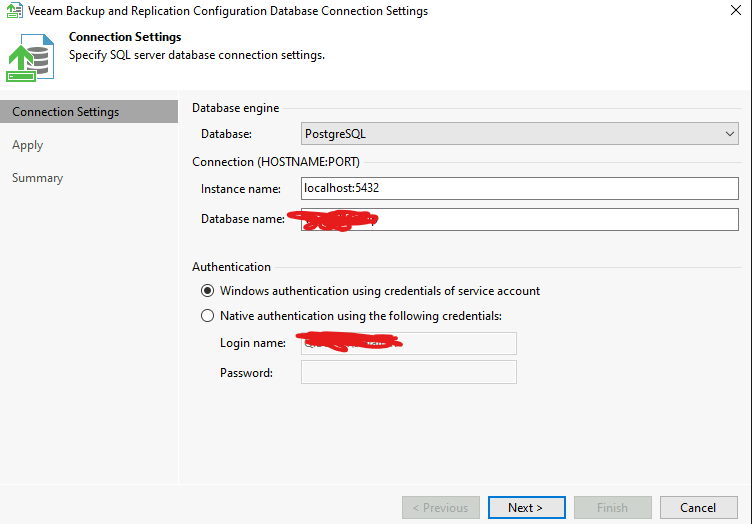
Open Veeam backup and replication configuration Database connecting setting


following setting come


click next and some wizard open and run on that tab i already fixed SSPI authentication error


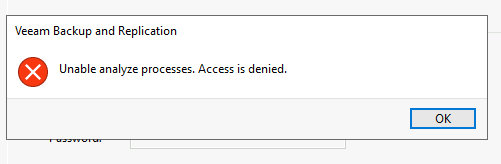
after several time again give error.


Chris.Childerhose
Forum|alt.badge.img+21
  • Veeam Legend, Veeam Vanguard
  • December 15, 2024

So either the windows user does not have permission or the Postgres credentials are incorrect. That is the only explanation for the access denied message.


AndrePulia
Forum|alt.badge.img+9
  • Veeam Vanguard
  • December 16, 2024

@waqasali Please, have a look into the file pg_hba.conf


Check this article https://www.postgresql.org/docs/current/auth-pg-hba-conf.html 

configure it as below, just to tests the connection


try to use the pg_hba.conf like below

host    all             all             127.0.0.1/32            trust
host    all             all             ::1/128                 trust