Solved

Upgrading Veeam Software to 13

  • January 6, 2026
  • 5 comments
  • 77 views

waqasali
Forum|alt.badge.img+4

Dear Community,


What could be the issue? While upgrading Veeam Software to the latest Version 13 


All Services , All jobs, and everything are stopped. 
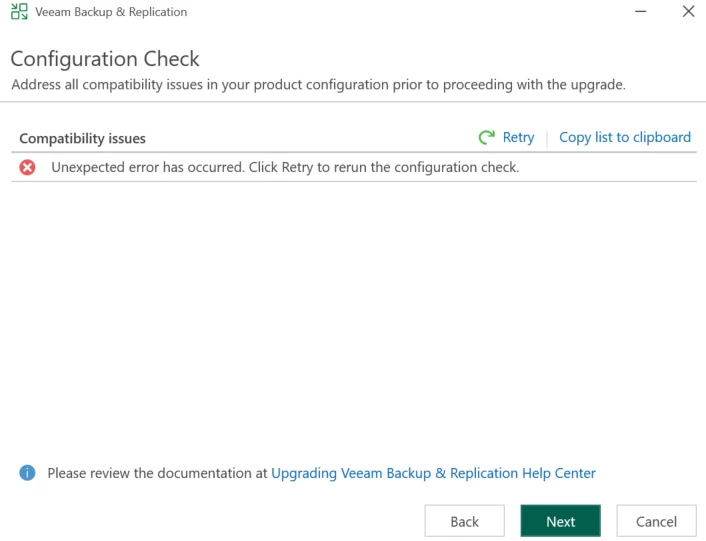


Best answer by waqasali

Here are the workarounds during configuration check if the following error appears.  
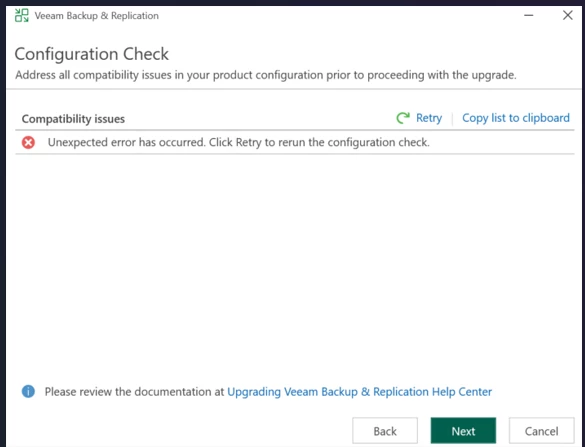


Here is the action plan:


Fix .Net and DCOM issues - .Net - https://dotnet.microsoft.com/en-us/download/dotnet/thank-you/runtime-8.0.22-windows-x64-installer?cid=getdotnetcore, DCOM issues usually occur when Windows Updates are missing.


Use the official URL to download the file and manually install it after that, reboot the VBR server, and re-run the upgrade. It will work smoothly. 
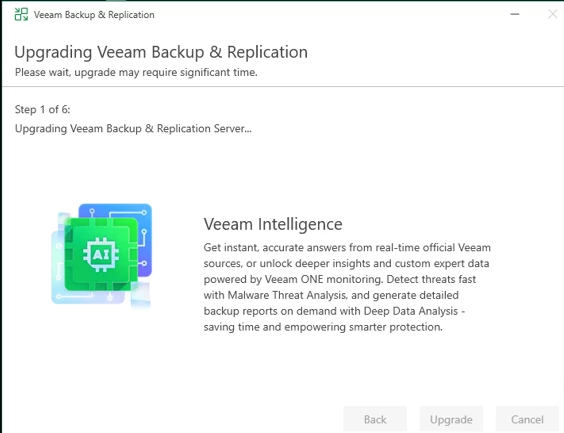


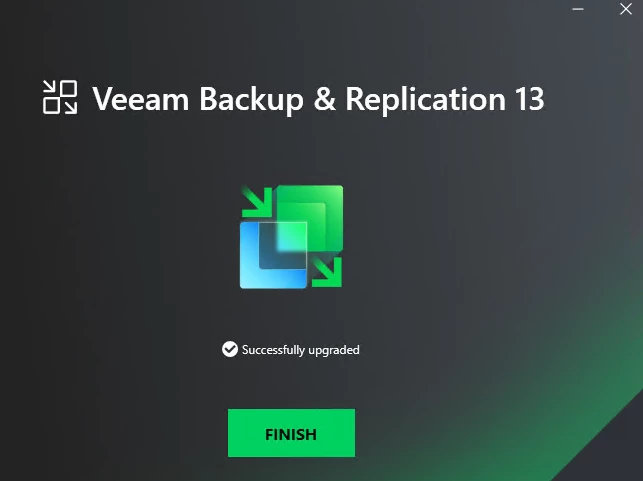
Finally: 


5 comments

MarkBoothman
Forum|alt.badge.img+7
  • Influencer
  • January 6, 2026

Have you checked the setup log files for any further information or event logs?

Does the system meet all pre-reqs for the upgrade etc?


lukas.k
Forum|alt.badge.img+13
  • Influencer
  • January 6, 2026

Hi ​@waqasali,

Which Veeam version is currently installed? Please keep in mind that you have to be on v12.3.1 (build 12.3.1.1139) or later to upgrade to v13.0.1.

Have you tried to reboot the server already? If not, I’d suggest you do and give it another try.


If that still doesn’t help I’d recommend opening a Veeam support ticket to not lose additional time.


Best

Lukas


waqasali
Forum|alt.badge.img+4
  • Author
  • On the path to Greatness
  • January 6, 2026

Have you checked the setup log files for any further information or event logs?

Does the system meet all pre-reqs for the upgrade etc?


yes i check pre req all are set only missing  Net and DCOM issues


waqasali
Forum|alt.badge.img+4
  • Author
  • On the path to Greatness
  • January 6, 2026

Hi ​@waqasali,

Which Veeam version is currently installed? Please keep in mind that you have to be on v12.3.1 (build 12.3.1.1139) or later to upgrade to v13.0.1.

Have you tried to reboot the server already? If not, I’d suggest you do and give it another try.


If that still doesn’t help I’d recommend opening a Veeam support ticket to not lose additional time.


Best

Lukas


Hi Lukas,


i check everything before that this issue comes from the OS patching and now i fix it after upgrade i will share my findings.


waqasali
Forum|alt.badge.img+4
  • Author
  • On the path to Greatness
  • Answer
  • January 6, 2026

Here are the workarounds during configuration check if the following error appears.  


Here is the action plan:


Fix .Net and DCOM issues - .Net - https://dotnet.microsoft.com/en-us/download/dotnet/thank-you/runtime-8.0.22-windows-x64-installer?cid=getdotnetcore, DCOM issues usually occur when Windows Updates are missing.


Use the official URL to download the file and manually install it after that, reboot the VBR server, and re-run the upgrade. It will work smoothly. 


Finally: