

We are no longer able to use the "Update All" function on our Veeam Hardened Repository, as it fails with an error related to the GPG key.
To clarify, we do not have a Host Management Web UI or a Veeam Appliance deployment. Our environment consists of Veeam Backup & Replication with a Linux Hardened Repository only.
Username veeamsvc
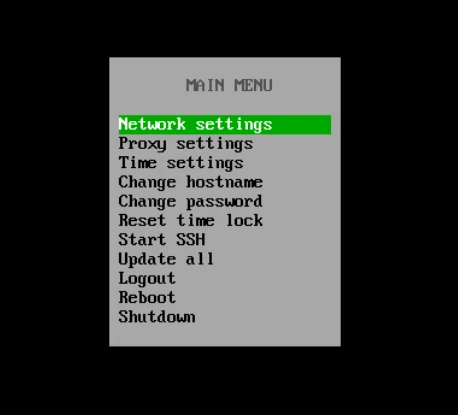
Cannot access log file directory
tar -czf ~/veeamlog-$(date +%Y%m%d-%H%M%S).tar.gz /var/log/VeeamBackup/
tar: Removing leading `/' from member names
tar: /var/log/VeeamBackup: Cannot open: Permission denied
tar: Exiting with failure status due to previous errors
Could you please advise on how to resolve the GPG key error in this configuration?



