Question

How to create a recovery USB drive?

  • June 14, 2026
  • 5 comments
  • 22 views

richardcavell

How do I create a recovery USB drive using Veeam Backup & Replication Console 13?

The methods described online and by the “Veeam Intelligence” agent don’t work for me. 

 

5 comments

Chris.Childerhose
Forum|alt.badge.img+22

You don't for the console that uses the configuration backup.  The agent uses recovery media.


coolsport00
Forum|alt.badge.img+23
  • Veeam Legend
  • June 14, 2026

Hi ​@richardcavell - can you share what you’re trying to do? Are you using Agent Backup in VBR? If you are and are needing to create Recovery Media for an Agent Backup, see the VBR User Guide on how to do so:

https://helpcenter.veeam.com/docs/vbr/userguide/recovery_media_create.html?ver=13

Hope that helps. If not, let us know what specifically you’re trying to do.


lukas.k
Forum|alt.badge.img+13
  • Influencer
  • June 15, 2026

As Shane shared - only Agent Backups require a recovery media, this is the correct approach.


AndrePulia
Forum|alt.badge.img+9
  • Veeam Vanguard
  • June 15, 2026

@coolsport00 according to the other post from him, he is using the VAW free for his gamming workstation if I not wrong.

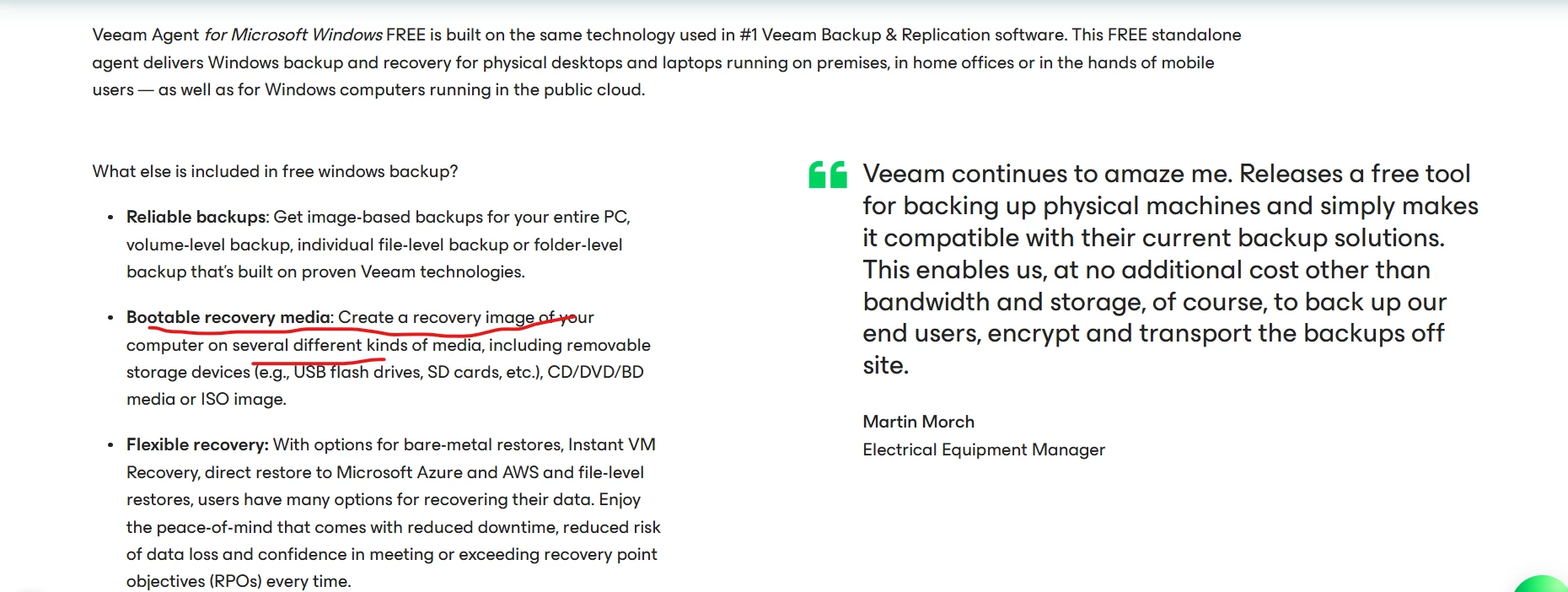
@richardcavell you can folow the Shane’s post to achieve it, teh Recovery Media ins included in the free version.

https://www.veeam.com/products/free/microsoft-windows.html


coolsport00
Forum|alt.badge.img+23
  • Veeam Legend
  • June 17, 2026

Hi ​@richardcavell  - I’m just following up on your post here. Did any of the comments provided answer your question? If so, we ask you please mark one of the comments as ‘Best Answer’ to help others in the Community who have the same issue/question and who may come across your post.

Let us know if you have further questions & we’ll try to further assist.

Thank you.