Question

Google Backup Appliance Updates in GCP Anyone Experienced This Recently?

  • December 4, 2025
  • 4 comments
  • 25 views

waqasali
Forum|alt.badge.img+4

Hi Community,


Those currently using the Google backup appliance for GCP environment backups, have you recently encountered this type of update behavior?


Previously, updates were applied automatically with just one click and also option works Schedule updates through the updater, but now I see an update prompt like in the attached screenshot.
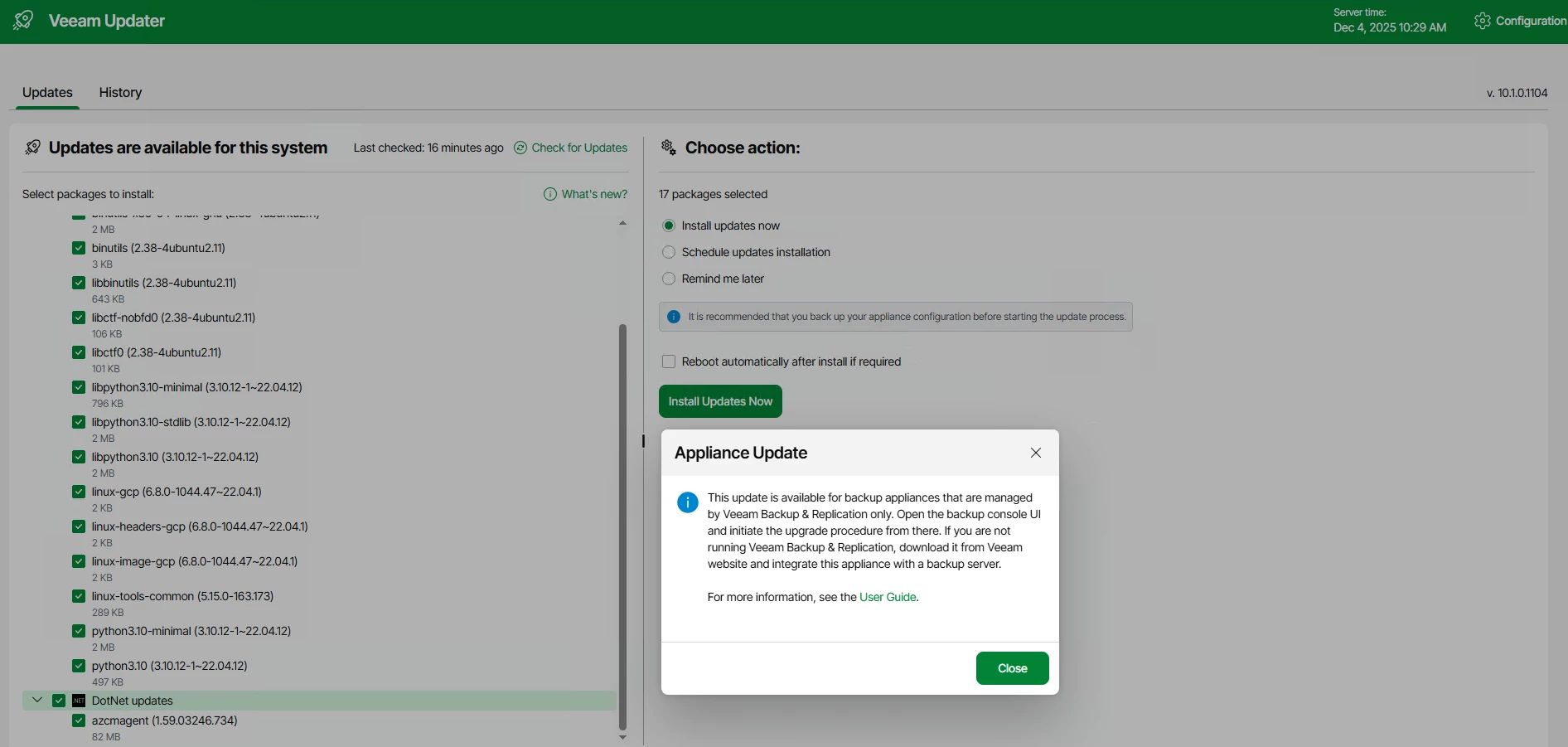


Has anyone performed this update recently? If yes, please share your experience and any best practices.

I want to plan this properly and avoid any disruption.

4 comments

Mildur
Forum|alt.badge.img+12
  • Influencer
  • December 4, 2025

You cannot upgrade the appliance from the Web UI, the backup console is required (since v6).

→ Help Center - Updating Appliances Using Console


Best,

Fabian


waqasali
Forum|alt.badge.img+4
  • Author
  • On the path to Greatness
  • December 4, 2025

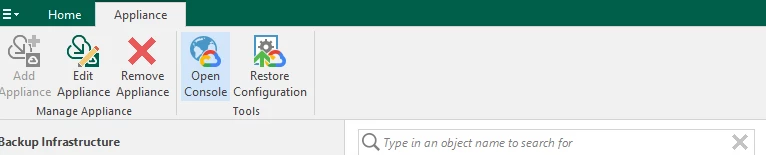
From the VBR console, I have the following options, and my current VBR build is 12.3.2.4165 i think i need to upgrade my VBR first.


Mildur
Forum|alt.badge.img+12
  • Influencer
  • December 4, 2025

Yes, I told you that in the other topic :)
First update Veeam Backup & Replication to v13.0.1, then you can update GCP appliance to v7.


Best,

Fabian


waqasali
Forum|alt.badge.img+4
  • Author
  • On the path to Greatness
  • December 4, 2025

thanks ​@Mildur for your support and feedback.