I found that option also but I need mailboxes also which this is not even backing up, that would be main point.
Mailbox backup is with Veeam VB365 product and EntraID is in Veeam Backup & Replication so they will not be together if that is what you are looking for. EntraID backup only backs up Active Directory information for the ORG. It is not in the VB365 product.
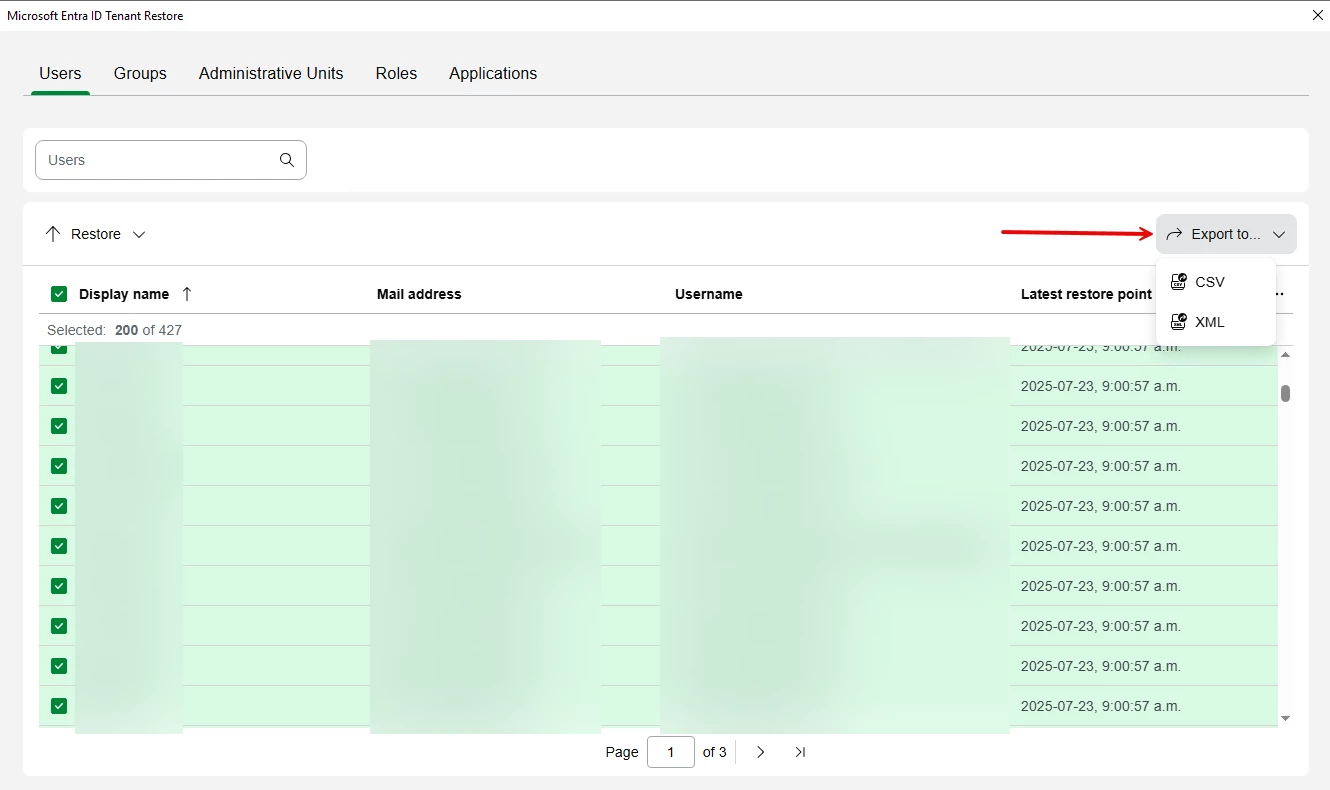
You can use PowerShell yes but also if you open a restore window and select the users you need to export you select them and then use the Export To option as shown. Not sure if this will do what you need and if not I would contact Support to ask them.
I found that option also but I need mailboxes also which this is not even backing up, that would be main point.
Mailbox backup is with Veeam VB365 product and EntraID is in Veeam Backup & Replication so they will not be together if that is what you are looking for. EntraID backup only backs up Active Directory information for the ORG. It is not in the VB365 product.